


ComfyUI Gen AI Course (Adult)
Open for personal, corporate and tertiary signups. Corporate Group Bookings available. Useful for inhouse creative teams.
Ages 21-Above (2:00pm-6:00pm)
(Class size of approx. 5-7 students)
(Nearest MRT is Tai Seng (Exit B), Building has parking available.)
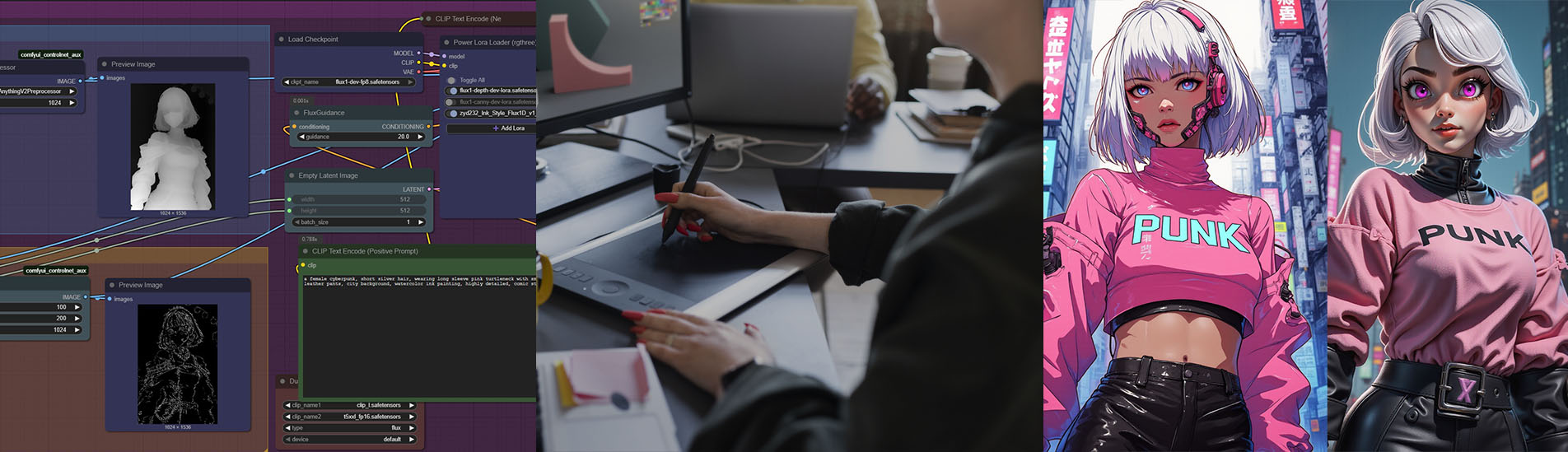
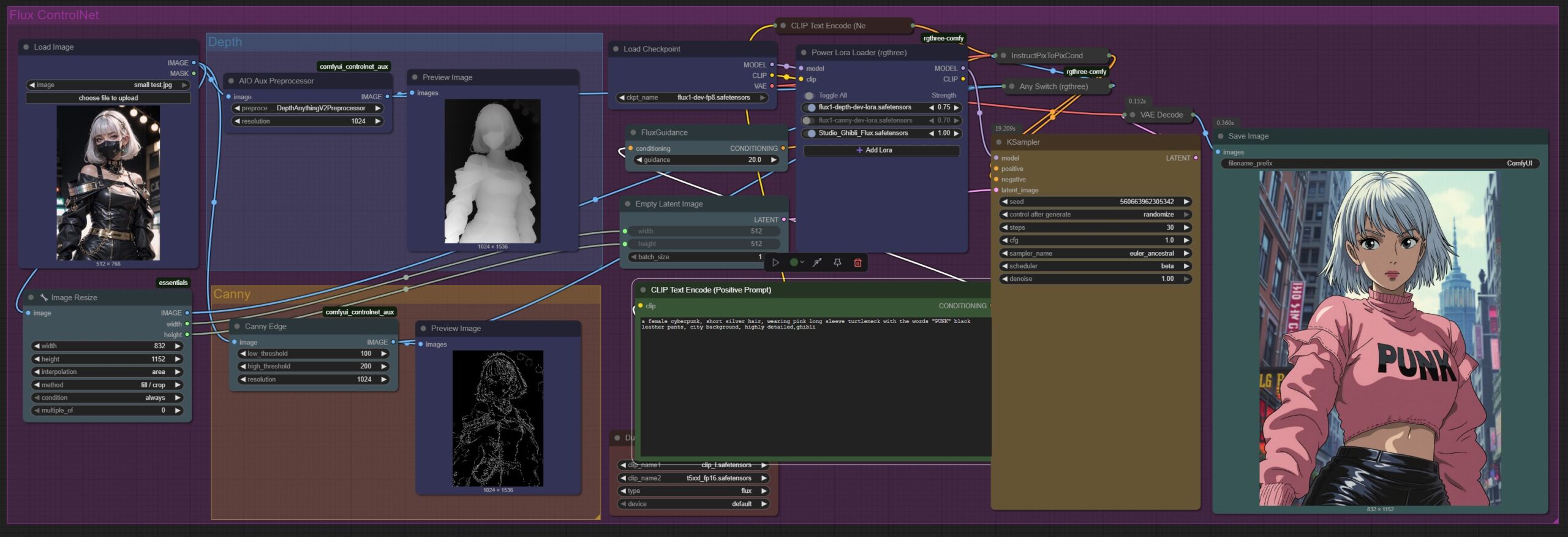
The Generative AI course offers a comprehensive lesson plan for adults, designers and working professionals to learn about the power of ComfyUI with Flux Dev Model. Being the only course provider in Singapore to teach ComfyUI, our toolset workflow includes “Dual Clip Loader” node, which is used to for text encoder and embeddings, including options for both clip_l.safetensors and t5xxl fp 16 safetensors. The t5xxl fp 16 safetensors in this context refers to the larger, more powerful text encoder used in Stable Diffusion 3 and related models.
Flux Dev is a powerful 12-billion parameter text-to-image model developed by Black Forest Labs. It is designed for both research and development purposes, offering high-quality image generation capabilities, including the ability to preserve character consistency, perform local editing, and reference styles from images.
As an open-source software hosted on GitHub, its capabilities continue to enhance through contributions from users around the globe. Currently this tool is opensourced (get it while you still can), as compared to Midjourney or Leonardo which requires a monthly subscription of ~30USD.
Whether you are a complete beginner or simply looking to enhance your current profession with AI skills, this professional course on Stable Diffusion can provide a solid foundation for future artistic endeavors in the field of photography, CGI influencer content creation, interior and architectural design, creative illustrations or 3D Avatars.
(Requirements: You need a GPU to run ComfyUI, minimal GTX2070, best RTX4090)

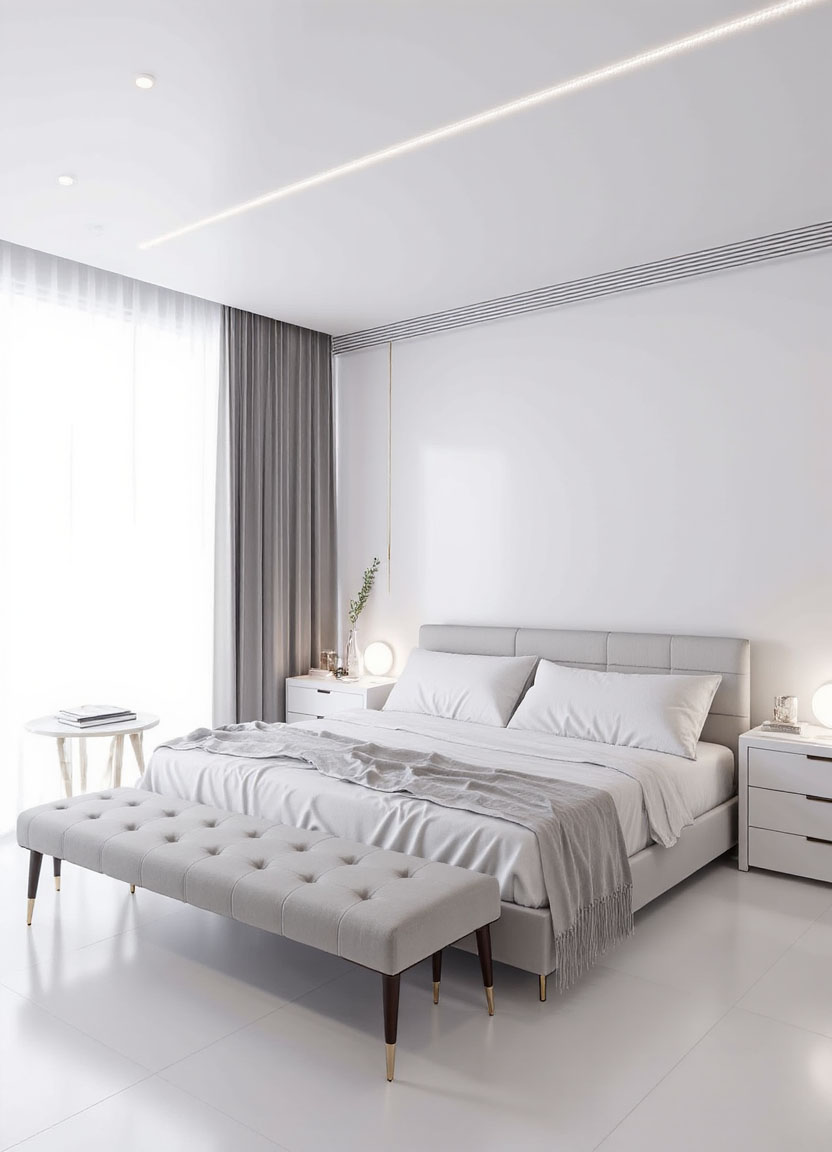
Interior designers can input a reference image and output different types of design styles.
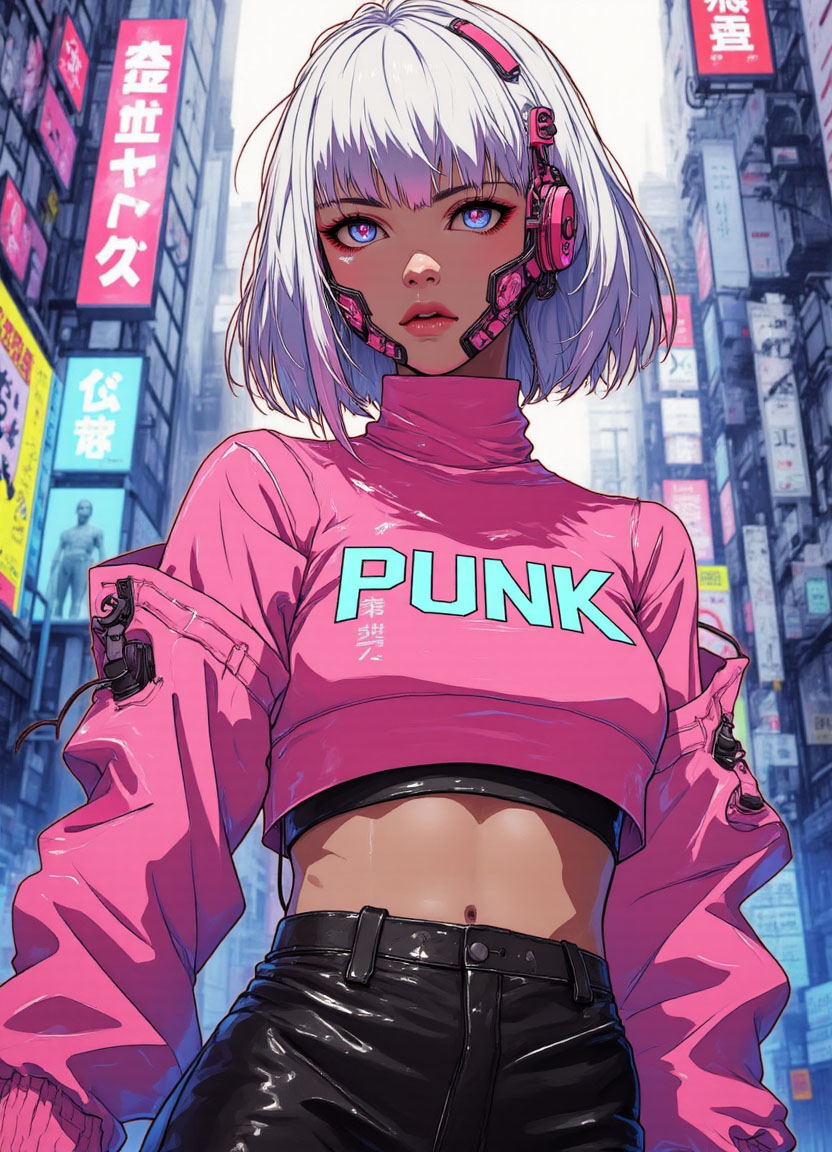
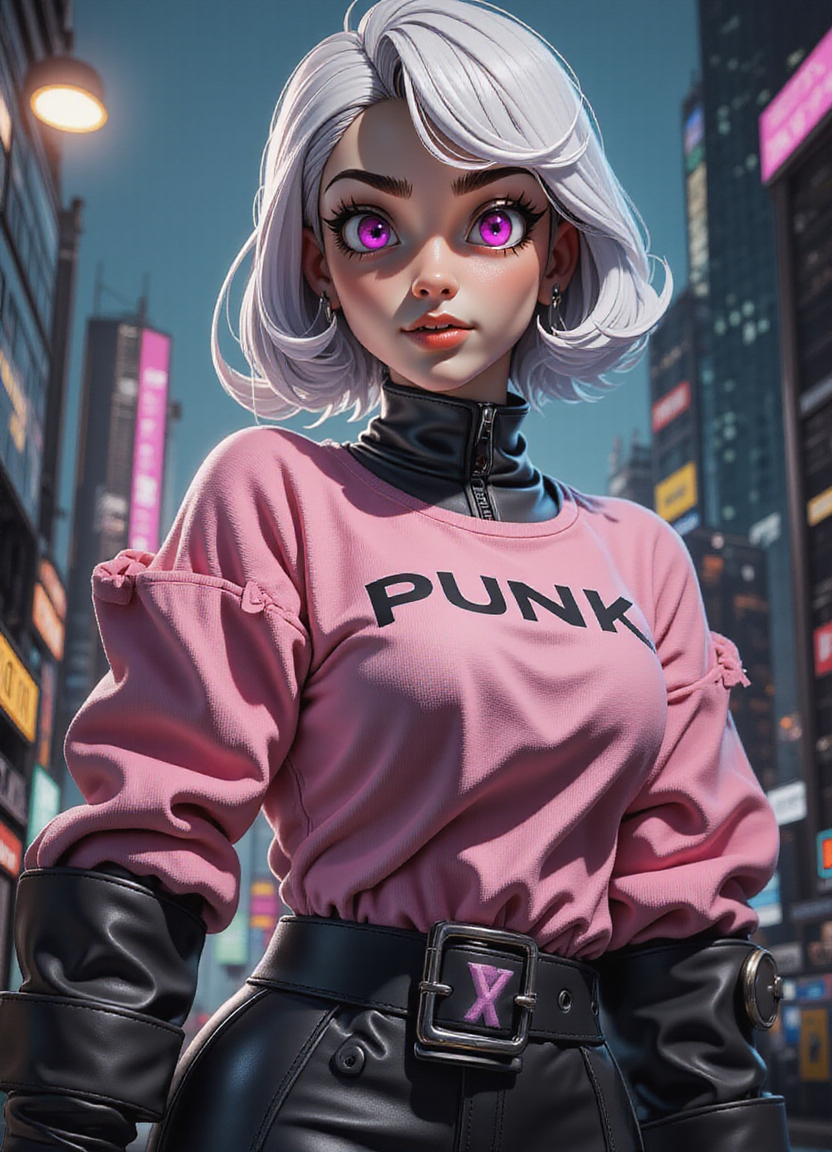
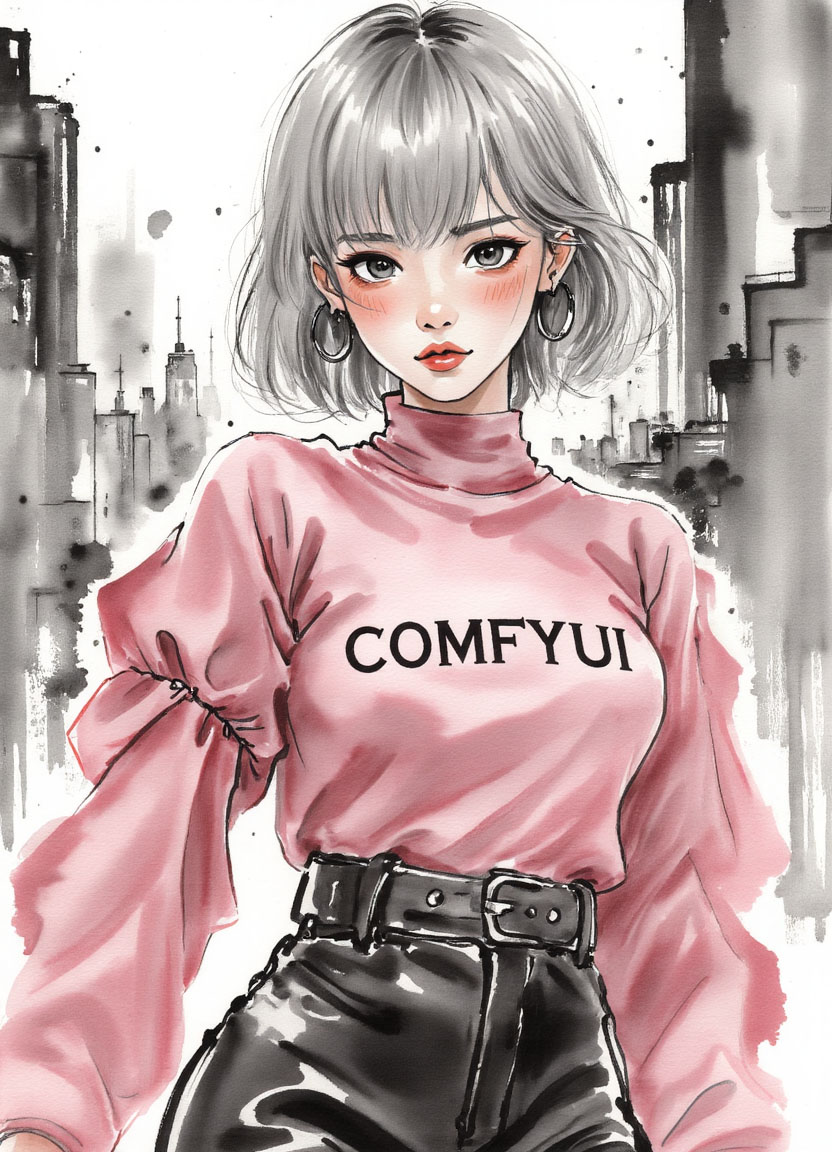
A single pose/image serves as a reference to generate similarly posed images, in other styles.

Outpainting – Extends the image by predicting what should appear beyond the original borders.

Inpainting – Removes or add certain objects in the scene

Inpainting – Add a World War II tank in the scene
Lesson 1 – 4hr
- Installing ComfyUI
- Using the Interface
- Loading Useful Nodes
- Understanding Sampling Methods, CFG, Batch Count, Seed
- What are Checkpoints Safetensors
- Prompt Techniques
- Using our Workflow (Json Files)
- Using Checkpoints
- Using LoRa (Art Styles, Character)
- Using Inpaint / Outpaint (Removing or Modifying an Image, Extending an Image)
- Using ControlNet (Using References to guide the AI)
- Using Canny, Depth
- Image to Image, Interior Design Workflow
Lesson 2 – 2hr
- Share Post-Lesson 1 results and roadblocks
- Debugging Workflow Errors, Fixing Poor Image Results
- Github & Huggingface Resources for Checkpoint Models, Loras
Students will receive a course manual and a certificate of completion.
(Requirements: You need a Powerful Laptop with a Nvidia GPU to run ComfyUI, minimal 2060, best 4090, with ~200gigs of free space – depending on how deep you wish to go)
Book the course here.
Questions? Enquire about this course now via Whatsapp.

Recent Articles
-
 March Holiday AI Sprint Camp
-
 5-Day AI Storytelling Camp
-
 Video Editing School Programme
-
 Generative AI Summer Holiday Camps
-
 September Holiday Camps – AI Art
-
 5 Day – Roblox Coding Camp For Kids/Teens | Singapore
-
 AI Vibe Code Prompt Engineering School Programme
-
 Agentic AI Coding School Programme
-
 How to Use the School Break to Discover Your Strengths: A Guide for Curious Learners
-
 Discover Your Hidden Talents During School Breaks: A Practical Guide for Students and Parents
-
 Unlock Future Skills with Holiday Camps in Singapore
-
 Singapore School Holiday Experience, AI, Coding & Creative Camps for Teens