


ComfyUI Gen AI Course (Adult)
Open for personal, corporate and tertiary signups. Corporate Group Bookings available. Useful for inhouse creative teams.
Ages 21-Above (2:00pm-6:00pm)
(Class size of approx. 5-7 students)
(Nearest MRT is Tai Seng (Exit B), Building has parking available.)
The Generative AI course offers a comprehensive lesson plan for adults, designers and working professionals to learn about the power of ComfyUI & ZImage. Being the only course provider in Singapore to teach ComfyUI, our toolset workflow includes Image Editing, Camera Angles, Relighting, Video, Lora, Reference image controlnet – offering high-quality image generation capabilities, including the ability to preserve character consistency, perform local editing, and reference styles from images.
As an open-source software hosted on GitHub, ComfyUI capabilities continue to enhance through contributions from users around the globe. Currently this tool is opensourced (get it while you still can), as compared to Midjourney or Leonardo which requires a monthly subscription of ~30USD.
Whether you are a complete beginner or simply looking to enhance your current profession with AI skills, this professional course on Stable Diffusion can provide a solid foundation for future artistic endeavors in the field of photography, CGI influencer content creation, interior and architectural design, creative illustrations or 3D Avatars.
(Requirements: You need a GPU to run ComfyUI, minimal RTX5070, recommended RTX5090)

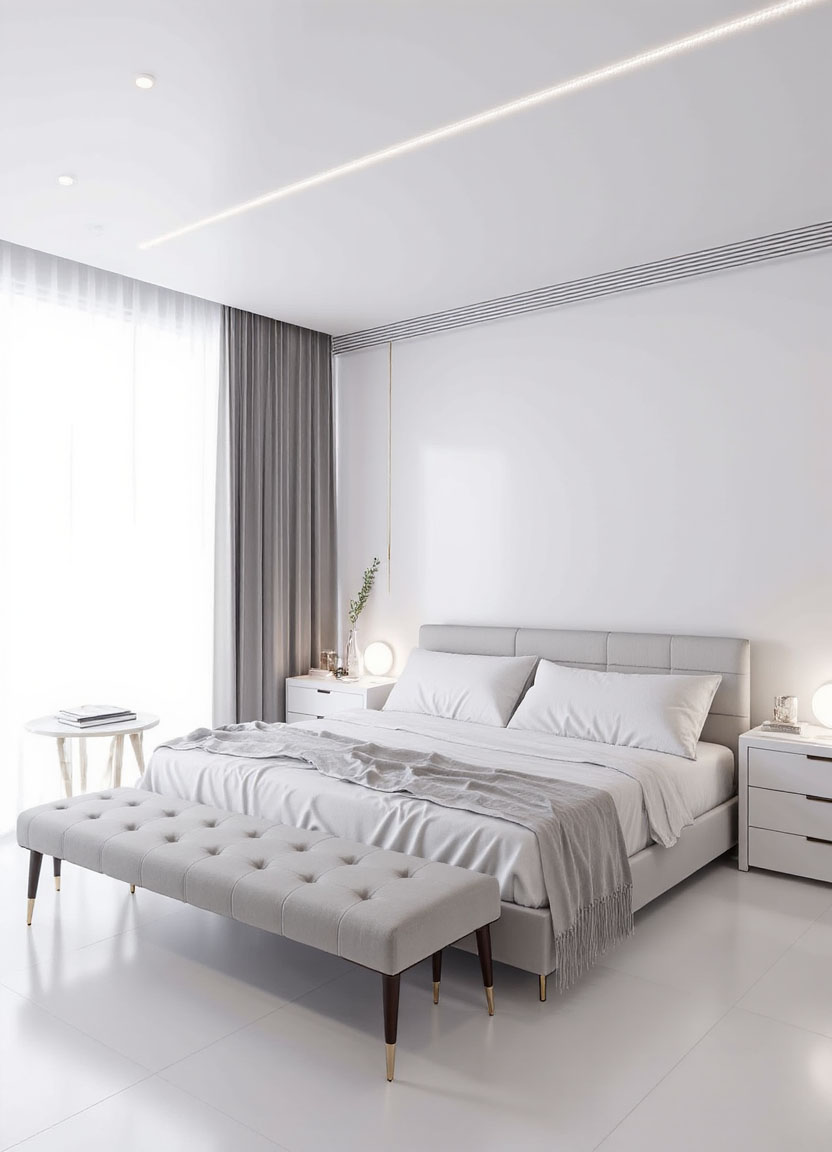
Interior designers can input a reference image and output different types of design styles.
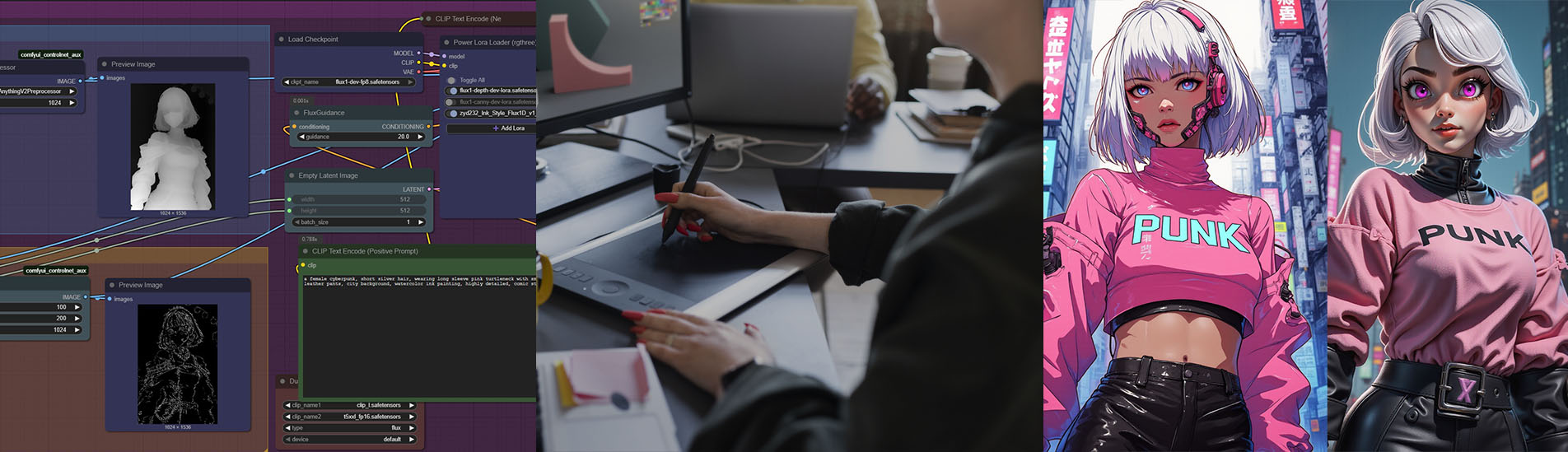
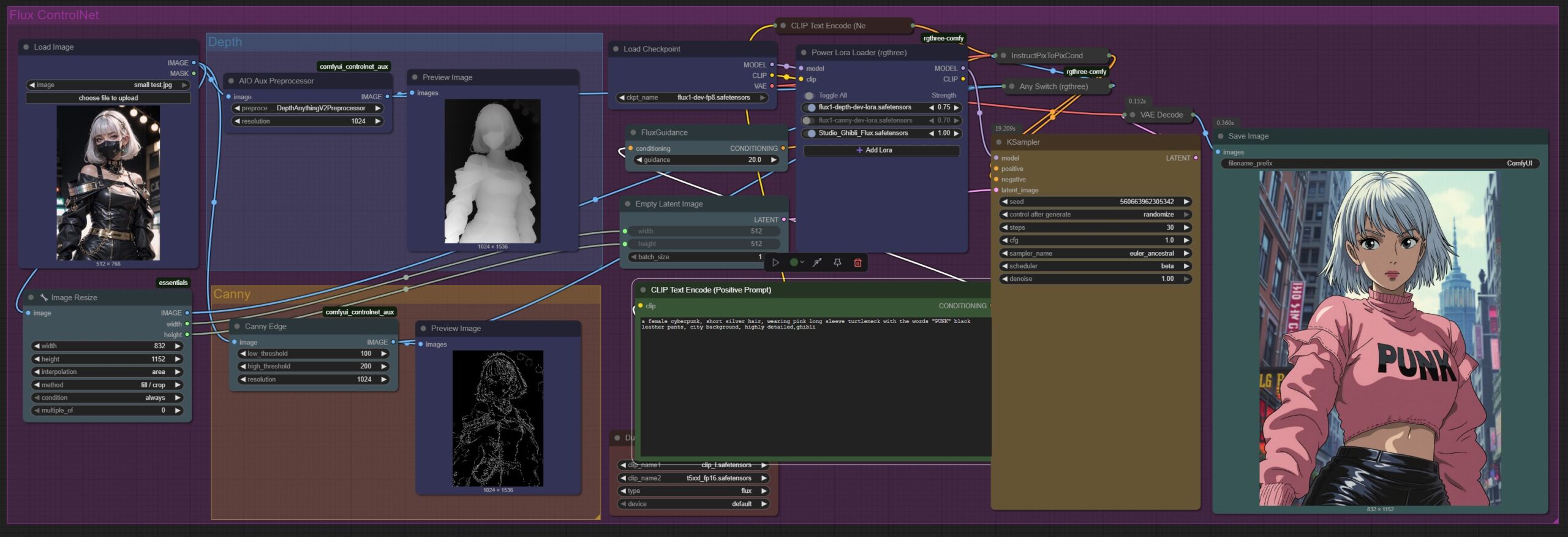
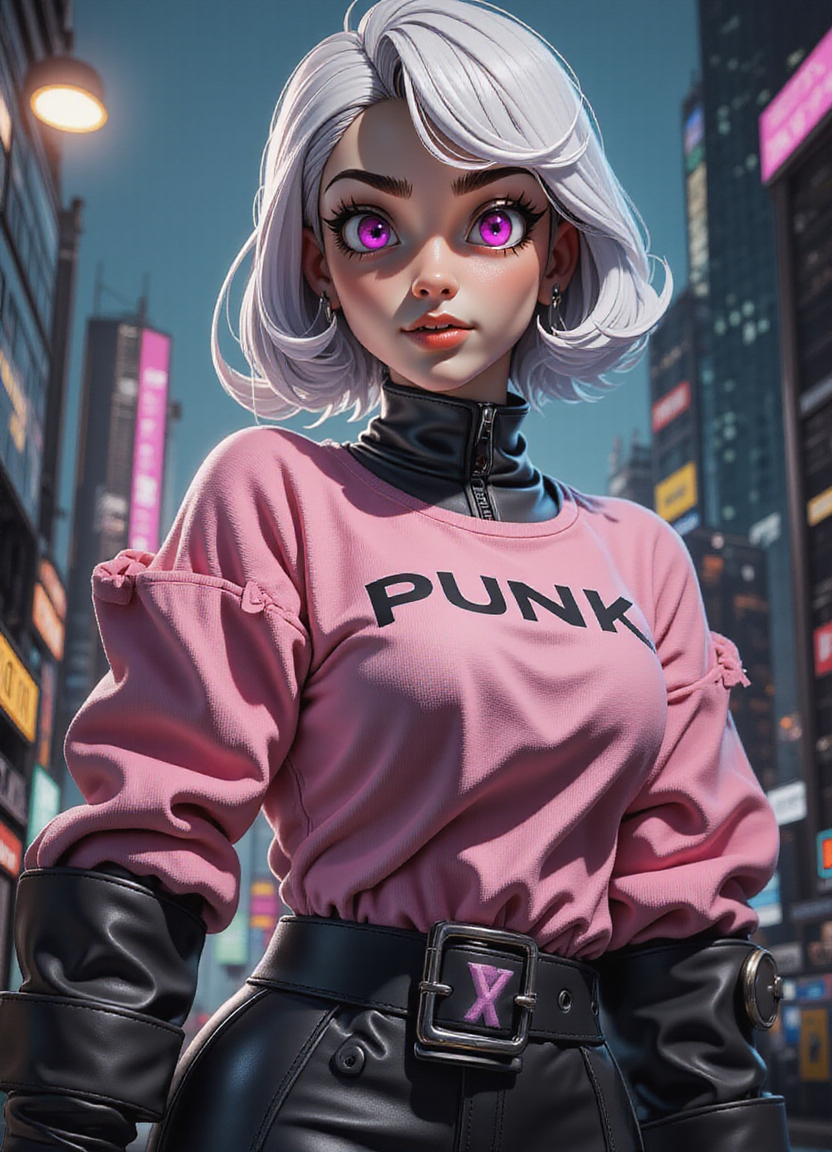
A single pose/image serves as a reference to generate similarly posed images, in other styles.

Outpainting – Extends the image by predicting what should appear beyond the original borders.

Inpainting – Removes or add certain objects in the scene

Inpainting – Add a World War II tank in the scene
Lesson 1 – 4hr
- Installing our preloaded ComfyUI
- Using the Interface
- Prompt Techniques, Framework
- Using Nodes
- ComfyUI Manager
- Understanding Sampling Methods, CFG, Seed
- Using our Workflows (Json Files)
- Using LoRa (Art Styles, Character)
- Image Editing
- Face Swap/Interior Design/Product Placement
- Using Inpaint / Outpaint (Removing or Modifying an Image, Extending an Image)
- Using ControlNet (Using References to guide the AI)
Lesson 2 – 2hr
- Share Post-Lesson 1 results and roadblocks
- Debugging Workflow Errors, Fixing Poor Image Results
- Github & Huggingface Resources for Checkpoint Models, Loras
Students will receive a course manual and a certificate of completion.
(Requirements: You need a Powerful Laptop with a Nvidia GPU to run ComfyUI, minimal 2060, best 4090, with ~200gigs of free space – depending on how deep you wish to go)
Book the course here.
Questions? Enquire about this course now via Whatsapp.



Recent Articles
-
 Vibe Coding: The Enrichment Skill every School needs in 2026.
-
 The AI Literacy skill Your Teen’s Future Depends On – AI Coding
-
 Mind Theory launches MTCode IDE for Teen Vibe Coders
-
 Mind Theory launches MTCode CLI, a Terminal for Agentic Coding
-
 Best Holiday Camps in Singapore 2026: The Complete Parent’s Guide
-
 AI Sprint Holiday Camp Singapore | June 2026 (Ages 9-16)
-
 Discover Your Child’s Hidden Talents During School Breaks: A Practical Guide for Singapore Parents
-
 How to Use the School Break to Discover Your Strengths: A Guide for Curious Learners
-
 Coding, Editing or Design: Productive Holiday Skills to Learn
-
 5-Day AI Storytelling Camp
-
 CapCut Workshop for Singapore Schools | Secondary School Programme
-
 Generative AI Summer Holiday Camps
-
 September Holiday Camps – AI Art
-
 Roblox Coding Camp Singapore | 5-Day Holiday Camp for Kids
-
 AI Prompt Engineering Workshop for Singapore Schools | Mind Theory
-
 Z-Image in ComfyUI: 150 AI Fashion Models, One Studio Look
-
 MT SandBox: A Sandbox Game Mind Theorians Build Together
-
 ComfyUI Image Generation Training: Z Image, Flux, Qwen and Krea
-
 ComfyUI Image Editing Training: Relighting, Posing and LoRA Styles
-
 ComfyUI Video Training: LTX 2.5 and MiniMax H3
-
 Retro PC: Windows 95 in Your Browser