
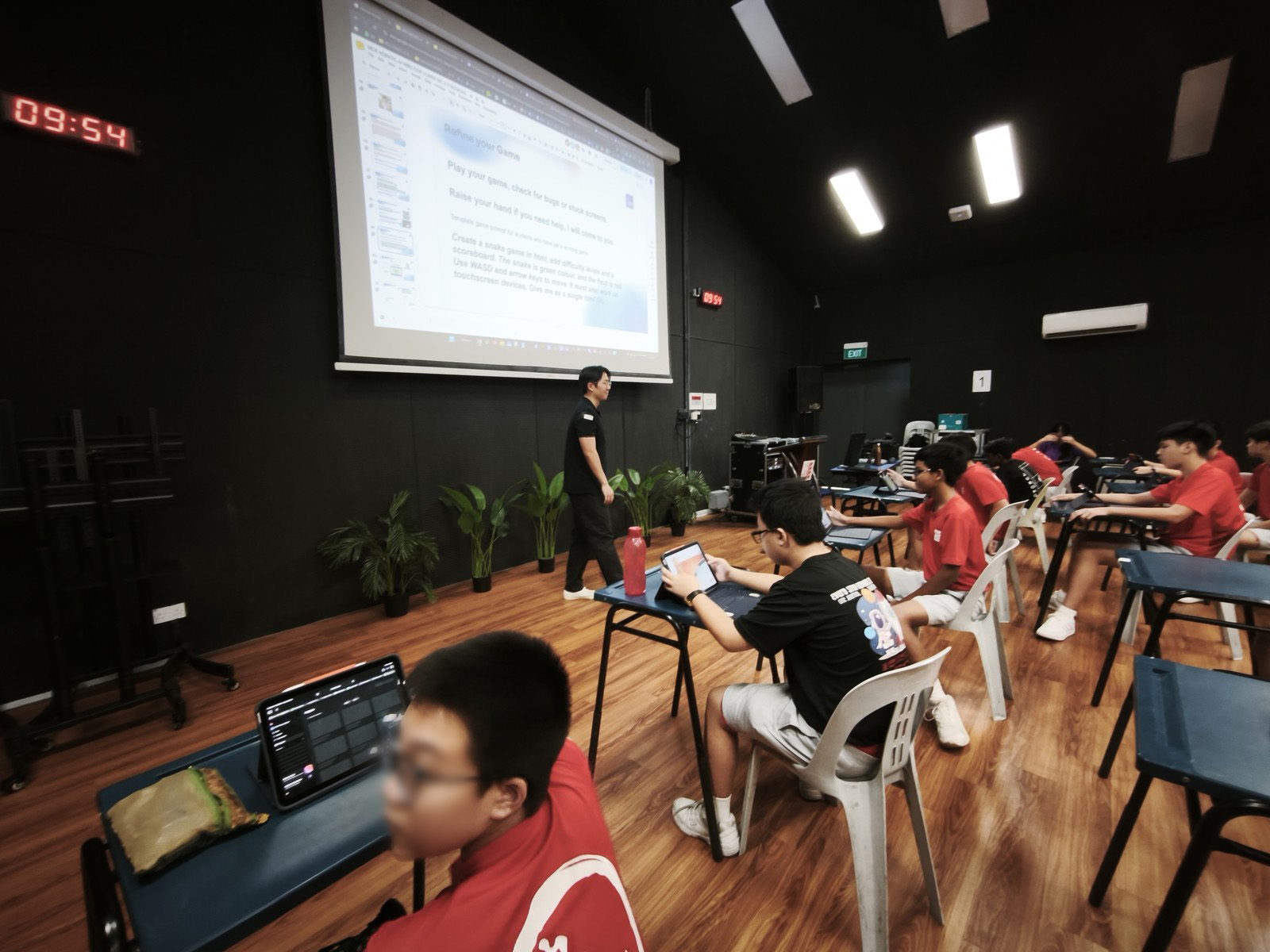
A Sec 1 student types ‘make a snake game’ and gets a basic snake game.
Ten minutes later, the same student writes six careful sentences and gets a different snake game: a garden setting, a retro pixel look, food for the snake to catch, and a short note on how to play. Nothing about the AI changed in those ten minutes. The student learnt how to ask.
That skill is what Prompt Engineering teaches. COSTAR is a simple checklist for writing a prompt. Its six letters stand for Context, Objective, Style, Tone, Audience and Response, and together they cover everything an AI needs to know before it can give a useful answer. The framework was developed by GovTech Singapore’s Data Science and AI team and appears in GovTech’s Prompt Engineering Playbook for public officers.
Most COSTAR guides are written for working adults and developers, so we adapted it for teaching teenagers in an engaging way. (Besides COSTAR, we also teach the Google Prompt Framework.) Below, we go through each letter with examples a Sec 1 student could use in English, Math, Science and Coding, using the digital worksheet our students use on a laptop, tablet or phone.
What COSTAR Stands For
We teach COSTAR as six questions a student answers before pressing Enter:
| Letter | Stands for | The question a student asks |
|---|---|---|
| C | Context | Who am I, and what am I working on? |
| O | Objective | What exactly should the AI do? |
| S | Style | What kind of writing, or what should it look like? |
| T | Tone | How should it feel? |
| A | Audience | Who is it for? |
| R | Response | What shape should the answer come back in? |
If a prompt skips some of these, the AI fills the gaps with its own guesses, and it usually guesses that the reader is an adult.
Mind Theory is Singapore’s pioneering AI and creative-tech education provider, established March 2023, with hundreds of students across primary, secondary, and adult programmes. Read about Us.
Why Students Need a Prompt Framework
Ask a class of 13 yr olds to use AI to help with their composition, and most will type something like this:
“hi can you help me write a story about a lift that stops working, it’s for my english homework and it needs to be good thanks.”
The AI sends back a polished story written for an adult reader, in a voice that is clearly not the student’s, and the student usually replies:
“this is wrong! make it better”, then tells a friend, “The AI is dumb.”
Most students talk to an AI the way they talk to a friend. They ramble, add extra chat, and take a while to get to the point. COSTAR is a prompt framework that teaches them how to be clear and specific about the context, the task, the audience and the response. Once they learn the framework, they can apply it to any AI tool, such as ChatGPT, Gemini, Copilot or an AI coding agent. The tools will change many times before these students leave school, and the framework will still apply.
It also makes students stop and think. Before they can say who the work is for, they have to decide who the reader is, and before they can say what shape the answer should take, they have to work out what help they want. The AI cannot make those decisions for them, and that is the point. A student who can make them is the one in charge of the tool.
It also fits MOE’s aim, set out in its approach to AI in education in Singapore, for every student to learn about AI, learn to use AI, learn with AI and learn beyond AI.
COSTAR Letter by Letter, With Sec 1 Examples
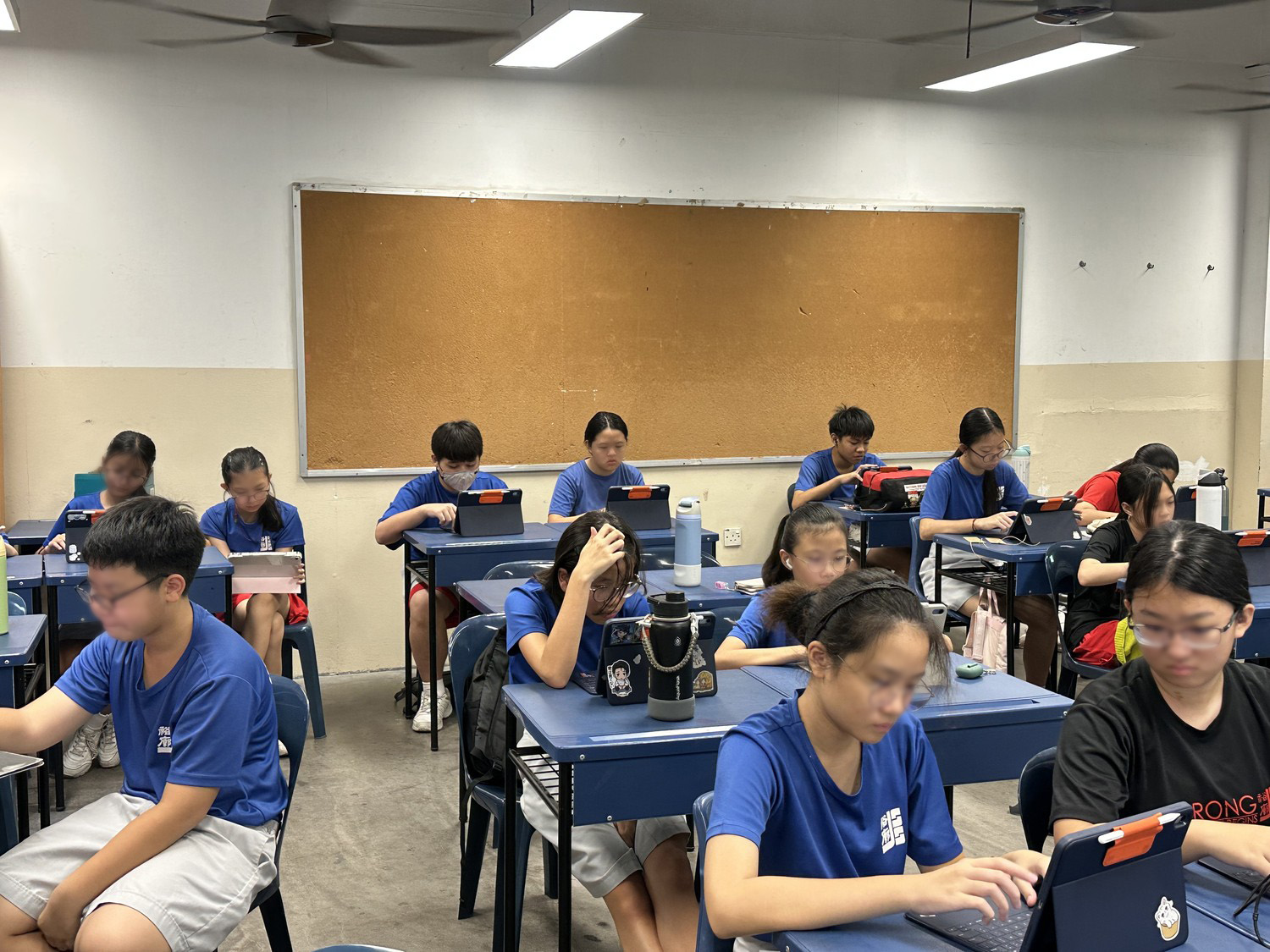
The examples below come from our worksheet. They are short on purpose, since a good COSTAR prompt is usually about six sentences long.
C: Context
Context tells the AI who is asking and what they are working on. A student might write:
“I am a Sec 1 student in Singapore. I am writing a 400-word narrative composition called ‘The Day the Lift Stopped Working’ for English class.”
Students often write only their name here. The AI has no use for a name. What it needs is a rough age and the task, so it can pitch the answer at the right level.
O: Objective
The objective is the job you want the AI to do, so it should start with an action word such as suggest, explain, create, check or quiz. In Math, for example:
“Create a 20 question quiz to help me understand, and explain if I am wrong.”
For coding, add “in one HTML file”. Without it, the AI may split the project across several files that a student cannot easily open and run.
S: Style
Style is the form of the answer, either a kind of writing or a visual look. An English student might write:
“Write it like a diary. Use ‘I’. Show me one opening sentence in an action style. I will write the rest.”
A coding student might ask for a game “in a retro 8-bit pixel style with purple, neon green and yellow.”
Point out the English example to your class. The student asks for one sentence and writes the rest themselves, which is a good way to show students how to get help from AI and still do their own work.
T: Tone
Tone is how the answer should feel. One or two words is usually enough, such as calm, spooky, cheerful or encouraging:
“It should be mysterious and have an unpredictable ending.”
Students often mix up Tone and Style. We tell them Style is the form and Tone is the feeling.
A: Audience
Audience tells the AI who the answer is for. In Science, a student might write “This is for Sec 1 students seeing this topic for the first time.” In Coding, it might be “This game is for foodies. Use food as the things to catch.”
In the coding example, naming the players gave the AI a food theme it would not have picked on its own.
R: Response
Response sets out what shape the answer should come back in. In Science:
“Ask one question at a time. After each answer, tell me if I am right and why. After 5 questions, give me a score.”
Students skip this letter more than any other, and it makes a big difference. Without it, the AI puts everything on screen at once. With it, the AI becomes a quiz partner that waits for each answer.
A Full COSTAR Prompt, Before and After
A typical first attempt:
Before: make a sticky notes app
The same request after a student has gone through all six letters:
I am a Sec 1 student in Singapore with homework, hobbies and CCA activities to keep track of. Create a kanban board web app in a single HTML file, with To Do, Doing and Done columns, and cards I can drag between them. Make it in a clean, modern style with rounded cards and a different colour tag for homework, hobbies and activities. Keep the tone calm and encouraging, with a short cheer when a card reaches Done. This is for a 13 yr old who wants to see the whole week at a glance. Give me all the code in one HTML file, then explain how to use it in 3 bullet points.
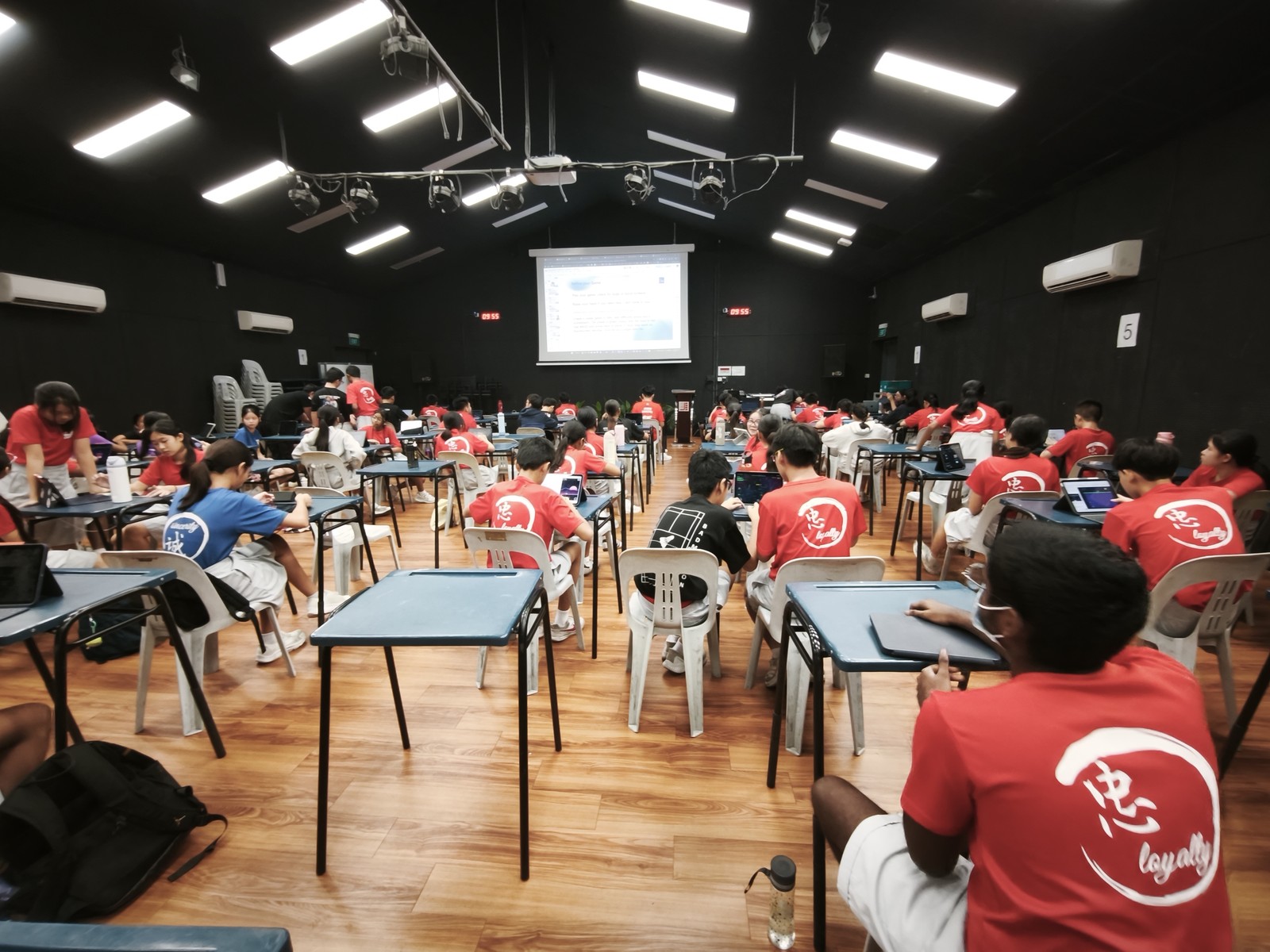
Both prompts give you a kanban board. The second one gives the student the board they pictured, with their own columns, tags and colours, in one file they can open and use straight away. In our vibe coding workshops, this comparison is often when a class first sees why prompting matters. COSTAR was also the centre of Day 1 for 250 Sec 1 students at our vibe coding competition at Jurong Secondary School.
Want your students to practise effective prompting with a trainer in the room? Email us or WhatsApp us for a workshop proposal.
How the Free Effective Prompting Worksheet Works
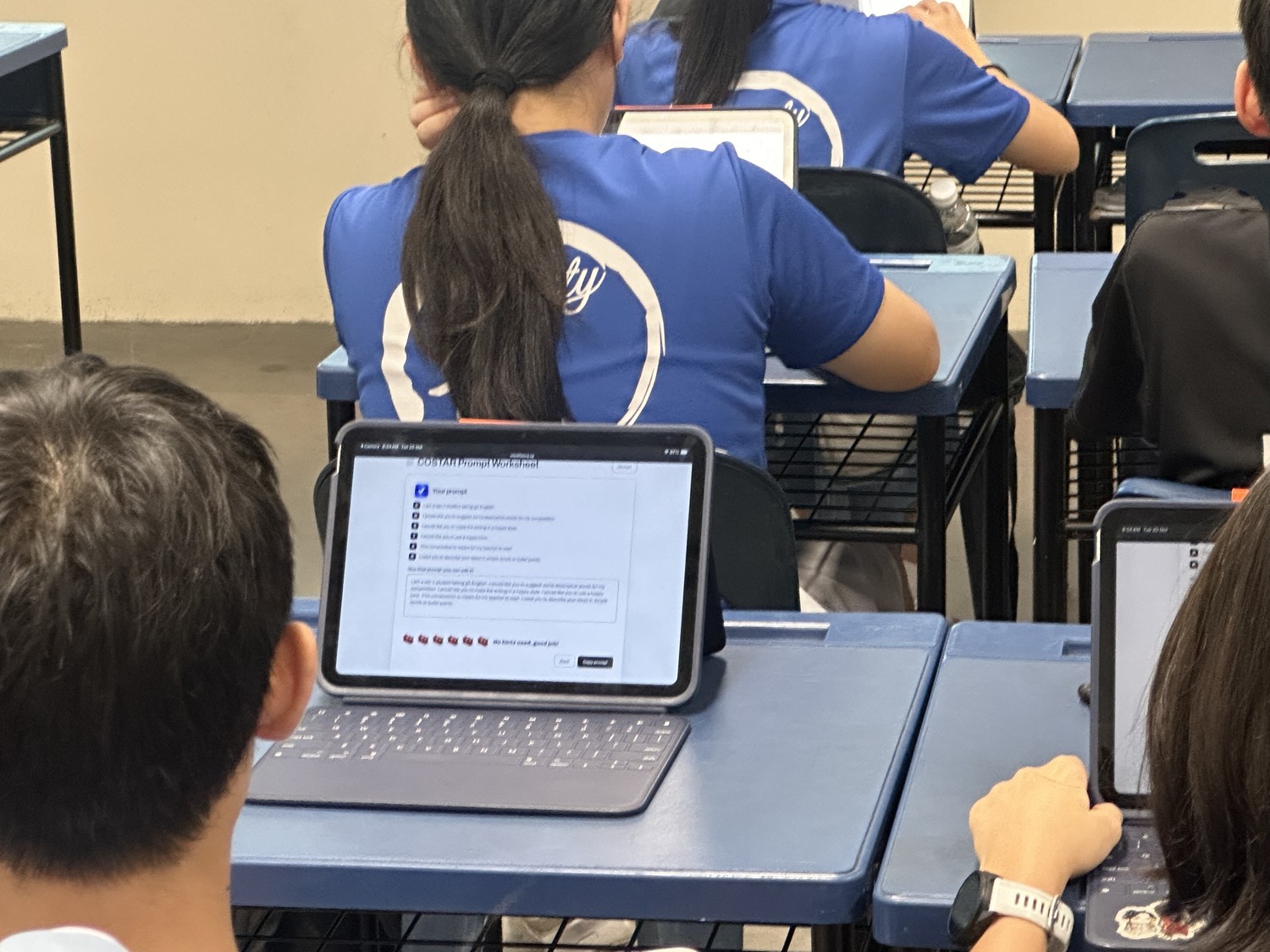
Our prompting worksheet is a free web page, so there is nothing to install and no sign-up. Students pick a subject (English, Math, Science or Coding) and the questions and hints change to match.
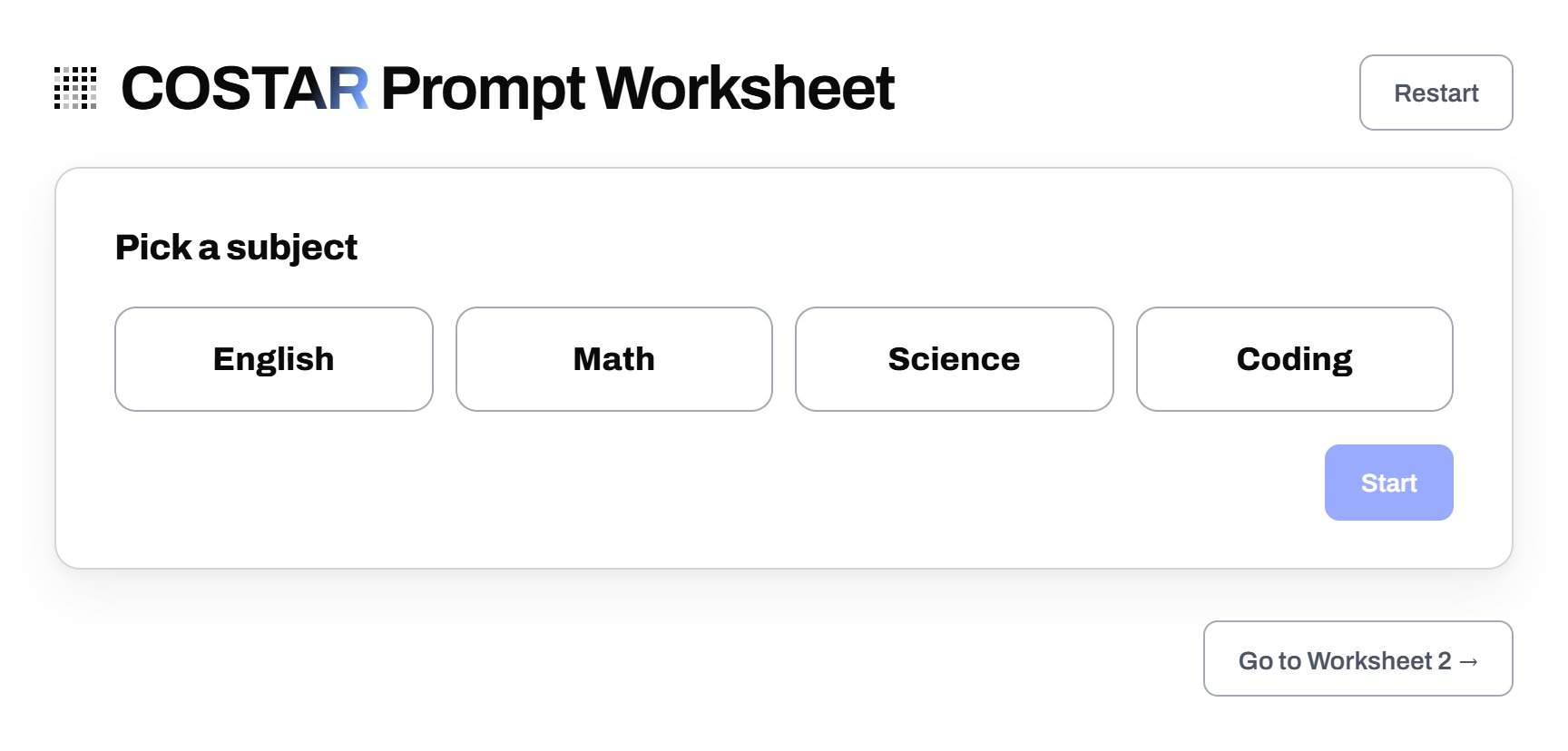
Each page covers one letter, so students work through C, O, S and the rest without a wall of instructions. They get 6 hints for the whole worksheet, and each hint shows a sample answer. With so few hints, most students try on their own first.
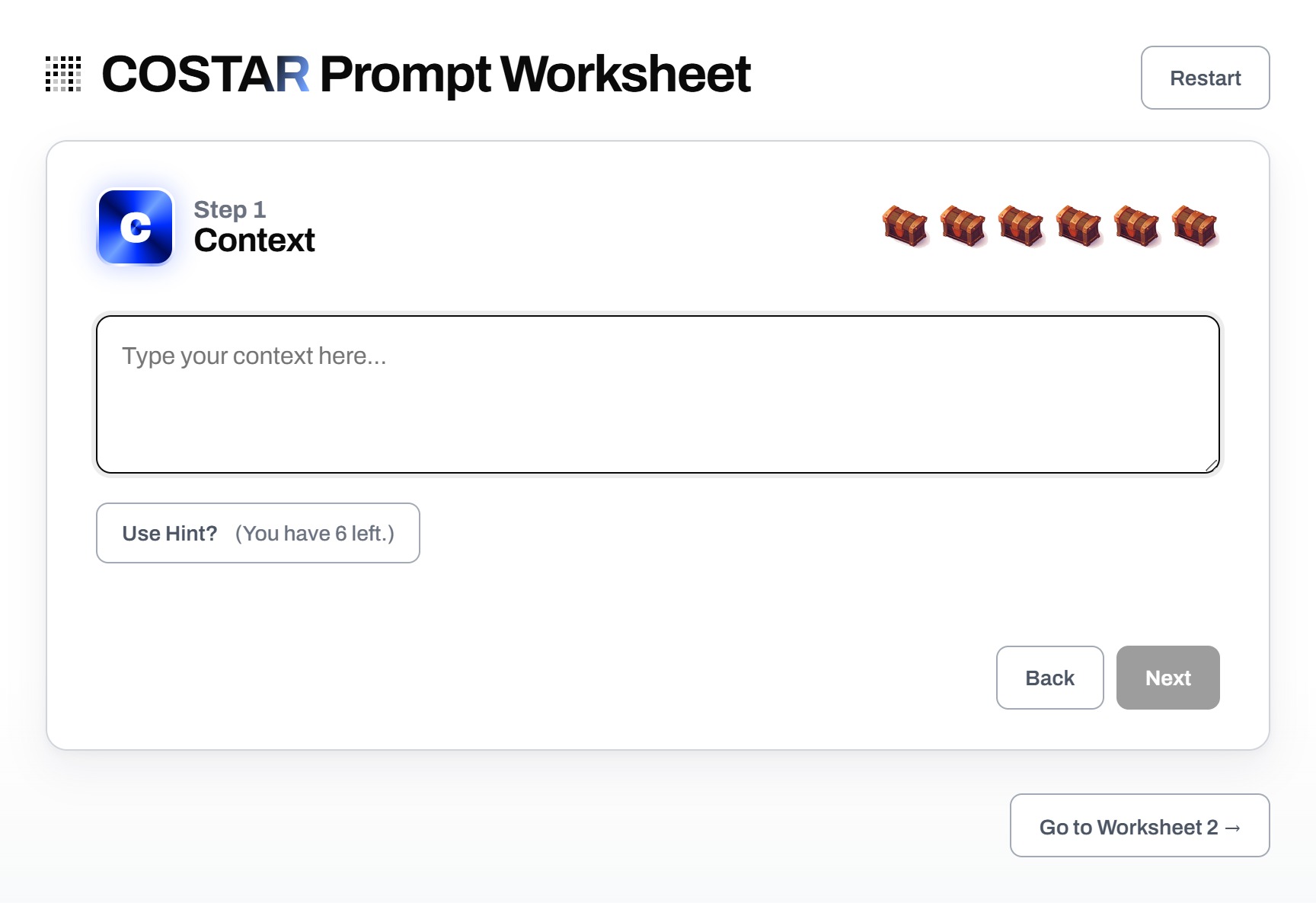
After each answer, the page may suggest something that looks missing, such as “say you want it in one HTML file”, but students can always move on. The last page joins all six answers into one prompt, ready to copy into the class AI tool.
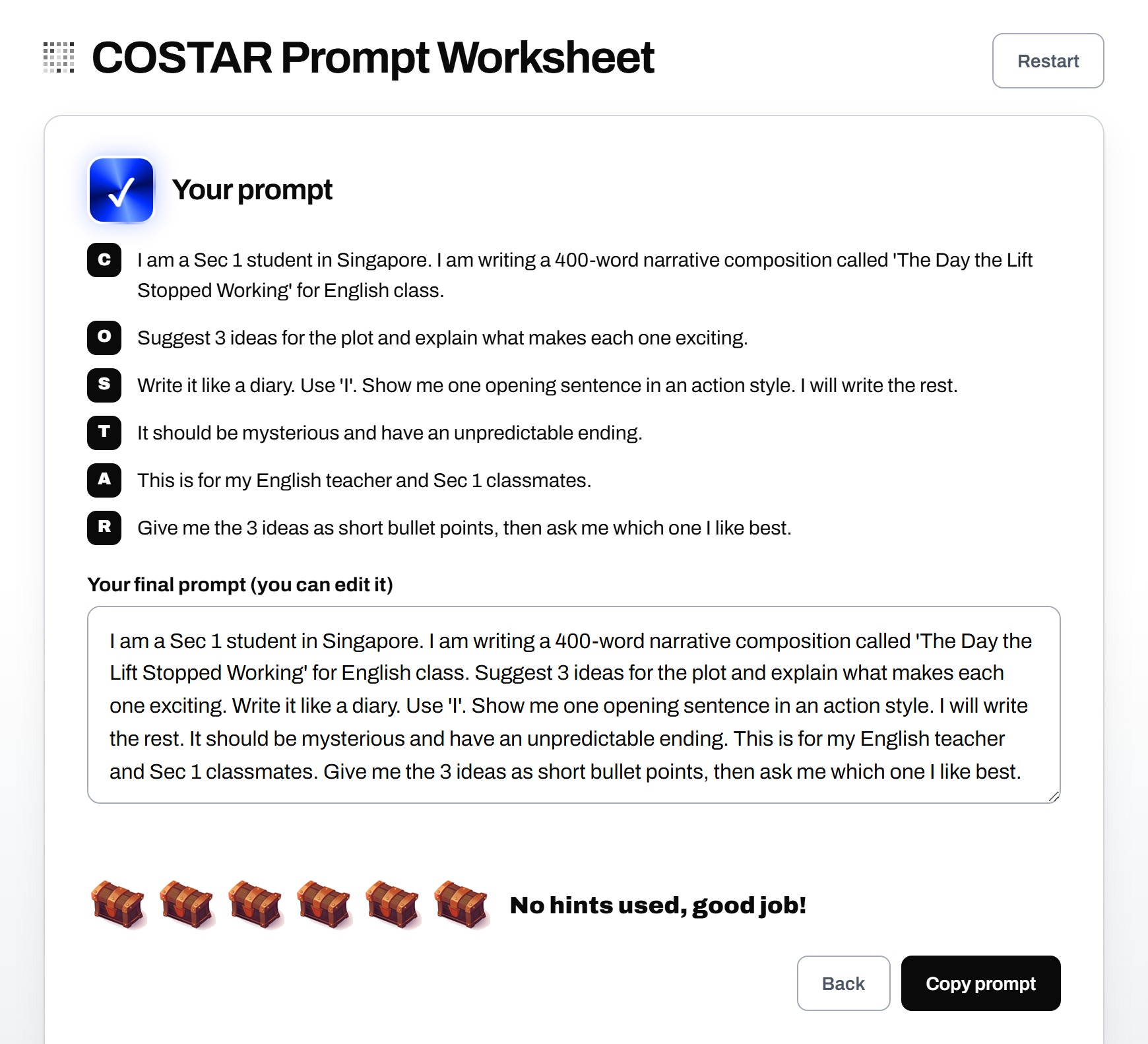
Work is saved on the student’s own device, and each finished prompt is kept, so students can restart and compare. The page also filters out inappropriate words and famous people’s names. In class, we find it quicker to walk the room and check each student’s final page than to collect submissions.
Students learn the most from the comparison, when they see that the AI did exactly what they asked for.
Where Effective Prompting Fits in a Mind Theory School Program
Effective prompting is the first thing students learn in our Agentic AI coding workshops for schools, before they use an AI coding agent to build an app. It also opens our AI Prompt Engineering school program for 12-16 yr olds. You can read how one session went in our write-up of the vibe coding workshop at Crescent Girls’ School, or read the case for vibe coding as school enrichment.
A good first prompt gets students a first prototype. After that, they need to look at what came back, say what is wrong and say how to fix it. That skill has its own worksheet, which we cover in our post on AI prompting practice for students.
The students in our classrooms will graduate soon and end up working alongside AI for the rest of their lives. The ones who learn prompting early will get far more out of it than the ones who type and hope. Six letters is a small thing to teach, and we have watched it change how a whole class works with AI in a single lesson.
If you’d like such a program for your school, reach out via email or WhatsApp for a discussion.

FAQ
What is the Prompt Engineering framework?
Its a checklist for communicating effectively to AI, using Context, Objective, Style, Tone, Audience and Response. Answering all 6 gives an AI enough information to produce a useful, focused answer.
What is COSTAR prompt engineering framework?
COSTAR is a framework that was developed by GovTech Singapore's Data Science and AI team and is recommended for the Singapore students.
Does COSTAR only work with ChatGPT?
No. It works with any chat-based AI, including Gemini, Copilot and AI coding agents, because it describes what goes into the request.
What age can students start using COSTAR?
The worksheet is written for Sec 1 students, and the framework suits 12-16 yr olds.
Is the COSTAR worksheet free?
Yes. Open it at mindtheory.sg/students/worksheet1 on any laptop, tablet or phone. It saves on the student's own device.
Recent Articles
-
 Vibe Coding: The Enrichment Skill every School needs in 2026.
-
 The AI Literacy skill Your Teen’s Future Depends On – AI Coding
-
 Mind Theory launches MTCode IDE for Teen Vibe Coders
-
 Mind Theory launches MTCode CLI, a Terminal for Agentic Coding
-
 Best Holiday Camps in Singapore 2026: The Complete Parent’s Guide
-
 AI Sprint Holiday Camp Singapore | June 2026 (Ages 9-16)
-
 Discover Your Child’s Hidden Talents During School Breaks: A Practical Guide for Singapore Parents
-
 How to Use the School Break to Discover Your Strengths: A Guide for Curious Learners
-
 Coding, Editing or Design: Productive Holiday Skills to Learn
-
 5-Day AI Storytelling Camp
-
 CapCut Workshop for Singapore Schools | Secondary School Programme
-
 Generative AI Summer Holiday Camps
-
 September Holiday Camps – AI Art
-
 Roblox Coding Camp Singapore | 5-Day Holiday Camp for Kids
-
 AI Prompt Engineering Workshop for Singapore Schools | Mind Theory
-
 AI Prompting Practice: How Students Learn to Write Effective Prompts
-
 Teaching COSTAR: GovTech’s Prompt Framework for Secondary School Students
-
 Jurong Secondary School Vibe Coding Competition: 250 Students, 8 Classes, 2 Days
-
 MTCoder: An AI Coding Tool Built for School Coding CCAs
-
 Z-Image in ComfyUI: 150 AI Fashion Models, One Studio Look
-
 MT SandBox: A Sandbox Game Mind Theorians Build Together