
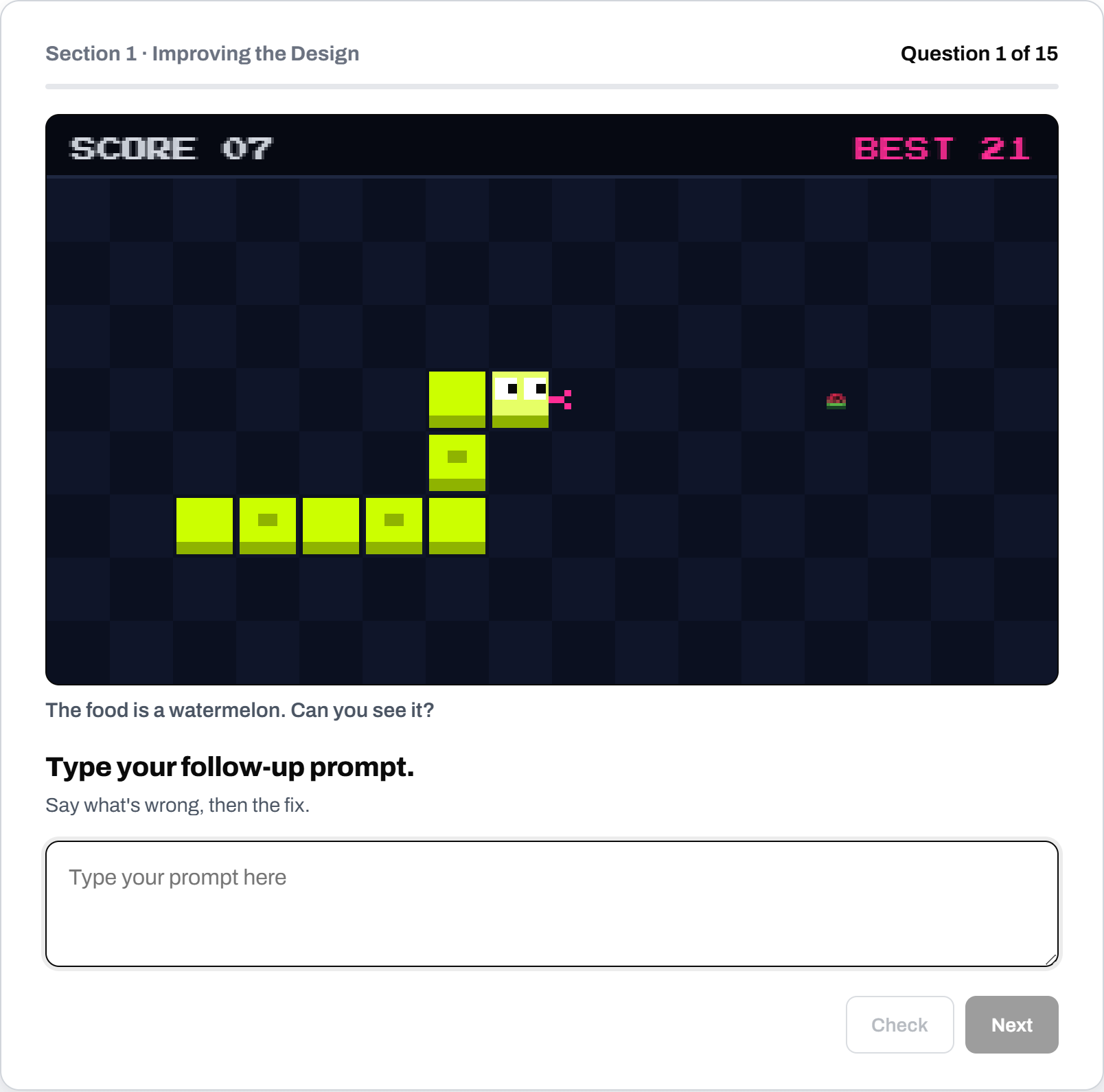
It happens in almost every vibe coding workshop we run. A student’s game works, but the watermelon is tiny, and they have already asked the AI three times to “make it better”. Each time, something else changed instead. We ask them to tell the AI exactly what is wrong and what they want.
They type the correct follow up prompt we teach: “The watermelon is too small. Make it 2x bigger.”
and the next version has the watermelon at the right size.
That moment, when a student realises that the AI was waiting for clearer instructions all along, is what this post is about.
An effective follow-up prompt does two things in as few words as the AI needs: it says what’s wrong, then the fix.
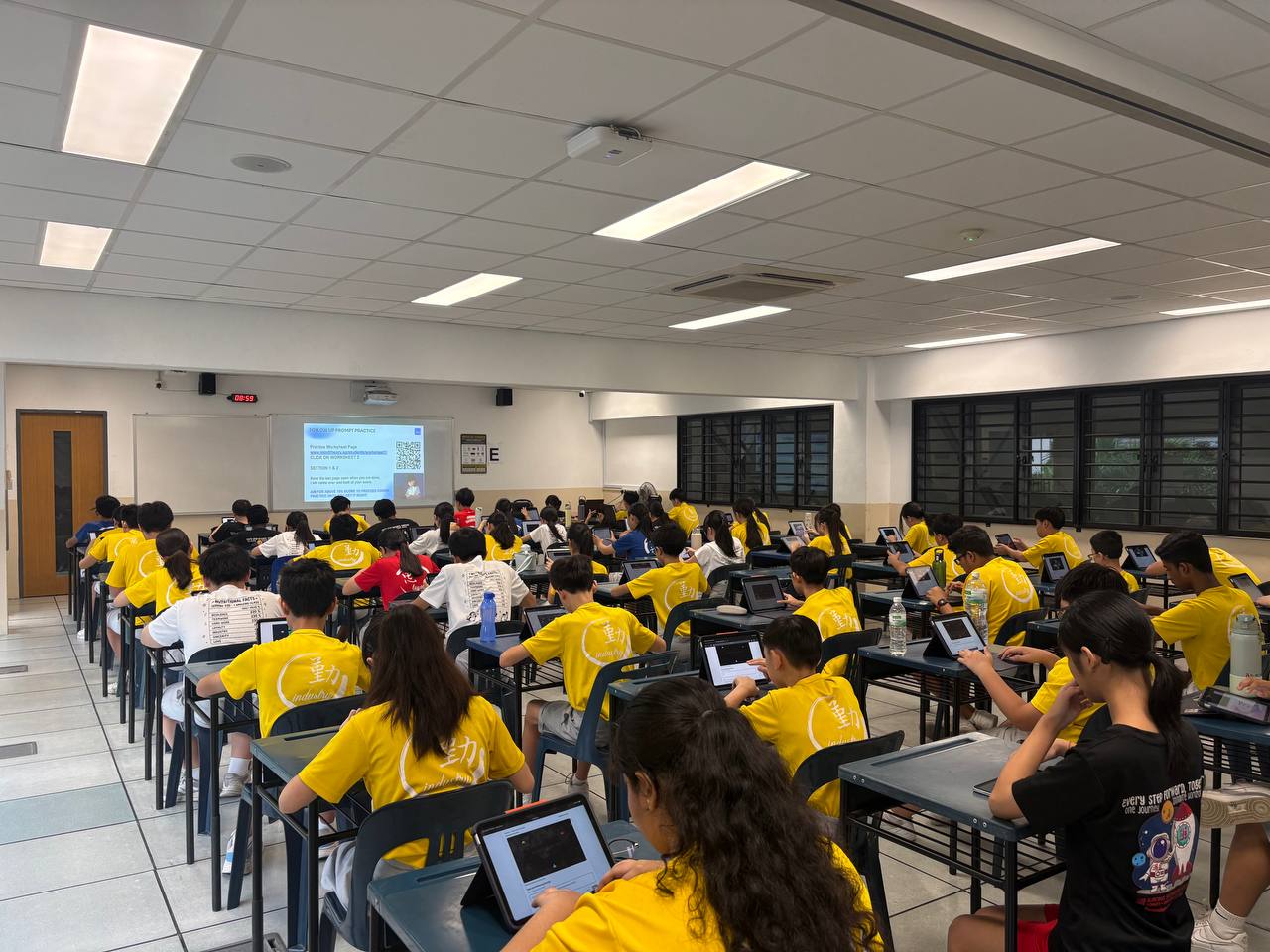
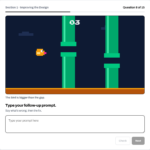
We built a free prompting practice worksheet around that one rule, and our students use it in vibe coding programs in schools and at our holiday camps. It has 27 short exercises. Each question shows a game with something wrong, and the student writes the shortest, clearest prompt they can to get an AI to fix it.
Why the Second Prompt Matters More Than the First
A good first prompt gets students a working draft, and our COSTAR post covers how they write one. But no first draft is finished. The jump is too low, the text is hard to read, the score does not go up, and every real project needs a dozen or more follow-up prompts before it feels right.
This is where students lose the most time. Left to themselves, they tend to type requests like these:
- can you please make it better
- the game is weird fix it pls
- I want you to make the buttons nicer and also the colours and maybe the font
Each of these leaves the AI to decide what “better”, “weird” or “nicer” means. It picks something, often changes parts the student liked, and the student types another vague prompt. Ten minutes later, the game has drifted further from what they wanted, and the student is starting to feel that the AI is the problem.
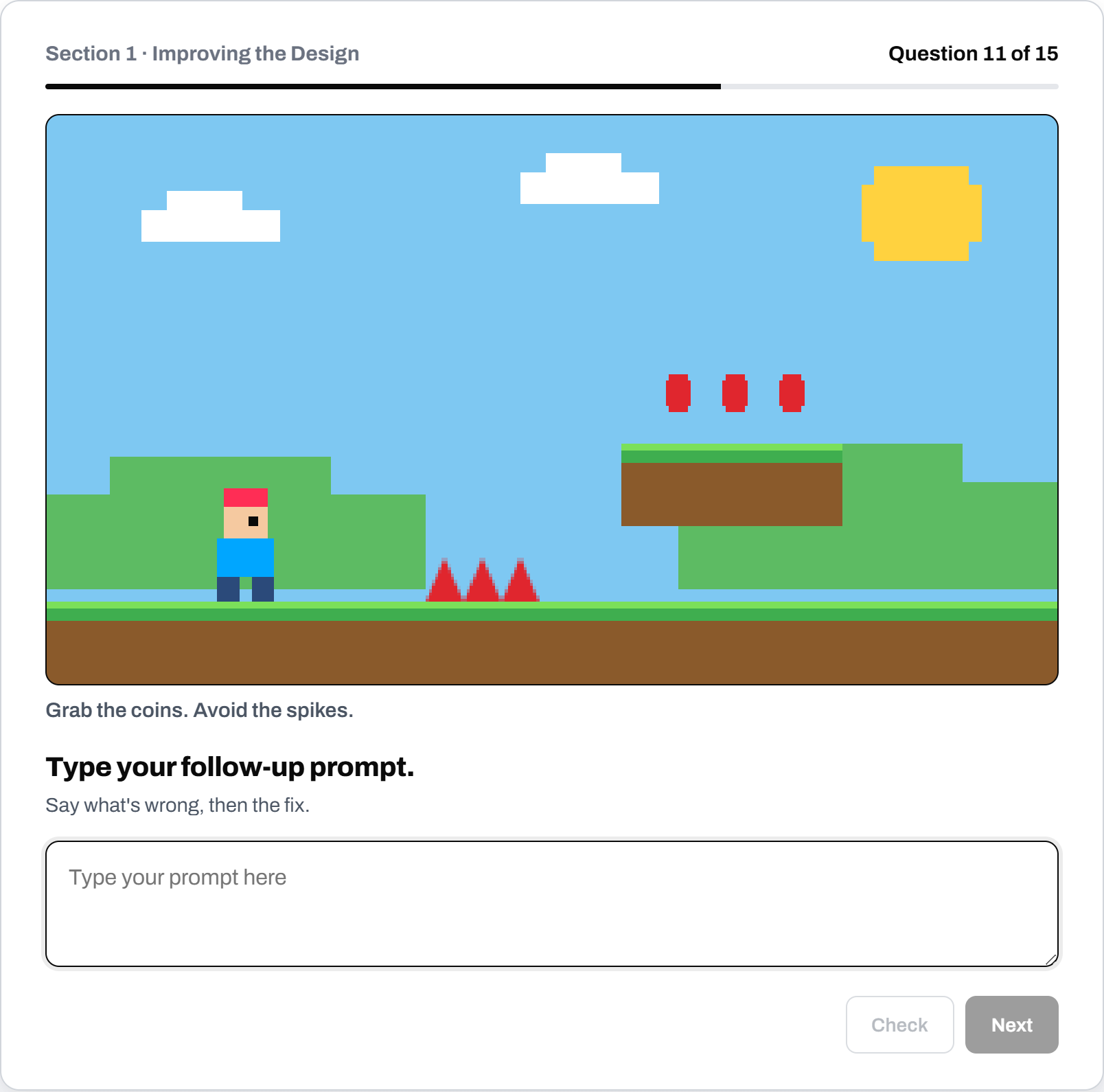
The jump is too low. Make him jump 20% higher.
Mind Theory is Singapore’s pioneering AI and creative-tech education provider, established March 2023, with hundreds of students across primary, secondary, and adult programmes. Read about Us.
The Rule: Say What’s Wrong, Then the Fix
The whole worksheet comes back to one rule, and it is short enough for a 12 yr old to remember in the middle of a project. Here is how it changes a prompt:
| Vague prompt | Effective prompt |
|---|---|
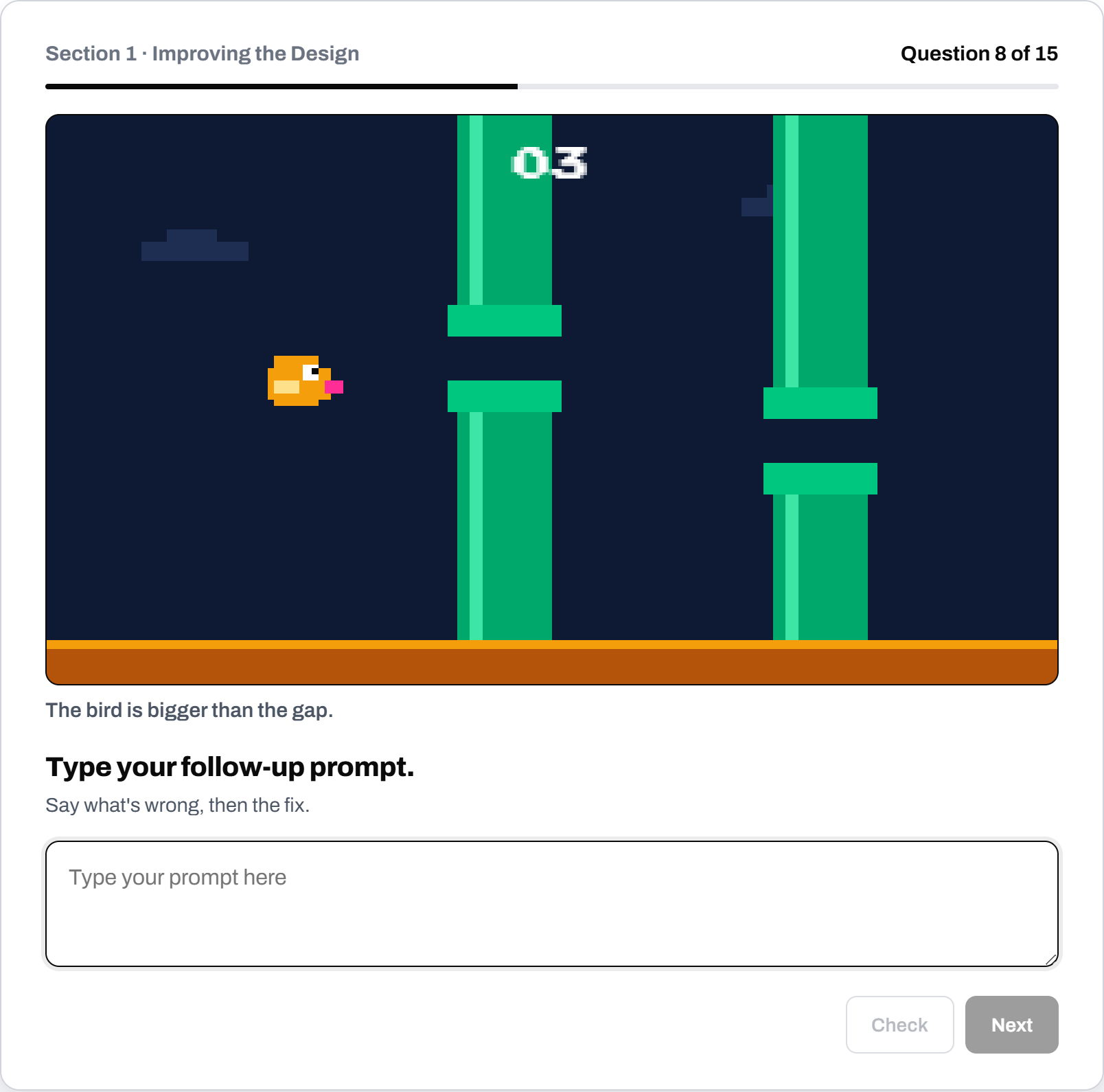
| make the melon better | The watermelon is too small. Make it 2x bigger. |
| fix the buttons pls | The buttons cover the game. Make them 50% smaller, bottom left. |
| the text is bad | The grey text is hard to read. Make it white. |
| jump better | The jump is too low. Make him jump 20% higher. |
| the pipes are annoying | The pipe gaps are too small. Make them 2x wider. |
The effective prompts are rarely much longer than the vague ones. They are more exact. Each one names the thing (the watermelon, the buttons, the grey text), says what is wrong with it, and gives the change, often with a value attached.
4 Habits We Instill to Students
Over 27 exercises, students build four habits that make their prompts work.
The first is being concise. Students learn to cut the words an AI does not need, such as “can you please”, “I want you to”, “basically” and “lah”. Being polite costs nothing with people, but with an AI those words carry no instruction, and in a long prompt the actual request is easier to lose.
The second is being accurate. Students learn to name the exact object they mean. “The fists float off the arms” points at one thing on screen, while “the character looks weird” could mean almost anything.
The third is being descriptive. Words like better, nicer, easier and cool describe a wish without saying what to change, so the worksheet gives them no credit as a fix. Students learn to replace them with something the AI can act on, such as a colour, a direction, a size or a number. “Make it 2x bigger” and “30% slower” are small phrases that are well worth learning early.
The fourth is correct grammar & spelling. Shortforms like u, pls and shd, and misspelt words, lose marks. AI tools can often work out what they mean, but clear writing removes one more way to be misunderstood, and English teachers are always glad to see the habit reinforced.
Section 1: Improving the Design
The first section has 15 exercises about how a game looks and feels. Each question shows a scenario with a single design problem, for example:
- The score is too small to read. The score text is too small. Make it 2x bigger.
- The coins and the spikes are the same colour. The coins and spikes look the same. Make the coins gold.
- The food just appears on screen. The food just appears. Make it bounce in.
- The level is too dark to play. The level is too dark. Make the torch brighter.
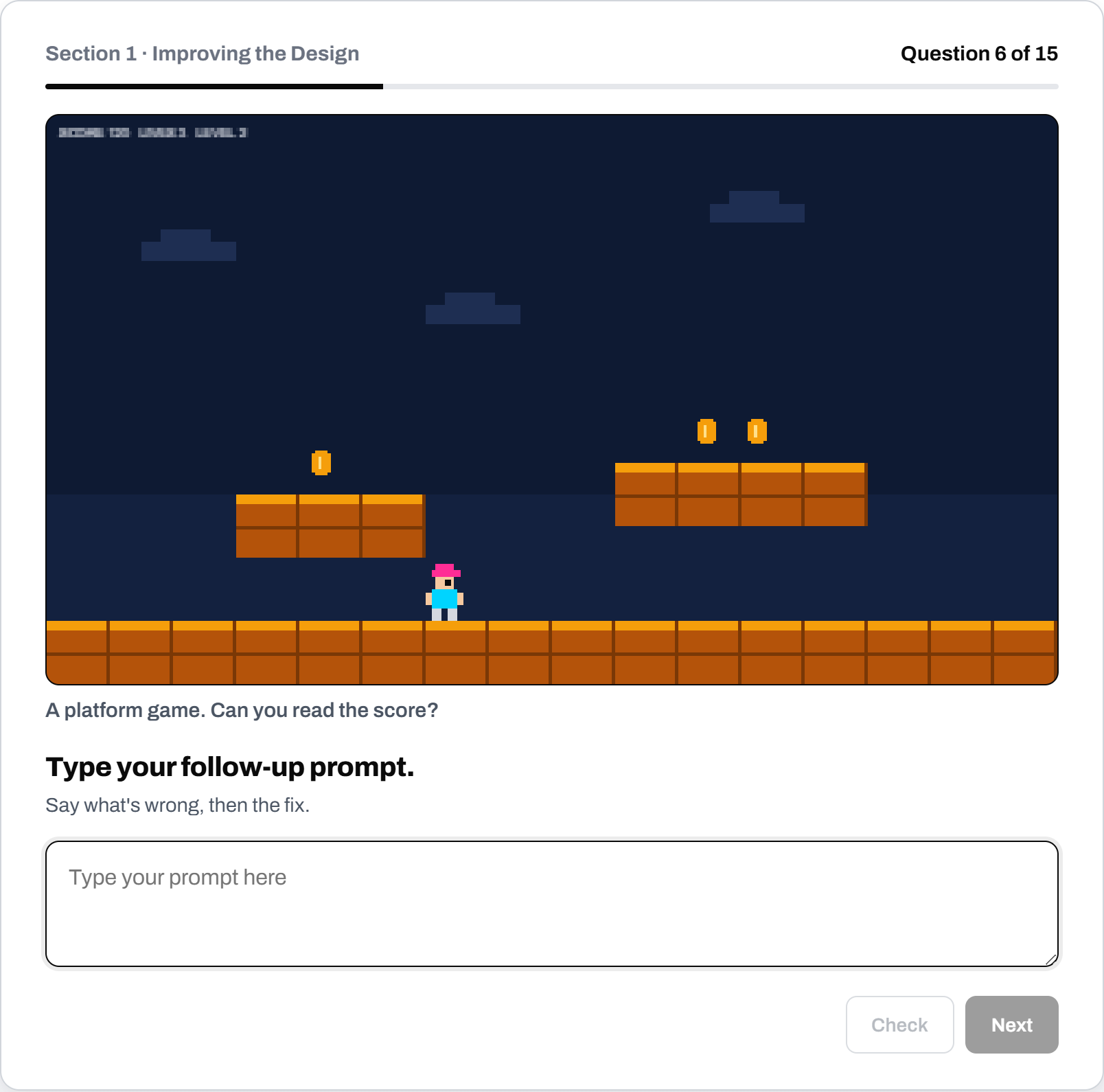
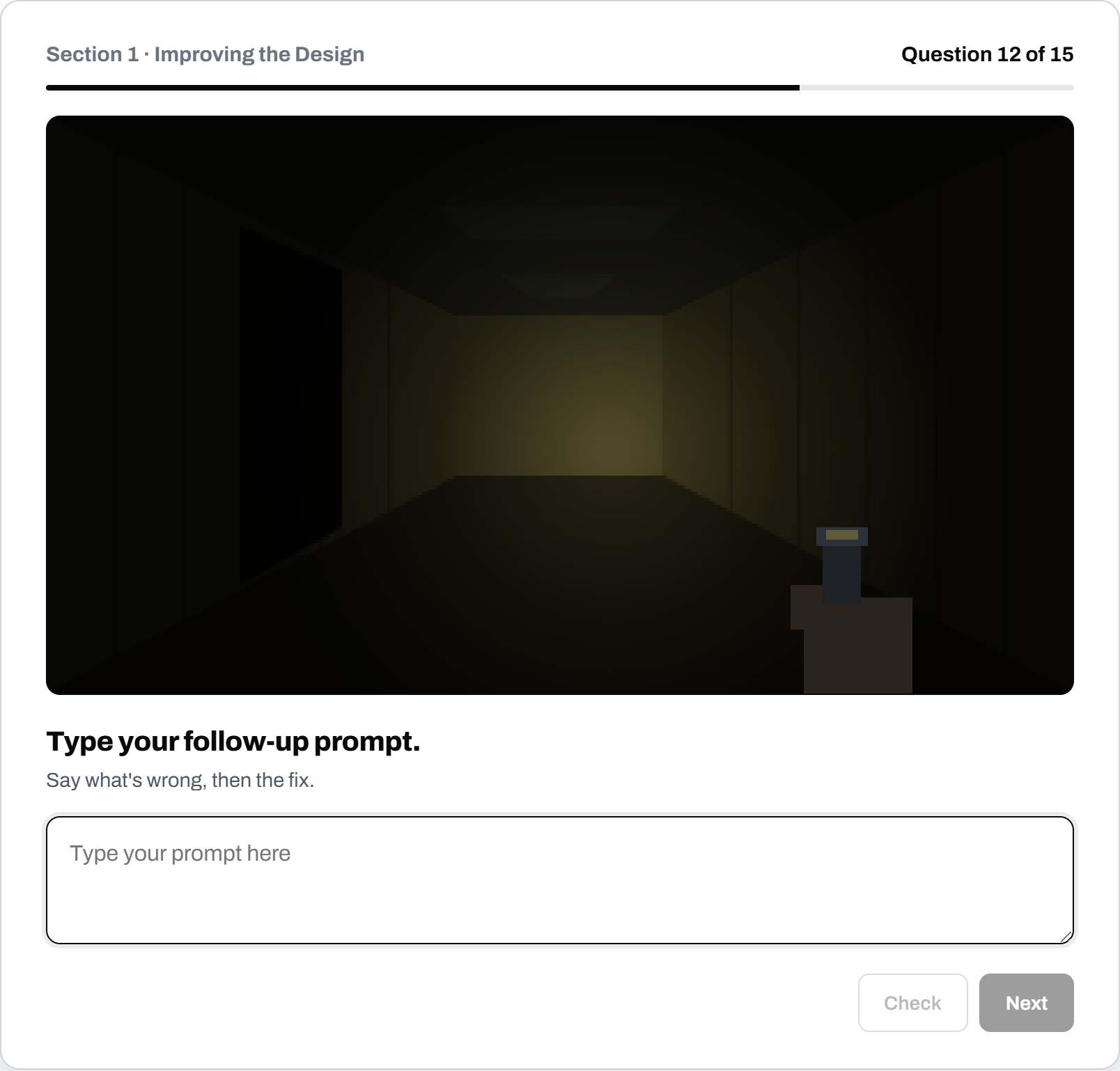
Design is where students most often reach for “better”. These exercises ask them to decide what better actually means before they type, and that decision is where their own taste starts to show in the game.
Section 2: Debugging
The second section has 12 exercises about things that are broken, which is most of what happens in a real vibe coding session:
- The ball goes through the paddle. It should bounce off.
- The player walks off a ledge and keeps walking on air. He should fall off ledges.
- Food appears inside the snake. It should appear in an empty spot.
- The page is blank. The console says “player is not defined”. Fix it.
The last example teaches students to look before they prompt. When they paste the exact error message, the AI gets the clue it needs. “It doesn’t work” gives it nothing to go on.
Debugging also teaches students when “fix it” is enough. “The score doesn’t go up. Fix it.” works, because a score only has one correct behaviour. “The game is too hard. Fix it.” does not, because the AI cannot know whether the student wants fewer enemies, slower enemies or more lives. The worksheet accepts “fix it” only where the right answer is obvious.
Want your students to practise this on a real vibe coding project? Email us or WhatsApp us for a workshop proposal.
How the Scoring Works
Every answer is marked out of 100 as soon as the student submits it:
| Part | Marks |
|---|---|
| Says what’s wrong | 30 |
| Gives a specific fix | 40 |
| Spelling, no shortforms | 10 |
| Short and direct | 20 |
A score of 70 is a pass. Students get one tip at a time, always about the biggest thing still missing, such as “Better” is vague. Say exactly how. or Cut “can you please”. The AI doesn’t need it. Giving one tip keeps each retry focused on a single change, and students can see their score climb as they improve.
Section 2 opens once a student averages 70% on Section 1. Every finished attempt is kept on the device, even after a restart, so a teacher walking the room can see how a student has improved. And because marking happens on the page itself, no AI account is needed, so the worksheet works in schools where students cannot yet sign in to an AI tool.
Where We Use It
In our vibe coding workshops, students first write a COSTAR prompt to get a working game from an AI coding agent, using the COSTAR worksheet. They then spend most of the workshop improving and debugging that game with follow-up prompts, which is exactly the skill this worksheet trains.
It also fits MOE’s aim, set out in its approach to AI in education in Singapore, for students to learn to use AI and learn with AI.
We use it in our Agentic AI coding workshops for schools and in our AI Sprint holiday camp for 9-16 yr olds. For the wider case, see why vibe coding belongs in school enrichment.
The best part of teaching this is watching students stop blaming the AI. Once they learn to say what is wrong and what they want instead, the game starts to look like the one in their head, and they start to see themselves as the person directing the work. It is a habit they will use with every AI tool they meet after this.
To bring a vibe coding or prompting workshop to your school, reach out via email or WhatsApp for a proposal.

FAQ
What makes a prompt effective?
An effective prompt names the thing, says what is wrong with it, and says the change, using as few words as the AI needs. Numbers help: "2x bigger" is clearer than "bigger".
How long should a follow-up prompt be?
Usually 1 or 2 short sentences. Every model answer in the worksheet is 12 words or fewer.
Why is "make it better" a weak prompt?
"Better" describes a wish without saying what to change, so the AI has to guess. It often changes things the student was happy with.
Do students need an AI account to use the worksheet?
No. The worksheet marks answers on the page, so it works without signing in to any AI tool.
Is the prompting practice worksheet free?
Yes. Open it at mindtheory.sg/students/worksheet2 on any laptop, tablet or phone.
Recent Articles
-
 Vibe Coding: The Enrichment Skill every School needs in 2026.
-
 The AI Literacy skill Your Teen’s Future Depends On – AI Coding
-
 Mind Theory launches MTCode IDE for Teen Vibe Coders
-
 Mind Theory launches MTCode CLI, a Terminal for Agentic Coding
-
 Best Holiday Camps in Singapore 2026: The Complete Parent’s Guide
-
 AI Sprint Holiday Camp Singapore | June 2026 (Ages 9-16)
-
 Discover Your Child’s Hidden Talents During School Breaks: A Practical Guide for Singapore Parents
-
 How to Use the School Break to Discover Your Strengths: A Guide for Curious Learners
-
 Coding, Editing or Design: Productive Holiday Skills to Learn
-
 5-Day AI Storytelling Camp
-
 CapCut Workshop for Singapore Schools | Secondary School Programme
-
 Generative AI Summer Holiday Camps
-
 September Holiday Camps – AI Art
-
 Roblox Coding Camp Singapore | 5-Day Holiday Camp for Kids
-
 AI Prompt Engineering Workshop for Singapore Schools | Mind Theory
-
 AI Prompting Practice: How Students Learn to Write Effective Prompts
-
 Teaching COSTAR: GovTech’s Prompt Framework for Secondary School Students
-
 Jurong Secondary School Vibe Coding Competition: 250 Students, 8 Classes, 2 Days
-
 MTCoder: An AI Coding Tool Built for School Coding CCAs
-
 Z-Image in ComfyUI: 150 AI Fashion Models, One Studio Look
-
 MT SandBox: A Sandbox Game Mind Theorians Build Together