
A design question from the prompting practice worksheet.
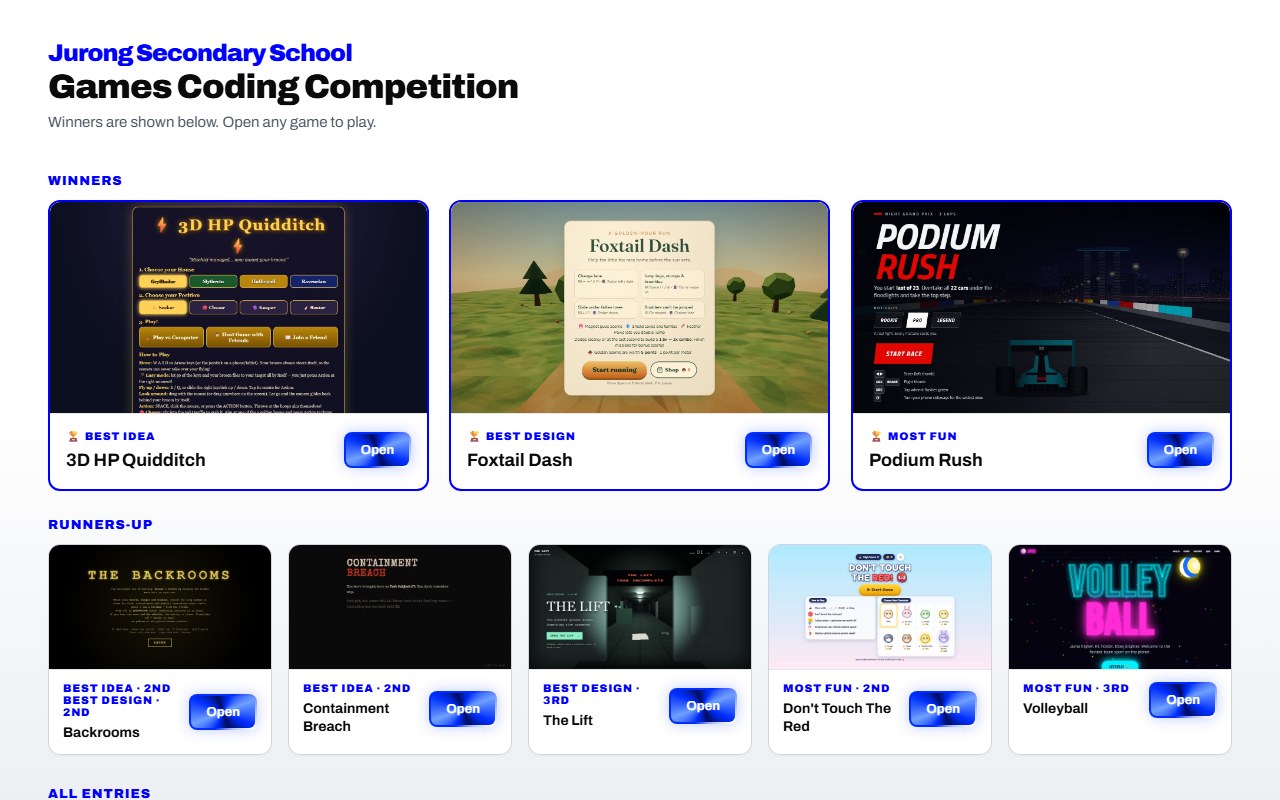
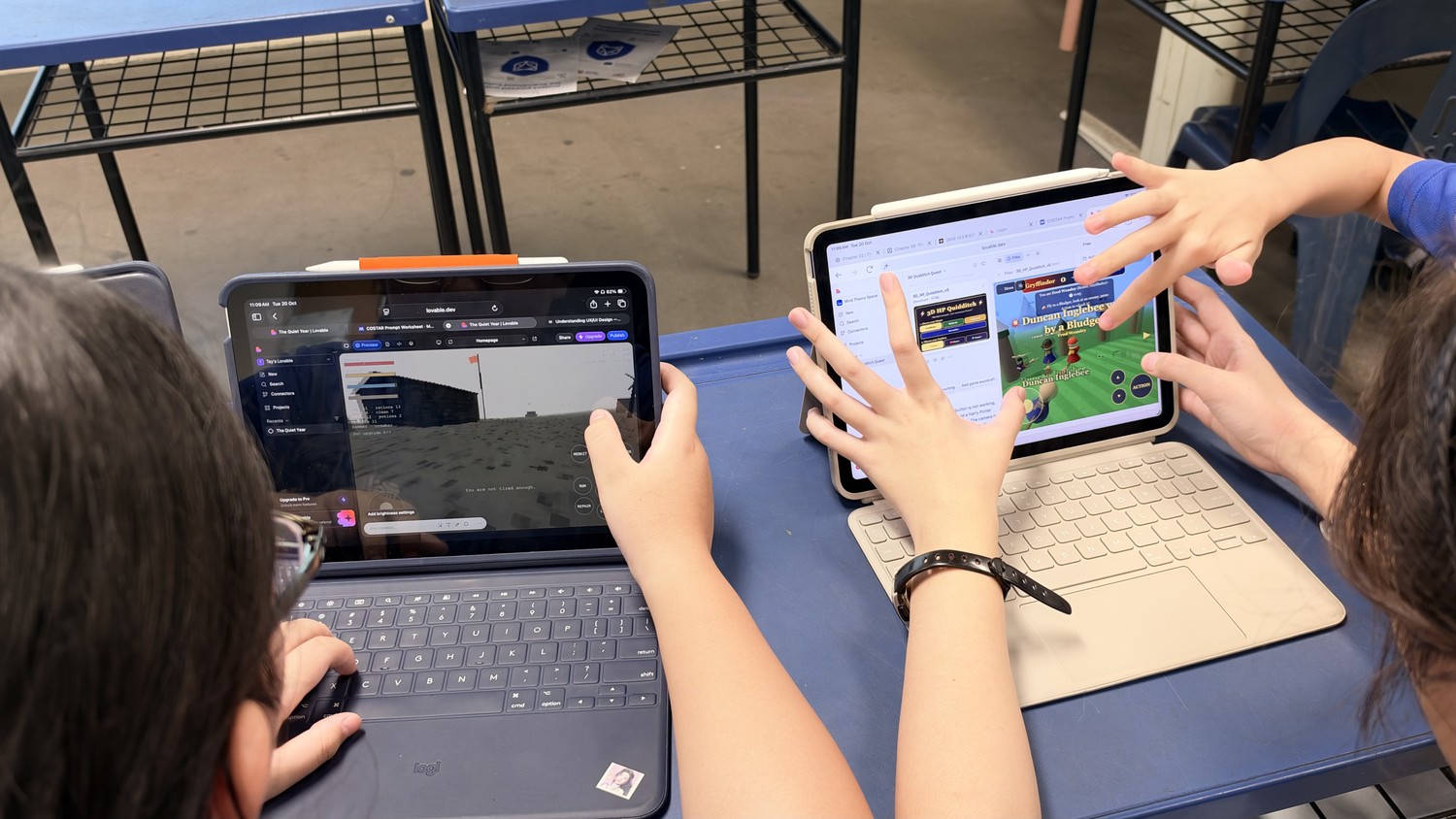
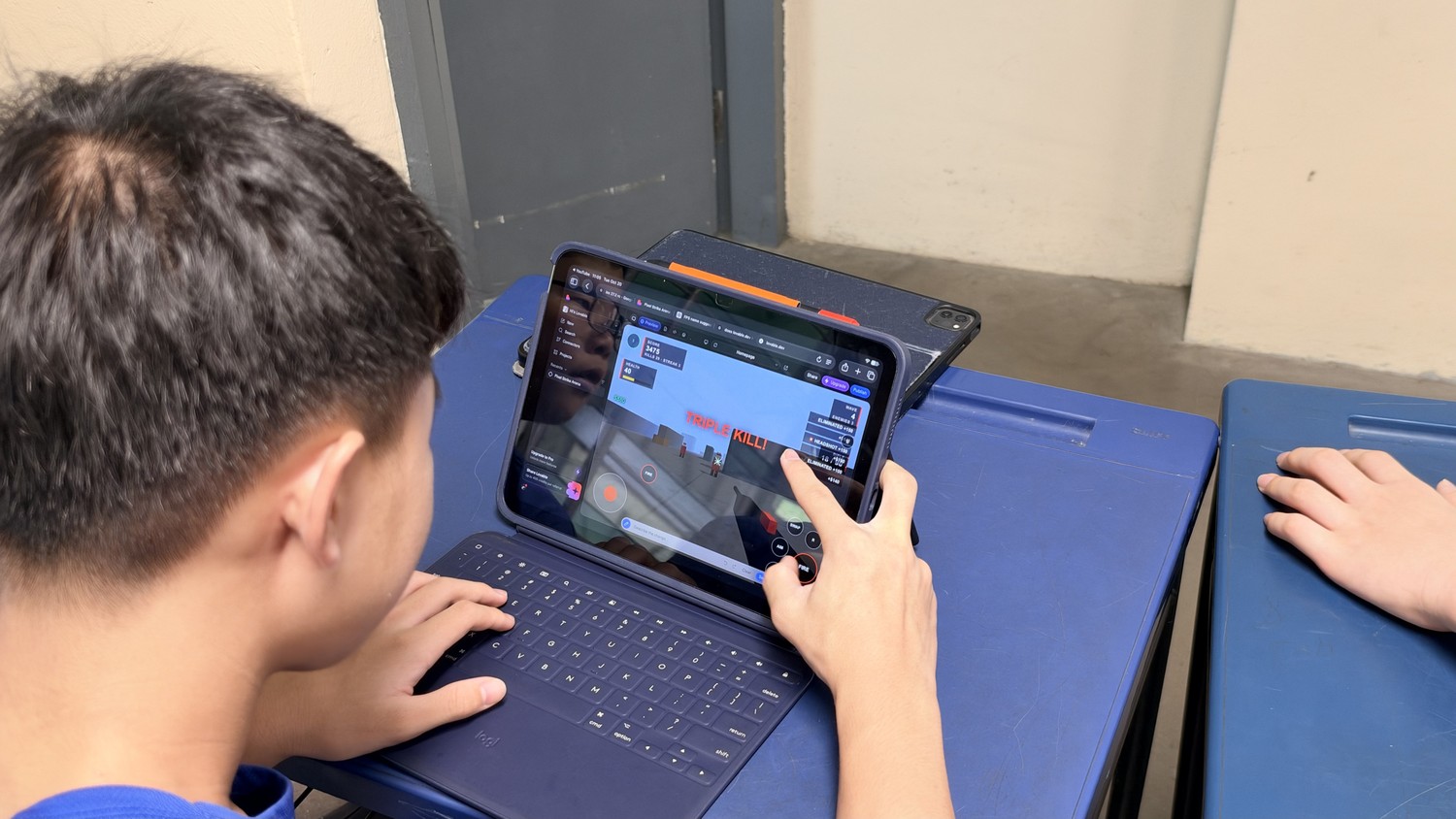
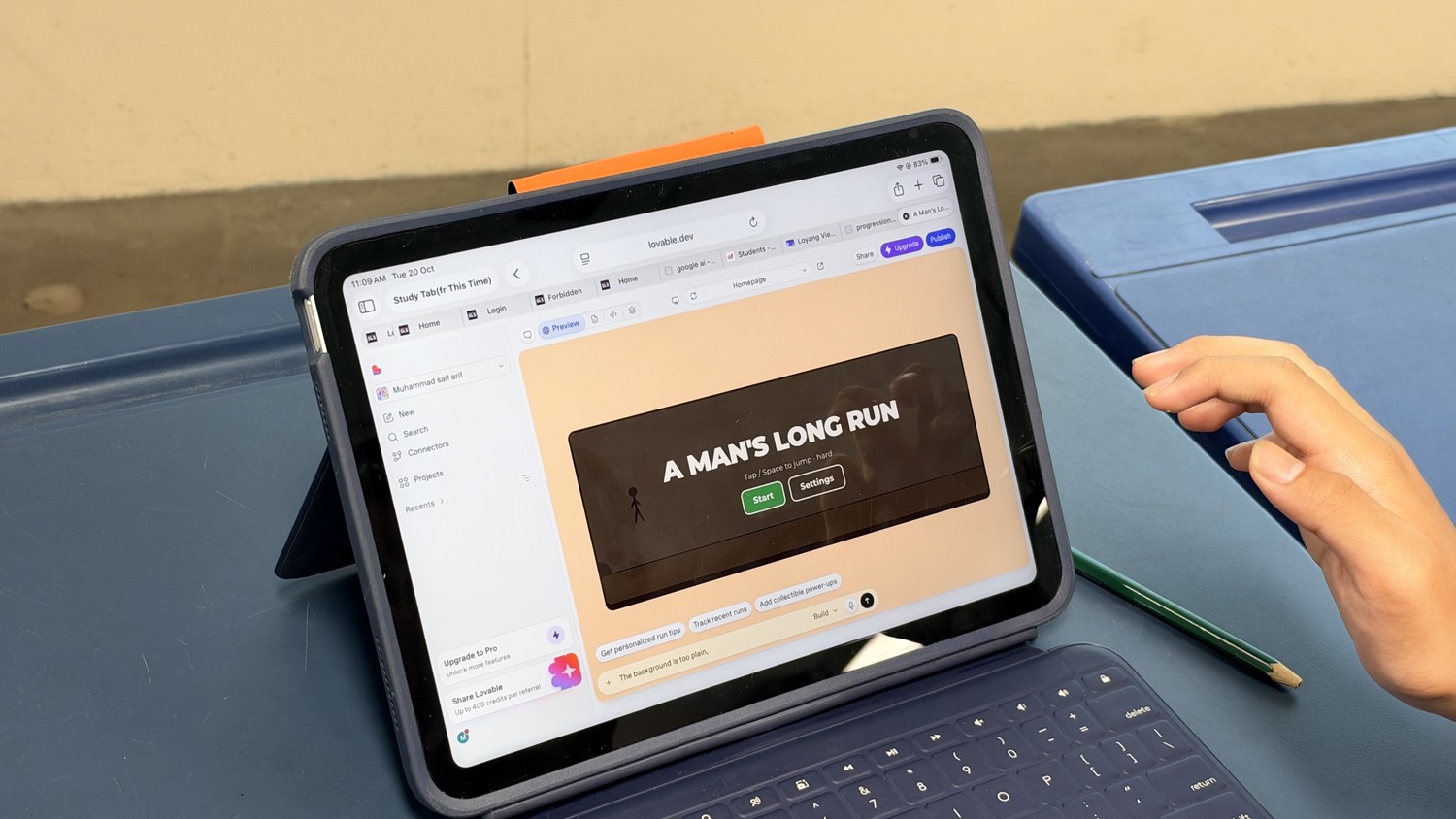
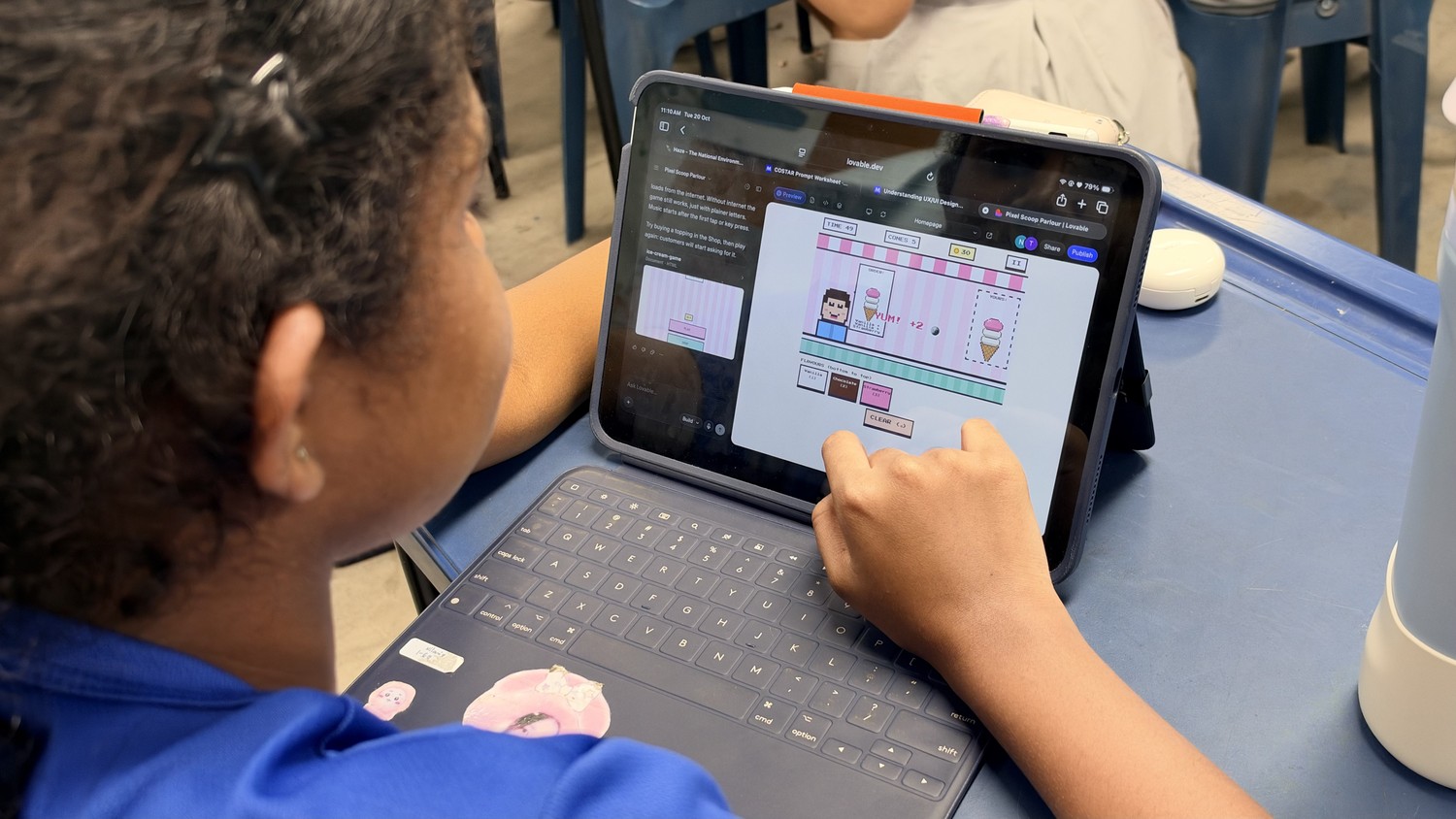
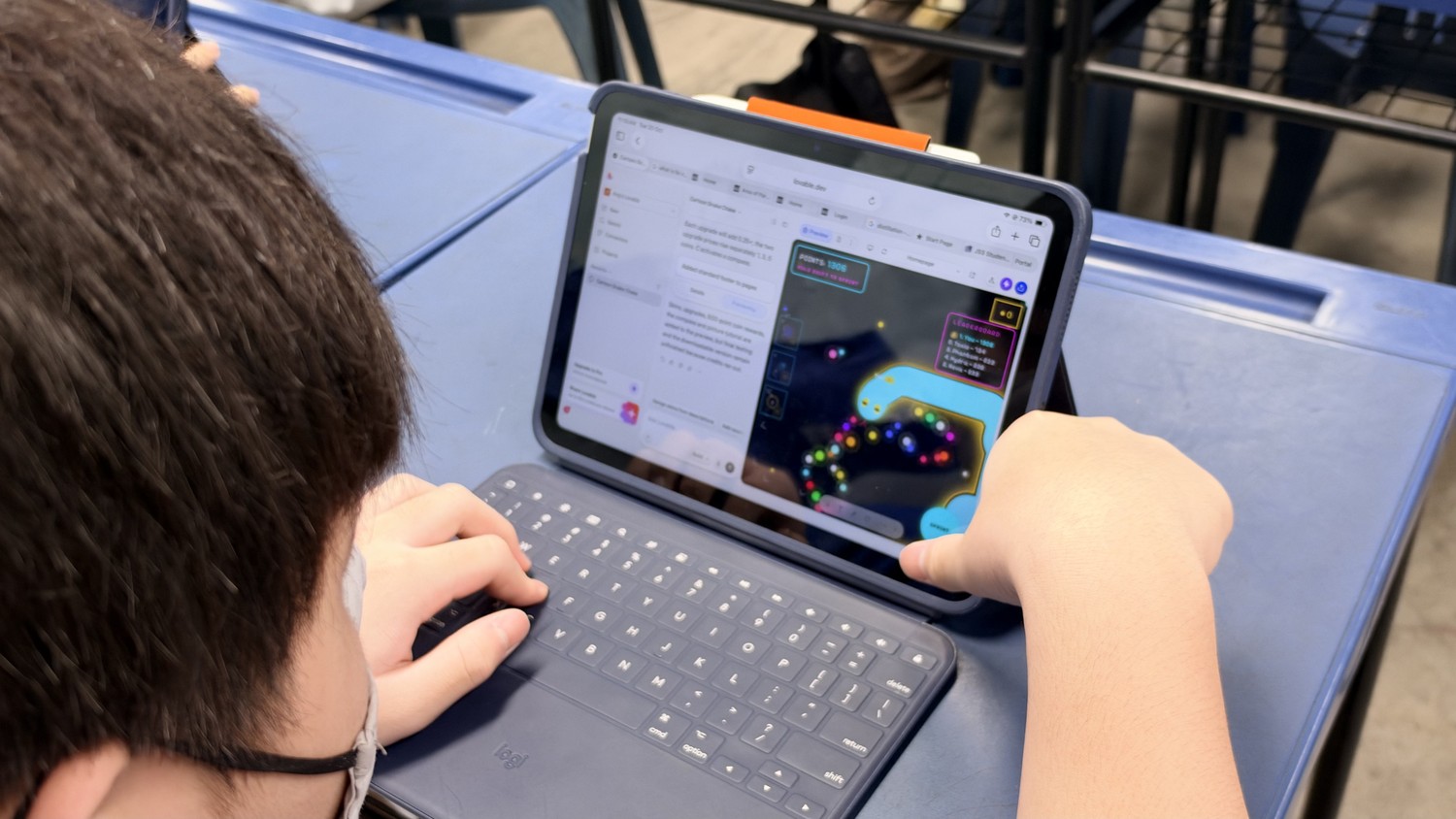
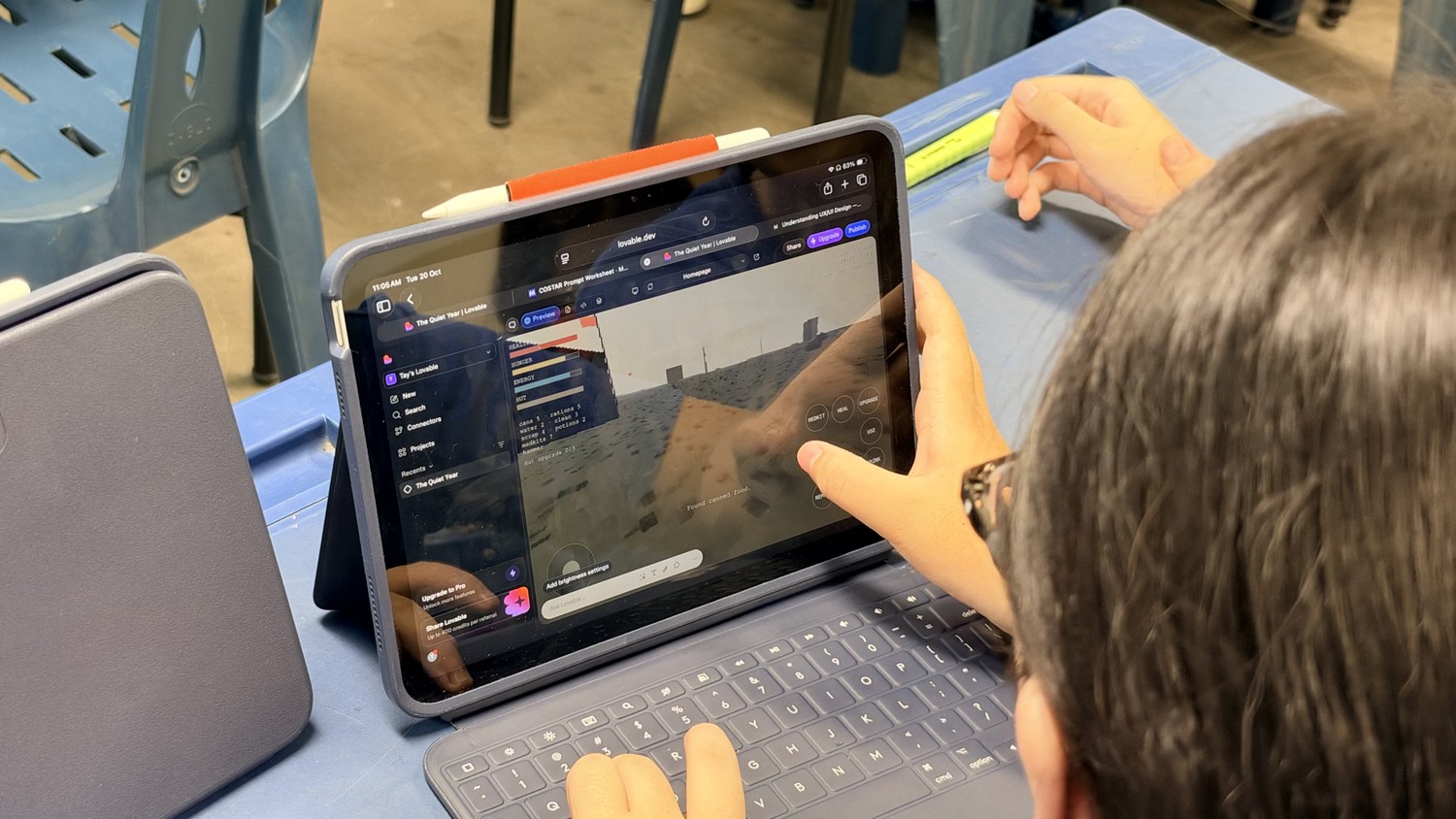
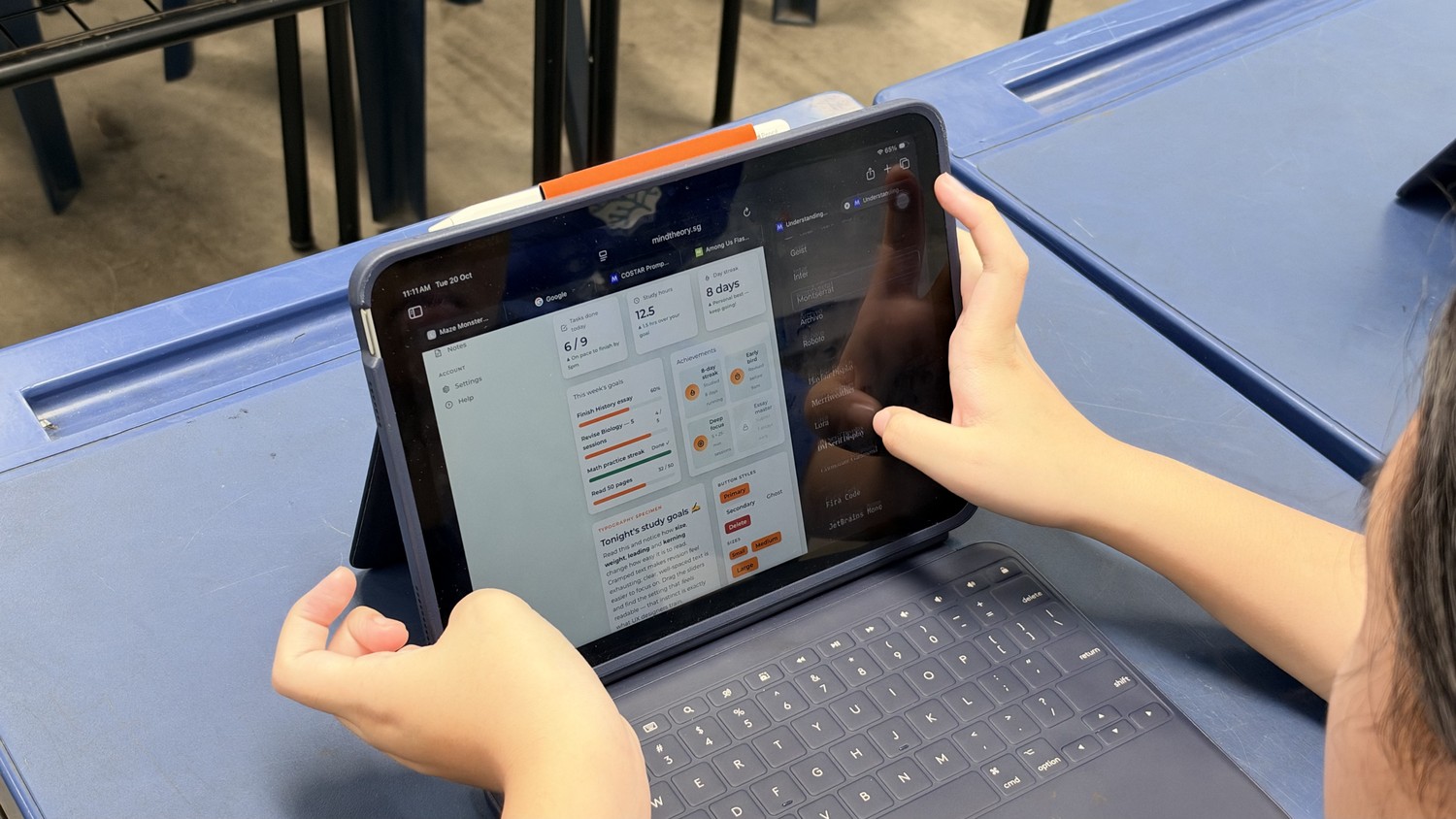
Most Sec 1 students had never built a html game. By the end of our coding workshop, Jurong Secondary School students had created over 250 games, eg, a 3D Quidditch match you could play with friends, a fox racing home through a low-poly forest at sunset, a night-time Grand Prix where you start last of 23 cars. Each one was planned, prompted, tested and polished by a Sec 1 student.
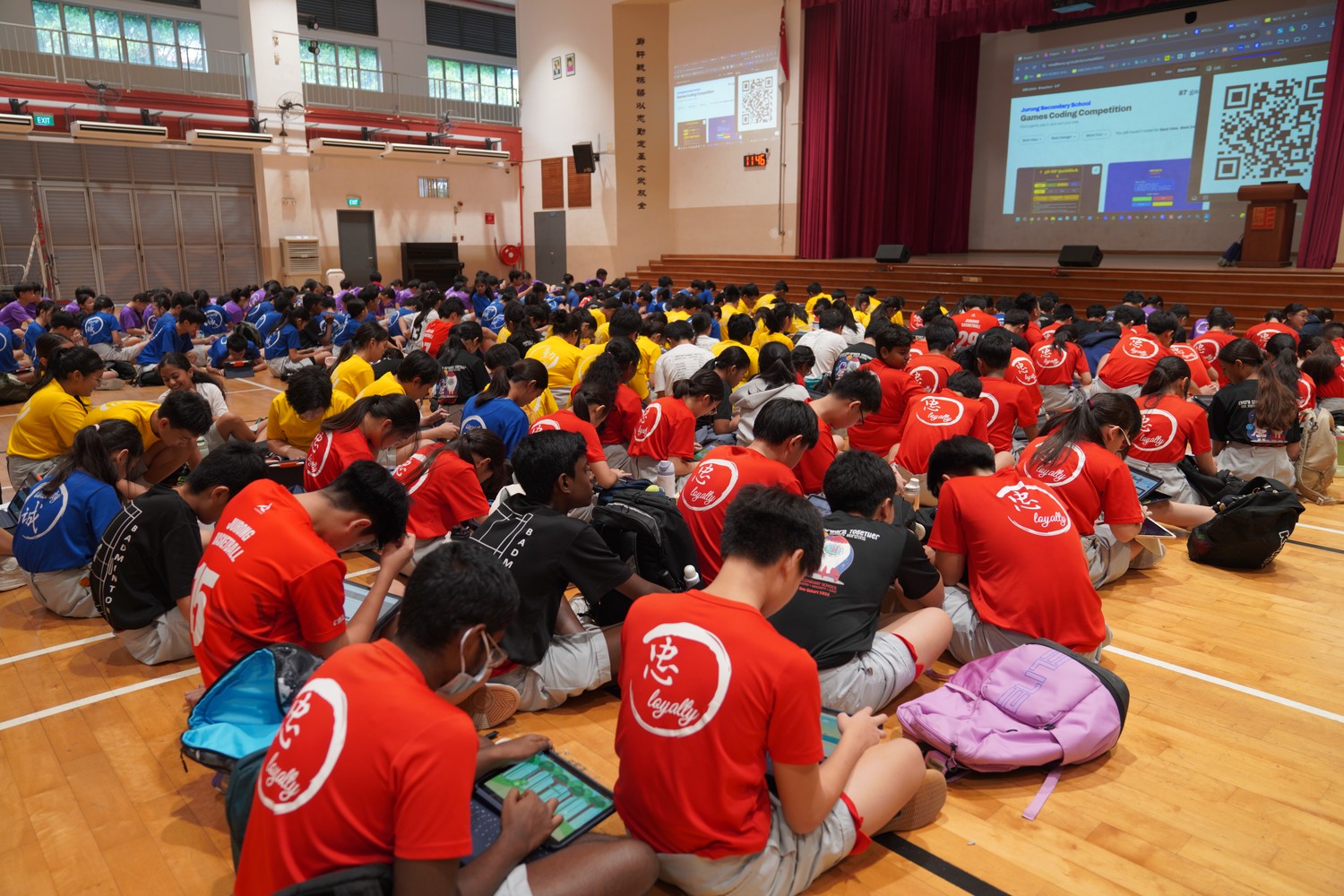
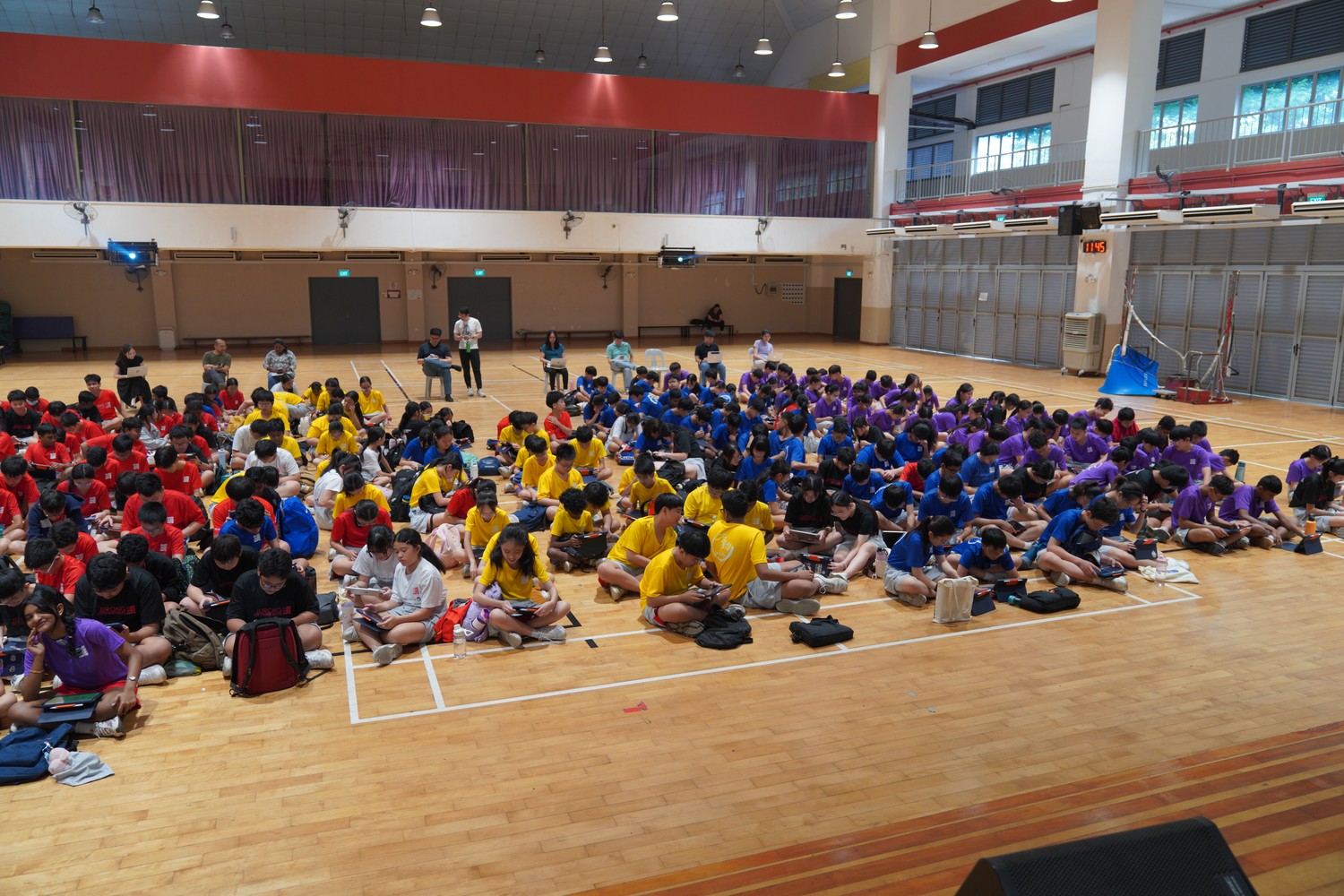
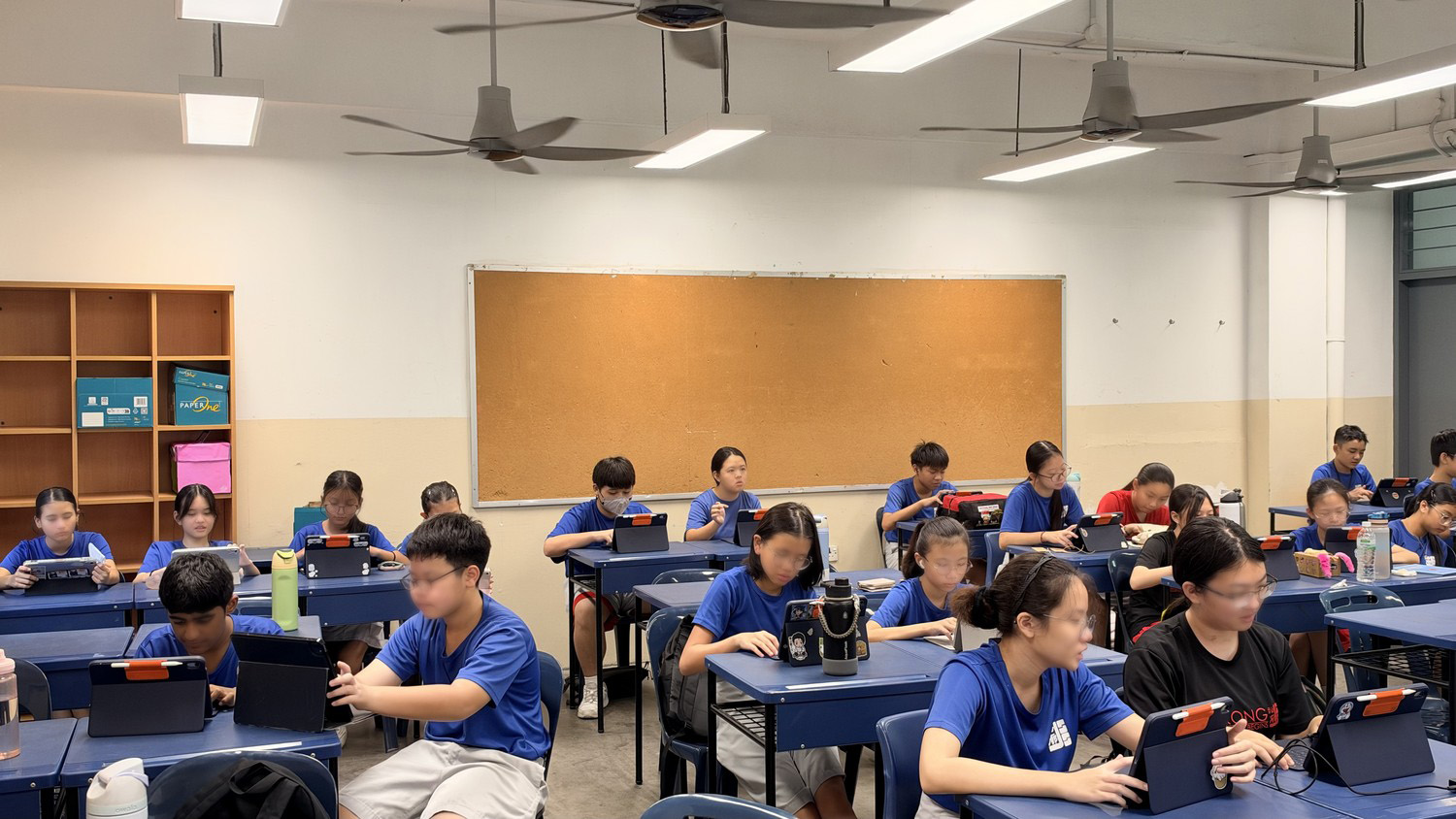
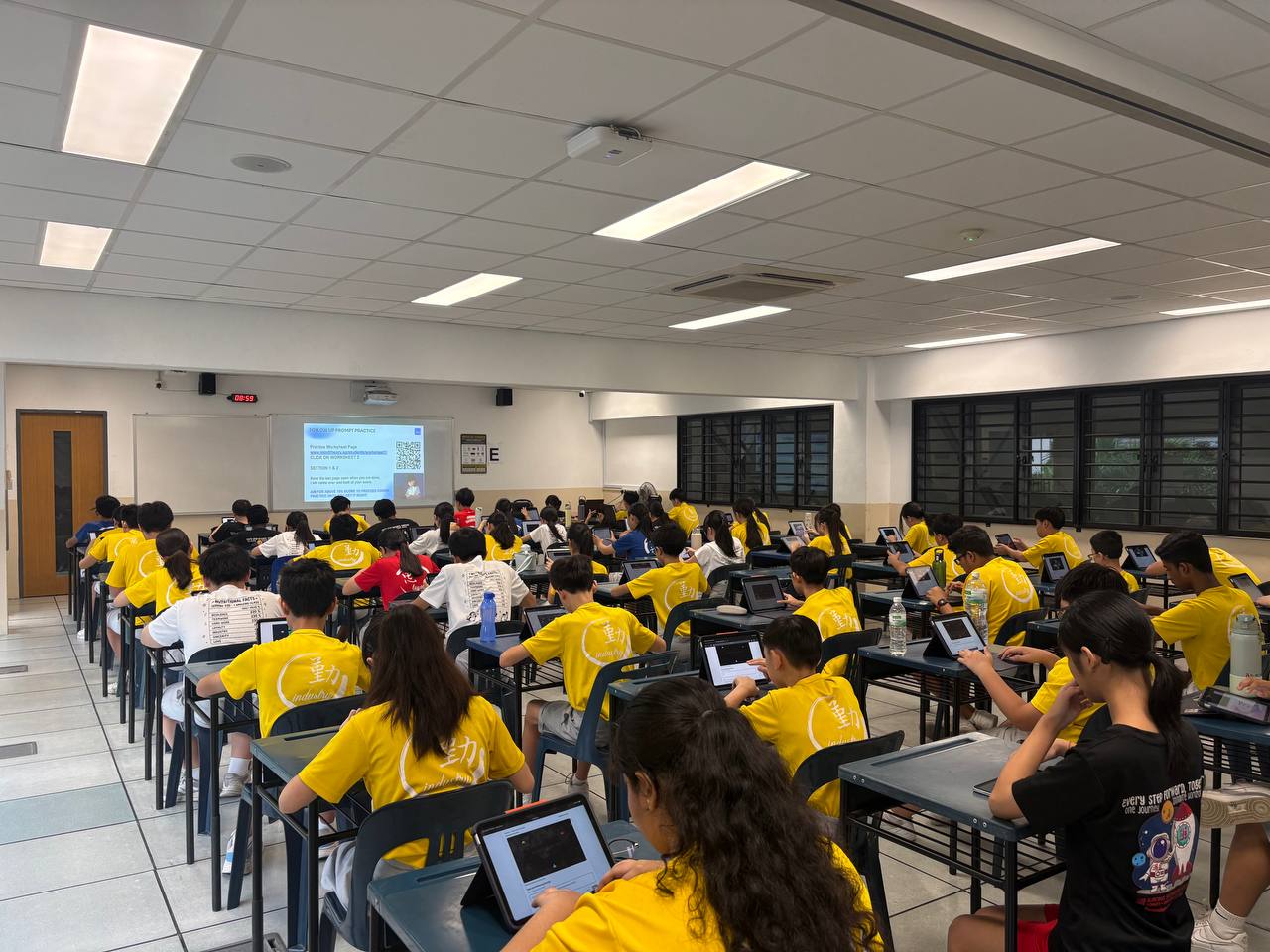
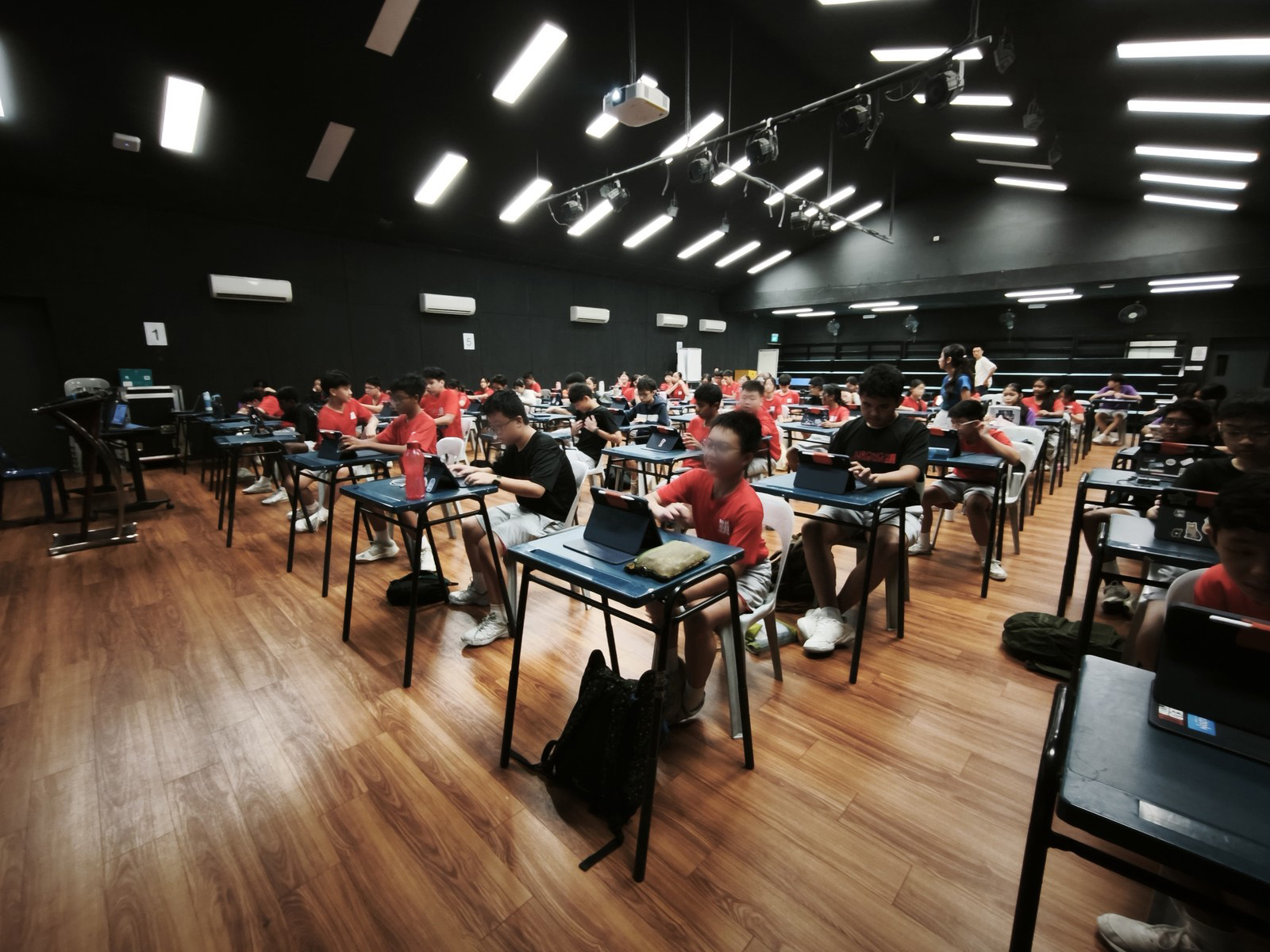
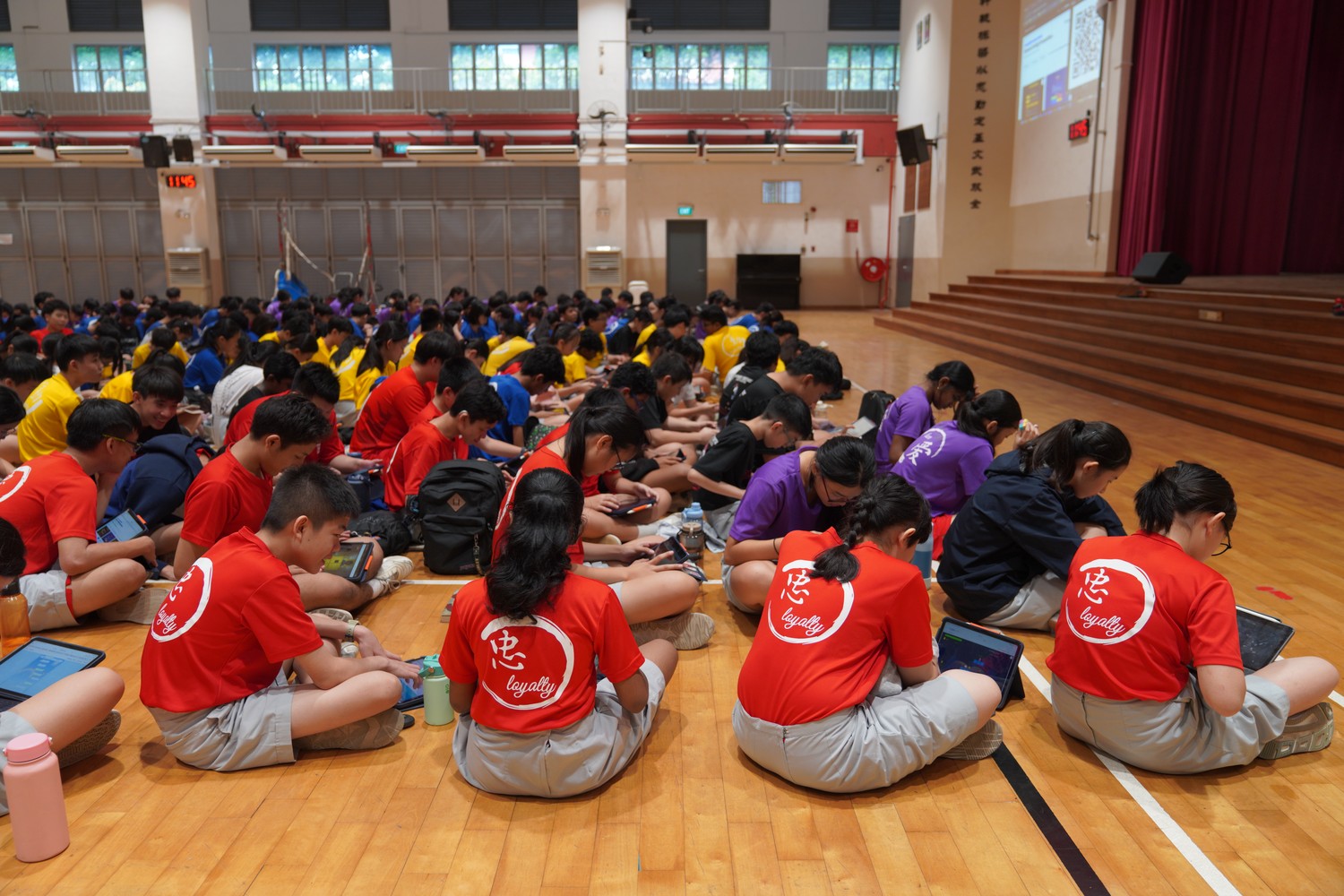
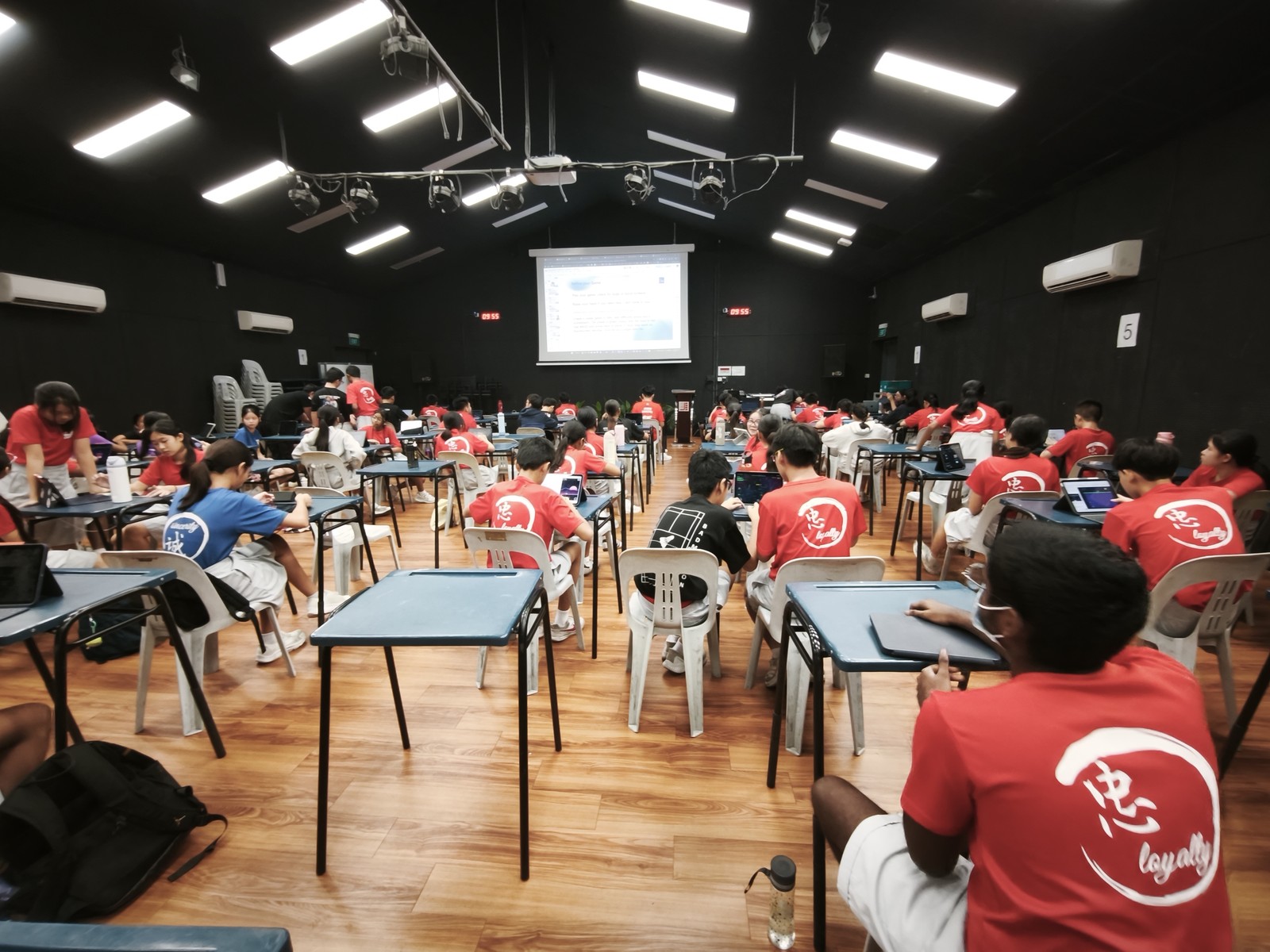
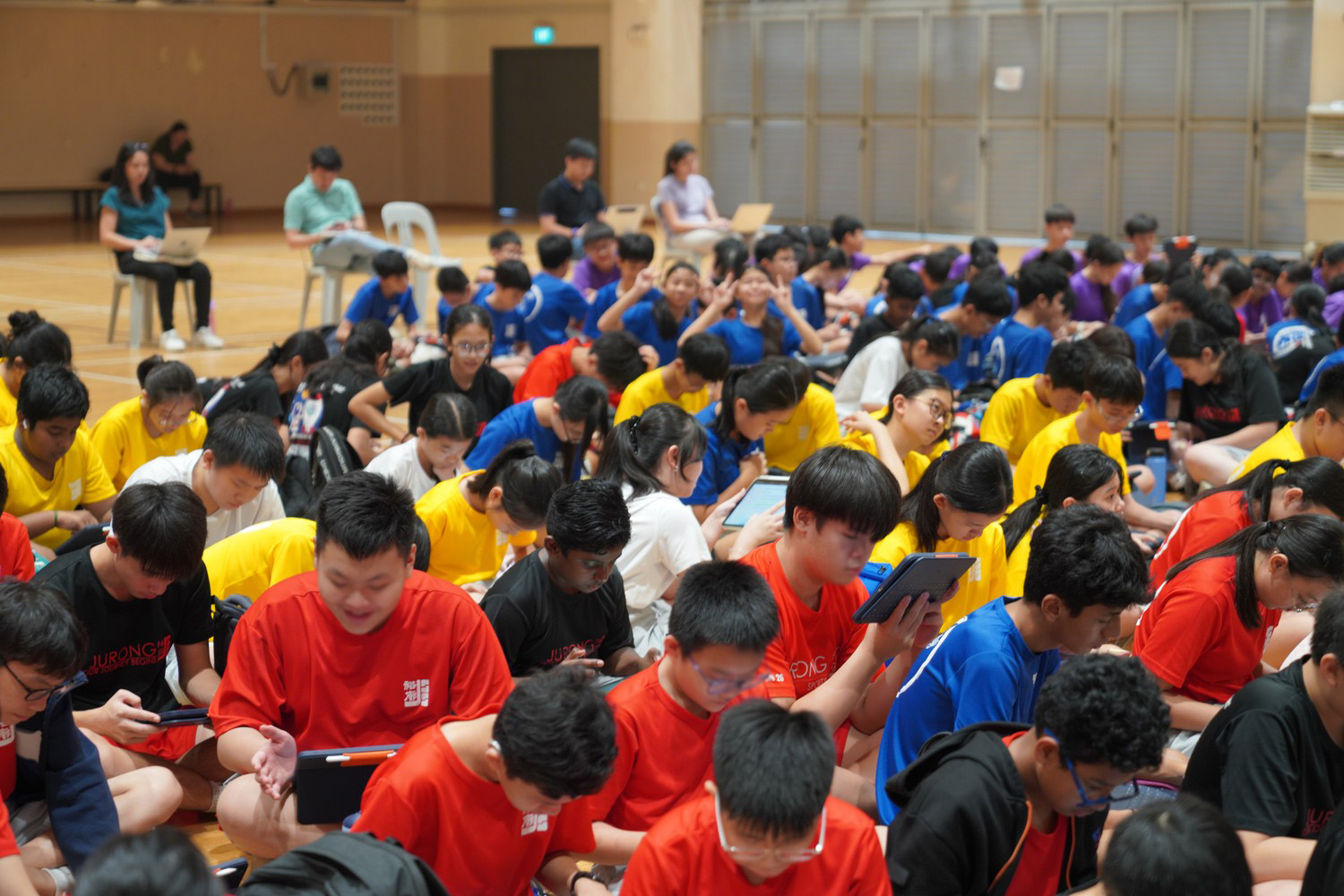
In October 2026, 250 Secondary 1 students across 8 classes took part in a vibe coding school program run by Mind Theory, which ended in a coding competition. Every student learnt to direct an AI to build a playable game, and then the whole level met in the school hall to play each other’s games and vote for 3 prizes: Best Idea, Best Design and Most Fun.
The Event at a Glance
| Classes | 8 |
| Duration | 2 days |
| Tool | Lovable, an AI app builder |
| Prizes | Best Idea, Best Design, Most Fun |
| Judges | Students and teachers, by vote |
No coding experience was needed. Students described the game they wanted in plain English and the AI wrote the code, which left them free to do the parts that matter most: deciding what to make, explaining it clearly, and refusing to settle for the first version.
Mind Theory is Singapore’s pioneering AI and creative-tech education provider, established March 2023, with hundreds of students across primary, secondary, and adult programmes. Read about Us.
Day 1: Learning to Prompt
Nobody vibecoded a game in the 1st hour on Day 1. We started with explaining what is agentic AI, where it plans and carries out a task on its own. Students saw how building with AI differs from traditional coding: they direct and check the work, and the AI does the grunt work of coding.
This follows MOE’s approach to AI in education in Singapore, for every student to learn about AI, learn to use AI, learn with AI and learn beyond AI.
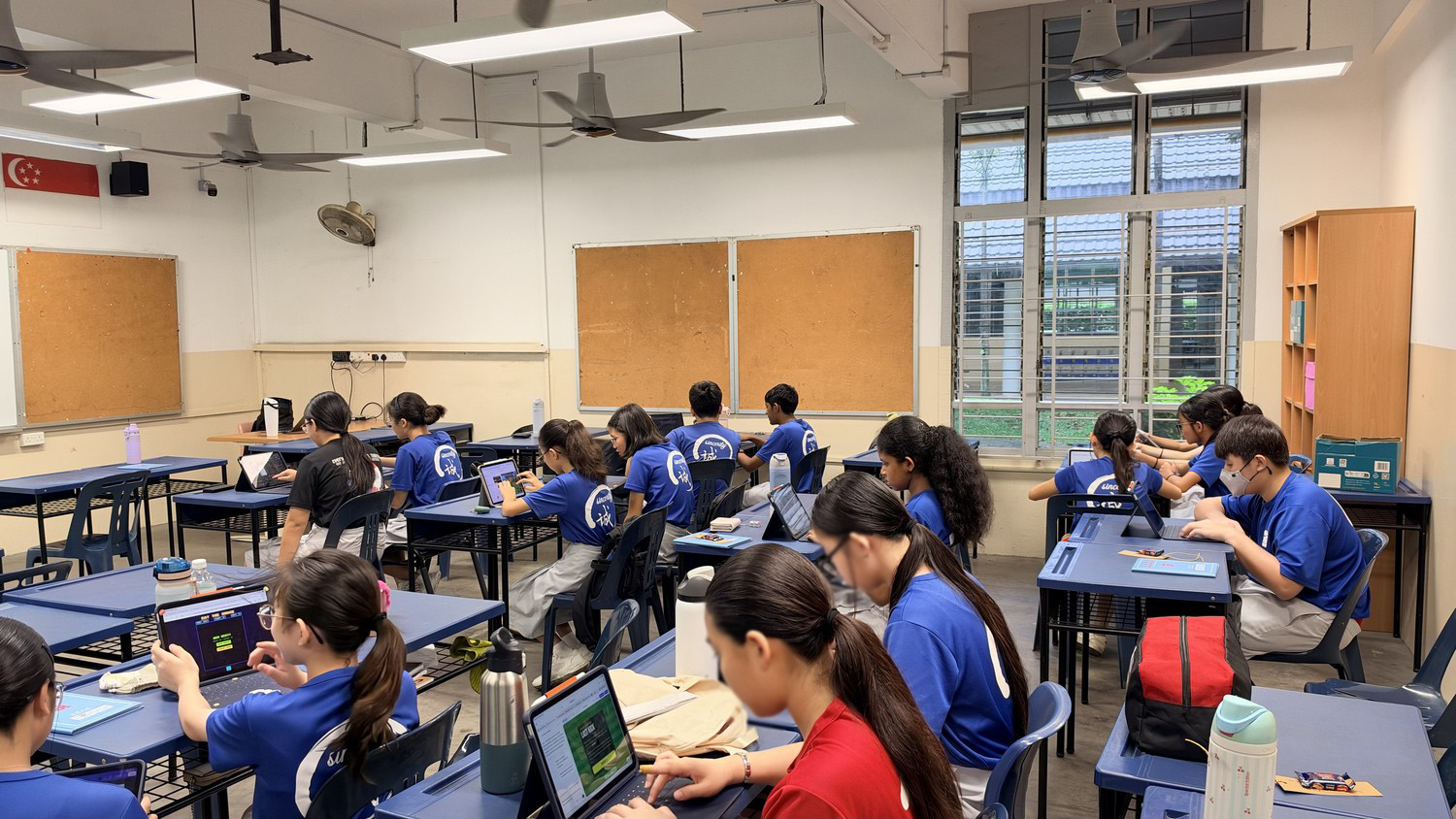
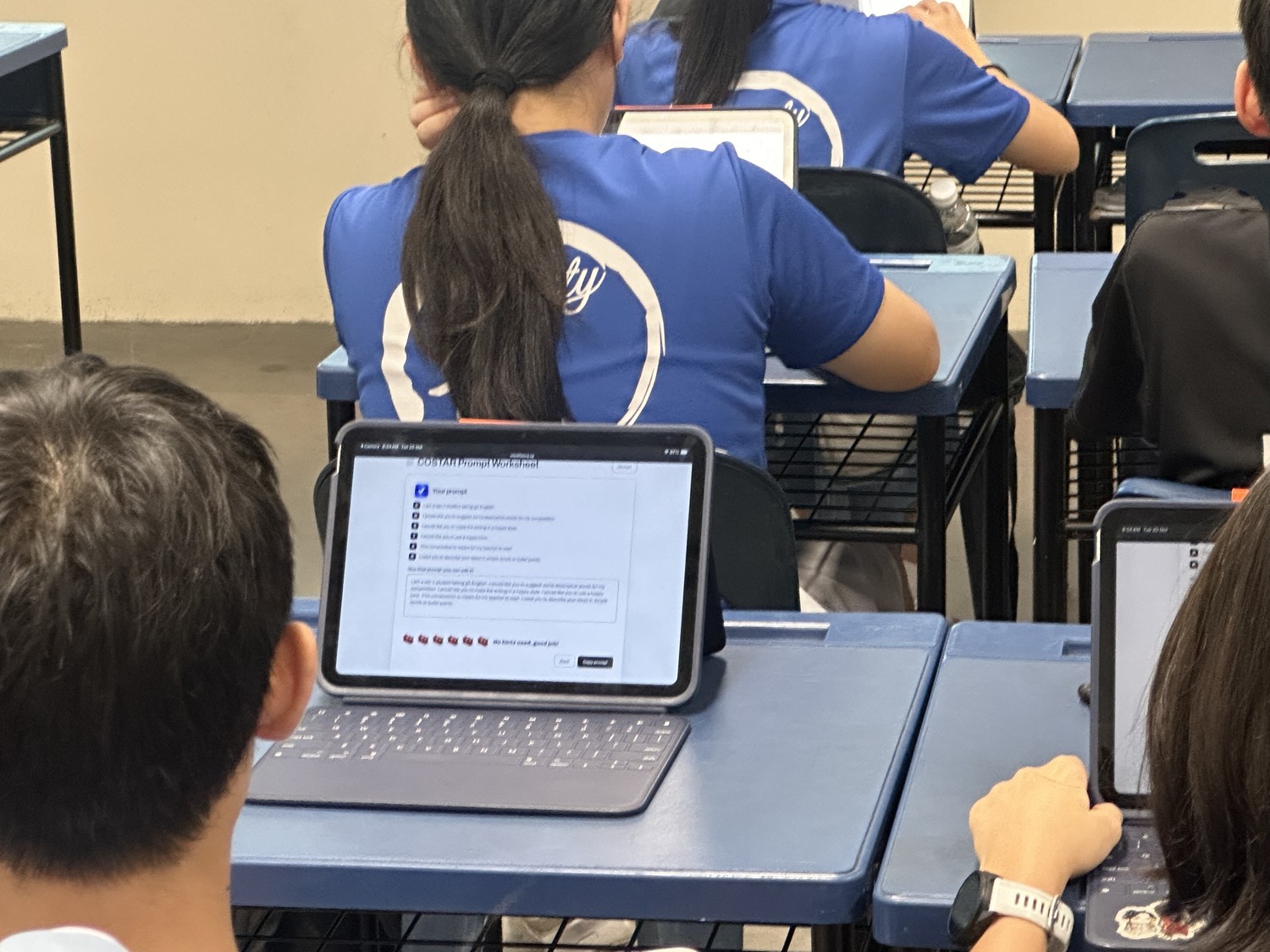
Before you could work effectively with AI, you need to learn how to prompt. We taught the COSTAR prompt framework, GovTech‘s recommended 6-part checklist of Context, Objective, Style, Tone, Audience and Response, which we cover in our post on teaching COSTAR to secondary school students. Students practised it on our online COSTAR worksheet, studied sample game prompts, and saw the competition’s scoring rubric so they knew what the judges would look for. Each student then practiced planning their own game on a coding worksheet and took a guided tour of Lovable, the AI game maker they would build with.
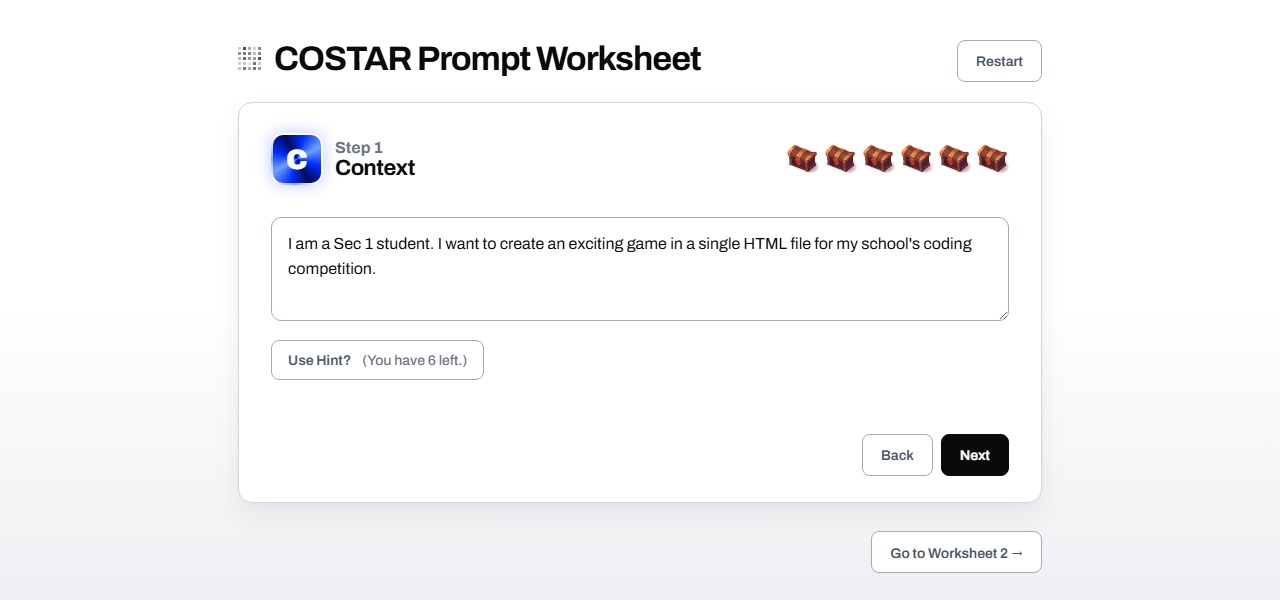
The COSTAR worksheet students used to plan their game prompt. Try it on any laptop, tablet or phone.
By the end of Day 1, every student had sent their first COSTAR prompt and had a first working version of their game on screen. Some of those ideas were already ambitious, and Day 2 would show how far they could go.
Day 2: Refining, Debugging and Submitting
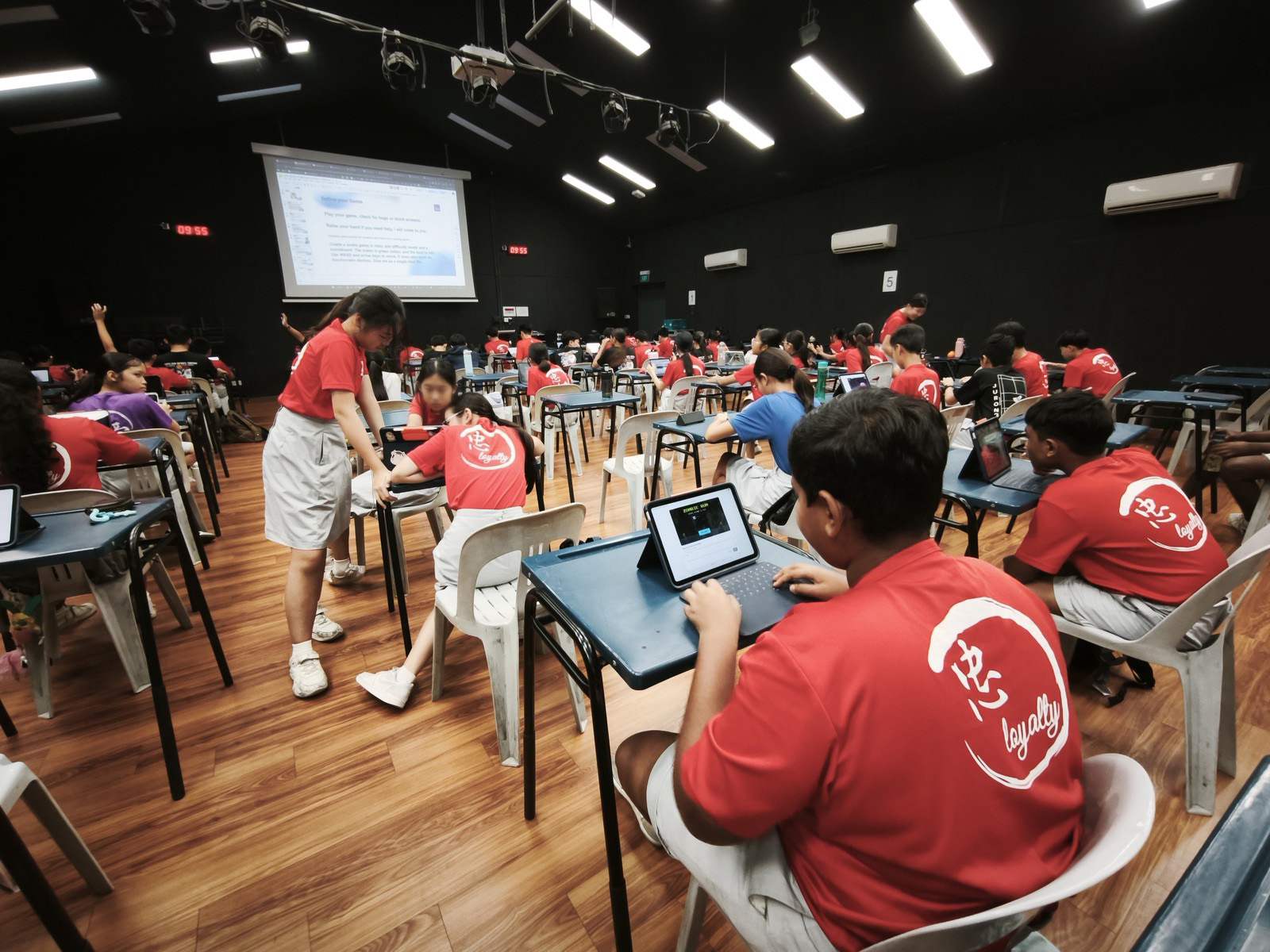
Day 2 was for refining and debugging. Students picked up the game they started on Day 1 and kept improving it.
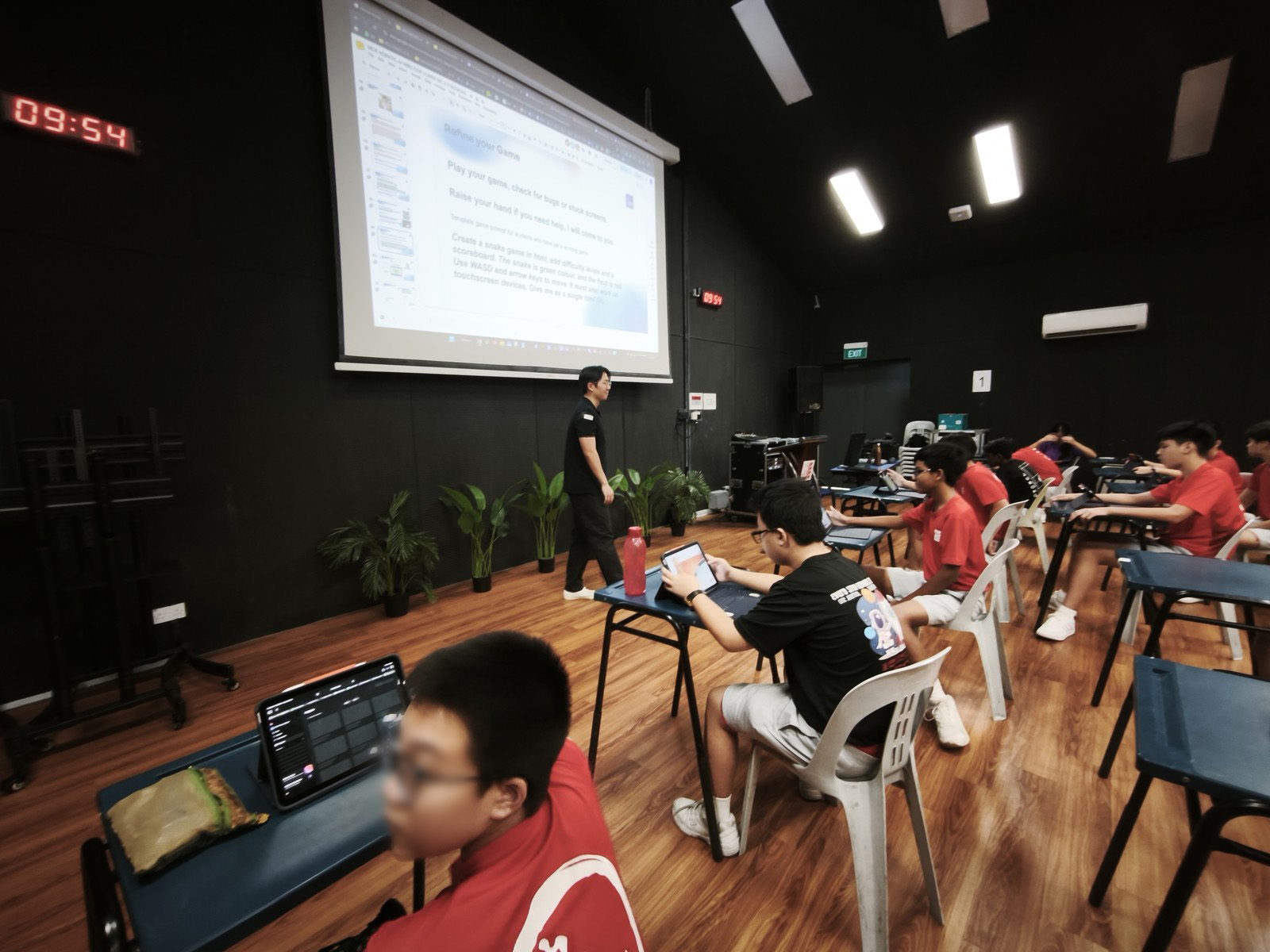
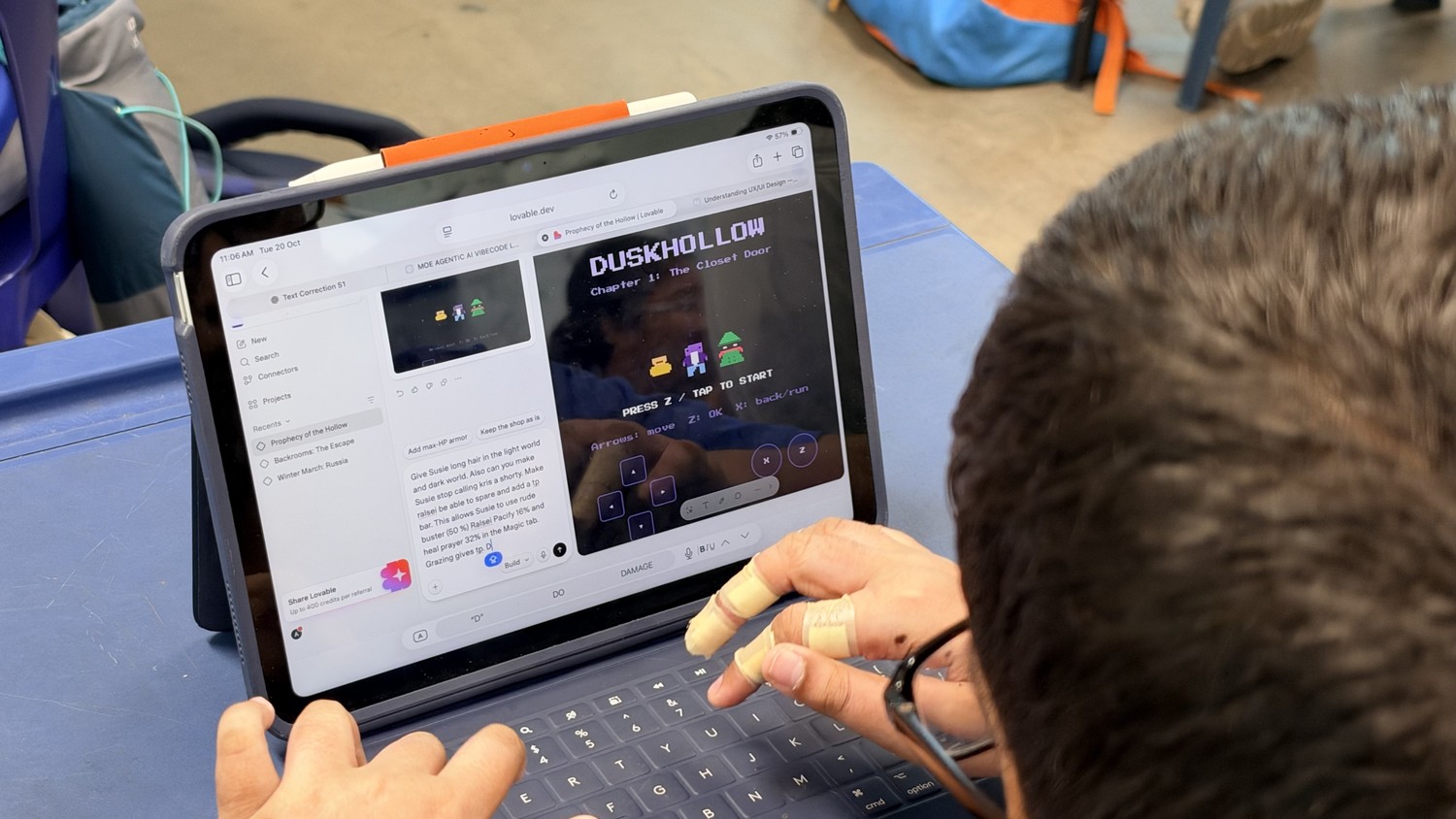
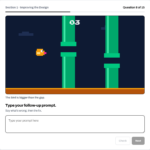
Most of the day went into follow-up prompts, because a first version is rarely right. The jump is too low, the text is hard to read, the score does not go up. Students learnt one rule for every change: say what is wrong, then say the fix. We walked through prompt examples for design and for debugging, and students practised on our prompting practice worksheet. The full method is in our post on AI prompting practice for students.
A debugging question from the prompting practice worksheet. Students spot what is wrong, then write the fix.
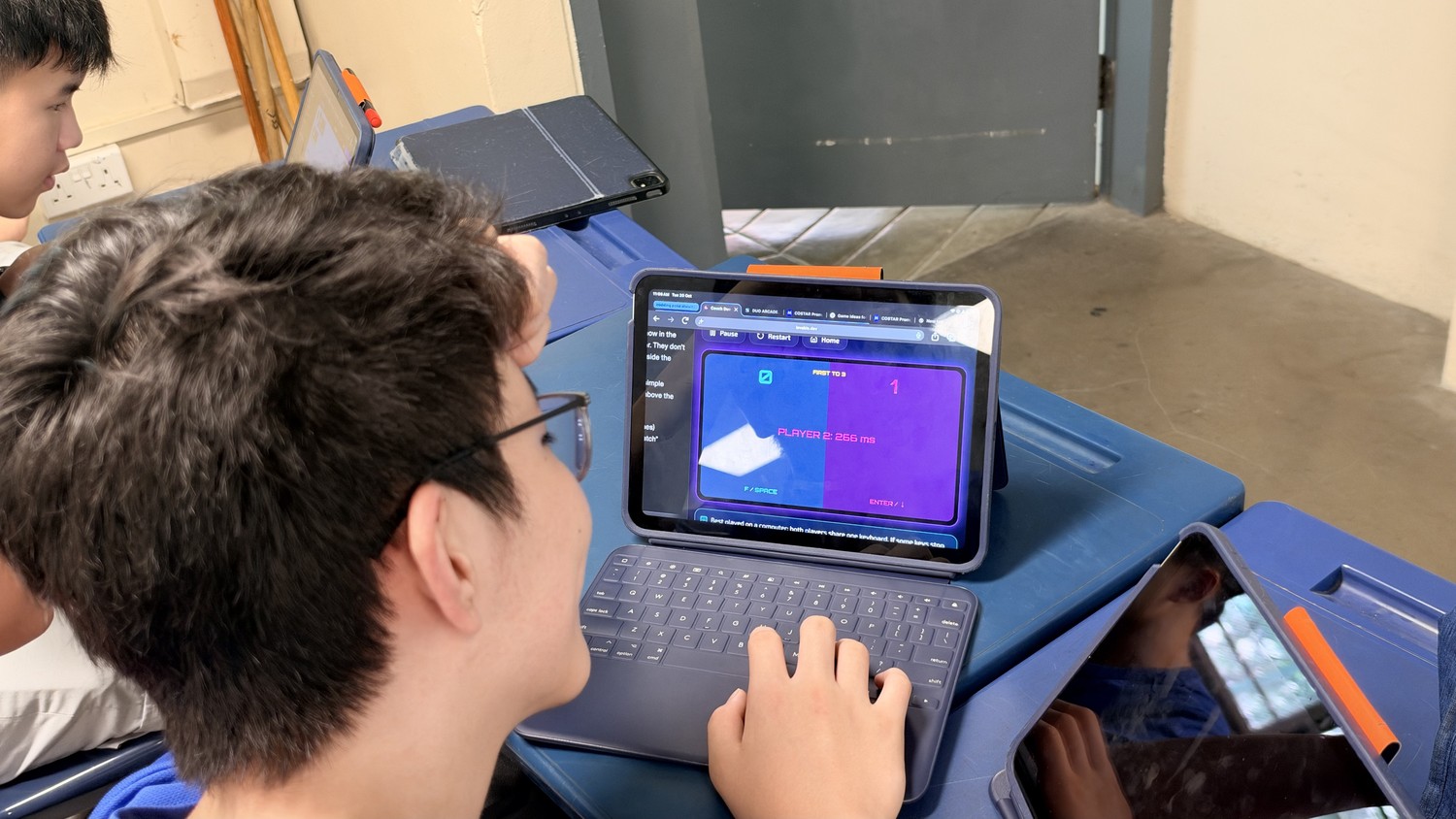
The rest of the day was playtesting, fixing and polishing, prompt after prompt, until students were happy to submit their game for the competition.
Want to run a vibe coding competition at your school? Email us or WhatsApp us for a proposal.
Voting in the Hall
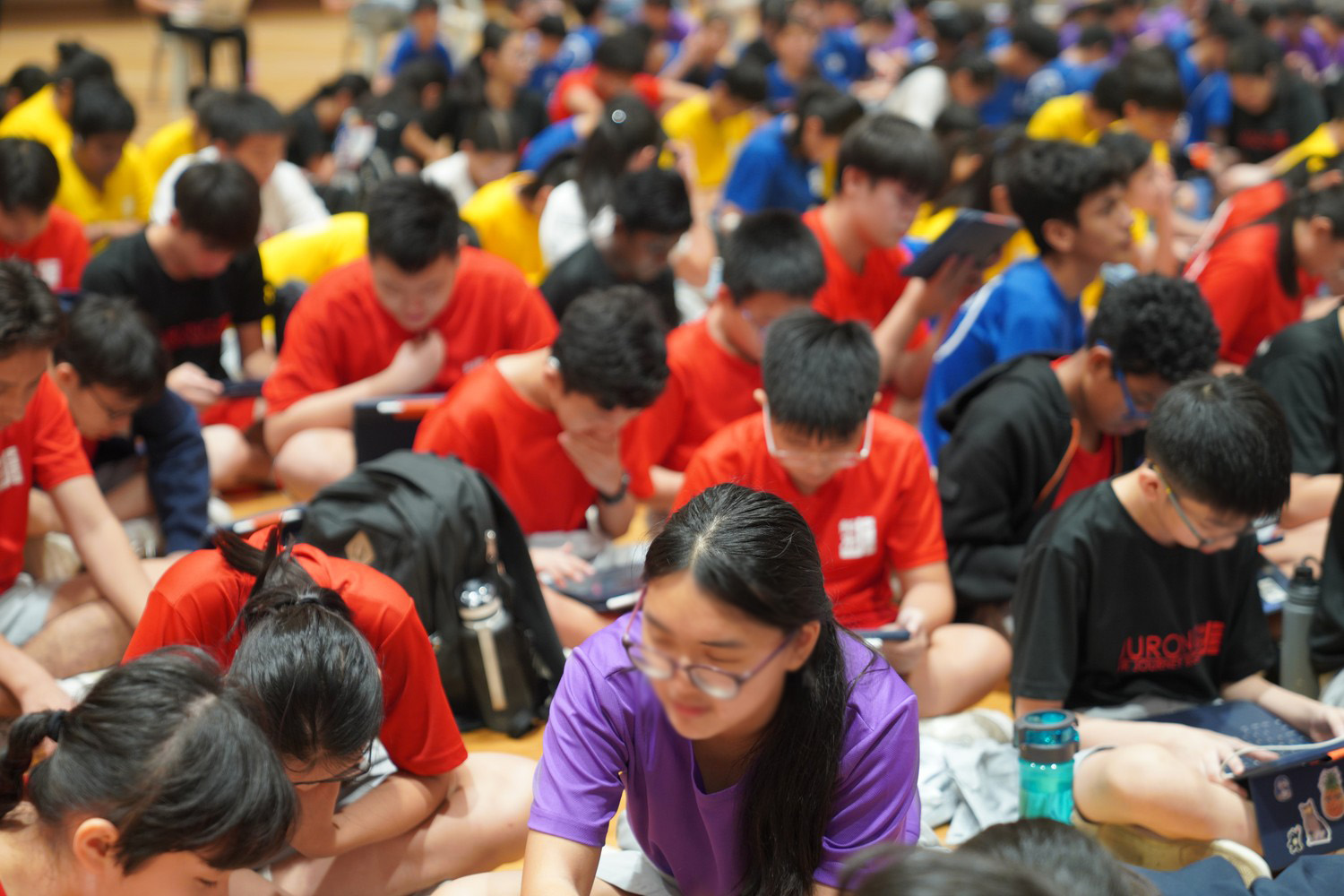
The competition ended in the school hall. Every submitted game went onto one competition web page, where anyone could click a game, play it in the browser and vote. Students voted for their favourite game in each of the 3 categories, and teachers voted too. Each teacher’s vote carried more weight, so the result balanced what students enjoyed with what teachers rated. A countdown timer on screen closed voting, and the results were tallied on the spot.
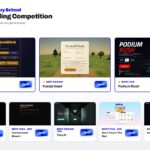
The competition page now shows the winners and runners-up. Open any game to play it.
For many students, this was the best part. They had spent 2 days on their own game, and now they could play what their classmates had built with the same tool in the same time.
Prize Giving and the 3 Winners
At prize giving, each winner came up to describe their idea and the challenges they faced while building it, in front of the whole level.
Best Idea: 3D HP Quidditch
A 3D flying game inspired by Harry Potter. Players choose a house and a position, then fly a broom to play Quidditch against the computer, or host a game and invite friends to join with a code. It also works on phones and tablets with an on-screen joystick.
Best Design: Foxtail Dash
A low-poly 3D runner set at golden hour. Players help a little fox race home before the sun sets, switching lanes, jumping logs, sliding under fallen trees and collecting acorns, with power-ups such as a magnet and a shield.
Most Fun: Podium Rush
A night-time racing game. Players start last of 23 cars and have 3 laps to overtake all 22 rivals under the floodlights, with a race radio calling out positions, penalties for leaving the track, and a DRS boost on the straights.
You can play the winning games on the competition page.
How We Teach
Teach prompting before building. (we emphasized to them, learn how to run before learning how to skateboard)
A full day on COSTAR and planning meant students arrived at the coding platform knowing what they wanted, so their first prompts were stronger and they spent Day 2 improving their games instead of starting over.
Treat follow-up prompts as the key skill. The first prompt gets a draft, and the finished game comes from dozens of short, specific follow-up prompts. That is also the skill students will carry into every AI tool they use after this. (we teach them to make their replies concise, detailed and specific)
Share the scoring rubric early, so students can plan for it from the start.
Let students judge each other. Playing and voting in the hall gave every student a real audience for their work, and adding teacher votes kept the result fair.
Give the winners the stage, for a sense of pride for their work well done. Give them useful productivity presents they can use straightaway. (RGB mechanical wireless keyboard, wireless headphones, RGB gamer mice) When winners explained their idea and their challenges, prize giving became one more lesson for the whole level. Encourage the rest that didn’t win, to not overly focus on the goal & reward, but also enjoy the journey and activity.
Bring the Vibe Coding School Program to Your Students
Two fun days is a short time, what stayed with us is the kids’ brain unlock (that’s what our MT logo is about), how many of them left the hall knowing they could build something real with AI, and learning what is possible.
This 2-day format was a customized program out of our Agentic AI coding workshops for schools, one of our AI workshops in Singapore for students. You can also read about our vibe coding workshop at Crescent Girls’ School, or the wider case for vibe coding as school enrichment.
To bring a vibe coding competition to your school, reach out via email or WhatsApp for a proposal.
Photos From the Competition
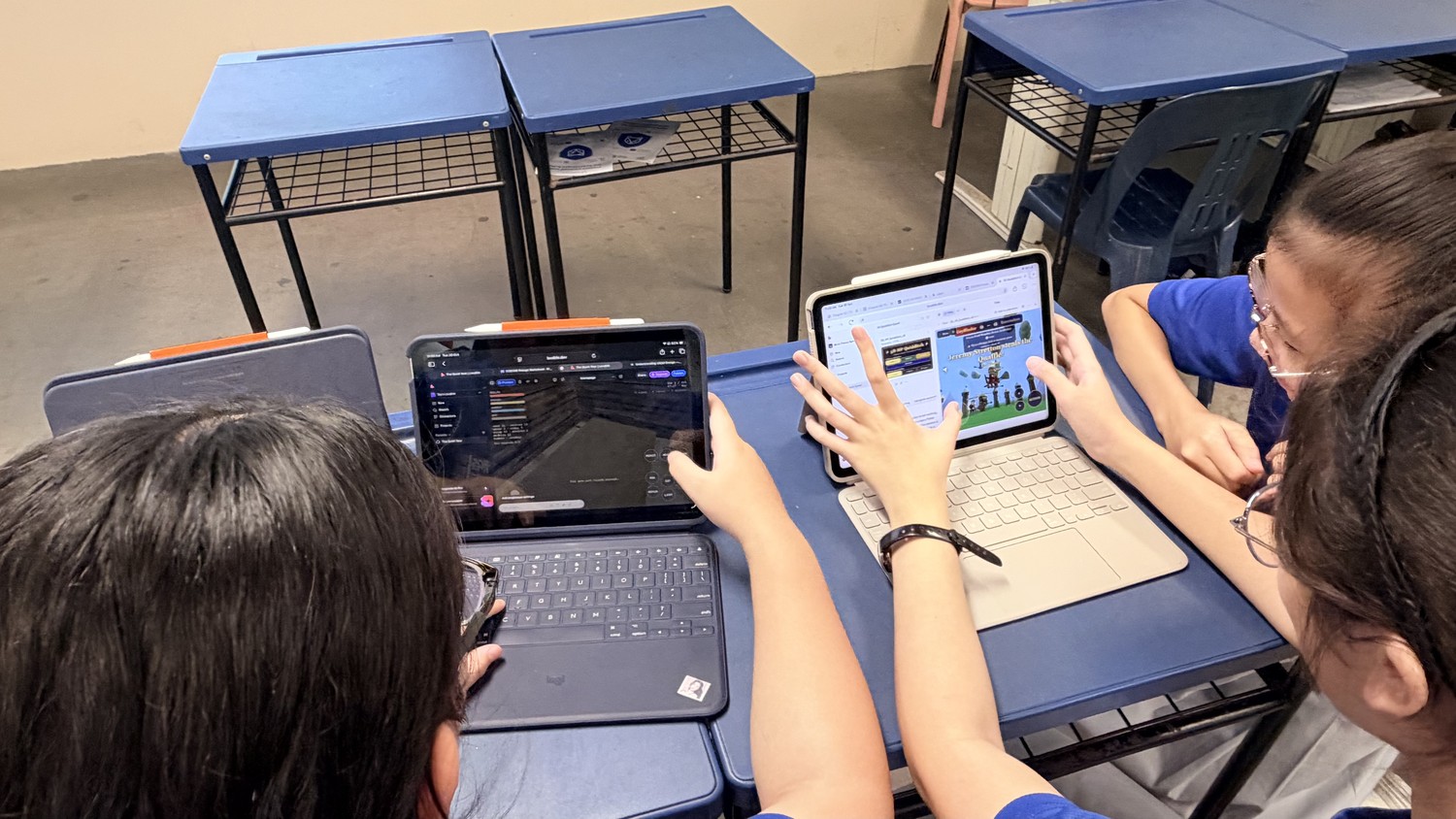
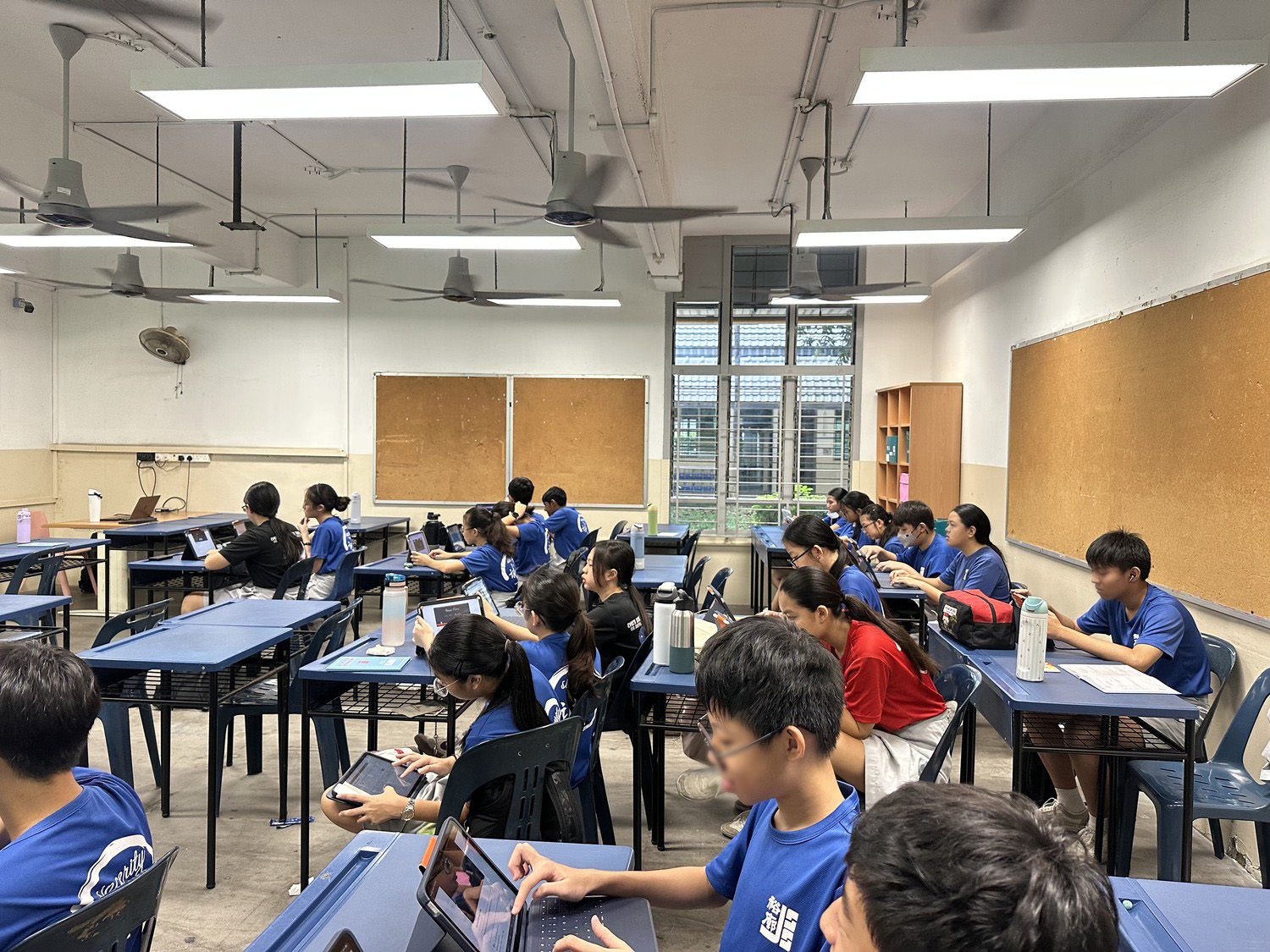
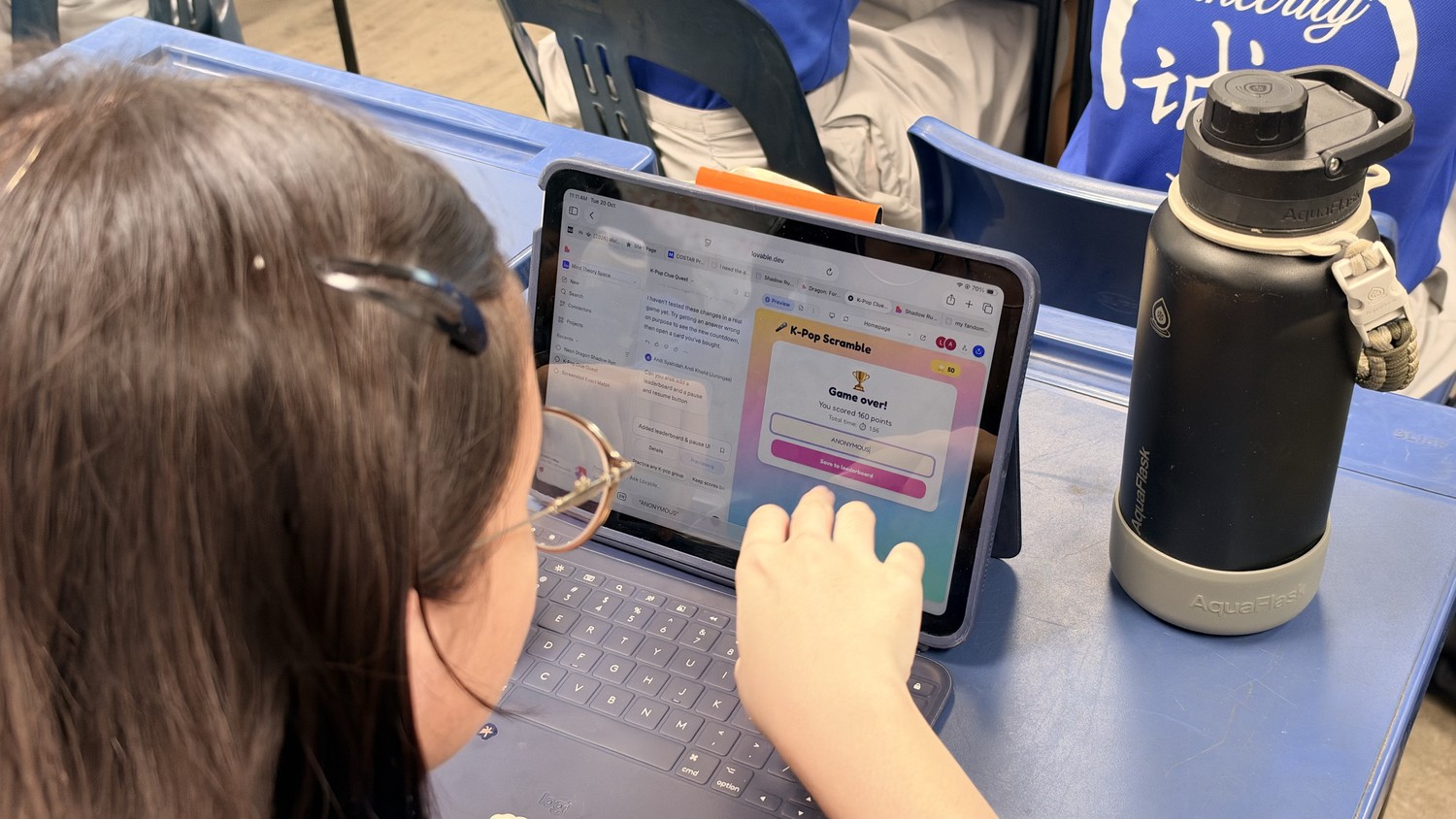
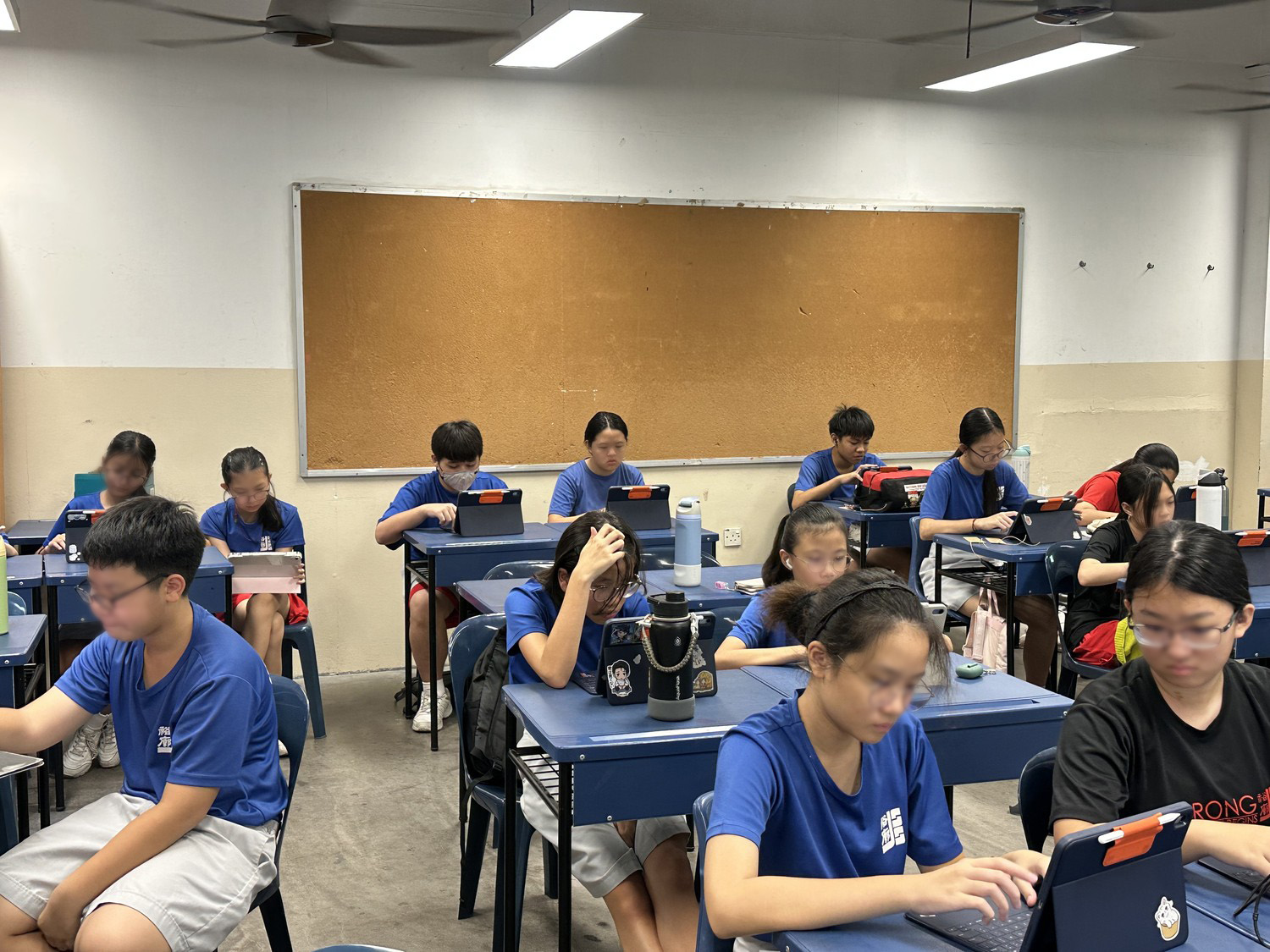

FAQ
Do students need coding experience to join a vibe coding competition?
No. Students describe their game in plain English and the AI writes the code. The skills they learn are planning, prompting, testing and improving.
How long does the competition take?
This one ran over 2 days. Day 1 covered AI basics, prompt engineering and planning, then students learnt the coding tool and built the first version of their game. Day 2 was for refining and debugging with follow-up prompts, then submitting and voting.
How are the winners chosen?
Students and teachers play the games on a shared competition page and vote in each category. Teacher votes carry extra weight, and the results are tallied at the end of voting.
What AI tool do students use?
At Jurong Secondary School students used Lovable, an AI app builder. We adapt the tool to the school's devices and IT setup.
Can this be run for a whole level?
Yes. Jurong Secondary School ran it for 250 students across 8 classes.
Recent Articles
-
 Vibe Coding: The Enrichment Skill every School needs in 2026.
-
 The AI Literacy skill Your Teen’s Future Depends On – AI Coding
-
 Mind Theory launches MTCode IDE for Teen Vibe Coders
-
 Mind Theory launches MTCode CLI, a Terminal for Agentic Coding
-
 Best Holiday Camps in Singapore 2026: The Complete Parent’s Guide
-
 AI Sprint Holiday Camp Singapore | June 2026 (Ages 9-16)
-
 Discover Your Child’s Hidden Talents During School Breaks: A Practical Guide for Singapore Parents
-
 How to Use the School Break to Discover Your Strengths: A Guide for Curious Learners
-
 Coding, Editing or Design: Productive Holiday Skills to Learn
-
 5-Day AI Storytelling Camp
-
 CapCut Workshop for Singapore Schools | Secondary School Programme
-
 Generative AI Summer Holiday Camps
-
 September Holiday Camps – AI Art
-
 Roblox Coding Camp Singapore | 5-Day Holiday Camp for Kids
-
 AI Prompt Engineering Workshop for Singapore Schools | Mind Theory
-
 AI Prompting Practice: How Students Learn to Write Effective Prompts
-
 Teaching COSTAR: GovTech’s Prompt Framework for Secondary School Students
-
 Jurong Secondary School Vibe Coding Competition: 250 Students, 8 Classes, 2 Days
-
 MTCoder: An AI Coding Tool Built for School Coding CCAs
-
 Z-Image in ComfyUI: 150 AI Fashion Models, One Studio Look
-
 MT SandBox: A Sandbox Game Mind Theorians Build Together