
Building Real Projects with Agentic AI
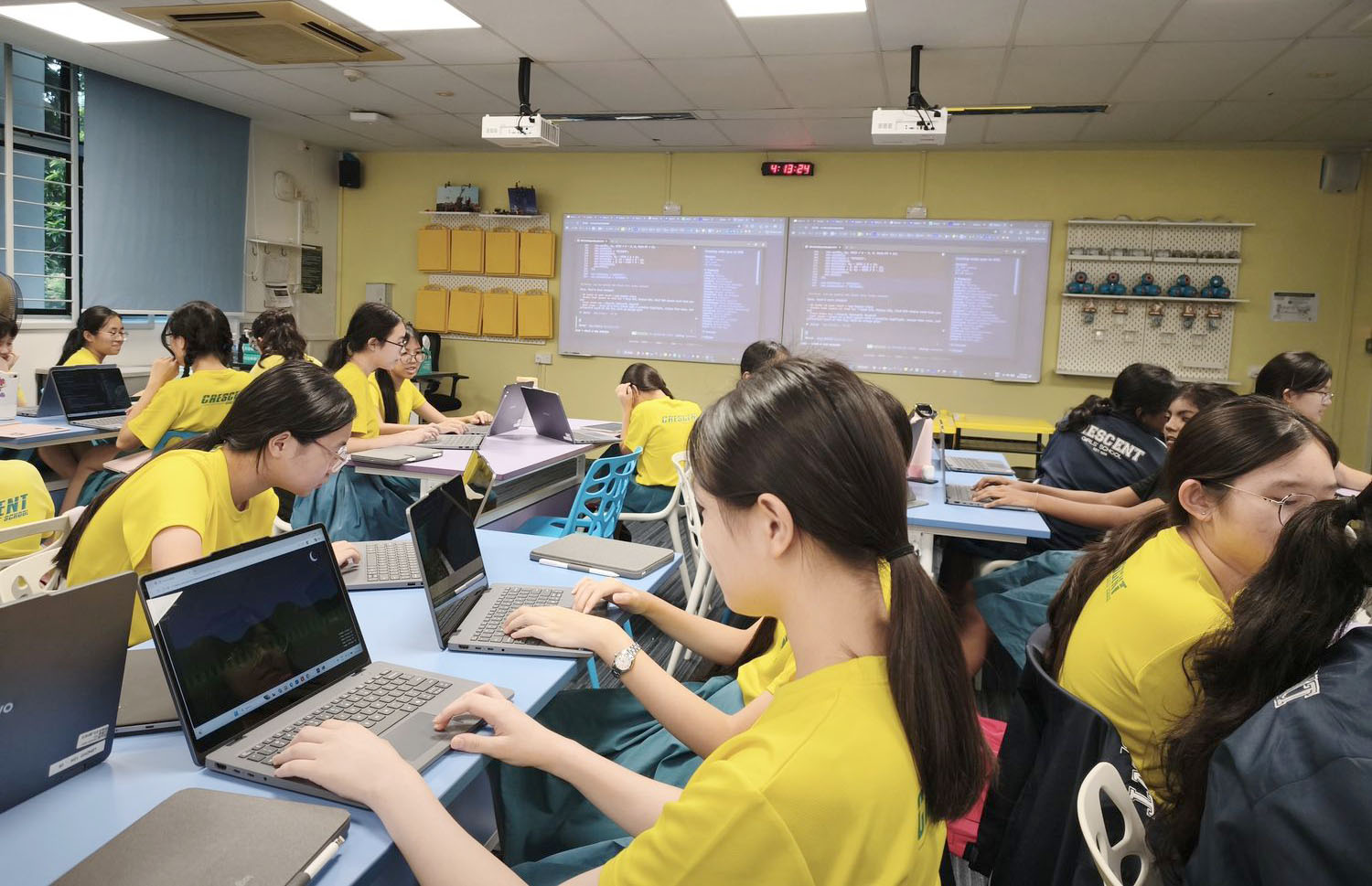
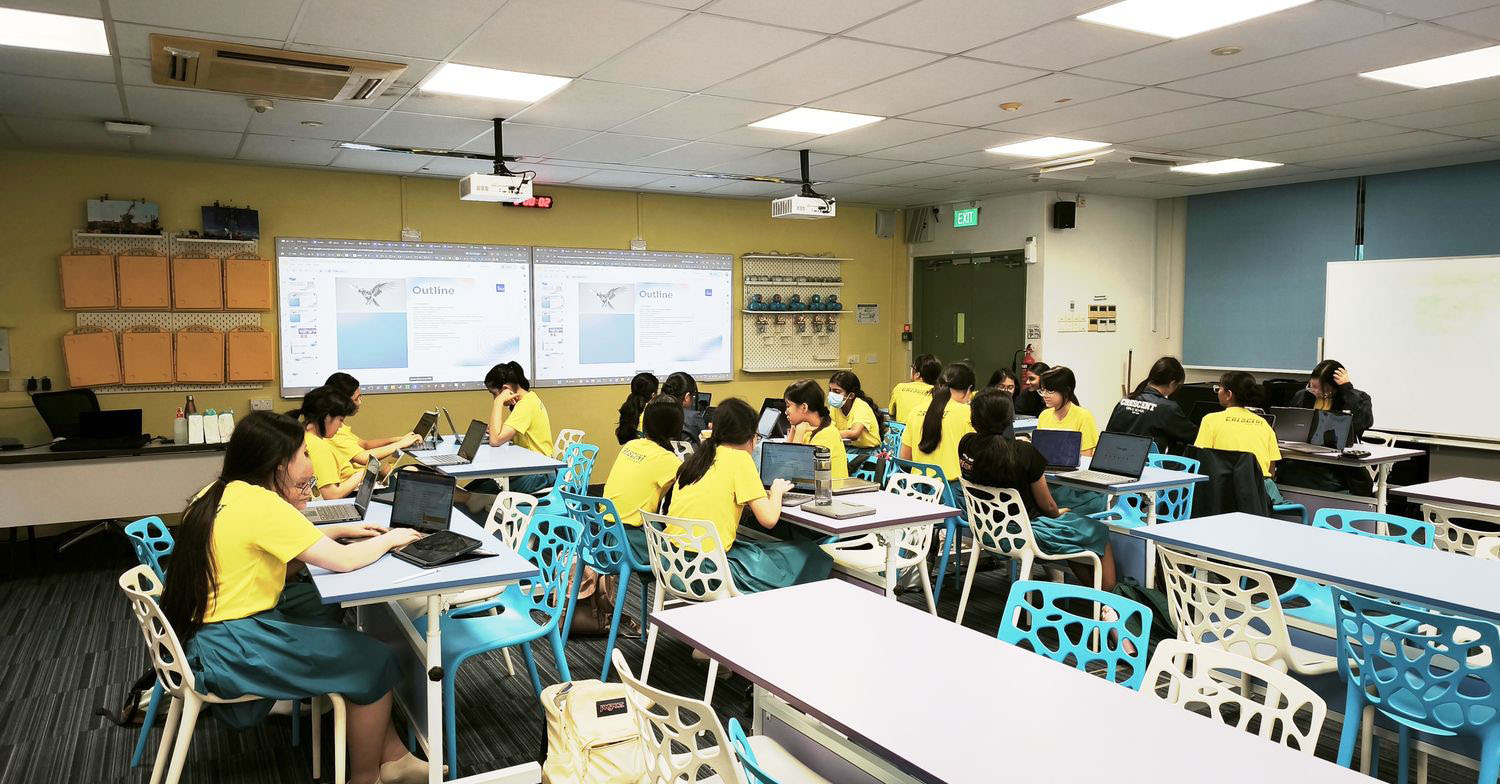
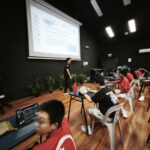
Crescent Girls’ School engaged Mind Theory to run an Agentic AI Vibe Coding Workshop for their Computer CCA, with Sec 1-3 students taking part across 4 x 2hr sessions. Every session paired concepts with hands on practice, so students finished the programme having built 4 working projects of their own: an online quiz, an HTML game, a note taking app, and their own website. (Schools can read more about the full programme on our Agentic AI Coding Workshop page.)
Lesson 1: What is Agentic Coding
The first session opened with a look at what AI is and what it can already do, before introducing agentic AI: AI that can plan, take actions, and complete multi step tasks on its own rather than only answering questions. Students saw real examples of the benefits, then compared the leading tools in a comparative overview of Google Antigravity, OpenAI Codex, Claude Code, GitHub Copilot in VS Code, and MTCode.
We also covered the difference between an IDE (Integrated Development Environment) and a CLI (Command Line Interface), and how AI assisted development differs from traditional line by line coding. Students then went hands on with the MTCode terminal CLI, following a live project demo to build their first project: an online quiz.
Lesson 2: Prompting Frameworks
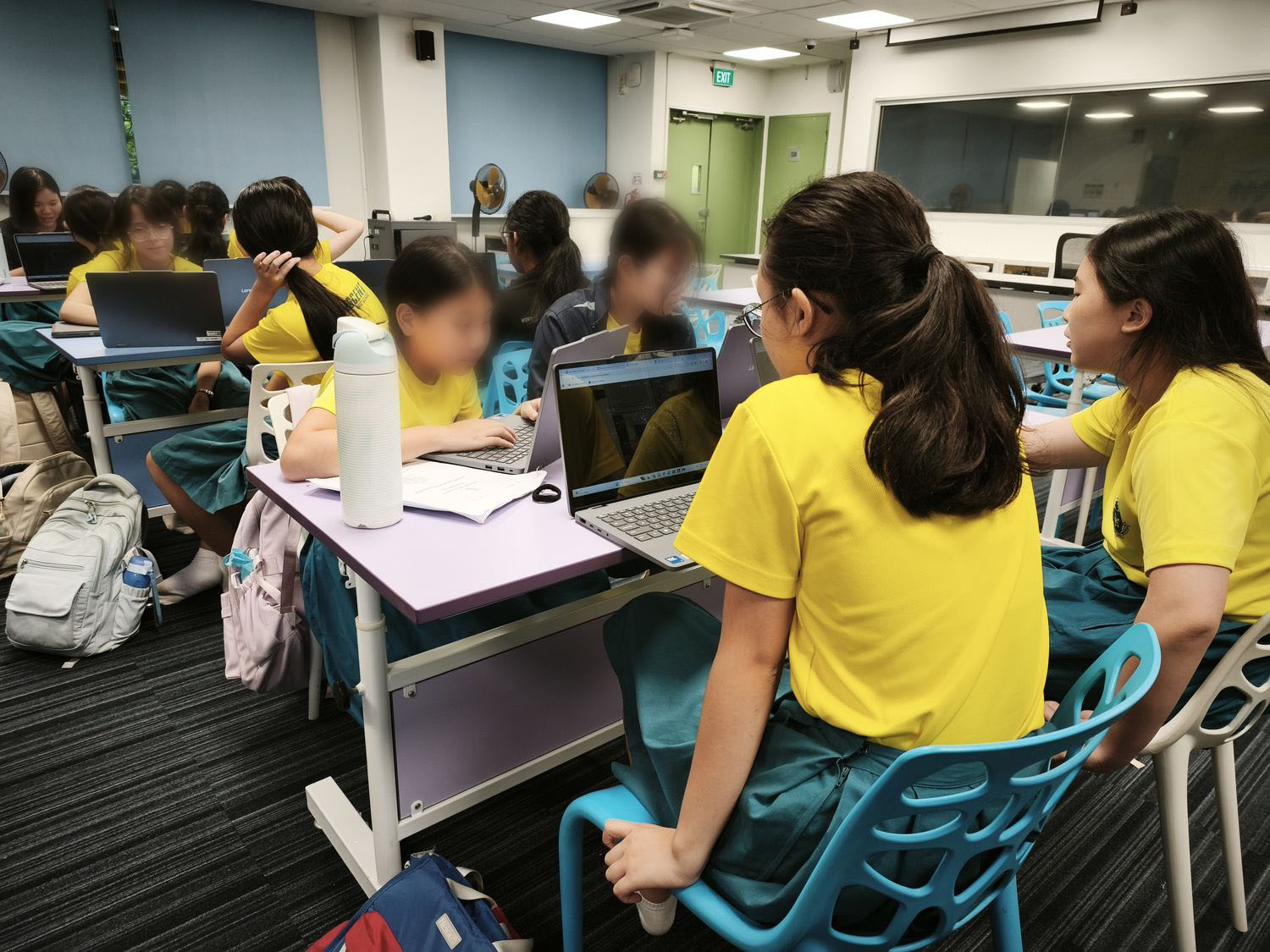
Session 2 focused on the skill that matters most in vibe coding: writing clear, structured prompts. Students learned Google’s 5 Step Prompt Framework and worked through example prompts showing how specific, structured instructions produce far better results than vague ones.
They were also introduced to Markdown files and Skills, the building blocks agentic tools use to store instructions and reusable behaviours. Continuing in the MTCode CLI, students put the framework to work on their second project: building their own HTML game.
Lesson 3: Moving into an IDE
Session 3 moved students from the CLI into a full IDE. They signed up for their own free GitHub accounts, explored the GitHub Copilot in VS Code interface, and learned when to use its Plan, Ask, and Build modes.
Their third project was a note taking app. Students described the app they wanted in natural language, watched Copilot build it, then refined the output through iterative instructions and debugging. Testing and improving their own app taught them the core loop of AI assisted development: describe, build, test, refine.

Lesson 4: Shipping Their Own Website
The final session continued in GitHub Copilot VS Code, with students learning to modify their app’s interface, fonts, colours, logic, and features through prompting alone. Then came the highlight of the programme: each student designed and built a website of her own, on a topic she chose herself.
We closed with a discussion on ethical AI usage, weighing the pros and cons of building with AI, followed by a Q&A and a glossary recap of the terms covered across the 4 sessions.
What the Students Built in 4 Sessions
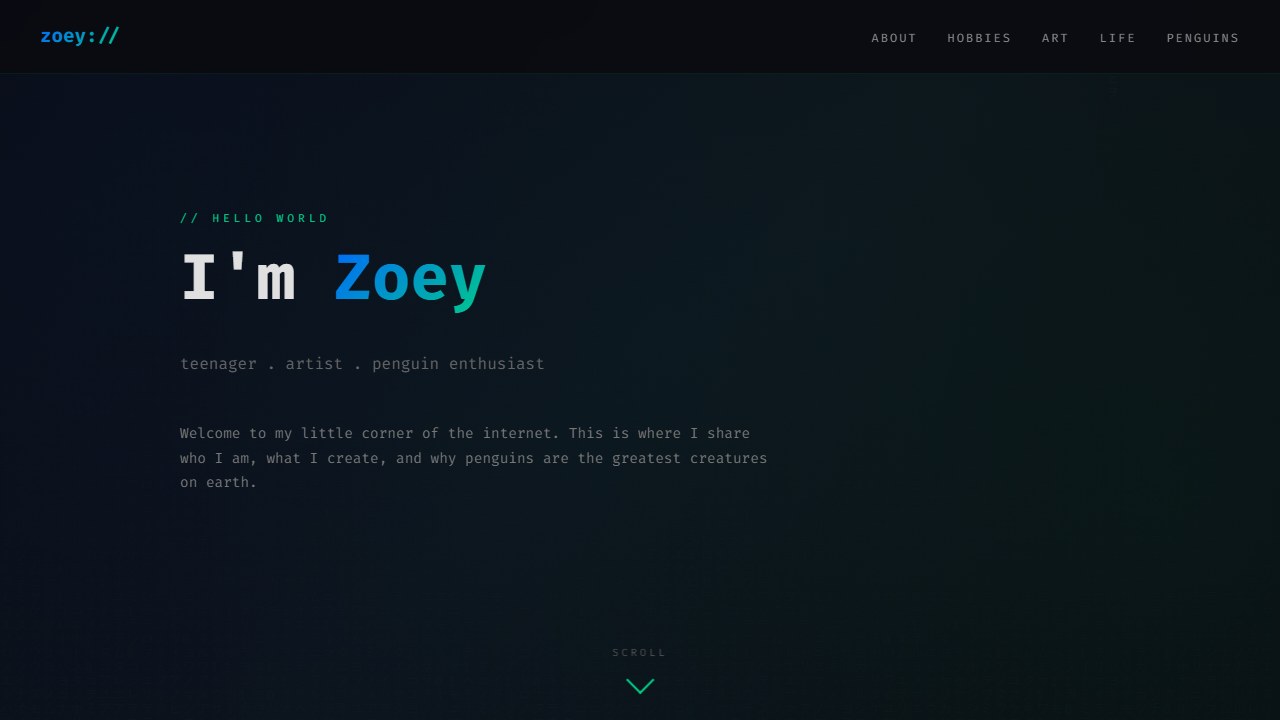
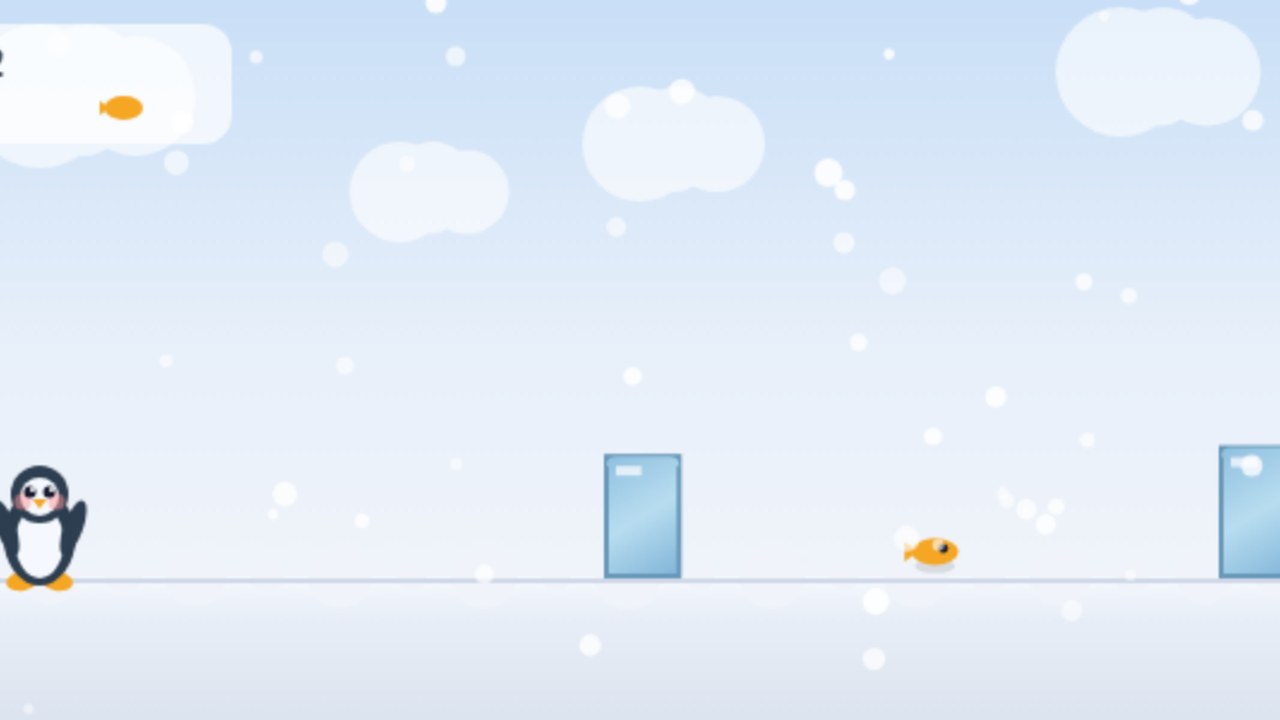
Here are some selected student projects, live and working exactly as the students shipped them. Click a card to load it right here, or use the full screen link under each one.
Personal Sites


Games





Tools


Browse every app and game our students have built on our Student Showcase.
Reviews & Feedback
“I enjoyed being able to create a website of my own with my own ideas. The actual coding itself wasn’t that hard because it’s just prompting. This program is very informative and allows students to know how they can easily prompt AI, in detail, to code something for them.” – Sarah
“I enjoyed being able to brainstorm and create our own projects and see the webpage being created. The content was easy to understand because using AI to vibe code is quite straightforward, but I learned how to prompt AI in a more specific manner. The trainer was quite helpful whenever we needed assistance.” – Delfyne
“I enjoyed using MTCode to make games and websites. The content was definitely easy to understand as I carried out the project easily. The trainer was patient and kind. I would recommend it to any of my friends.” – Zoey
Summary
This Agentic AI Vibe Coding Workshop gave the Computer CCA students at Crescent Girls’ School a genuine head start in the way software is now being built. Across 4 sessions, every student went from her first prompt to a finished website, learning to direct AI tools with clear, structured instructions rather than writing every line of code by hand. For a deeper look at why vibe coding belongs in every school’s enrichment calendar, read our post on Vibe Coding as an enrichment skill. For a larger format, read how we ran a vibe coding school program and games competition at Jurong Secondary School.
If you’d like us to run this programme for your school, enquire now via Email or Whatsapp.

FAQ
What was the Agentic AI Vibe Coding Workshop at Crescent Girls' School?
Mind Theory ran a 4 x 2hr Agentic AI Vibe Coding Workshop for the Computer CCA at Crescent Girls' School, with Sec 1-3 students. Each session paired concepts with hands on practice, and every student built 4 working projects: an online quiz, an HTML game, a note taking app, and her own website.
Which AI coding tools did students use?
Students used the MTCode terminal CLI and GitHub Copilot in VS Code across the 4 sessions. Our workshops run on either Microsoft VS Code, Github Copilot, MTCode, Opencode or Lovable (if using tablets). Students use the free trial versions provided by the various cloud AI companies.
Do students need prior coding experience?
No prior coding experience is required. Students describe what they want in natural language, the AI writes the code, and students learn to review, test, and refine the output with clear, structured prompts.
What format does the workshop run in?
Our default is 4 x 2hr classes, with 2 or 3 x 2hr and customised blocks also offered. Crescent Girls' School ran a 4 x 2hr format for their Computer CCA, which gave students time to complete more projects.
How many students can attend one session?
We run 30 students per instructor. Larger cohorts bring in additional instructors so each student still gets individual attention.
How can our school book this workshop?
Yes, do each out via email at info@mindtheory.sg or WhatsApp for a proposal. Pricing depends on sessions, duration, and cohort size.
Recent Articles
-
 Vibe Coding: The Enrichment Skill every School needs in 2026.
-
 The AI Literacy skill Your Teen’s Future Depends On – AI Coding
-
 Mind Theory launches MTCode IDE for Teen Vibe Coders
-
 Mind Theory launches MTCode CLI, a Terminal for Agentic Coding
-
 Best Holiday Camps in Singapore 2026: The Complete Parent’s Guide
-
 AI Sprint Holiday Camp Singapore | June 2026 (Ages 9-16)
-
 Discover Your Child’s Hidden Talents During School Breaks: A Practical Guide for Singapore Parents
-
 How to Use the School Break to Discover Your Strengths: A Guide for Curious Learners
-
 Coding, Editing or Design: Productive Holiday Skills to Learn
-
 5-Day AI Storytelling Camp
-
 CapCut Workshop for Singapore Schools | Secondary School Programme
-
 Generative AI Summer Holiday Camps
-
 September Holiday Camps – AI Art
-
 Roblox Coding Camp Singapore | 5-Day Holiday Camp for Kids
-
 AI Prompt Engineering Workshop for Singapore Schools | Mind Theory
-
 AI Prompting Practice: How Students Learn to Write Effective Prompts
-
 Teaching COSTAR: GovTech’s Prompt Framework for Secondary School Students
-
 Jurong Secondary School Vibe Coding Competition: 250 Students, 8 Classes, 2 Days
-
 MTCoder: An AI Coding Tool Built for School Coding CCAs
-
 Z-Image in ComfyUI: 150 AI Fashion Models, One Studio Look
-
 MT SandBox: A Sandbox Game Mind Theorians Build Together