
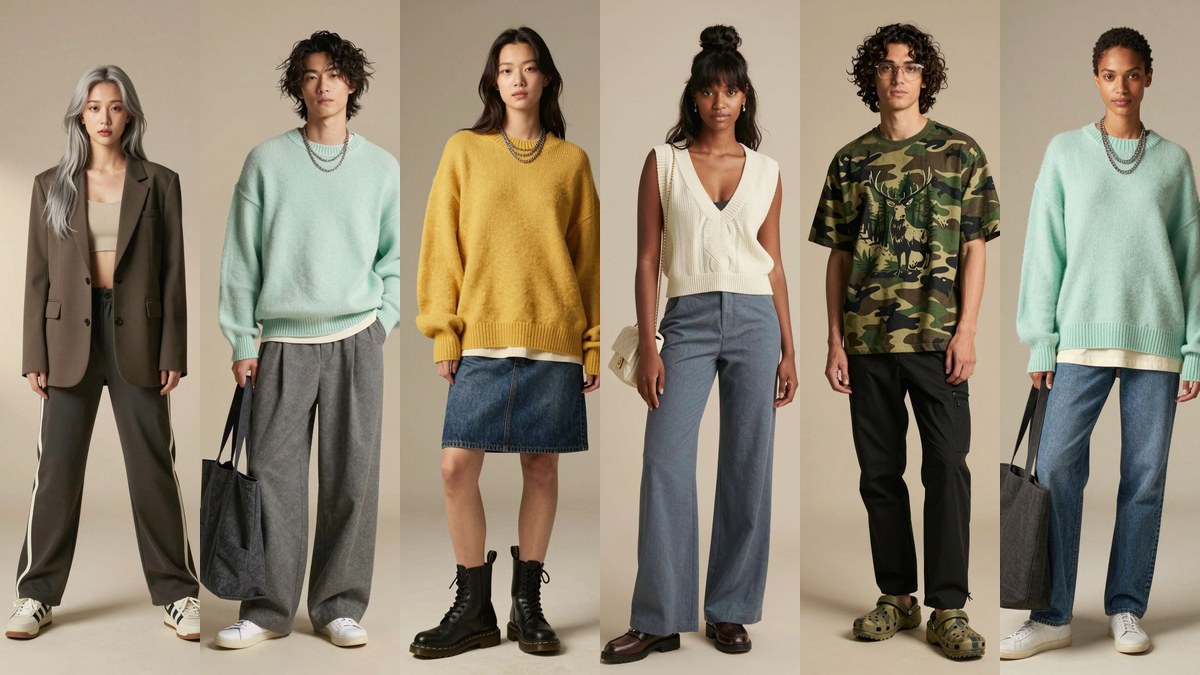
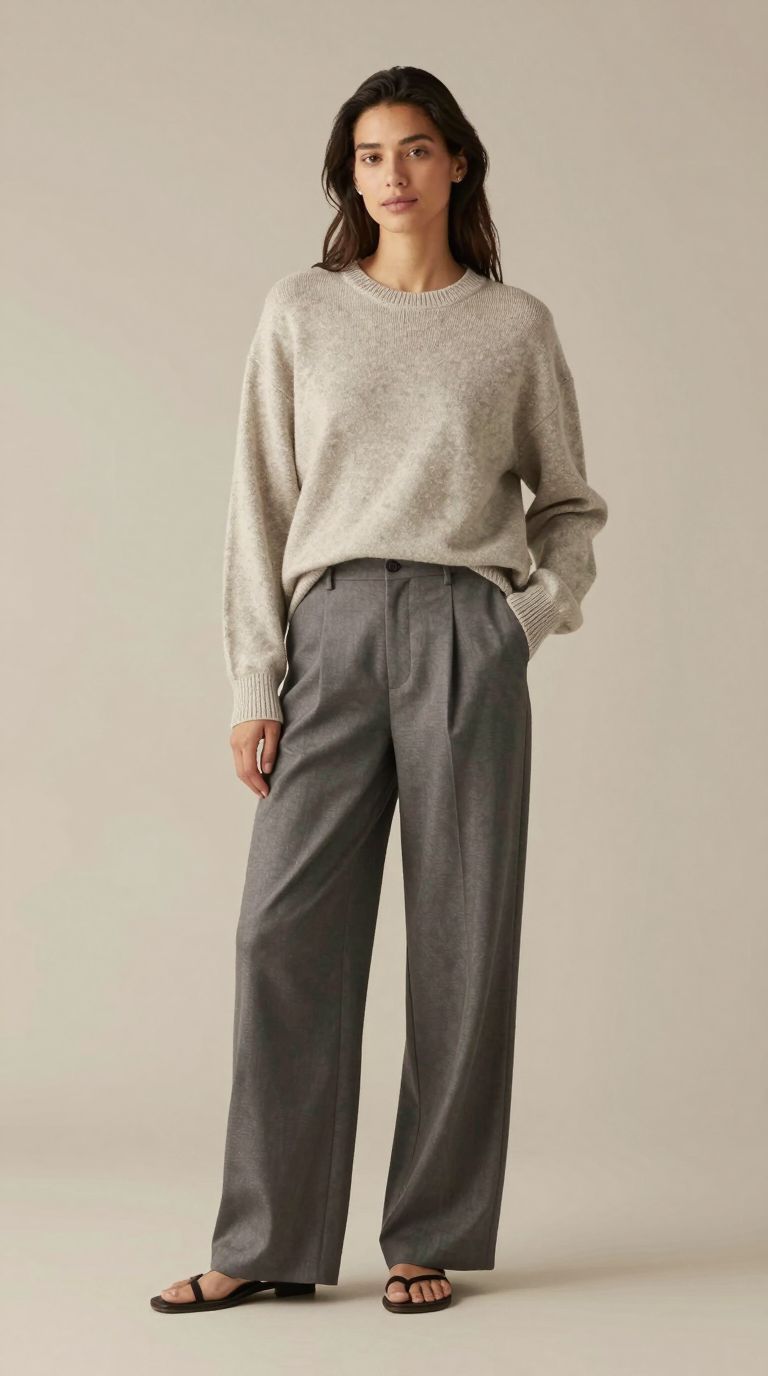
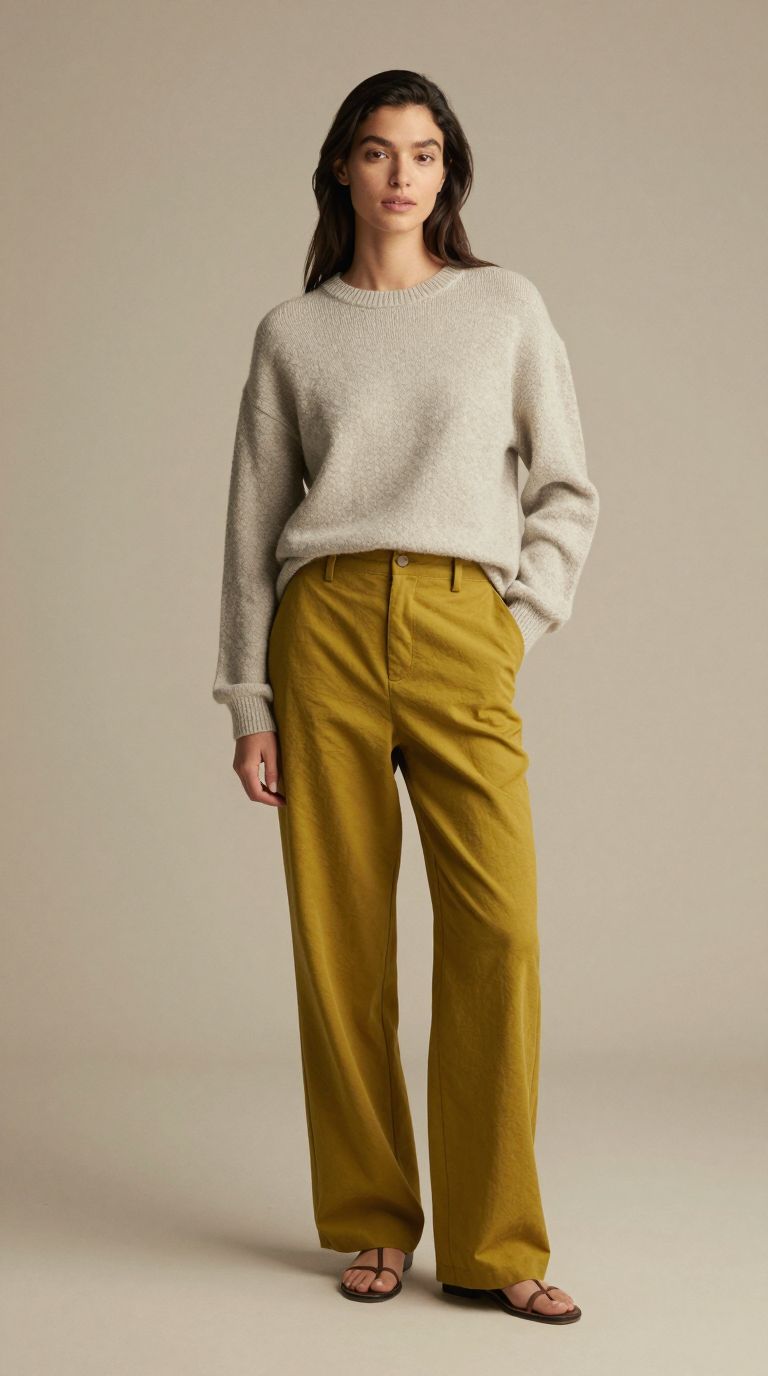
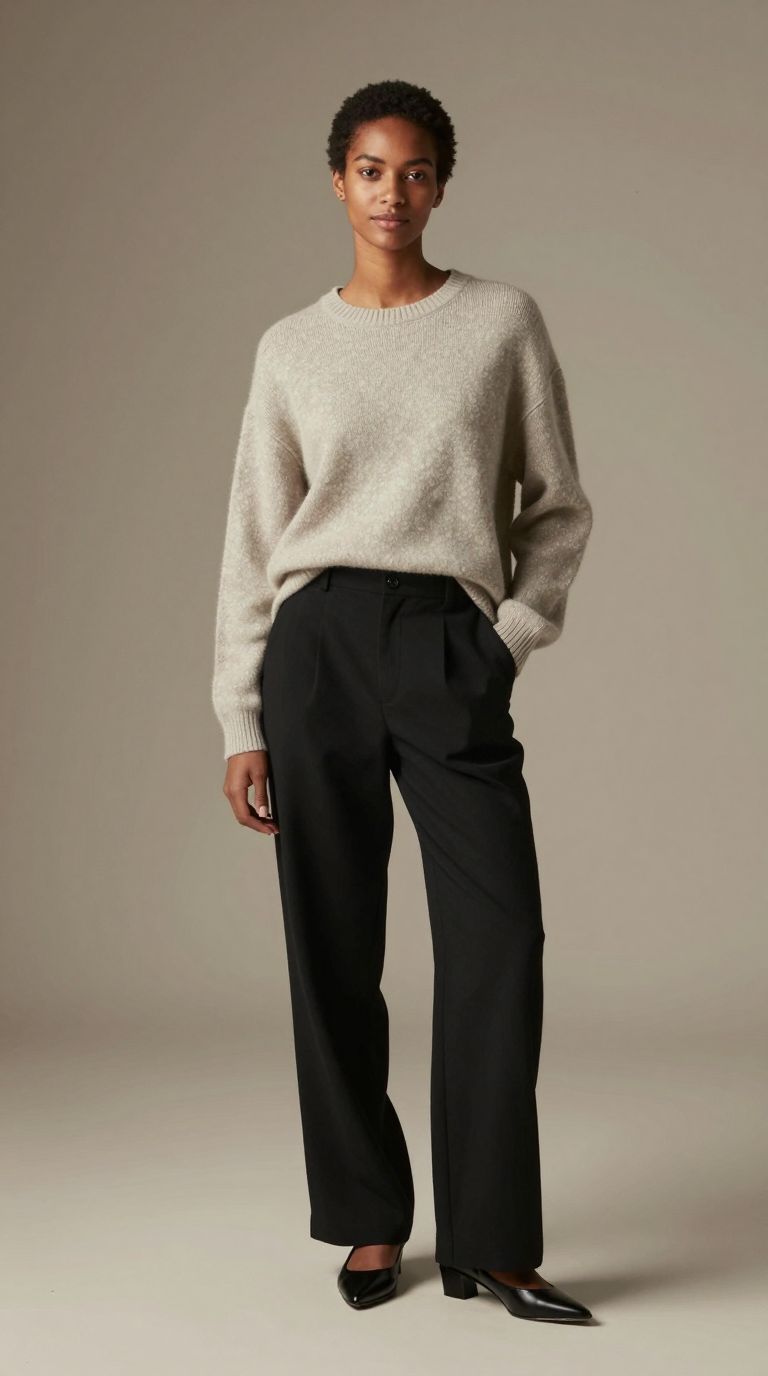
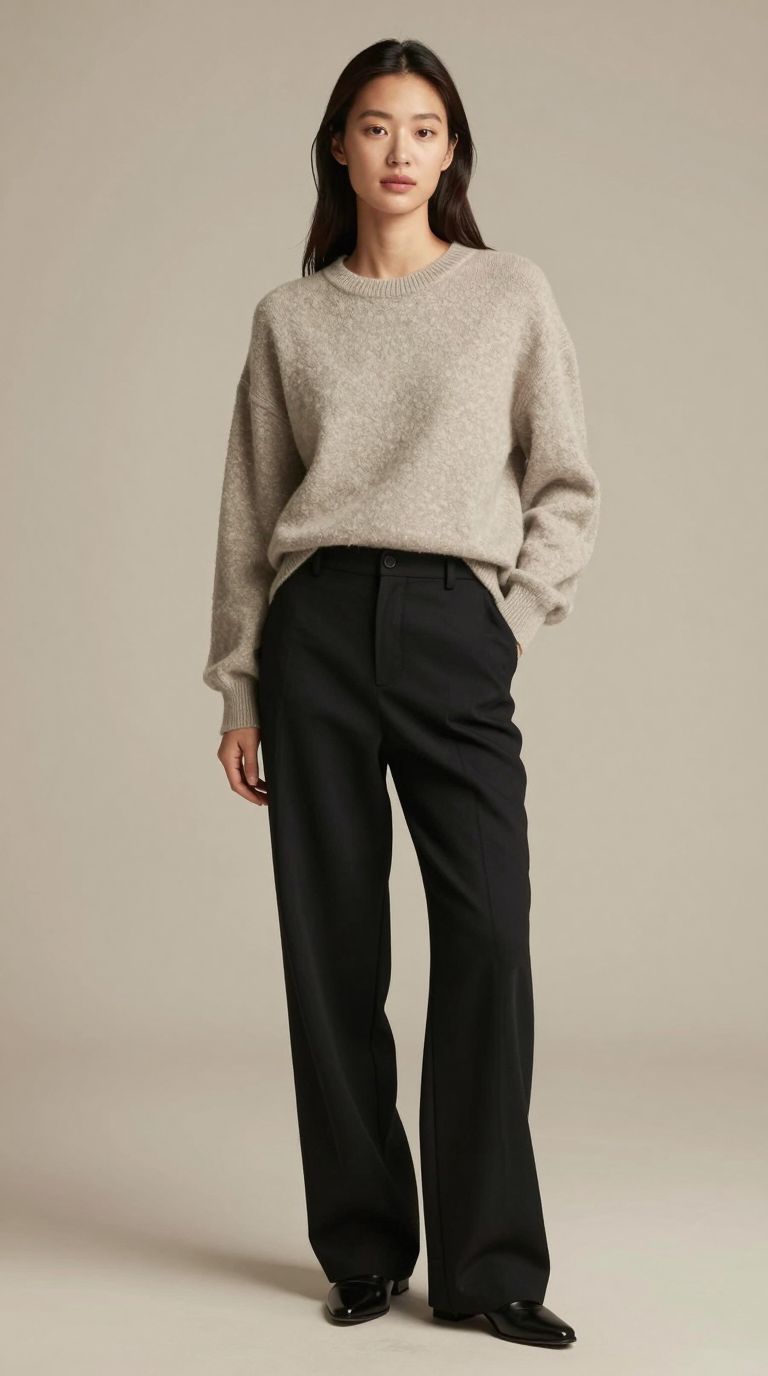
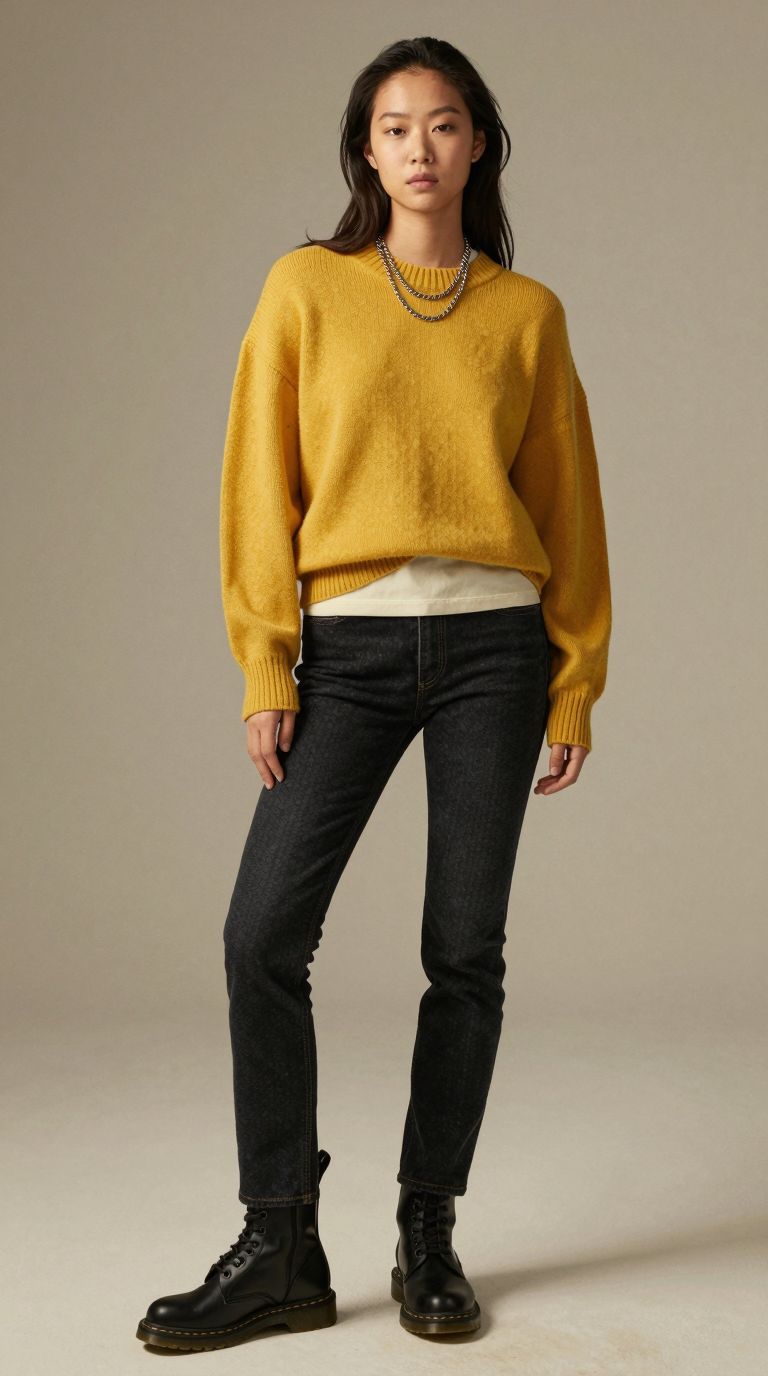
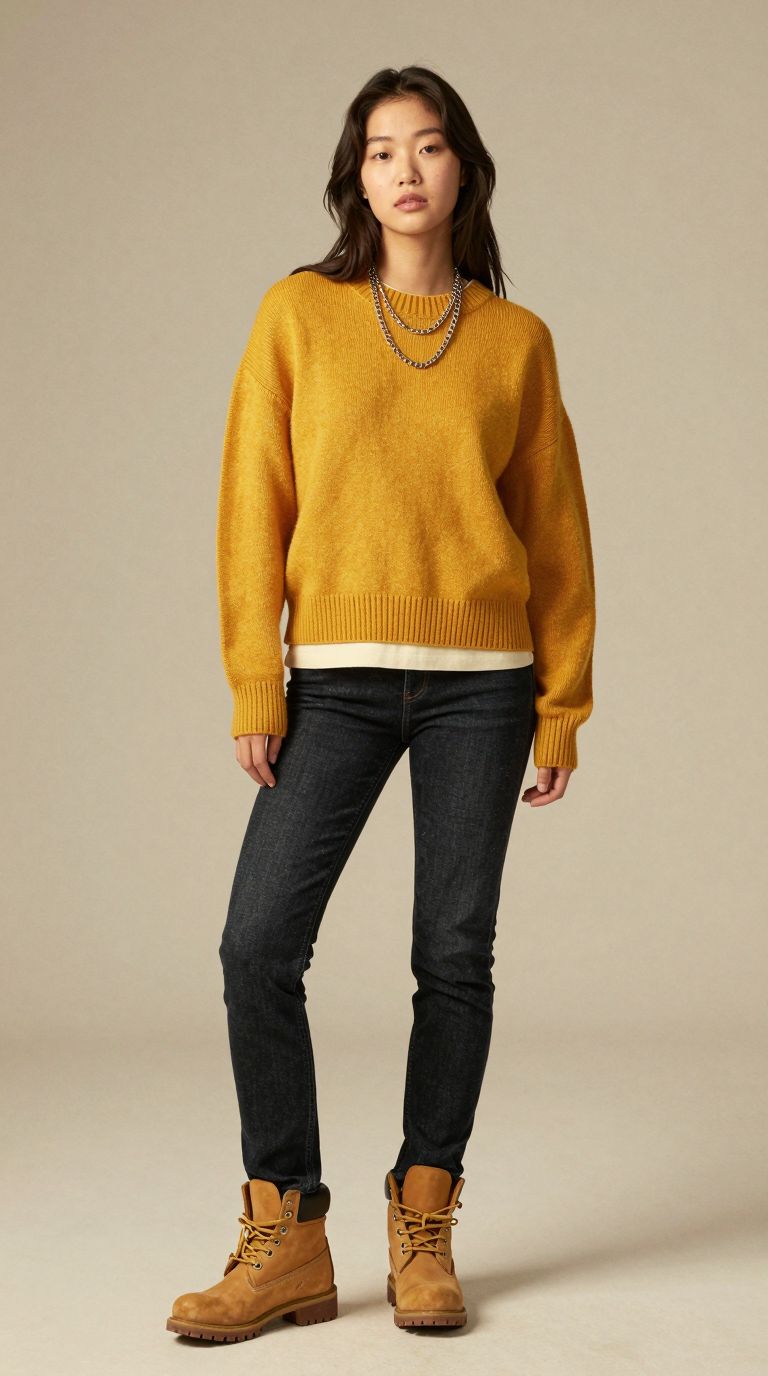
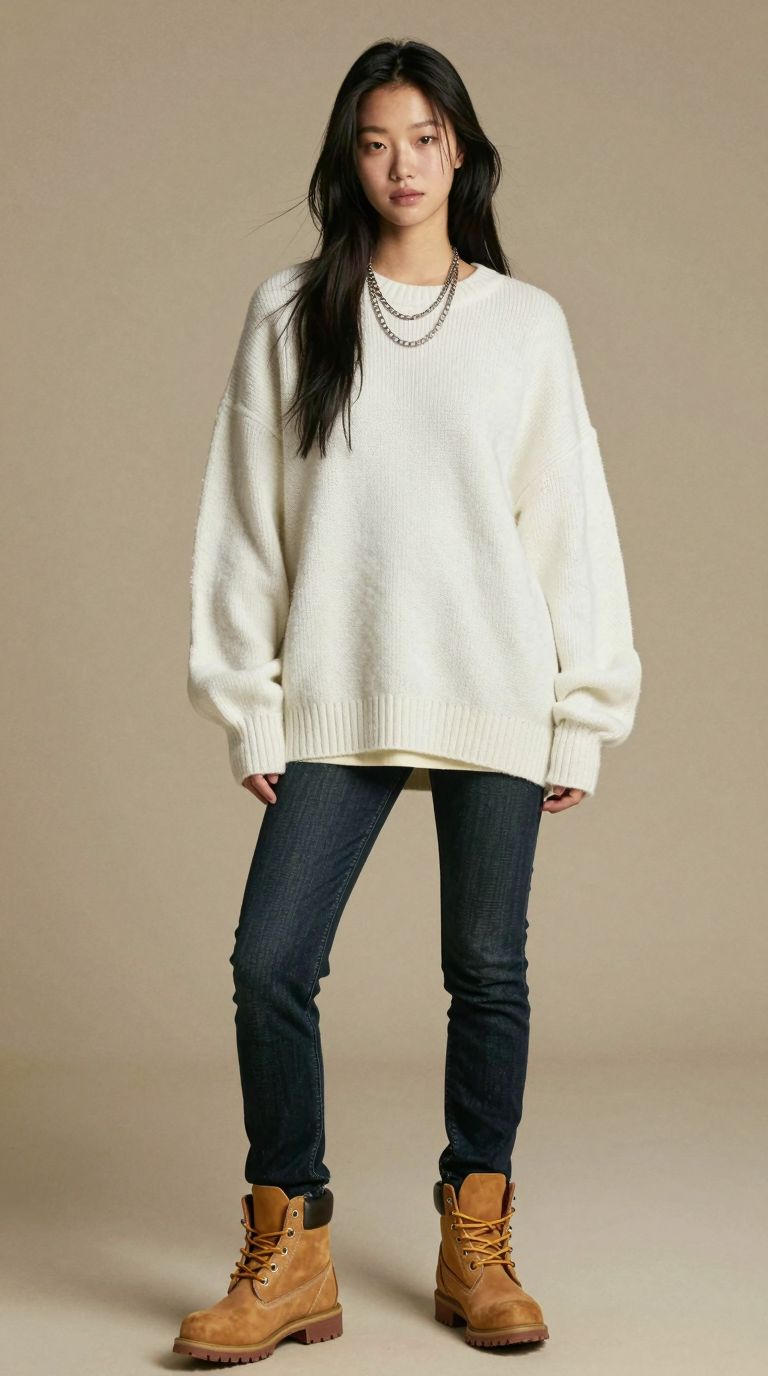
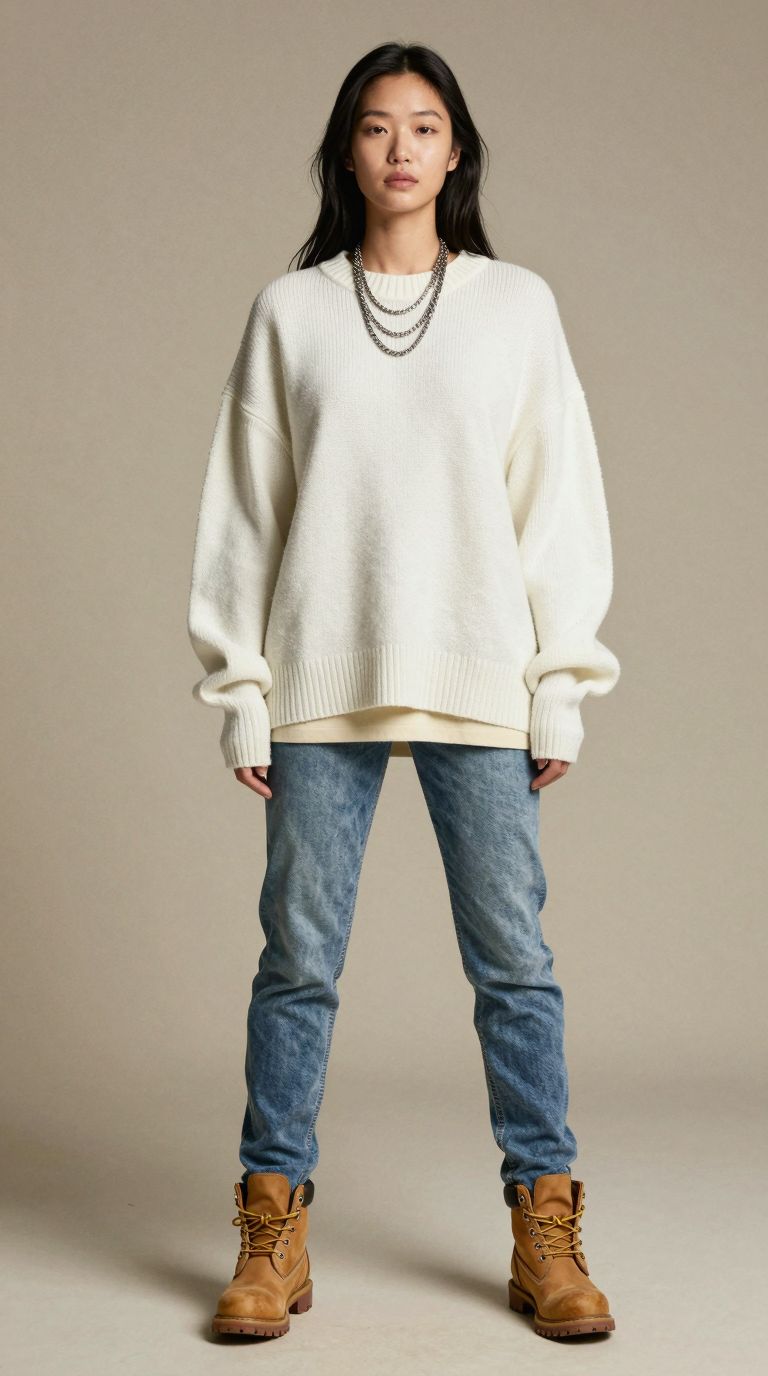
A clothing brand that wants to show one sweater on ten different people usually books ten models, a studio and a photographer. For this exercise we did it on a single computer. Every image on this page was generated in ComfyUI with Z-Image as the main model, and together they read as one catalogue: the same warm backdrop, the same soft light and the same full-length framing.
This post walks through what a Z-Image ComfyUI setup can produce for fashion and e-commerce teams, and where it still needs a human eye. Click any image to open it full size.
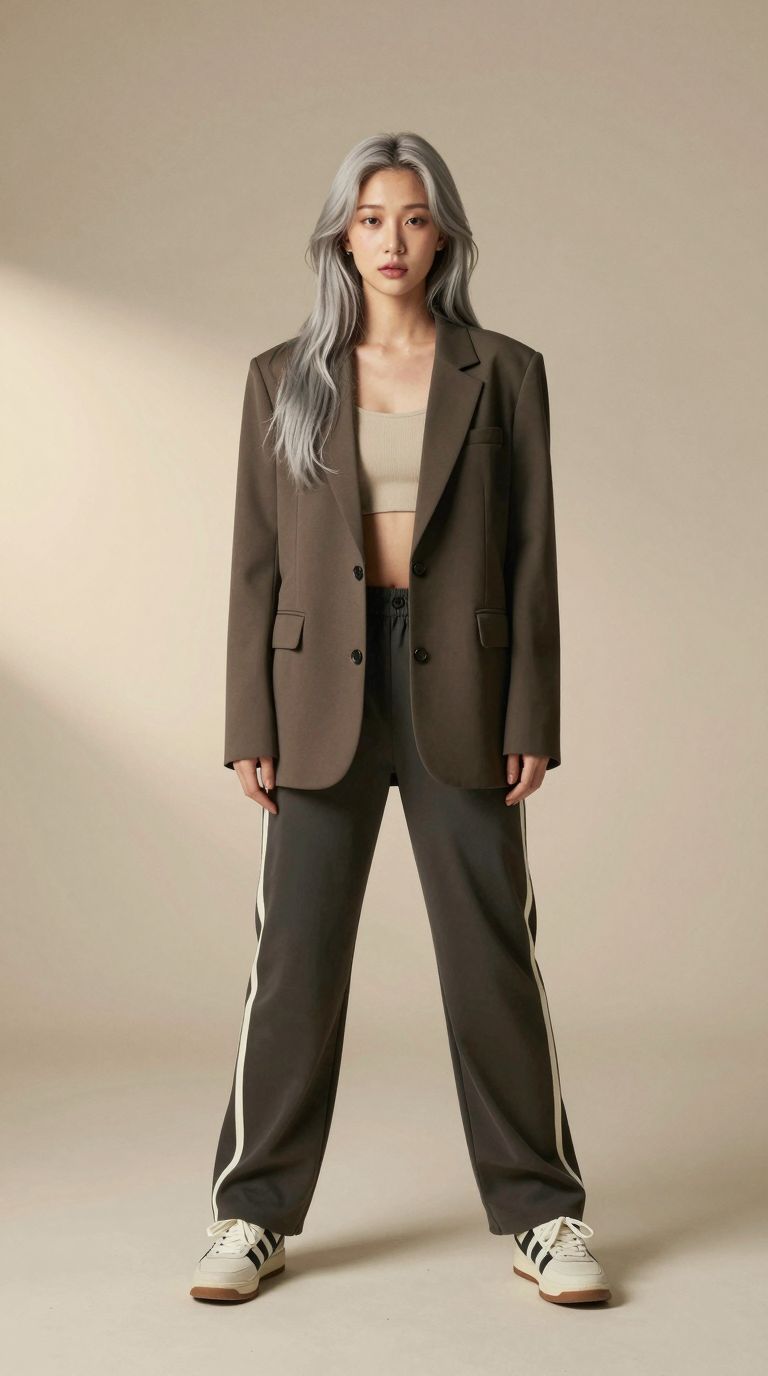
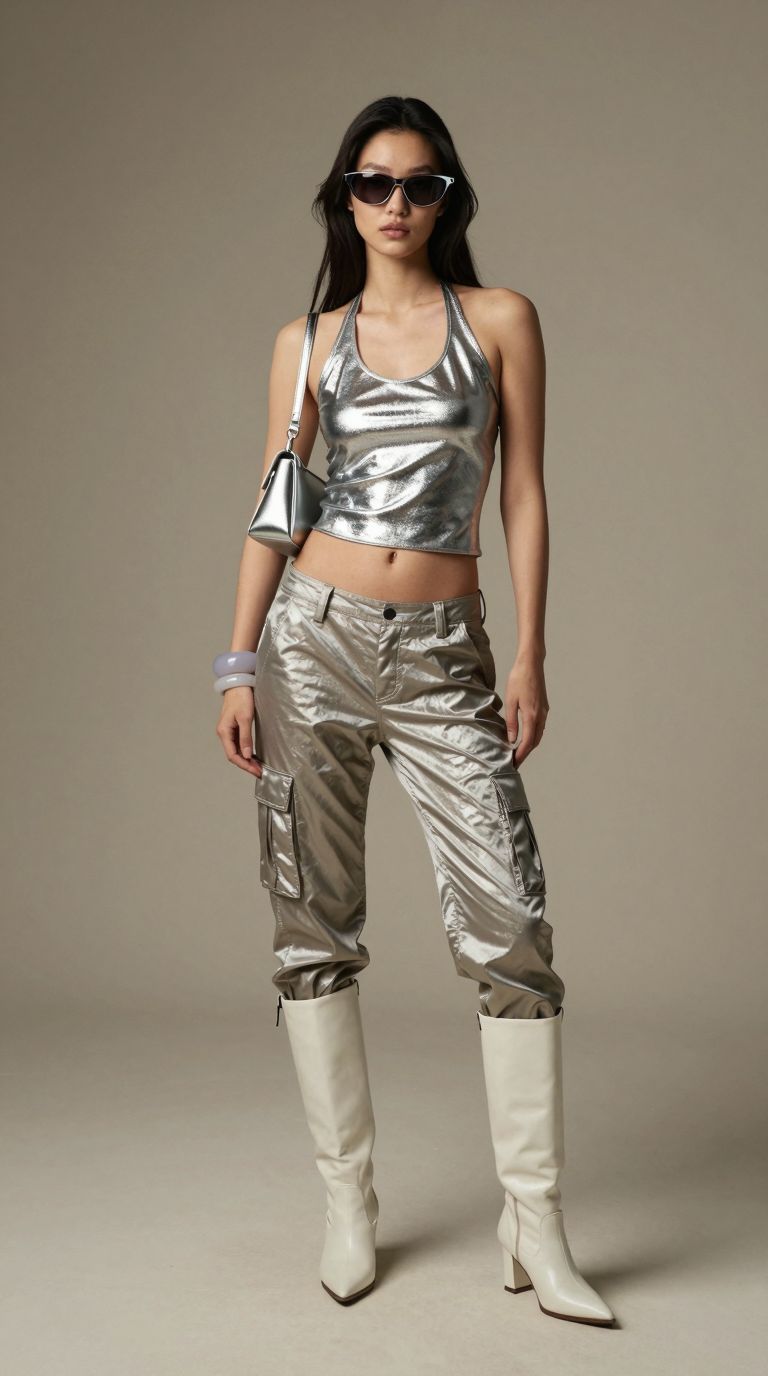
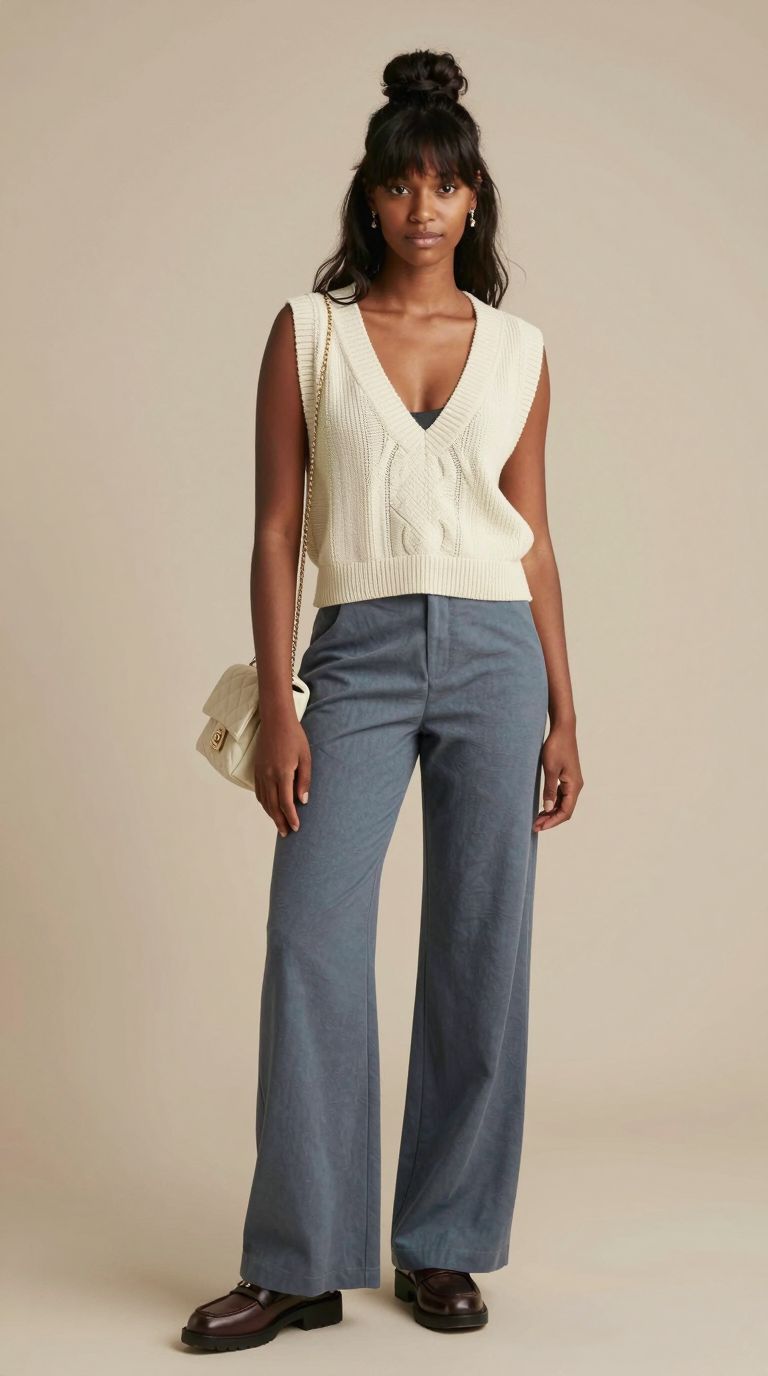
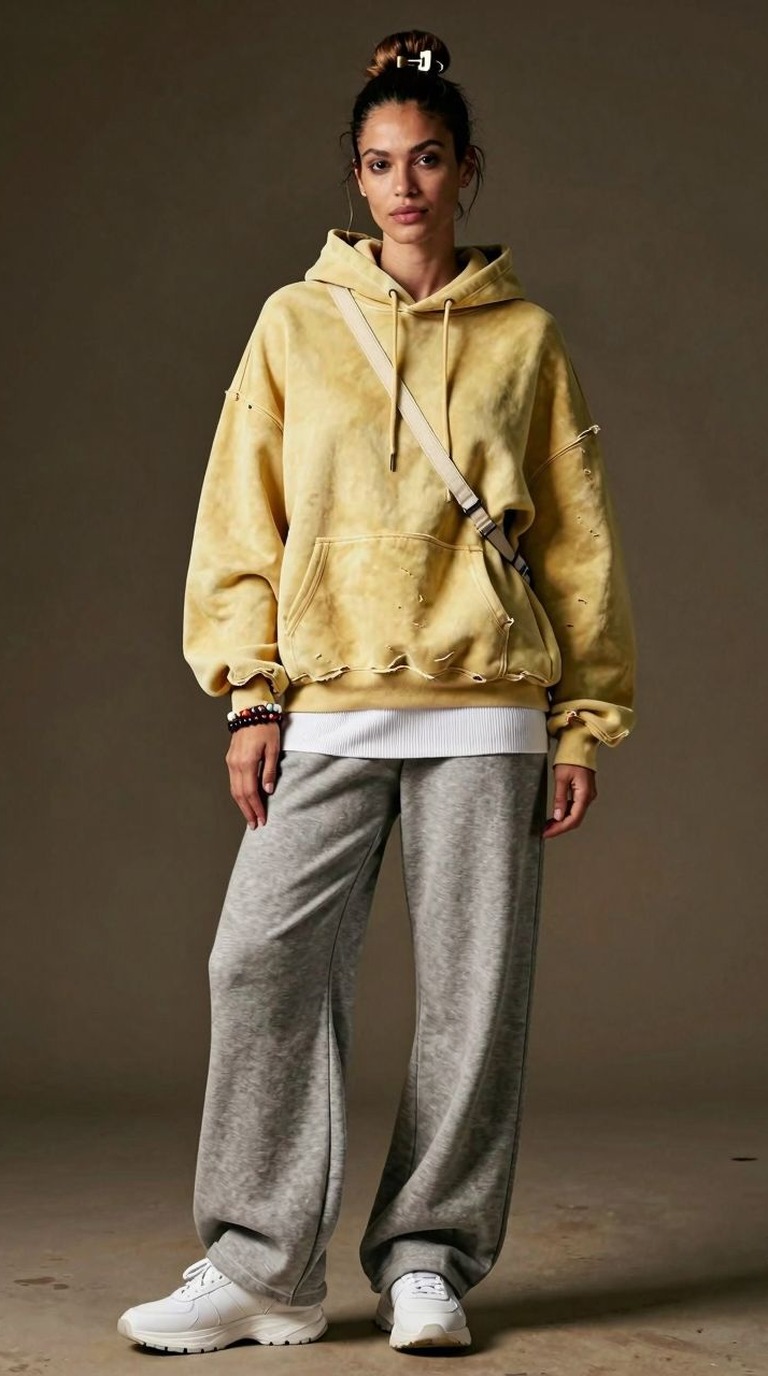
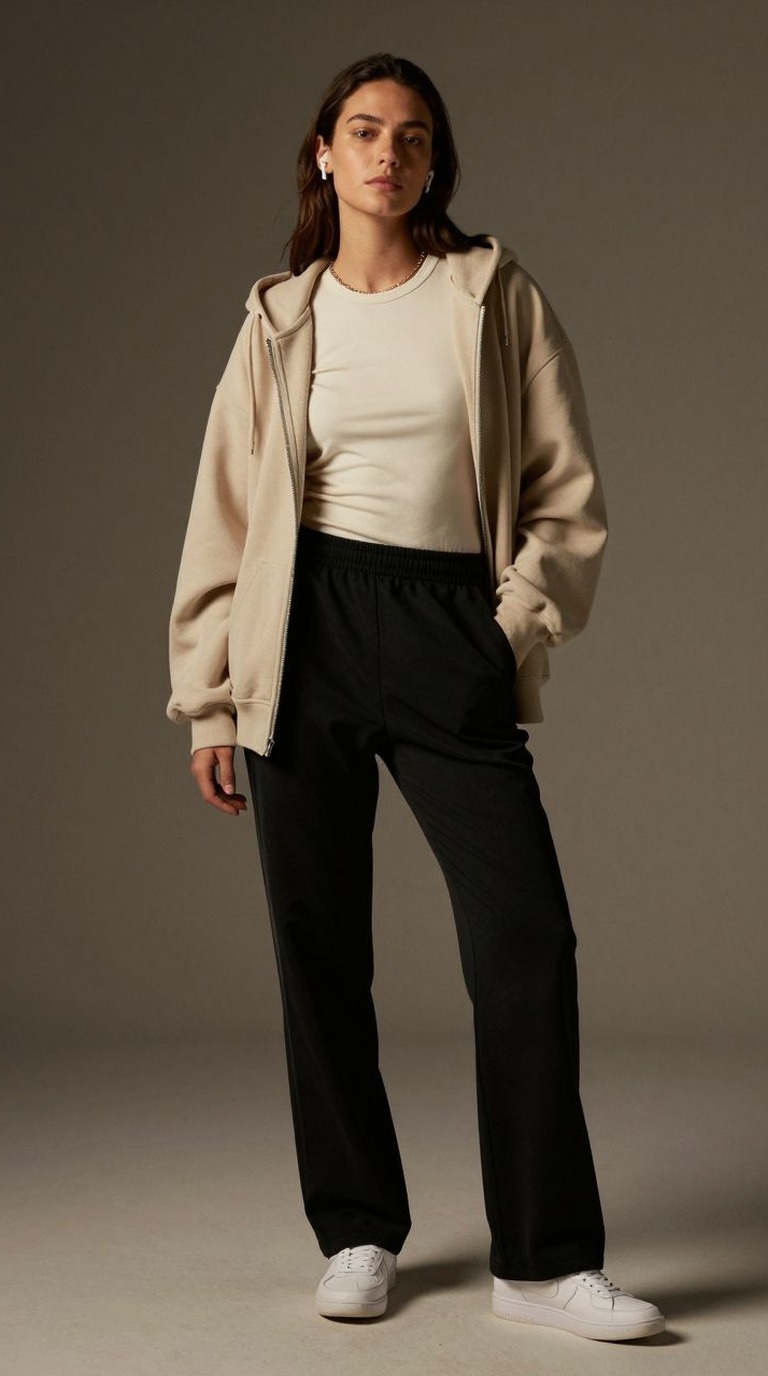
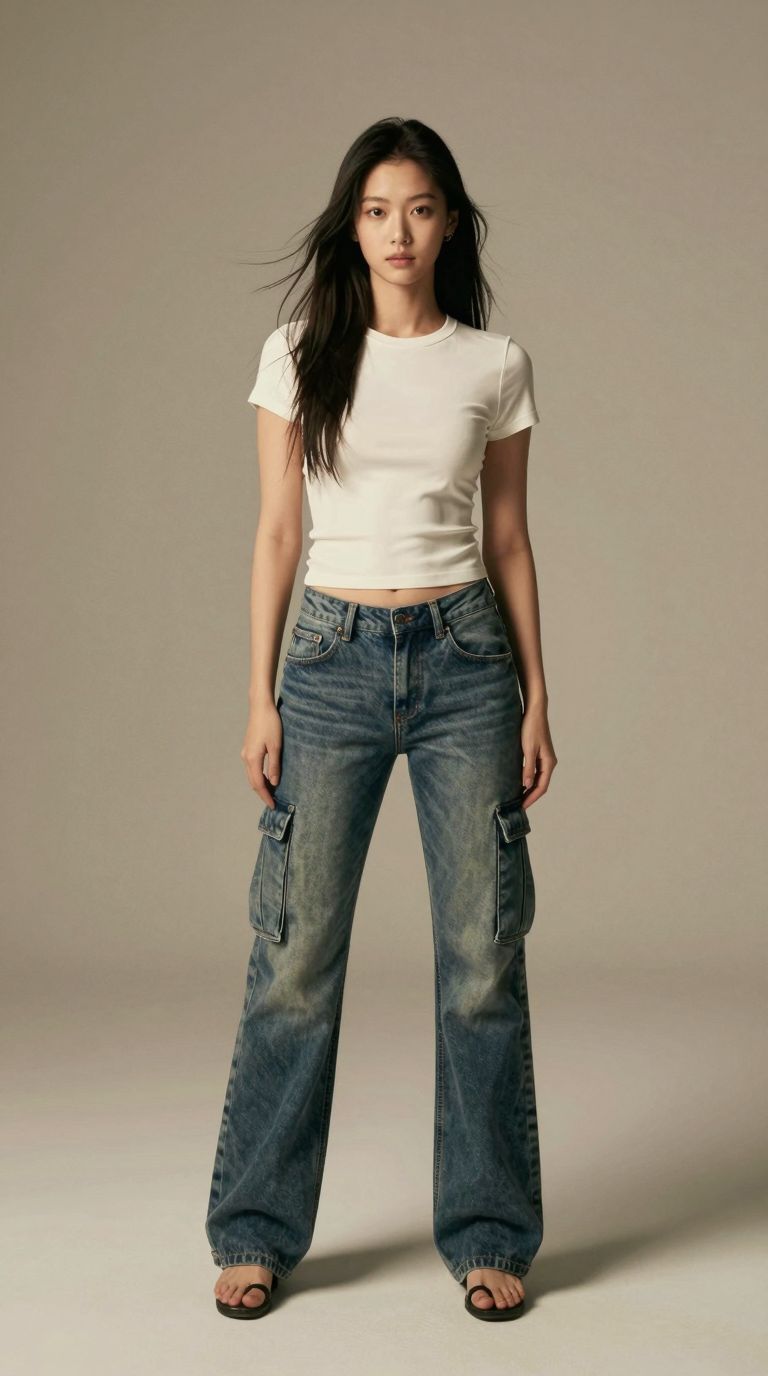
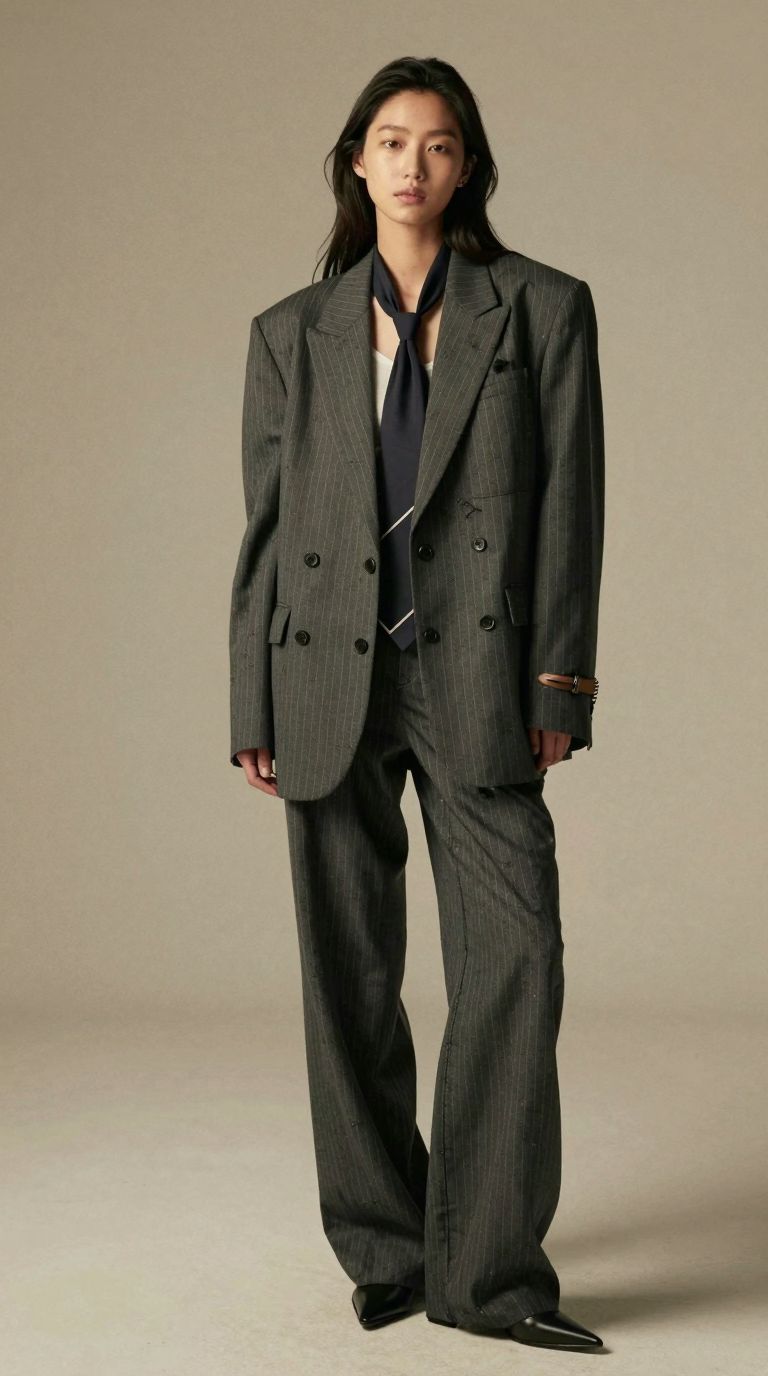
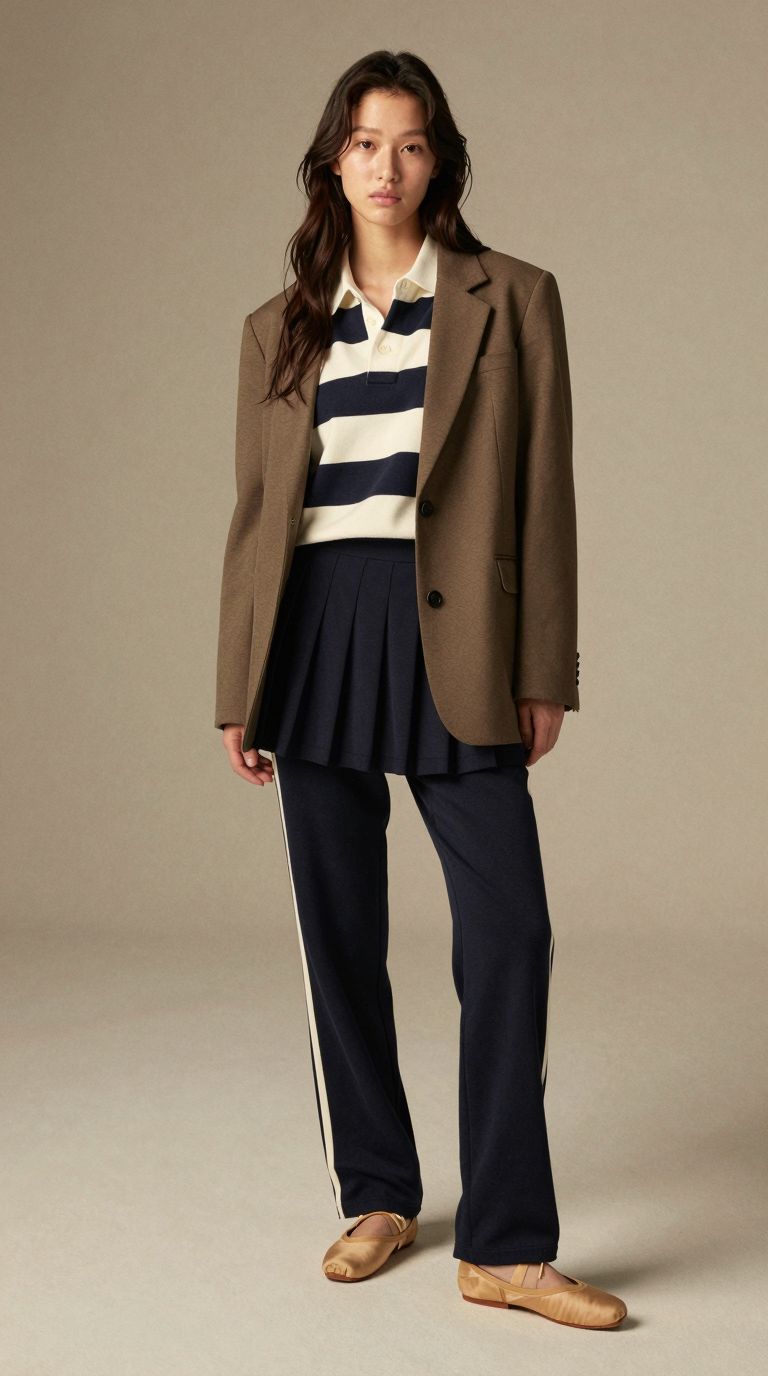
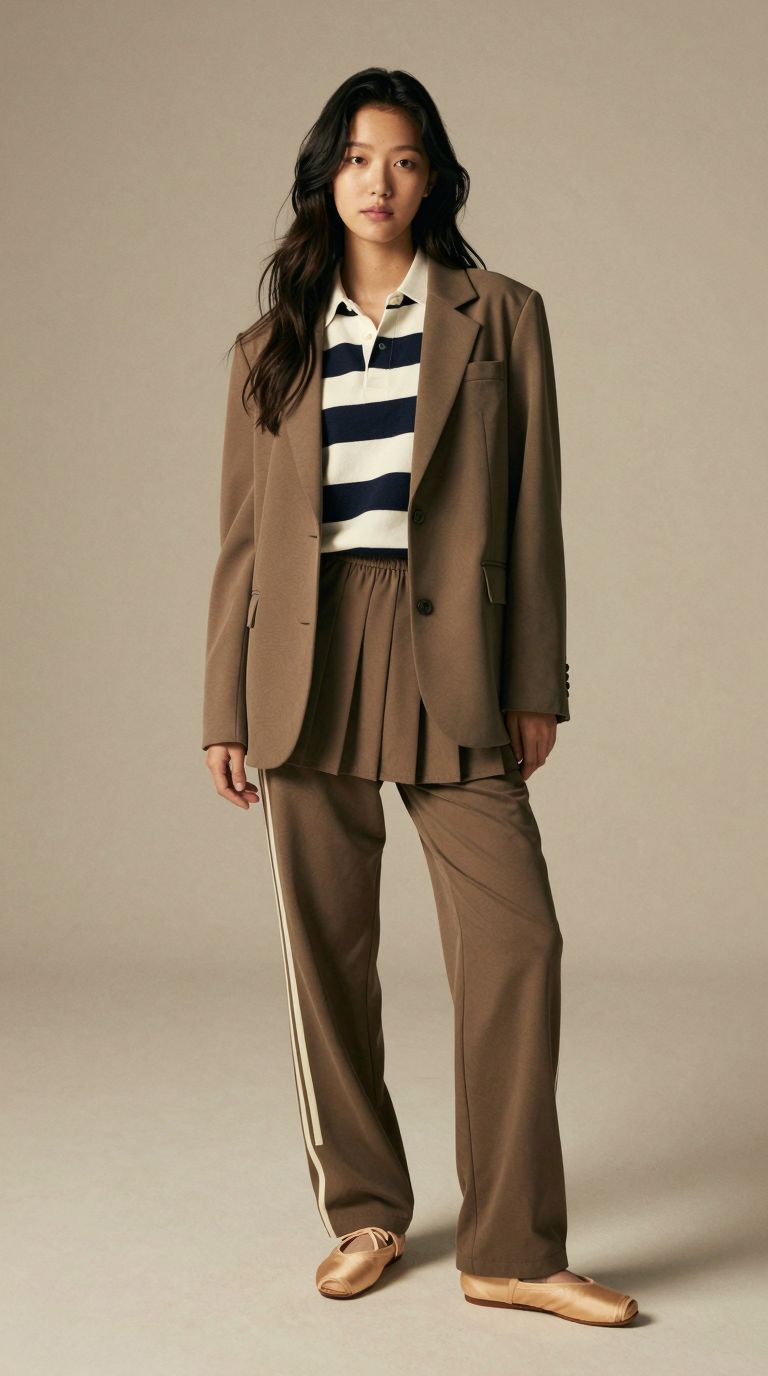
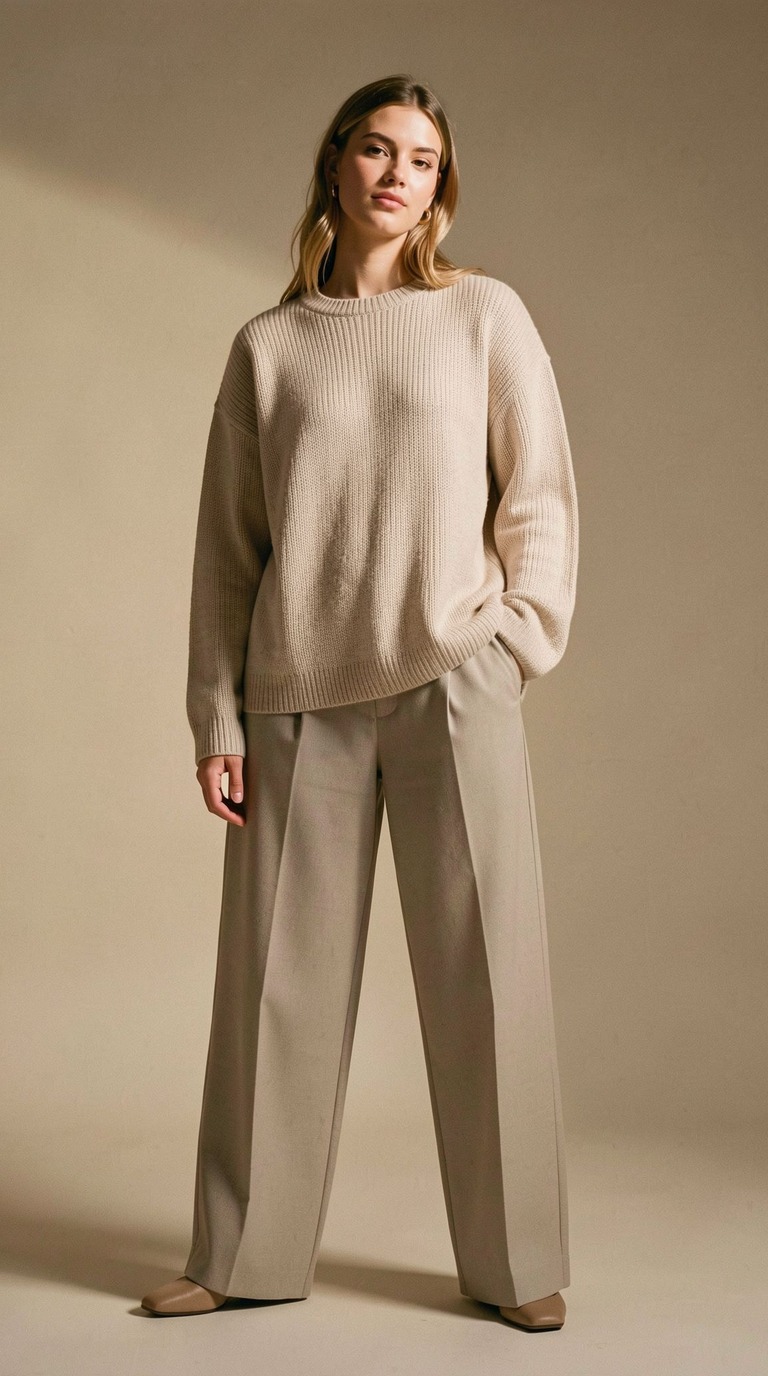
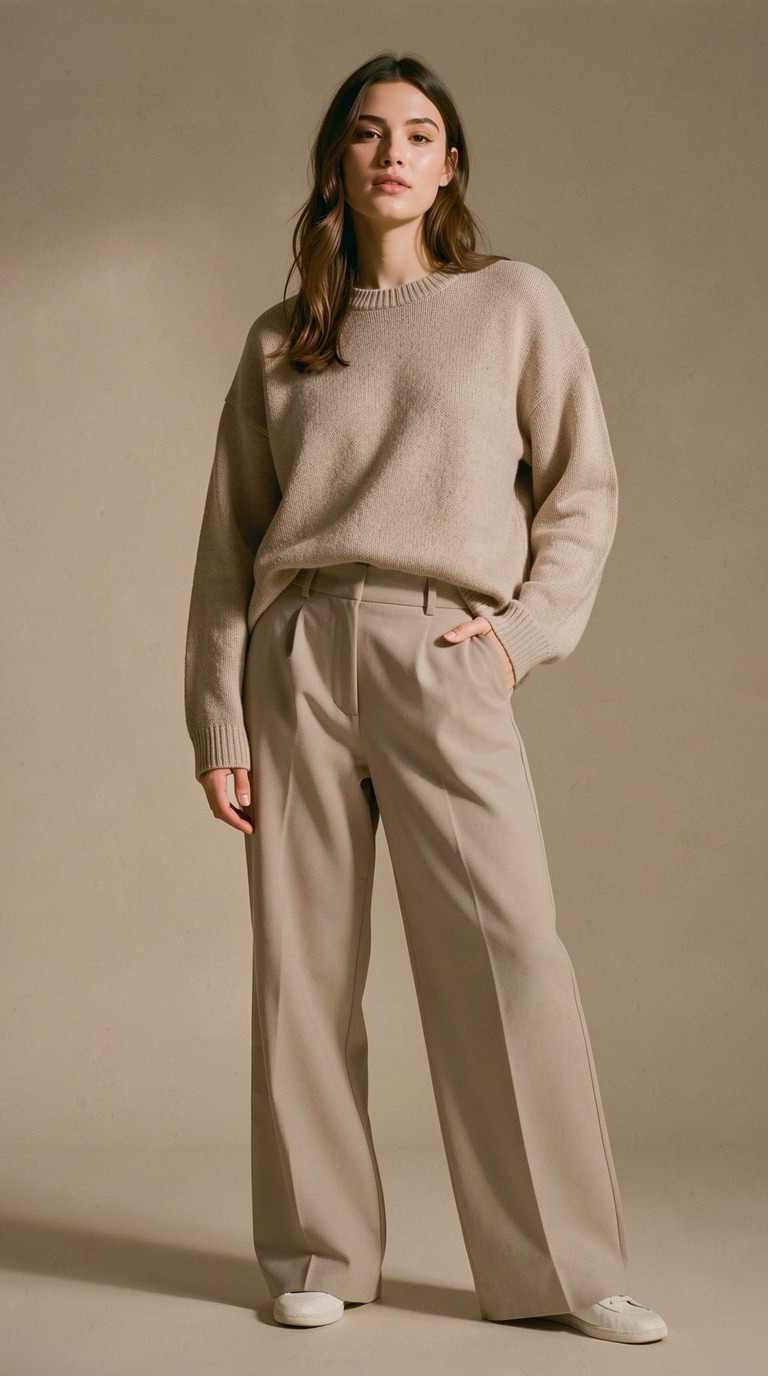
Three of the 150 AI fashion models. None of these people exist.
Mind Theory is Singapore’s pioneering AI and creative-tech education provider, established March 2023, with hundreds of students across primary, secondary, and adult programmes. Read about Us.
One Outfit, Many People
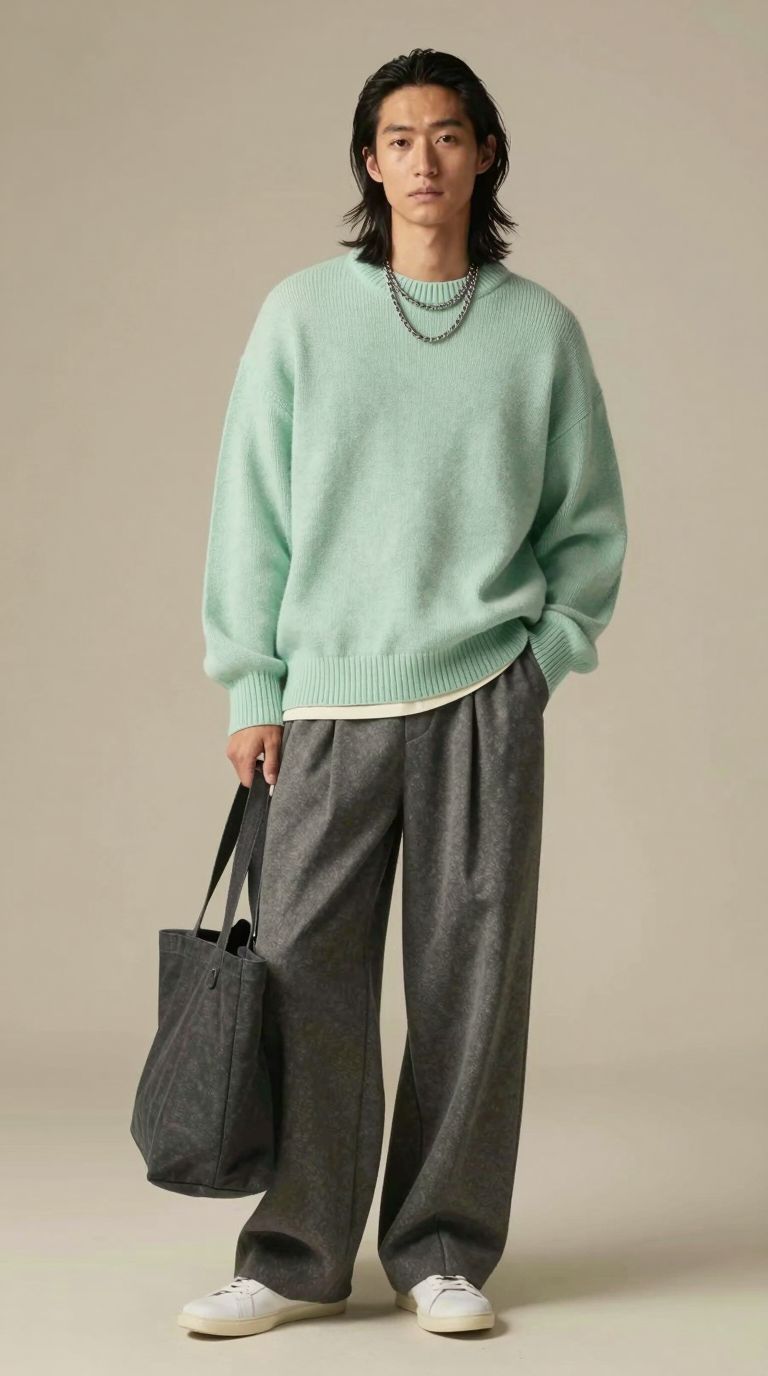
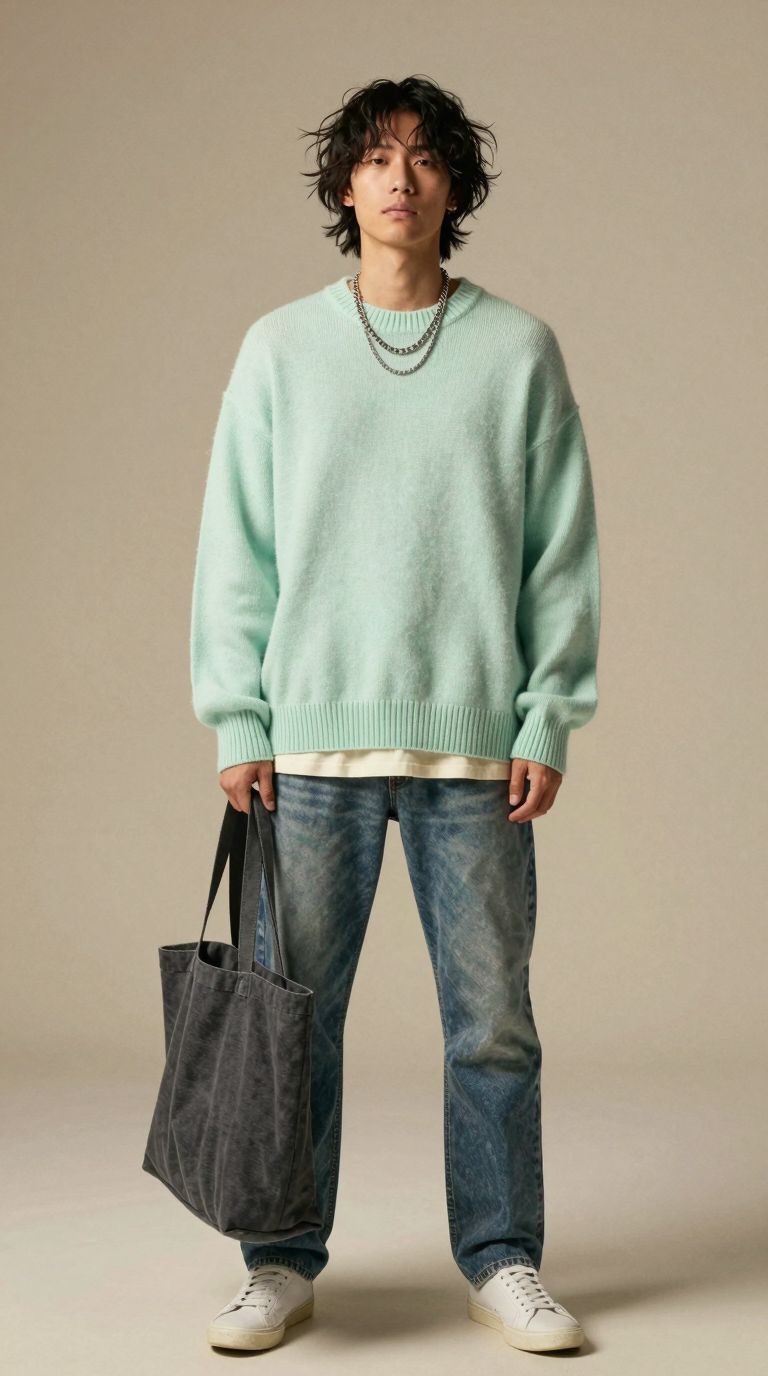
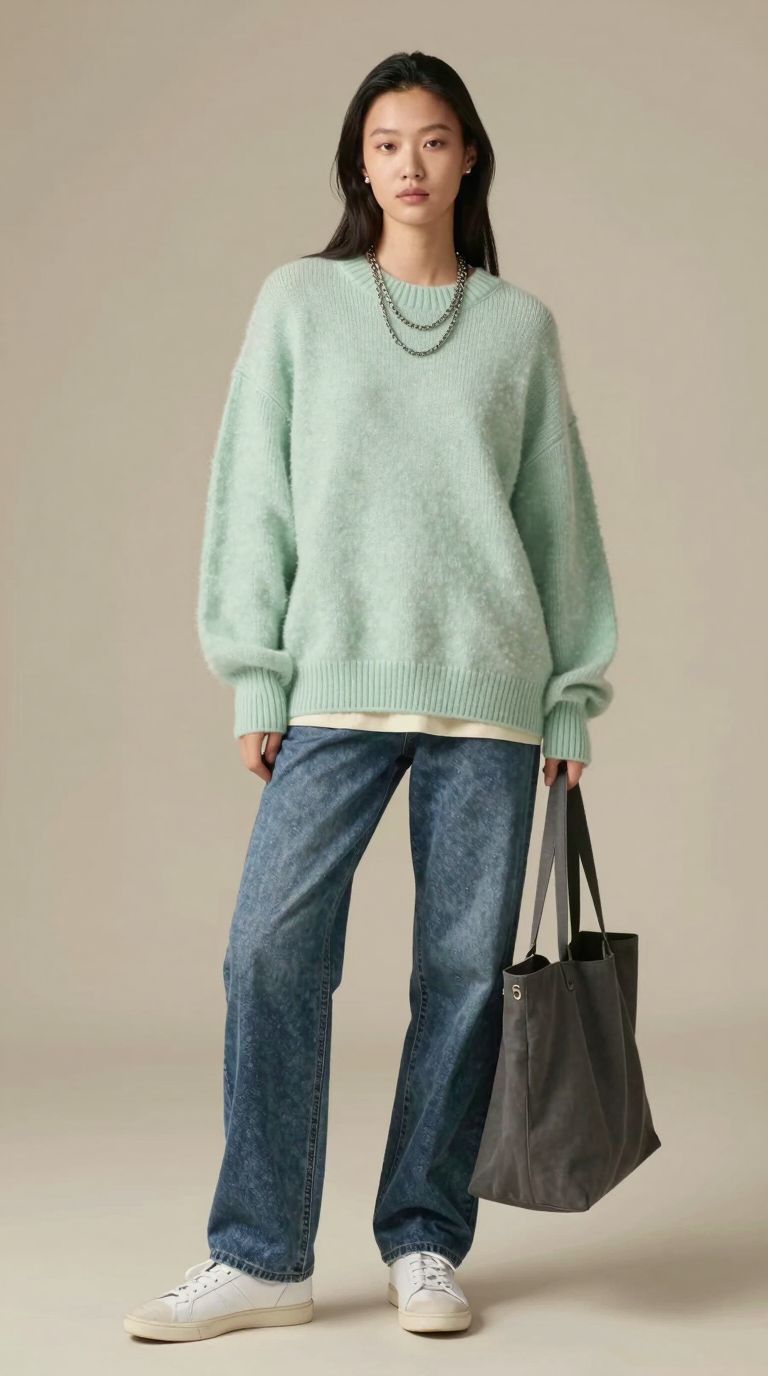
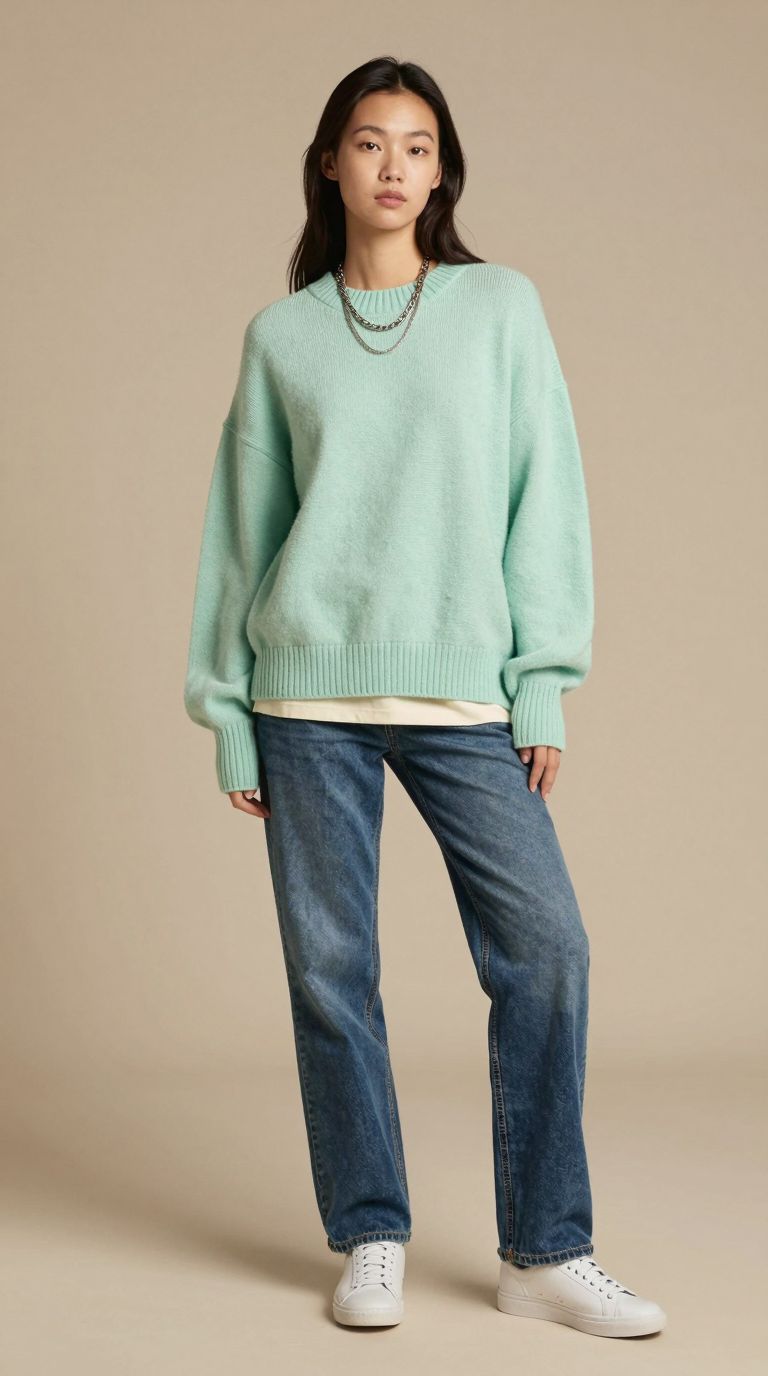
The first test is the one online stores ask about most: the same outfit shown on a range of people. The brief stayed fixed, a mint knit sweater, straight blue jeans, white trainers and a grey tote, and only the person changed between images.
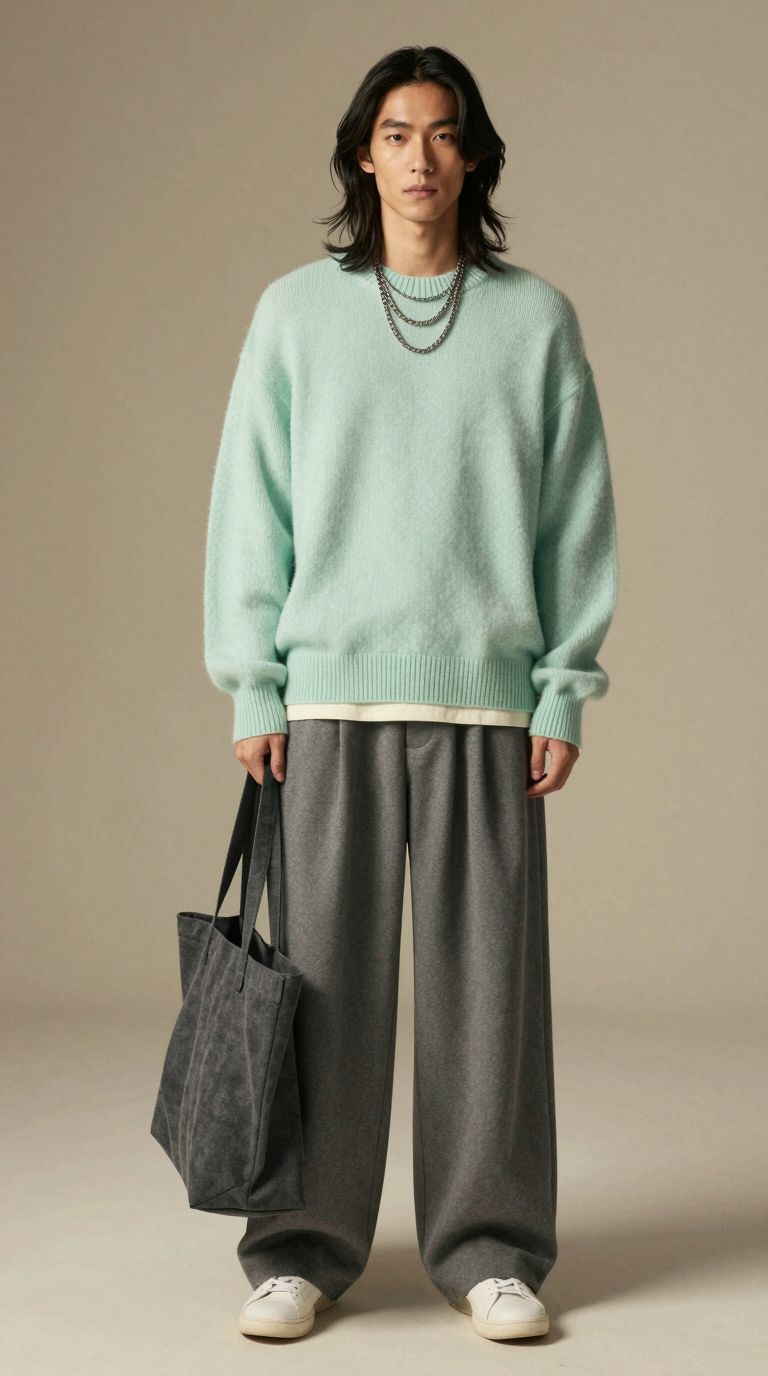
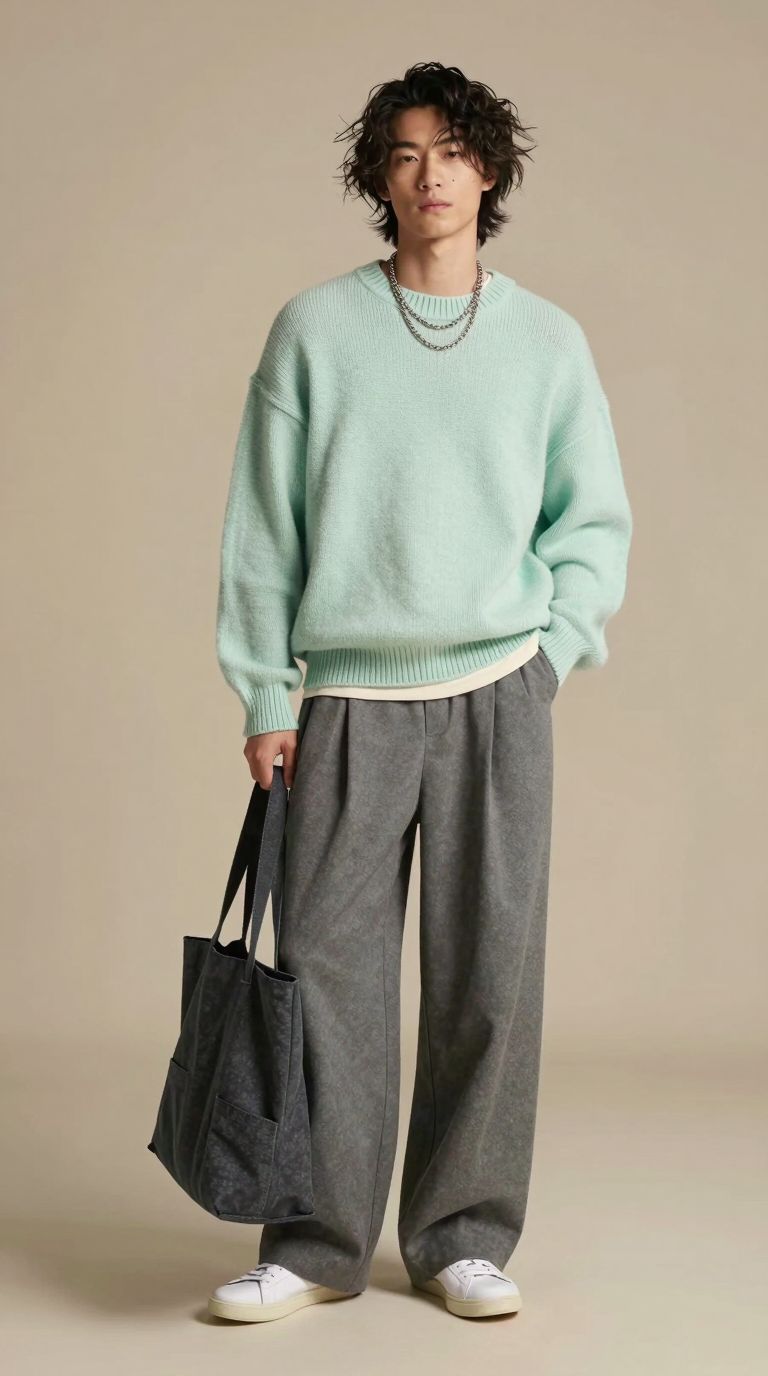
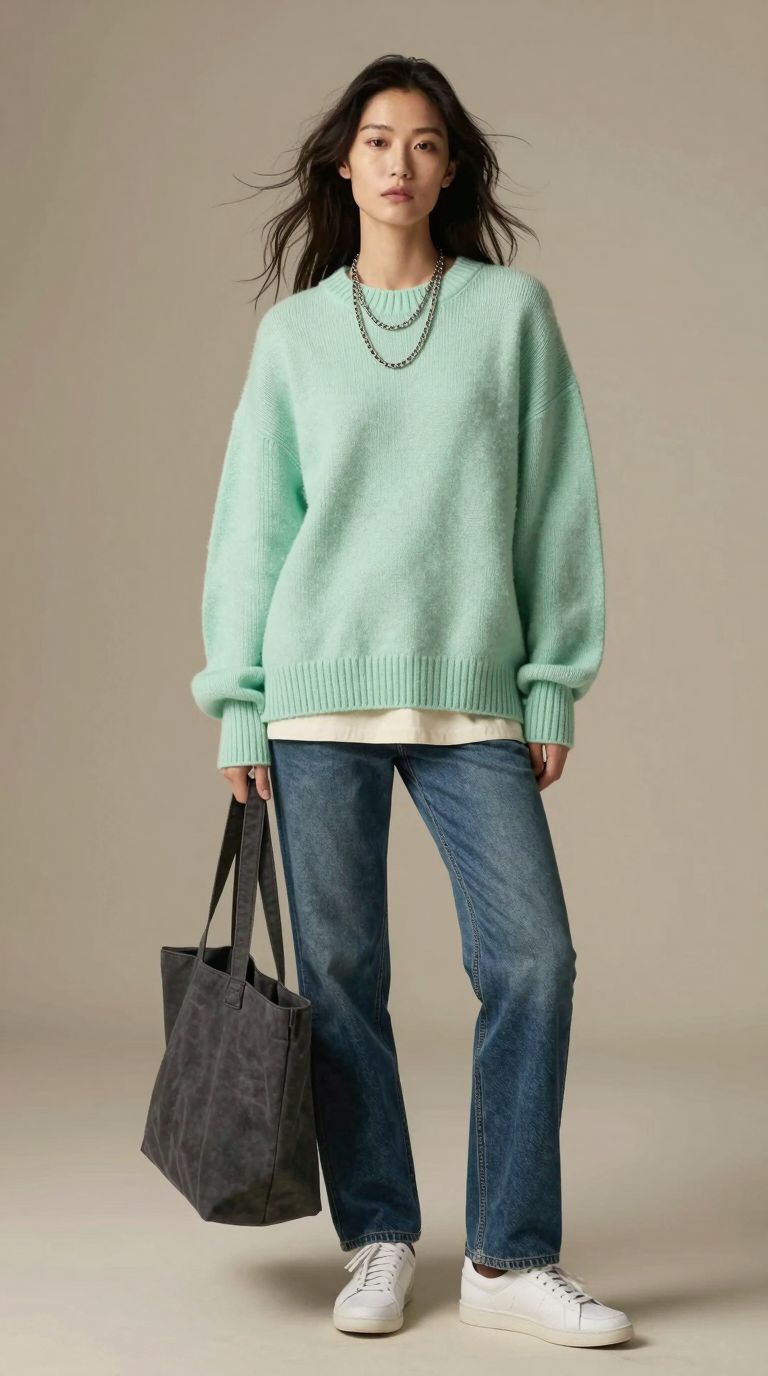
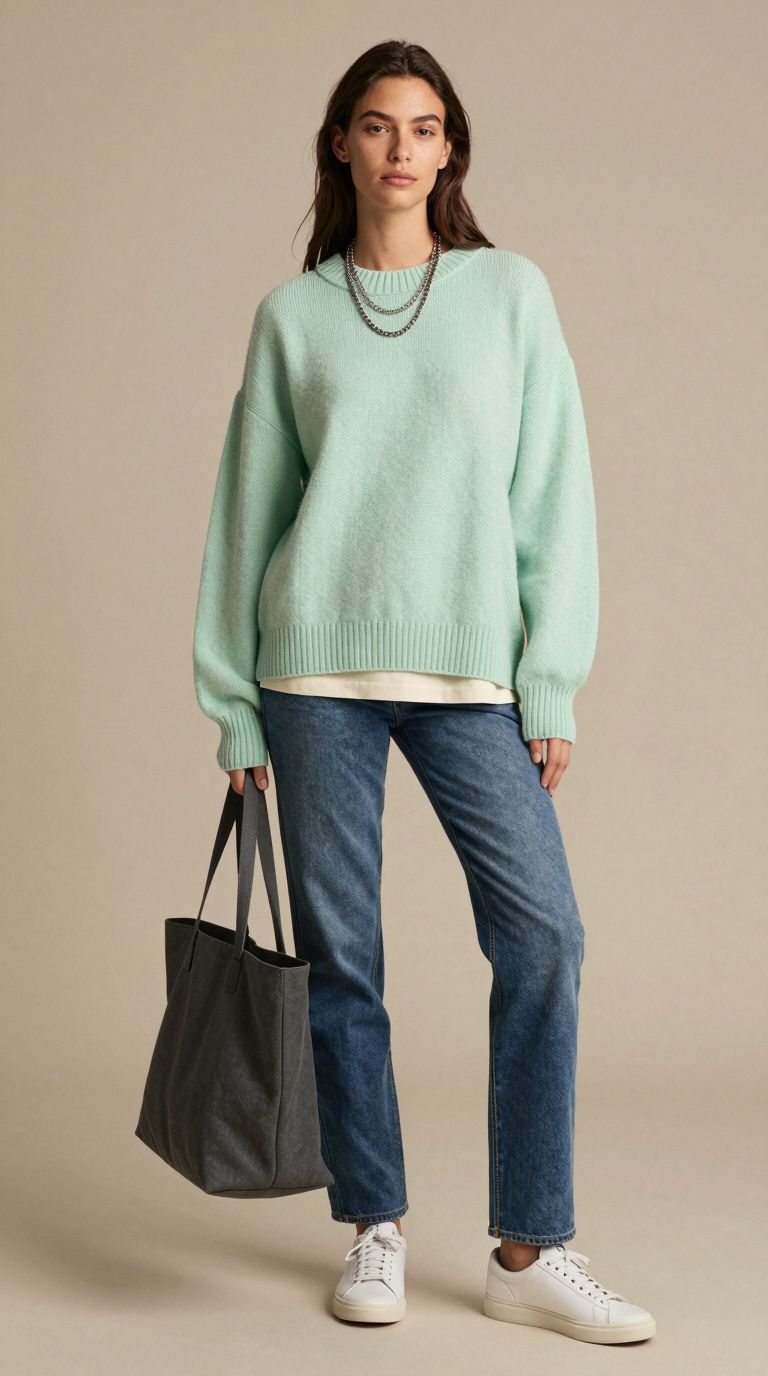
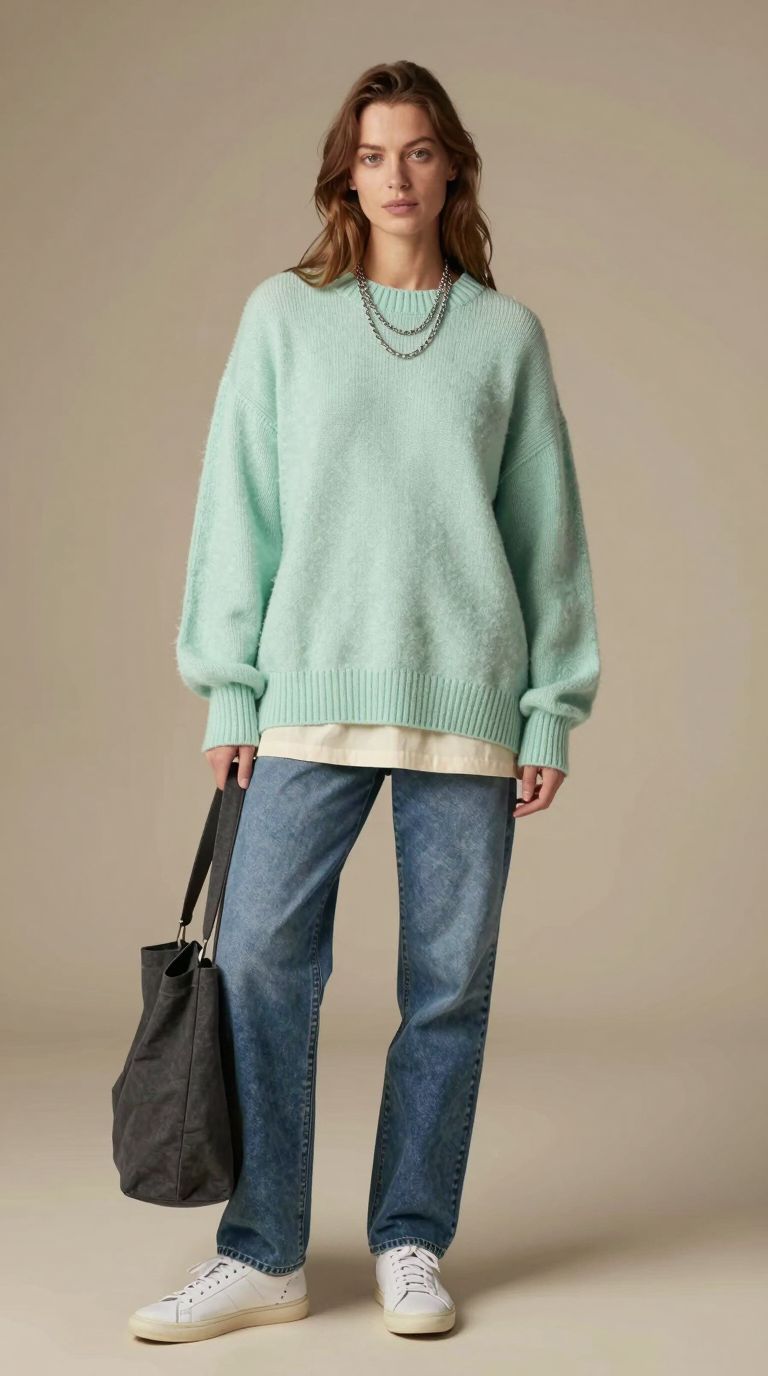
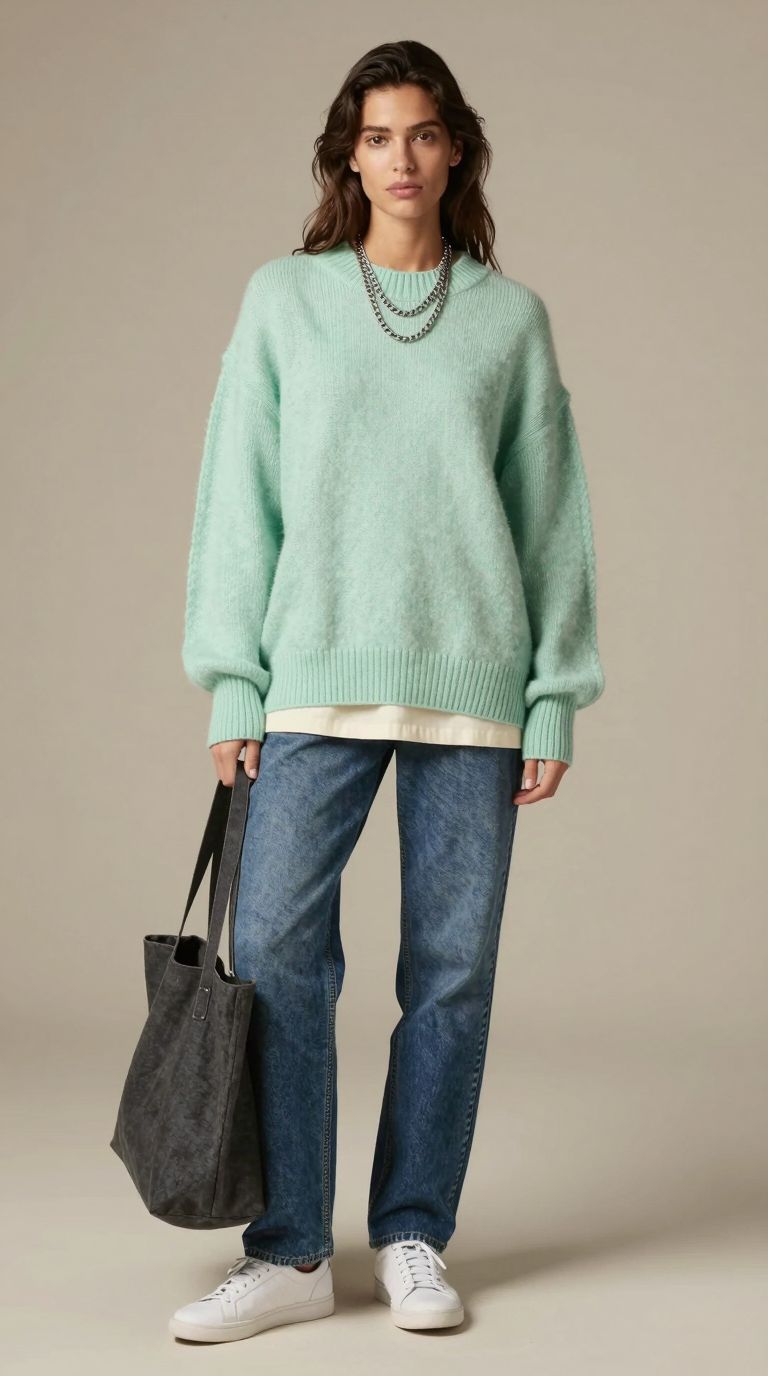
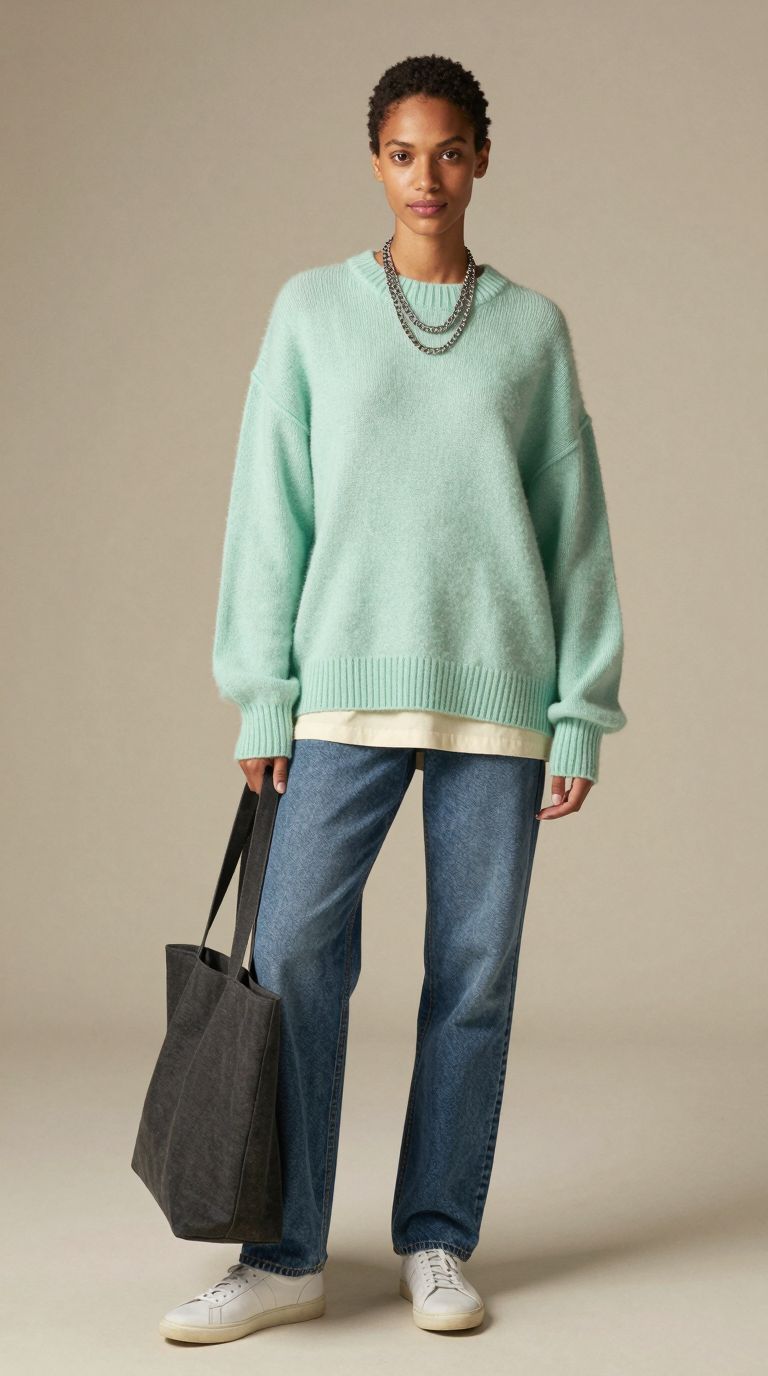

One outfit across eight AI models of different ethnicities, genders and hairstyles.
The sweater keeps its colour and texture from image to image, and the tote, trainers and layered necklace stay put. That consistency is what makes a set usable. A lookbook where the product changes shade between models is worse than no lookbook at all.
Testing a Colourway
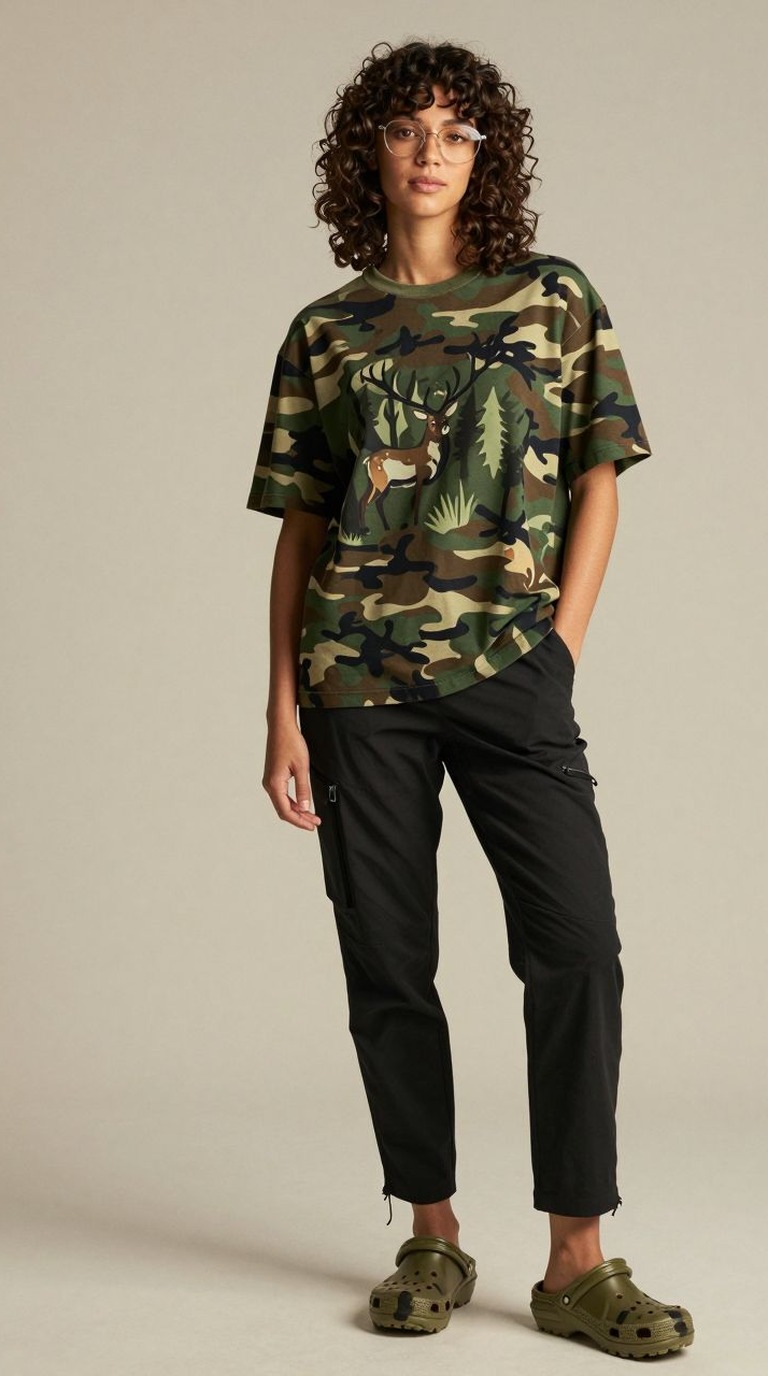
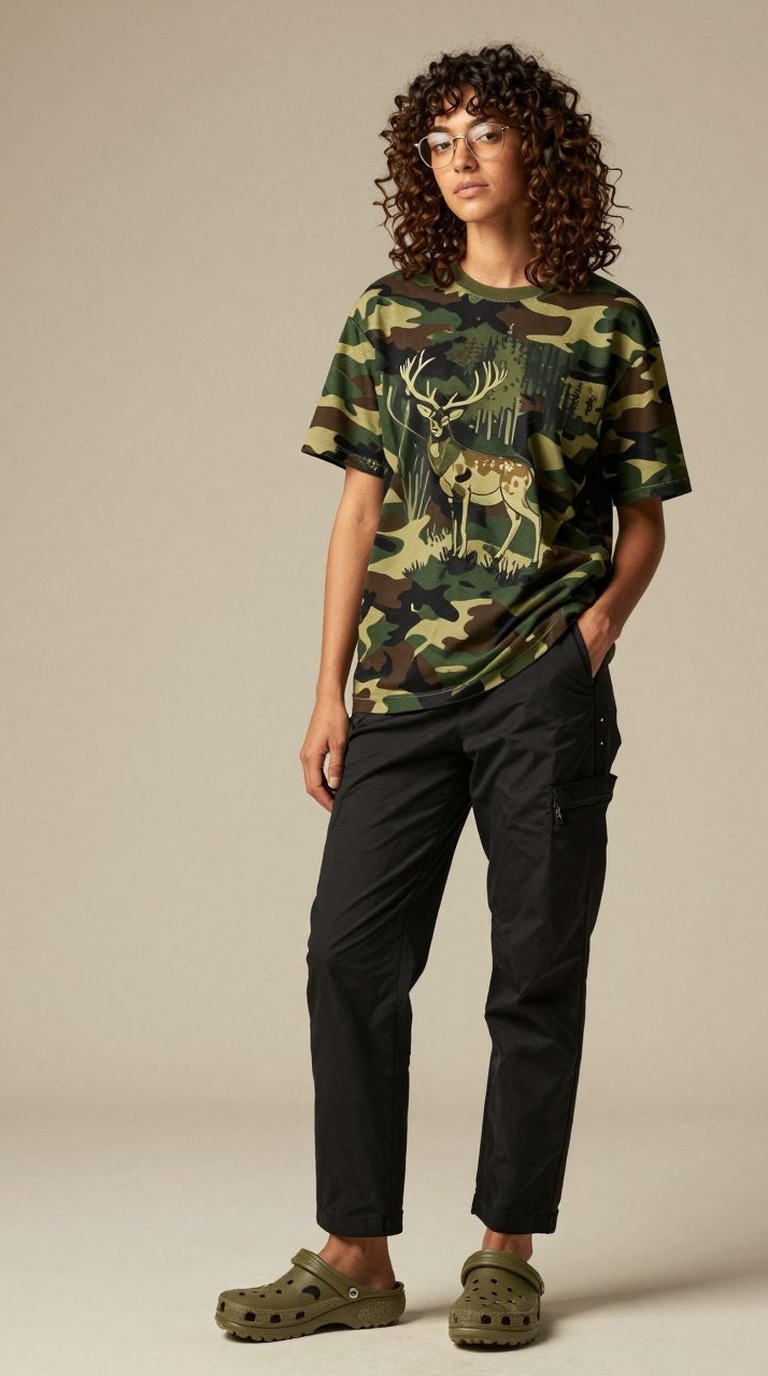
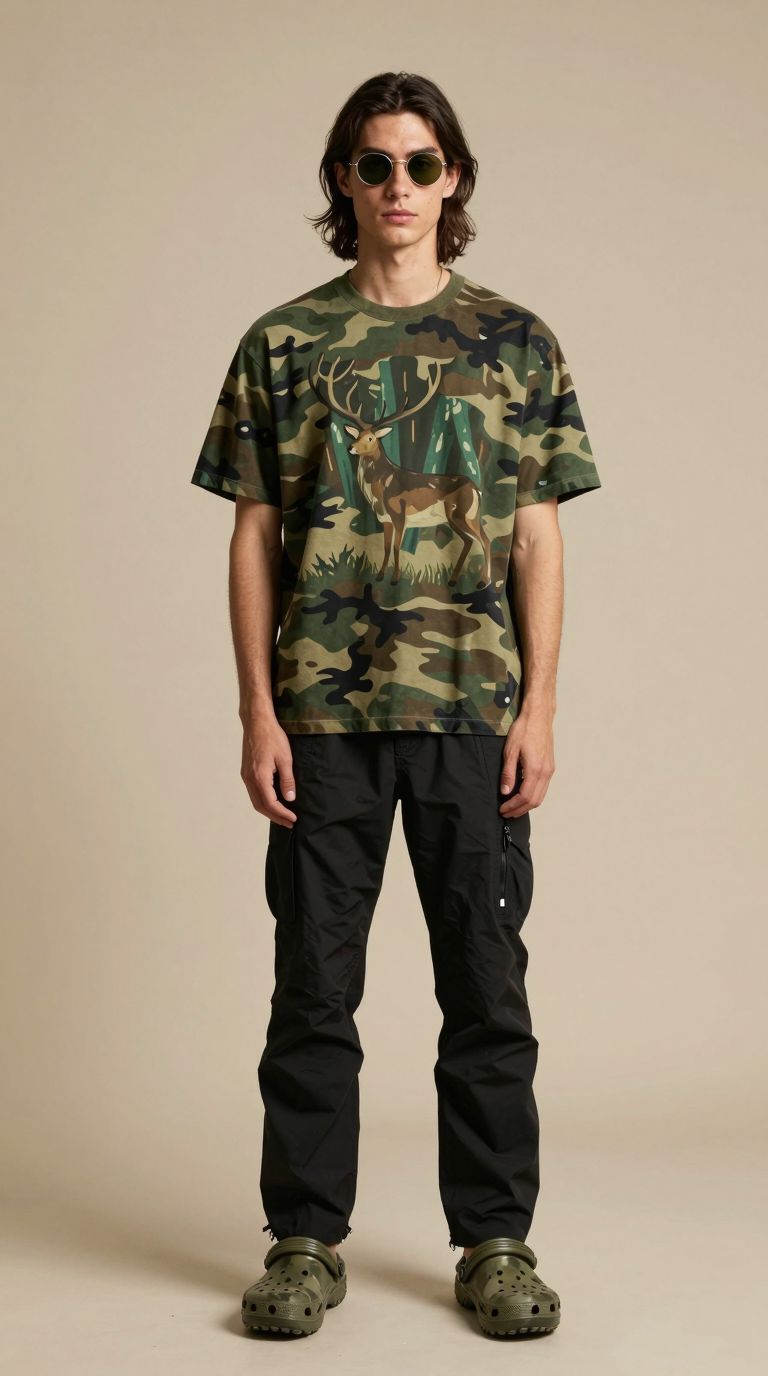
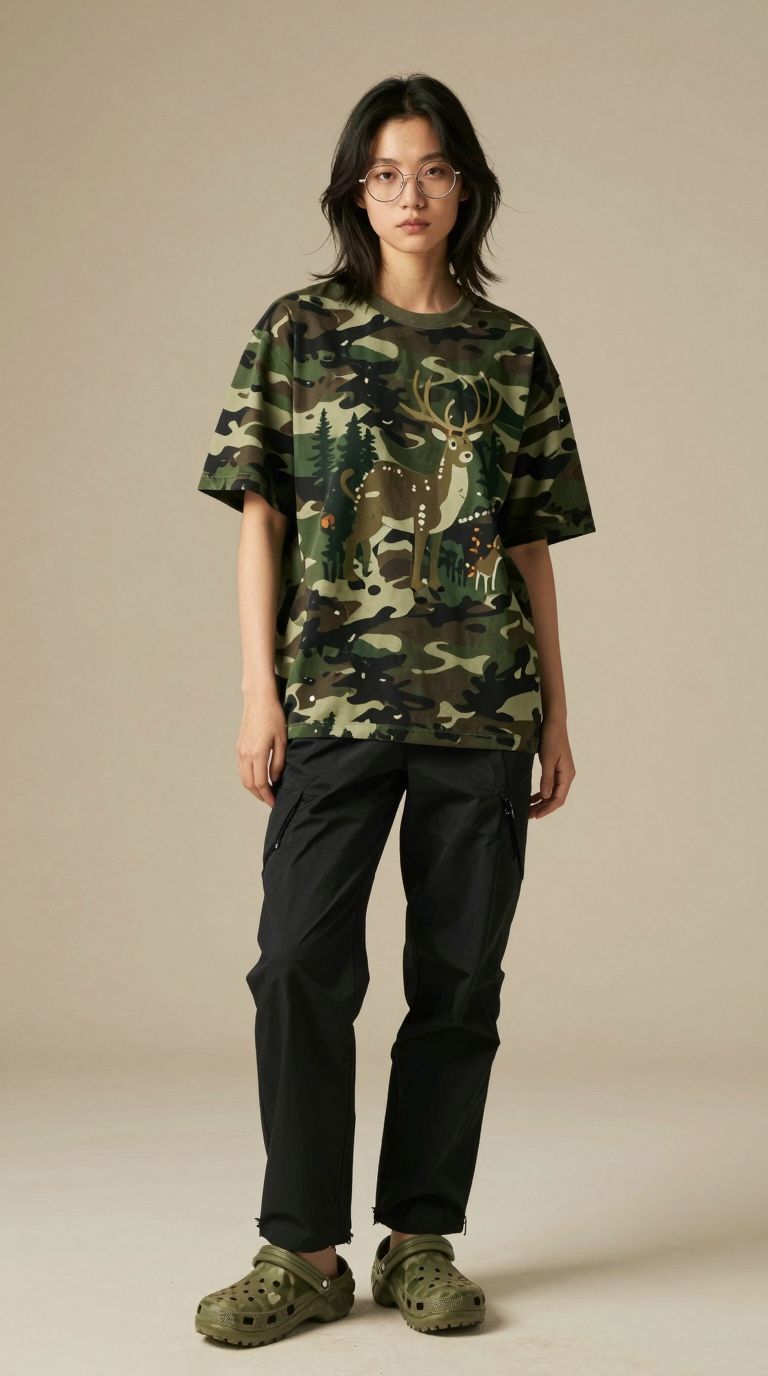
The reverse test keeps the person and changes the garment. Here the same model wears the same deer print tee in camouflage and in yellow, which is how a design team can preview a colourway before a single sample is made.
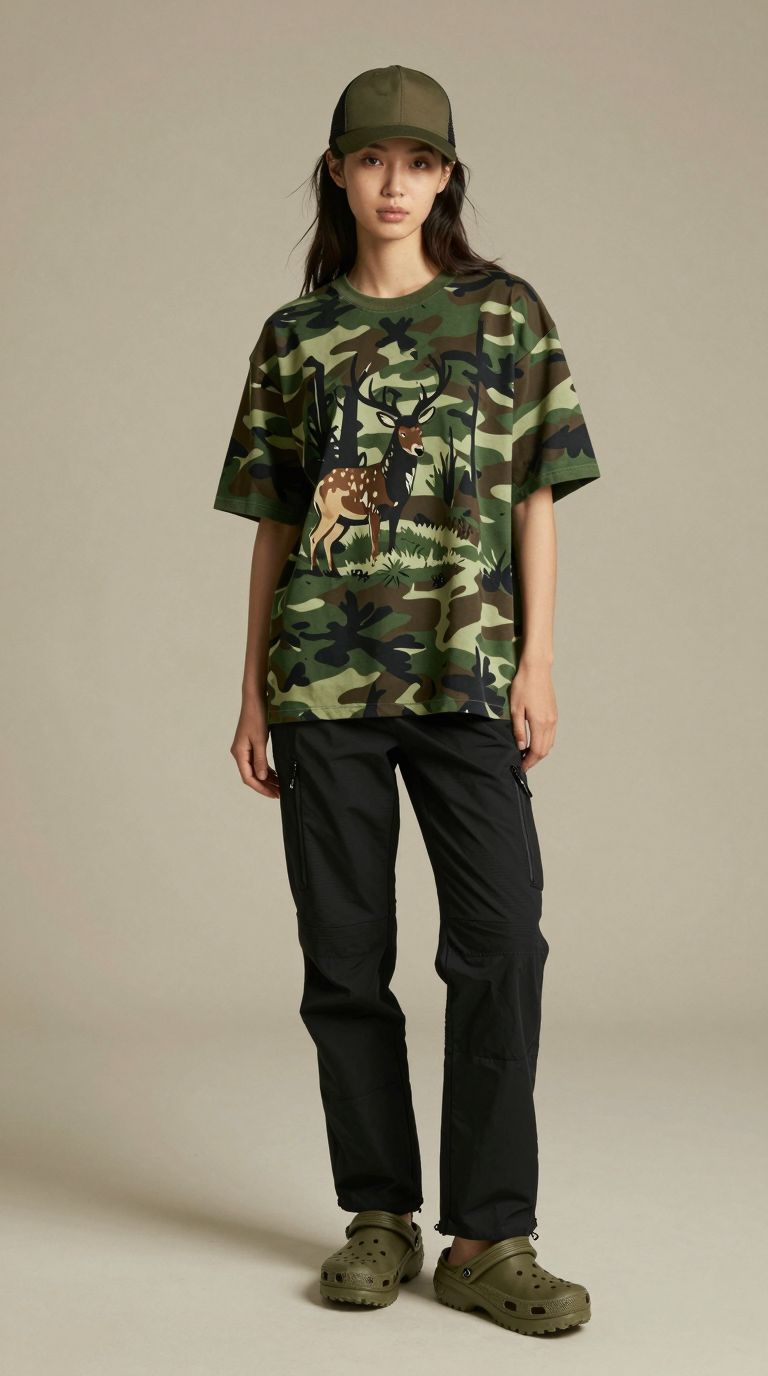
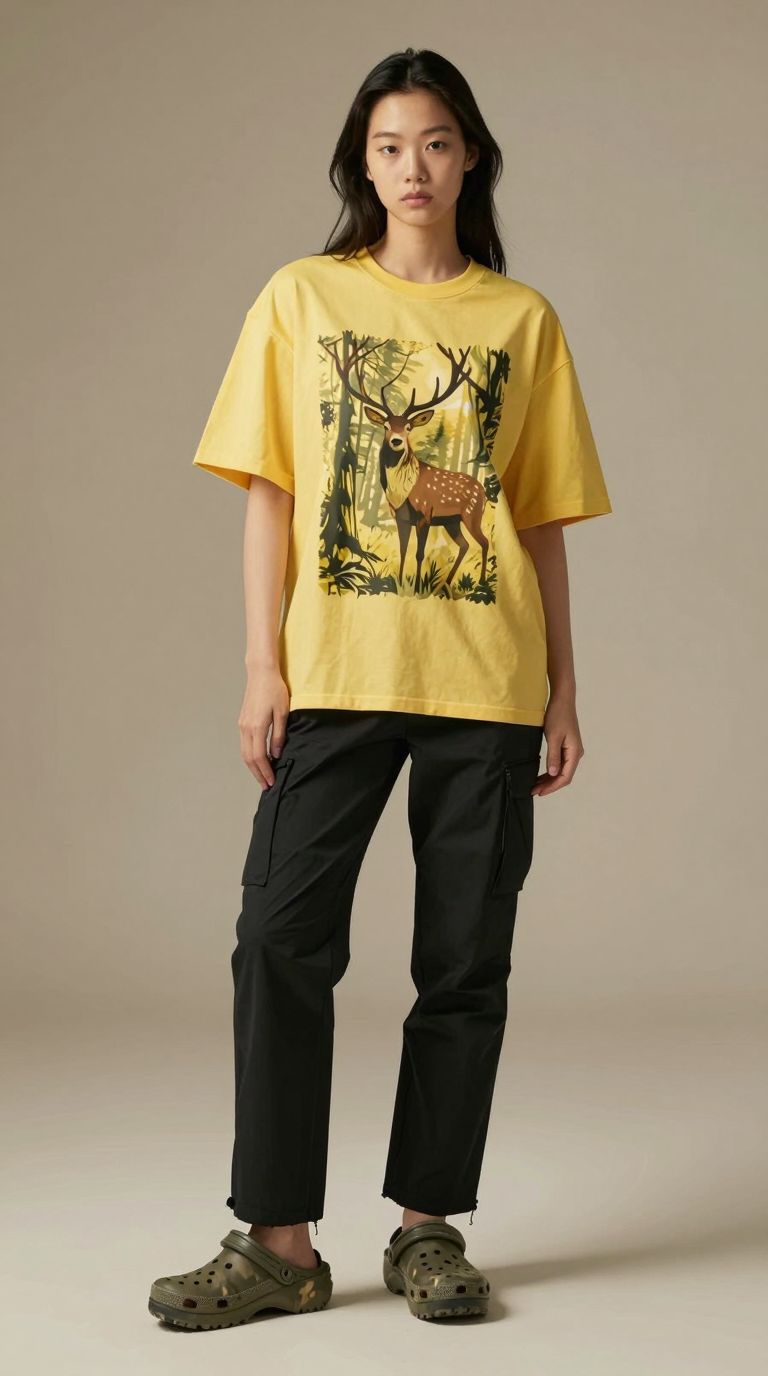
Same model, same print, two colourways.
One Person, Many Outfits
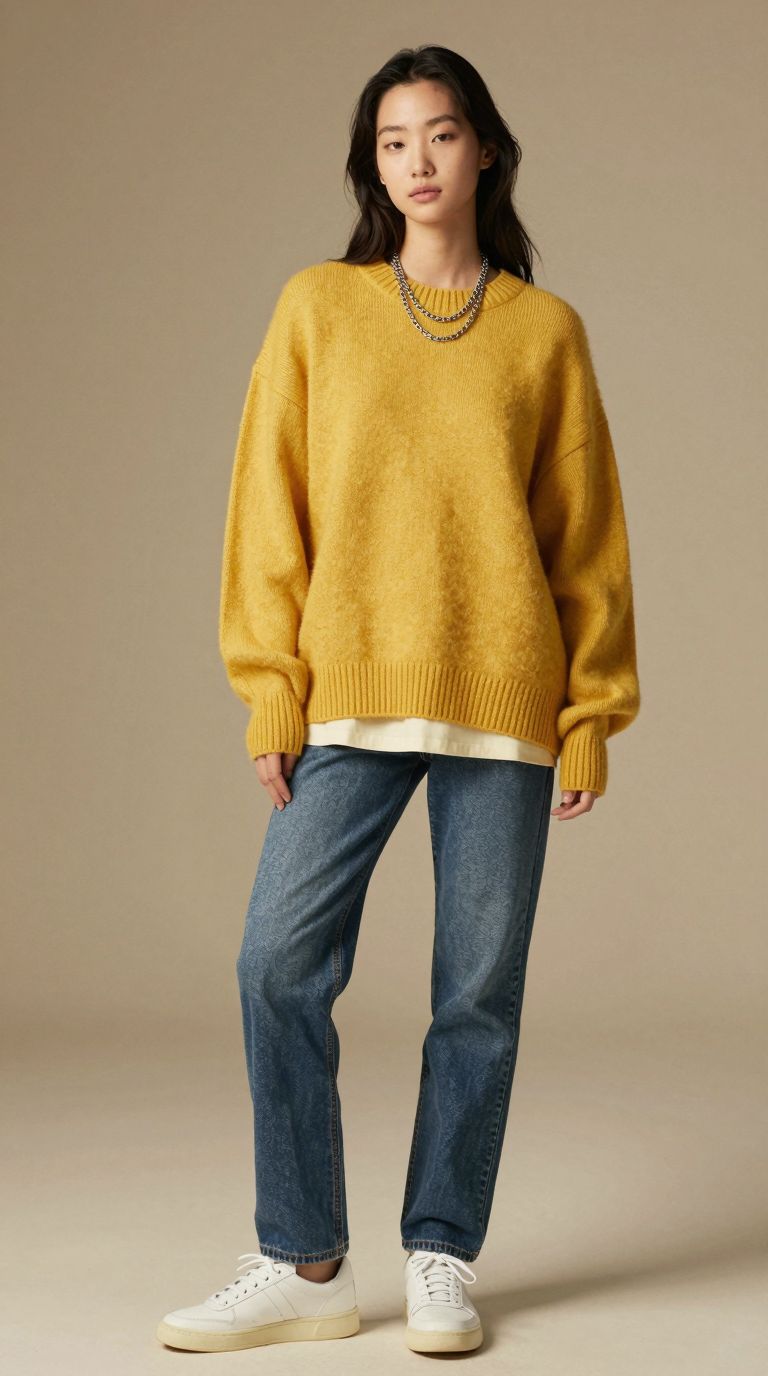
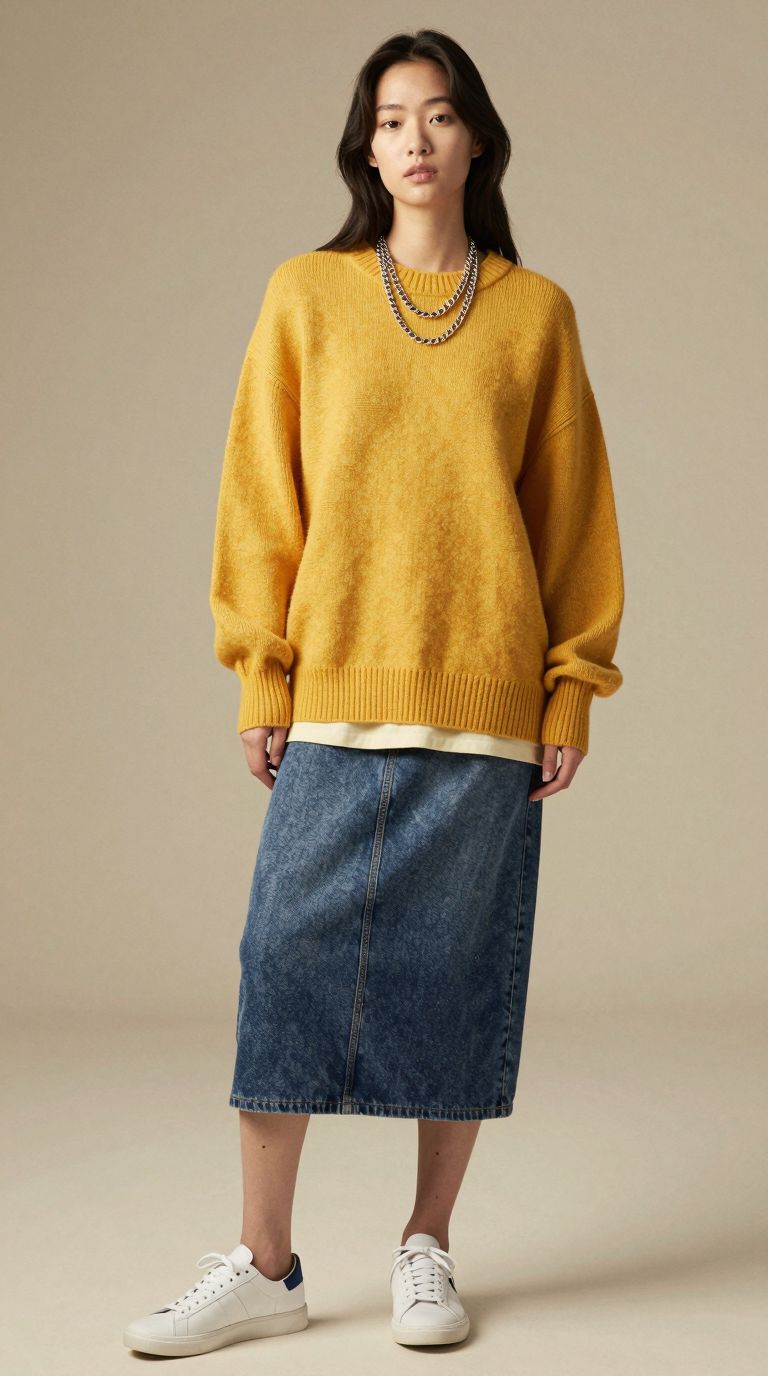
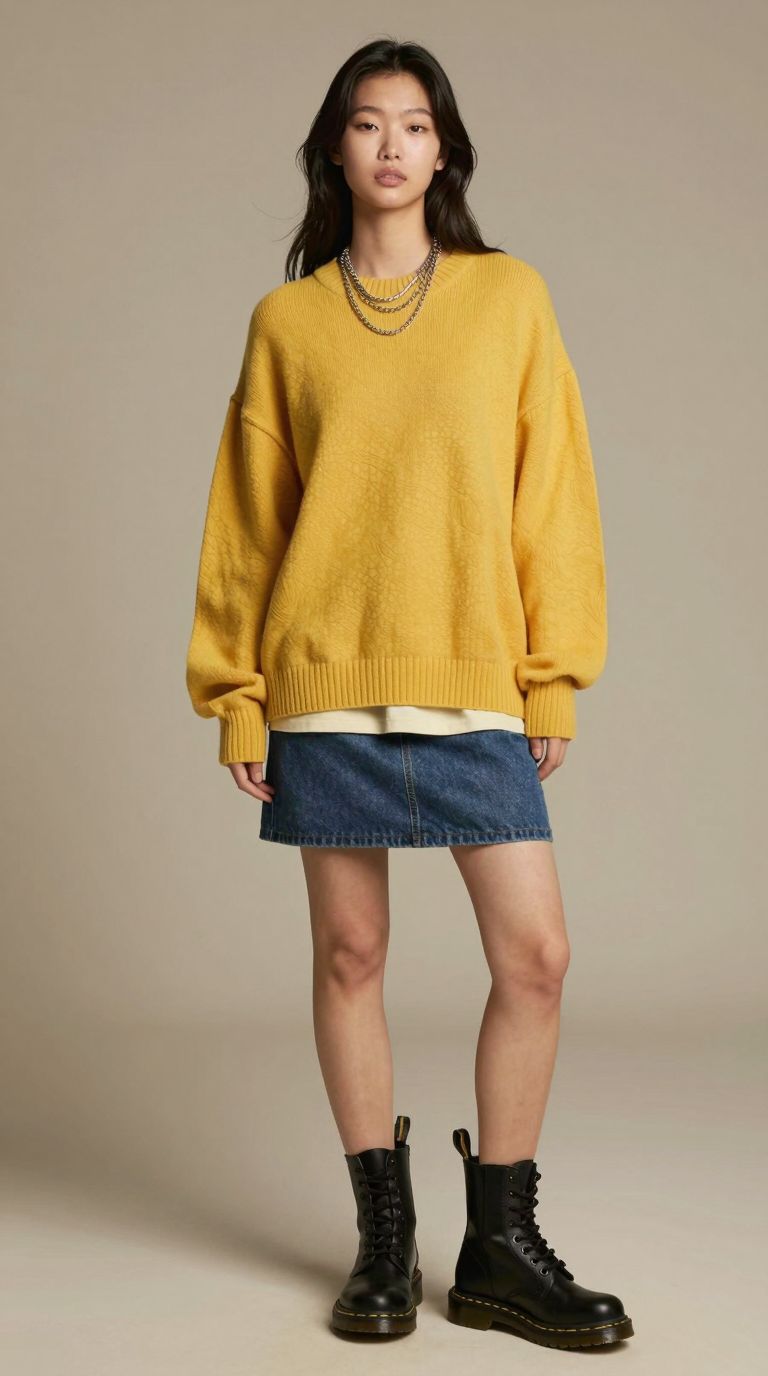
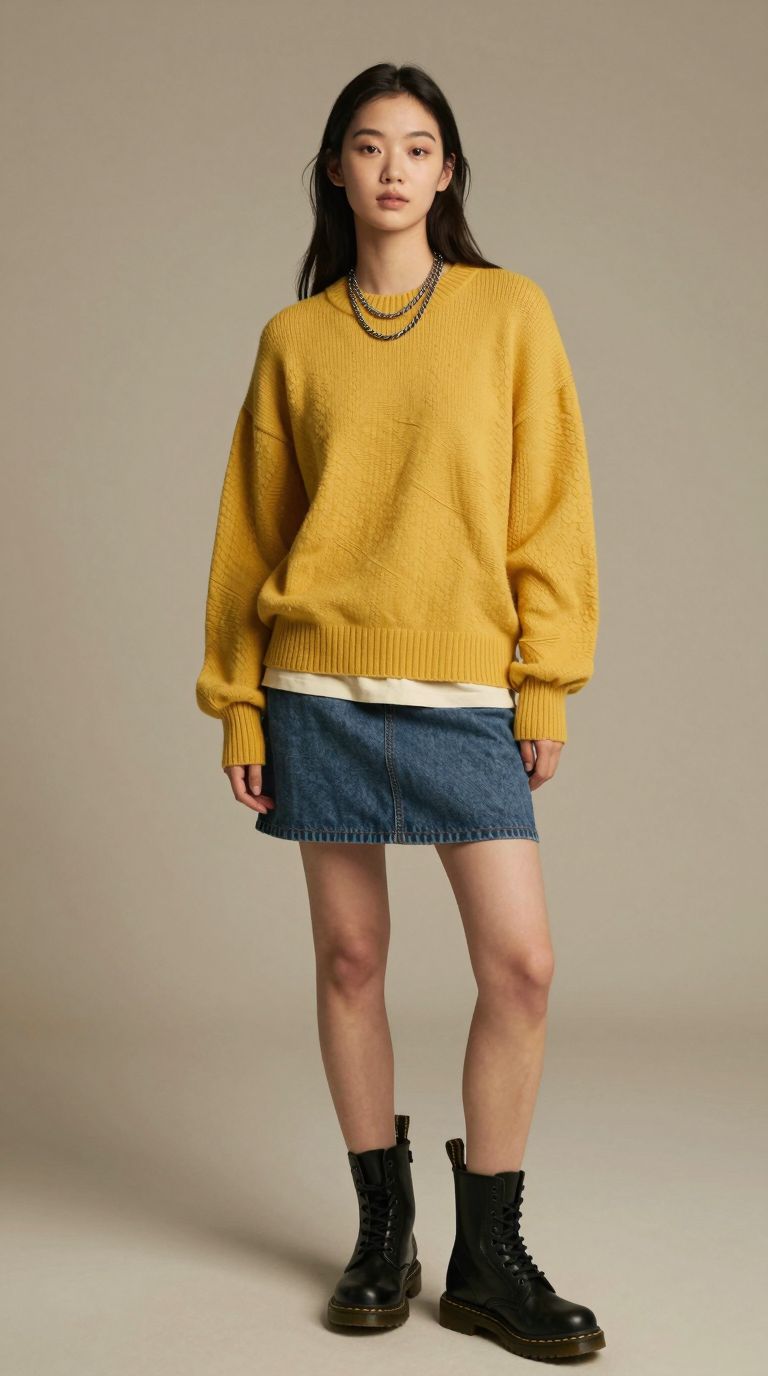
Keeping a face consistent across a whole shoot is the harder problem, and it is what people mean when they search for a consistent character in AI. The images below follow one model through a full styling session: denim, a midi skirt, a mini skirt with boots, and three sweater colours.

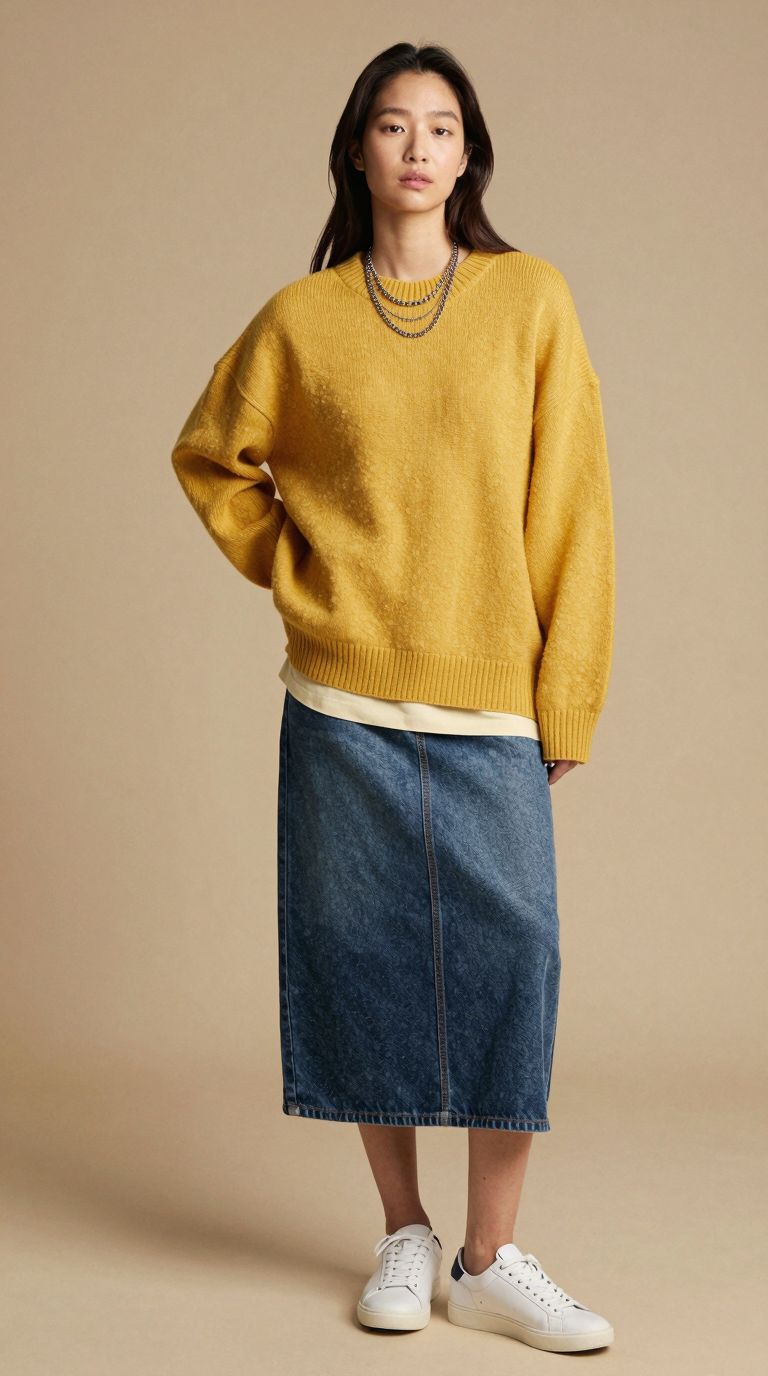
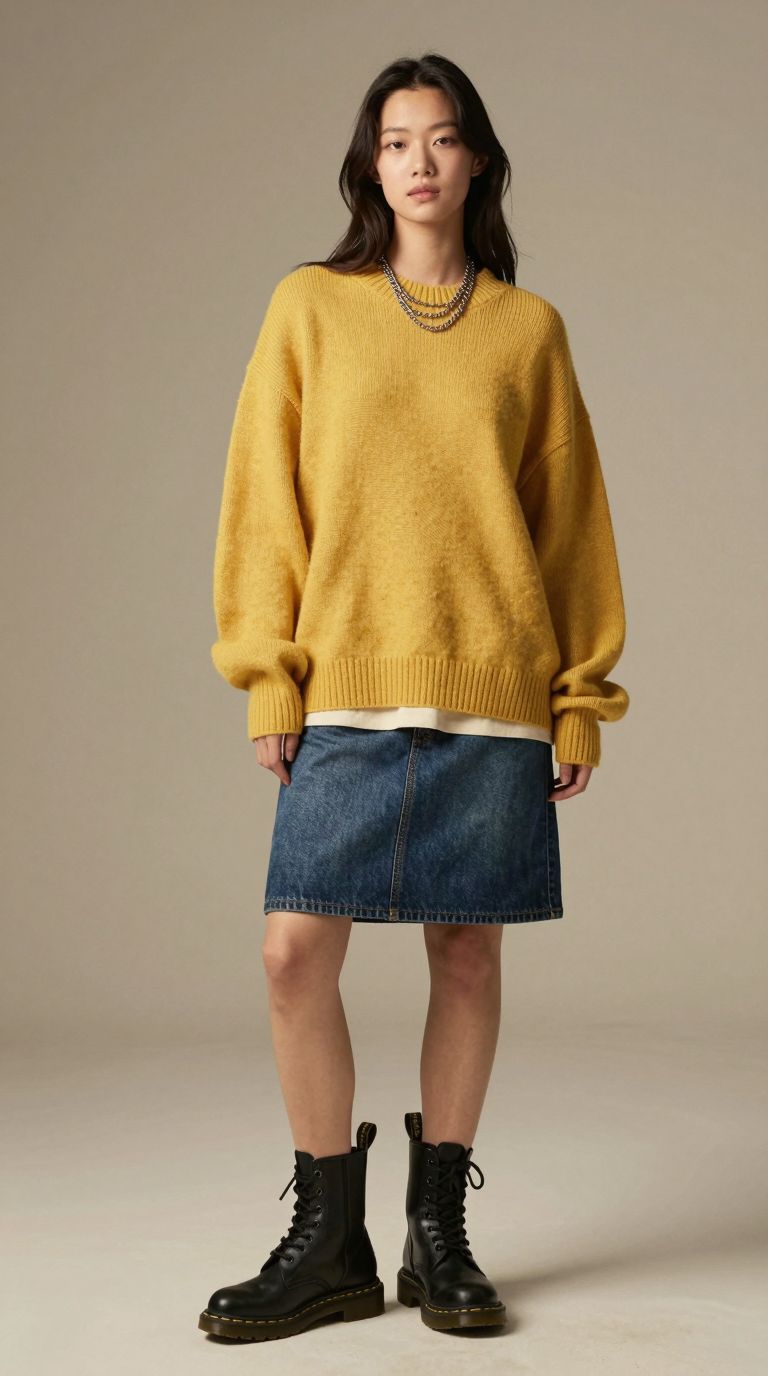
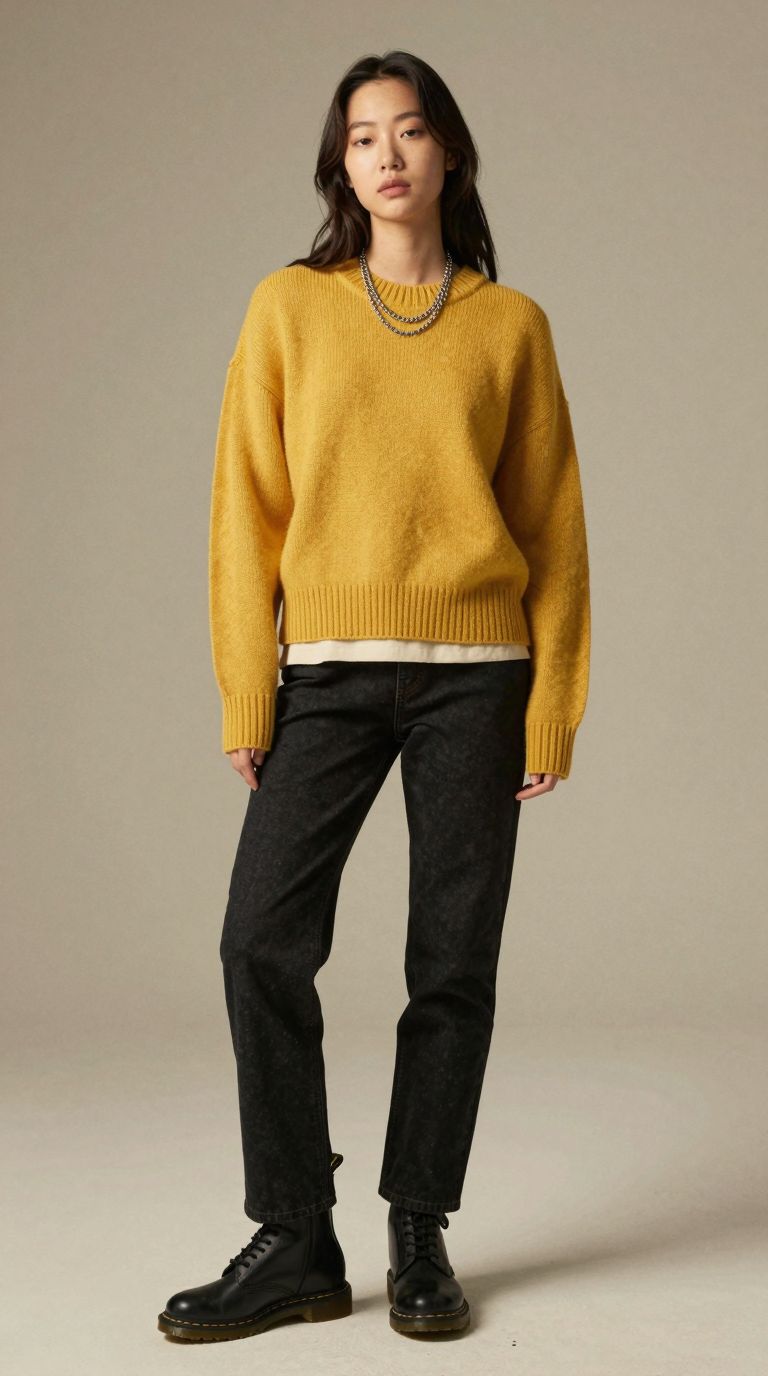
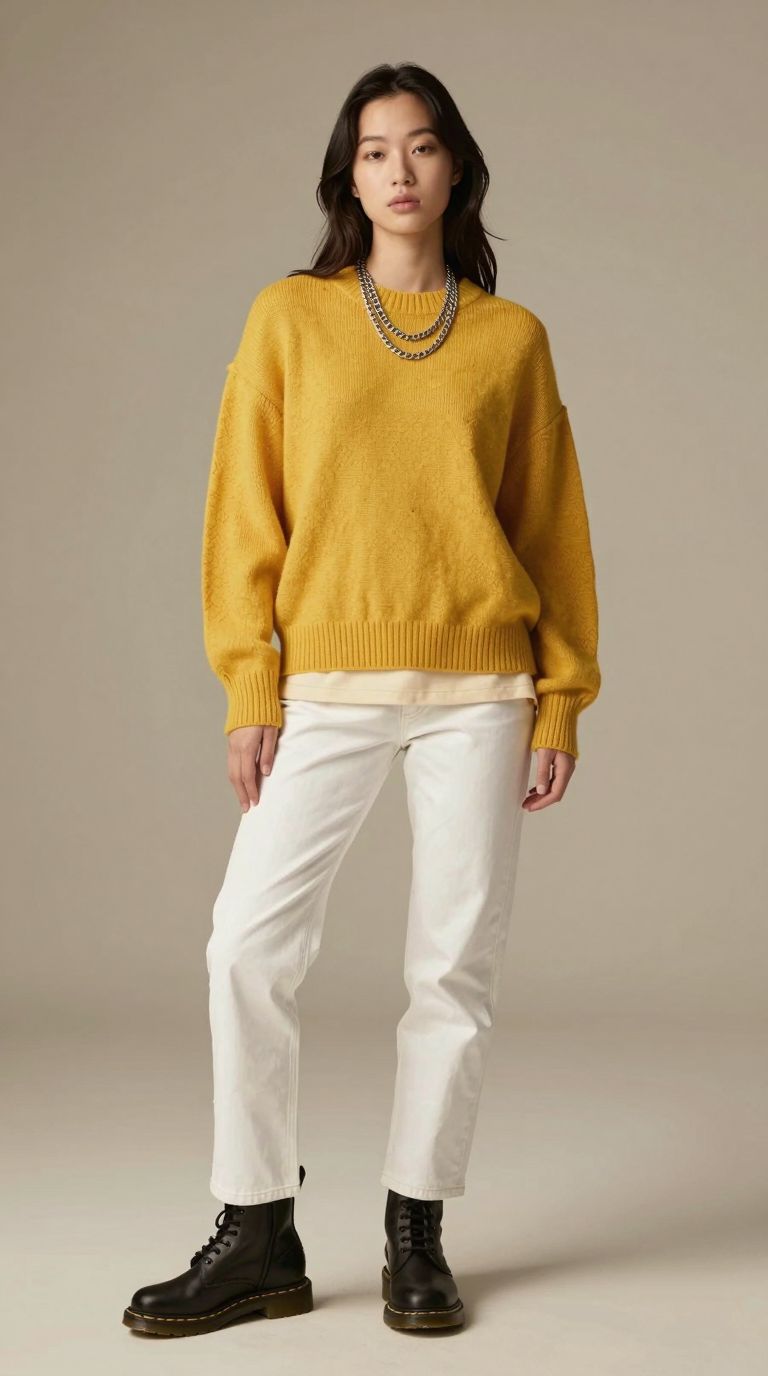

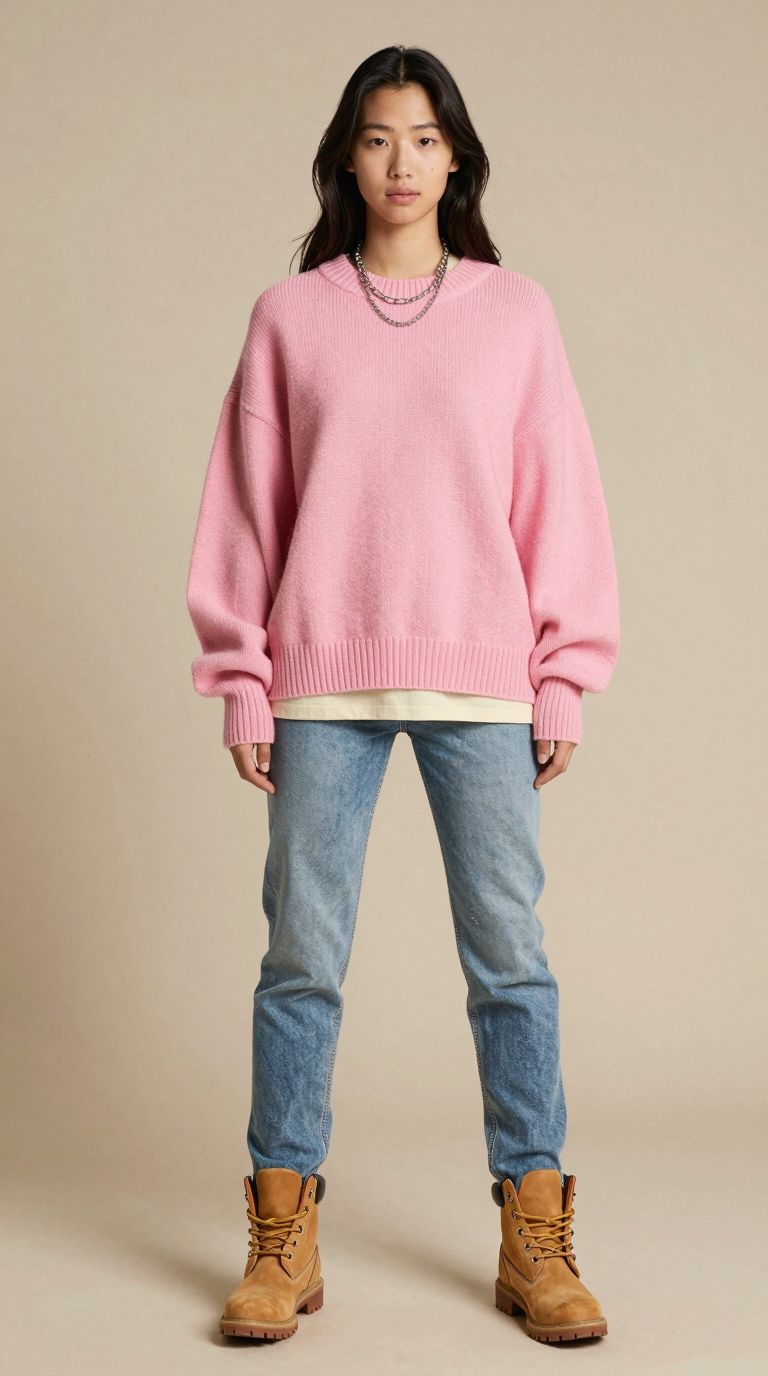
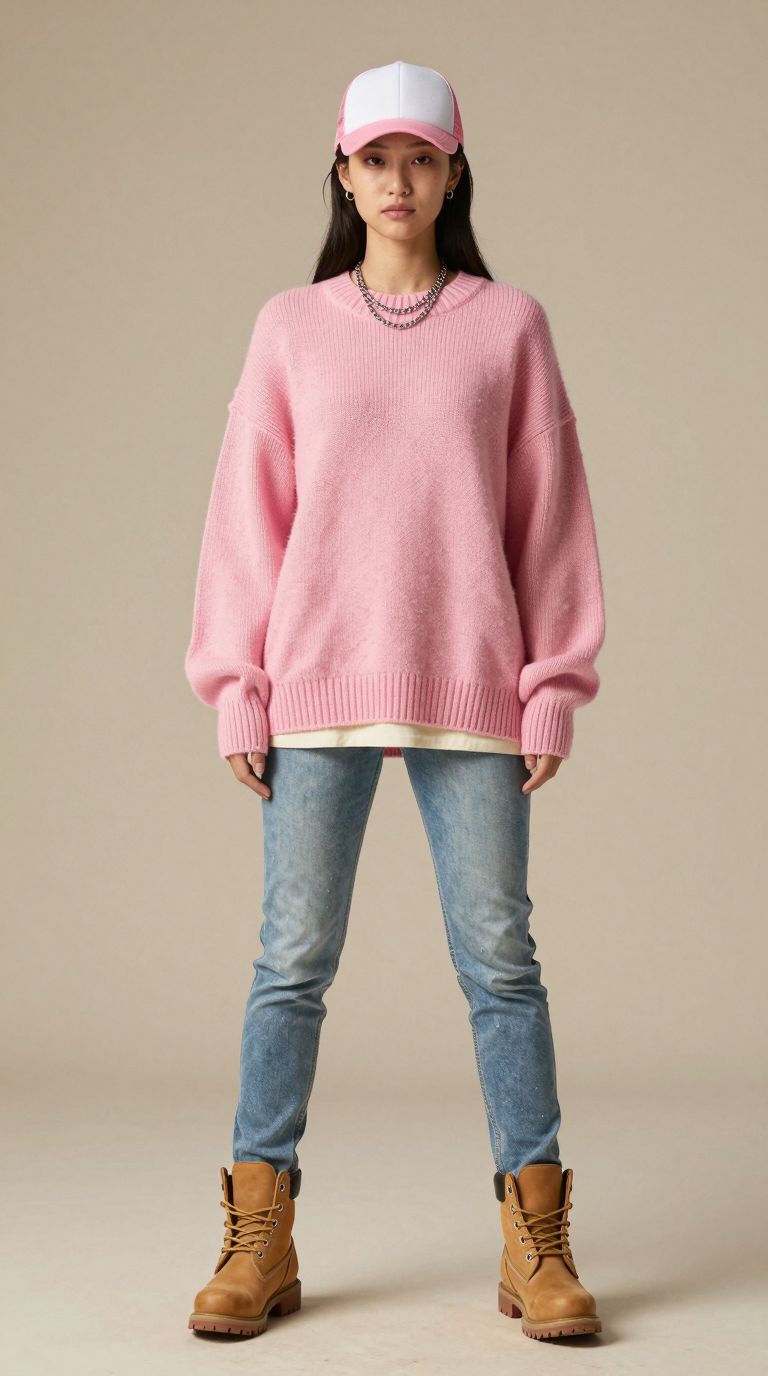
One AI model restyled eight times with the same backdrop and lighting.
Why the Set Looks Like One Shoot
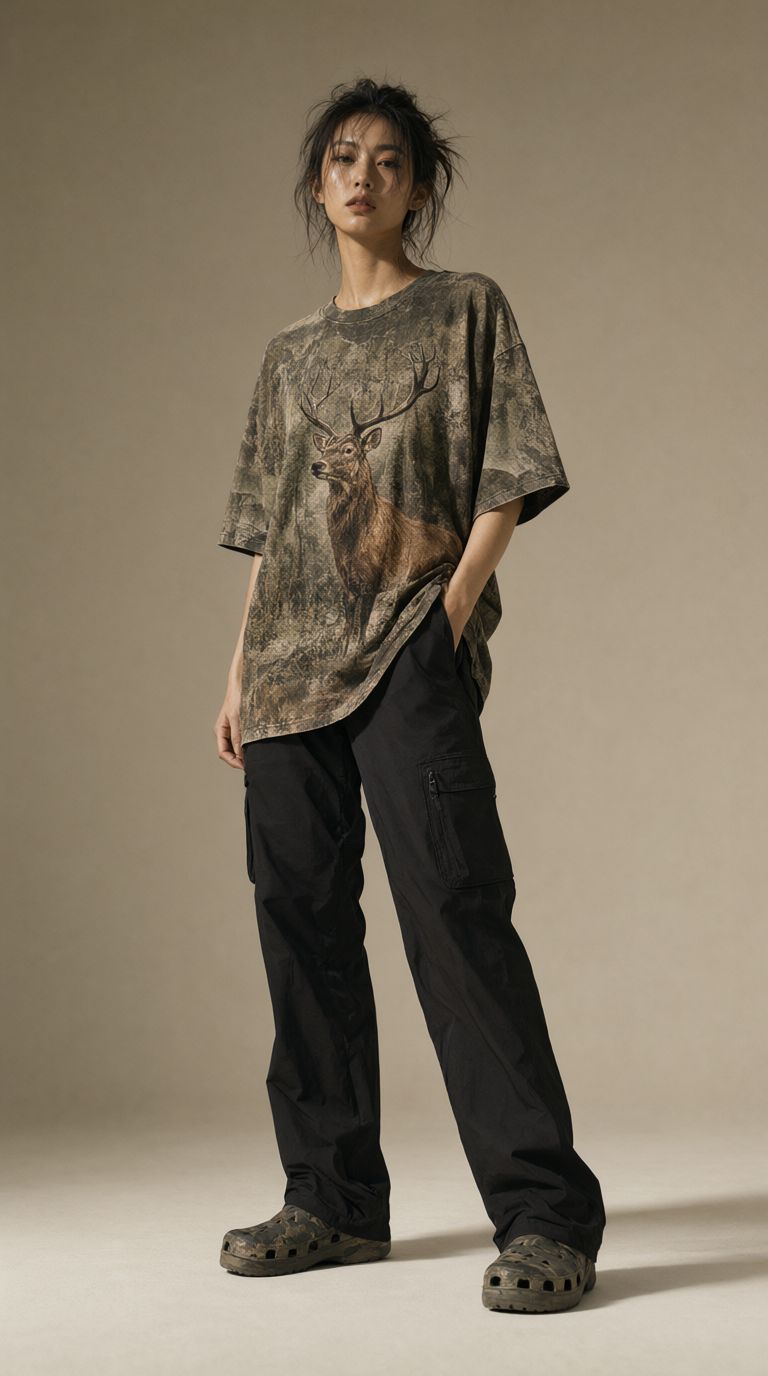
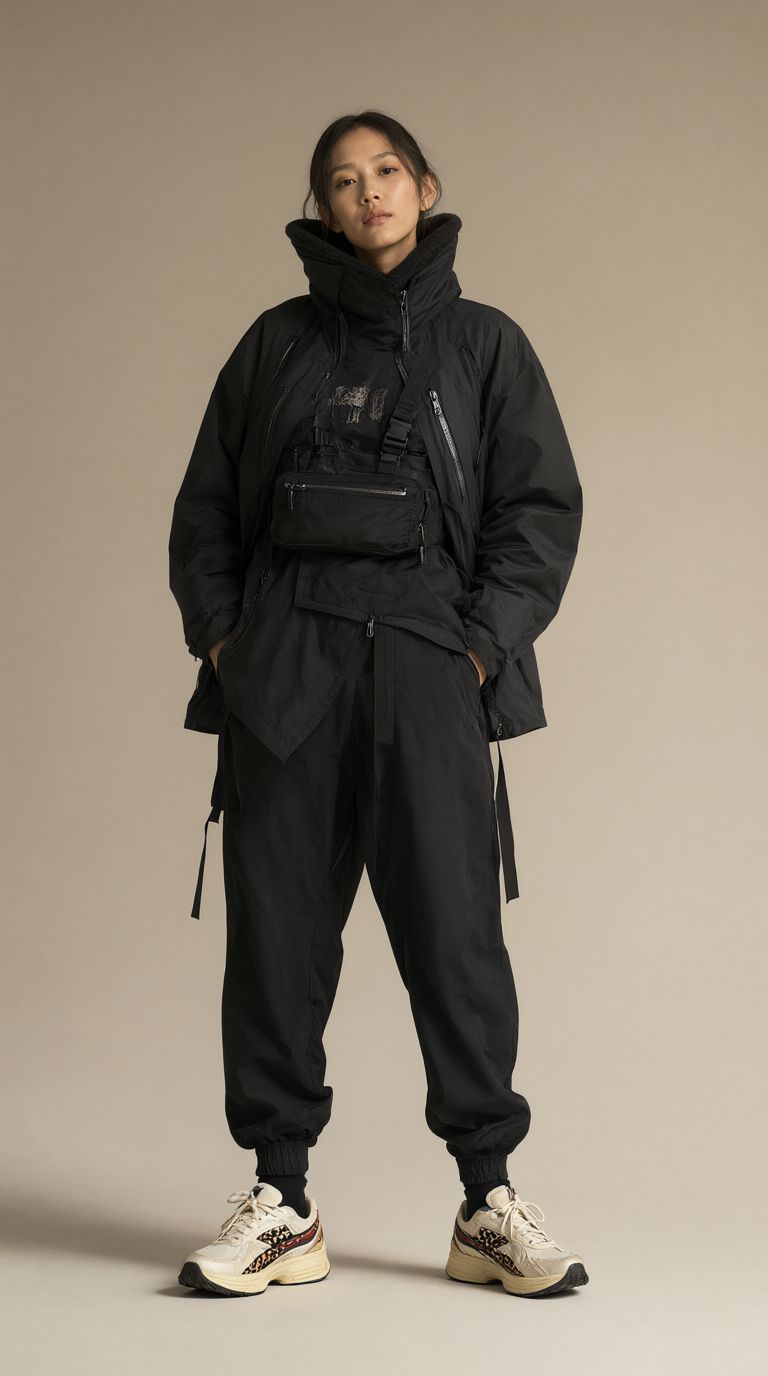
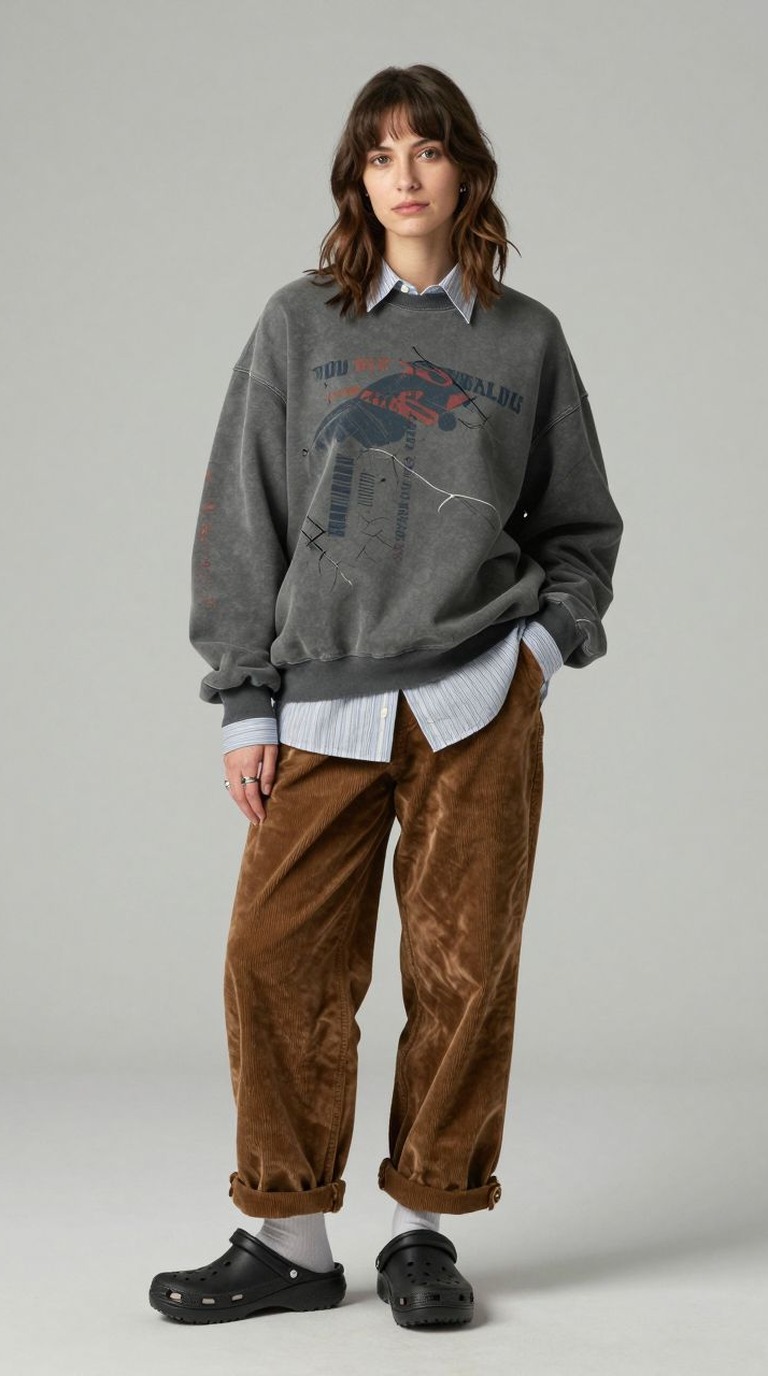
The consistency comes from treating the prompt like a photographer’s brief. The backdrop, the direction of the key light, the lens and the full-length framing were written once and never touched. Each new image changed one thing only: the person, the garment or the colour. When a result was right, its seed was recorded so the same image could be produced again later.
It is the same discipline a stylist uses on set. Fix the lighting first, then change one variable at a time, so every frame in the set can sit next to every other frame.
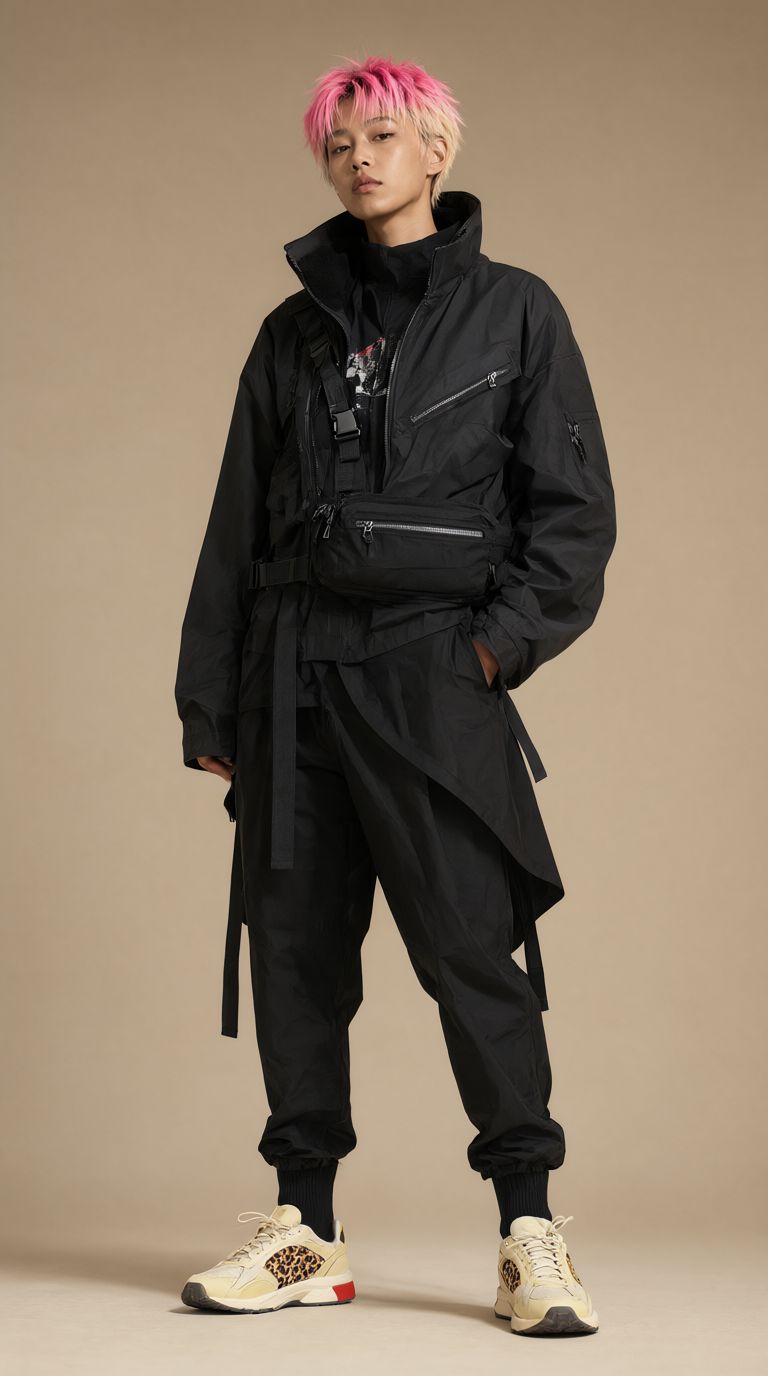
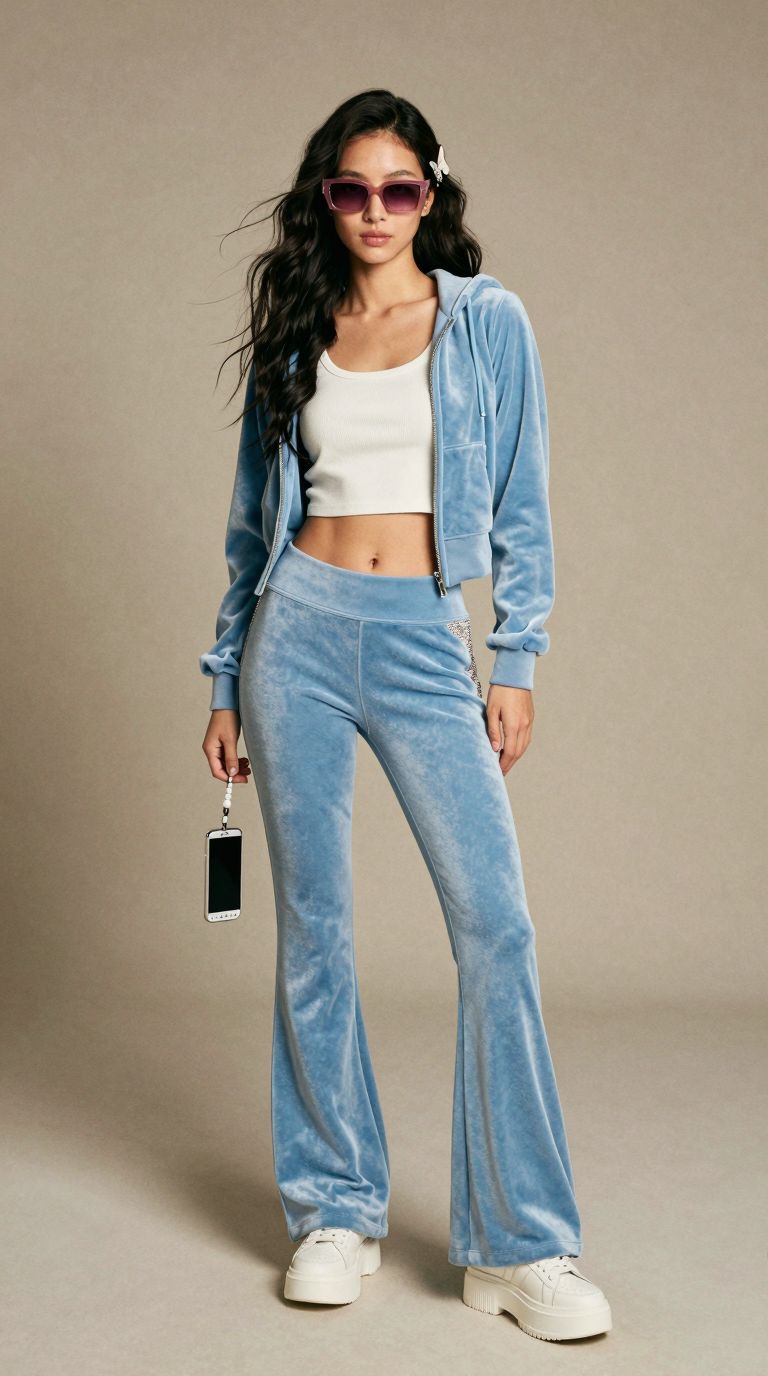

Techwear, velour and preppy styling from the same studio setup.
Want to build a lookbook like this yourself? Email us or WhatsApp us about the next ComfyUI class.
Why Z-Image for Fashion Work
Z-Image Turbo is the model behind this set. It is fast enough to run a full styling session in an afternoon on a PC or laptop with an Nvidia RTX 4070 or above, or an AMD Radeon RX 9060 or RX 7900 XT and above, it renders fabric texture well, and in our ComfyUI image generation comparison it was one of the two strongest models for East Asian faces, which matters for work aimed at Singapore and the region.
Licences matter too. Z-Image Turbo is released under Apache 2.0, so images can be used commercially. Some other open models are non-commercial unless you obtain a commercial licence, so always check the current terms on each model’s official page before client work.
Where AI Models Fit, and Where They Do Not
AI fashion models are well suited to mood boards, pitch decks, colourway previews, social content and early product listings, where speed and variety matter more than a specific garment.
They are not a replacement for photographing your actual product. The clothes in these images were invented by the model, so they will never match a real sample exactly. To put a real garment or product into a scene, the technique is image editing with a product reference, which we cover in our ComfyUI image editing lessons, and every detail should still be checked against the real item. Fit and sizing photos should always come from a real person wearing the real piece.
All 150 AI Fashion Models
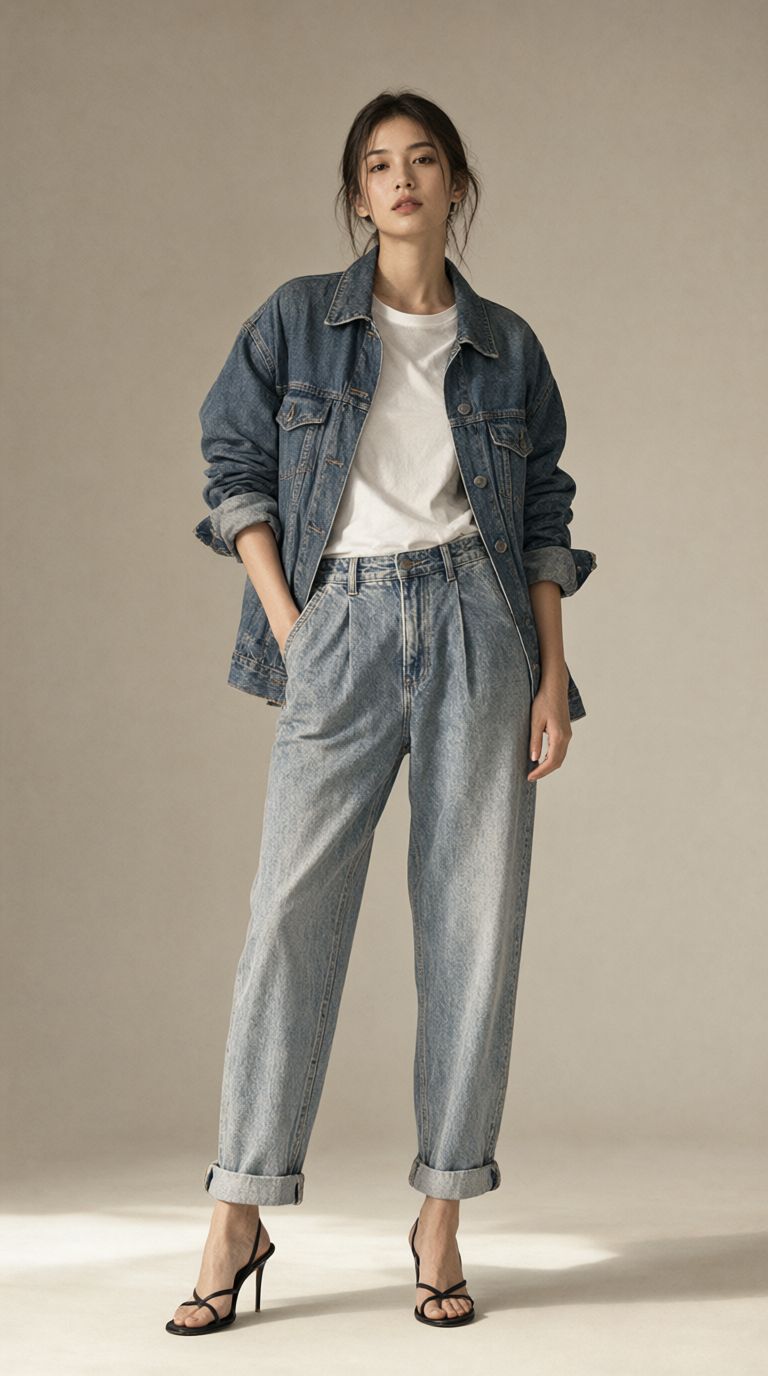
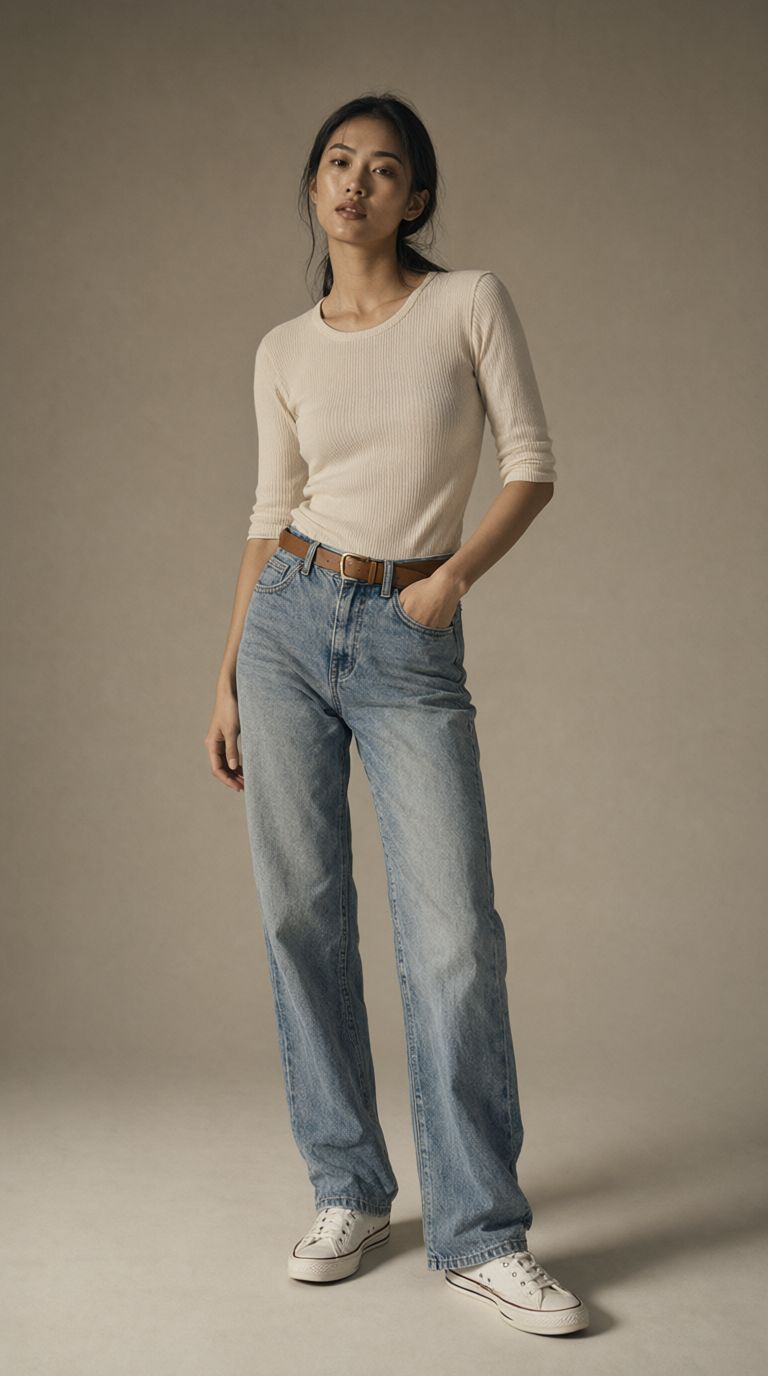
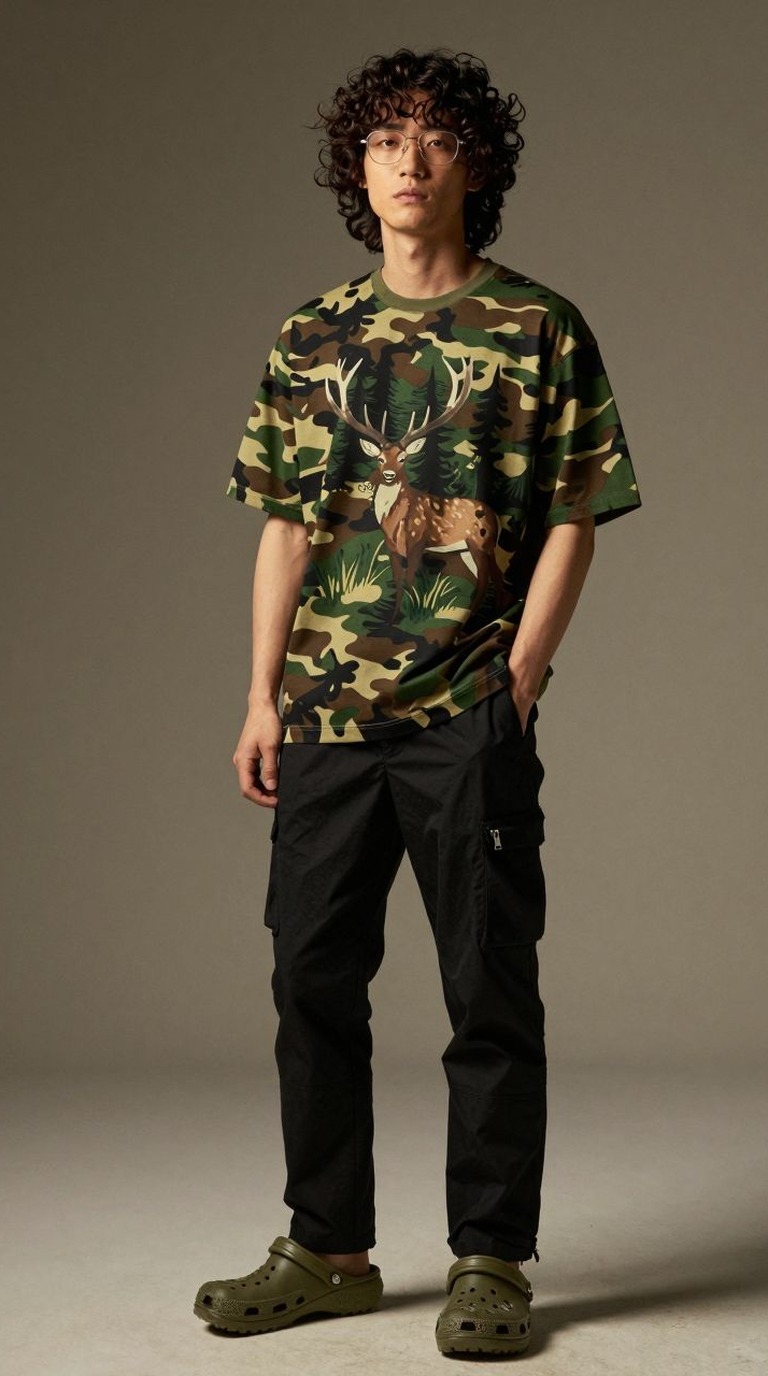
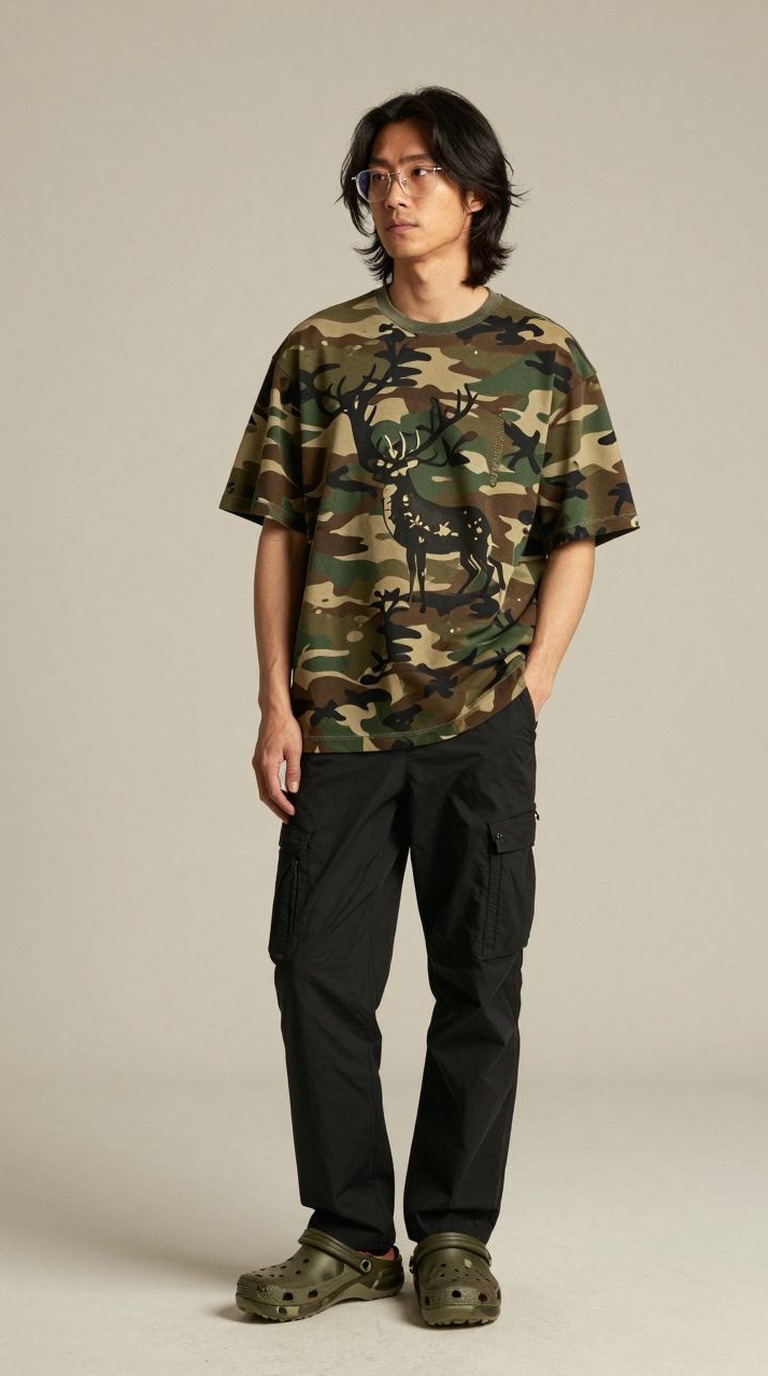
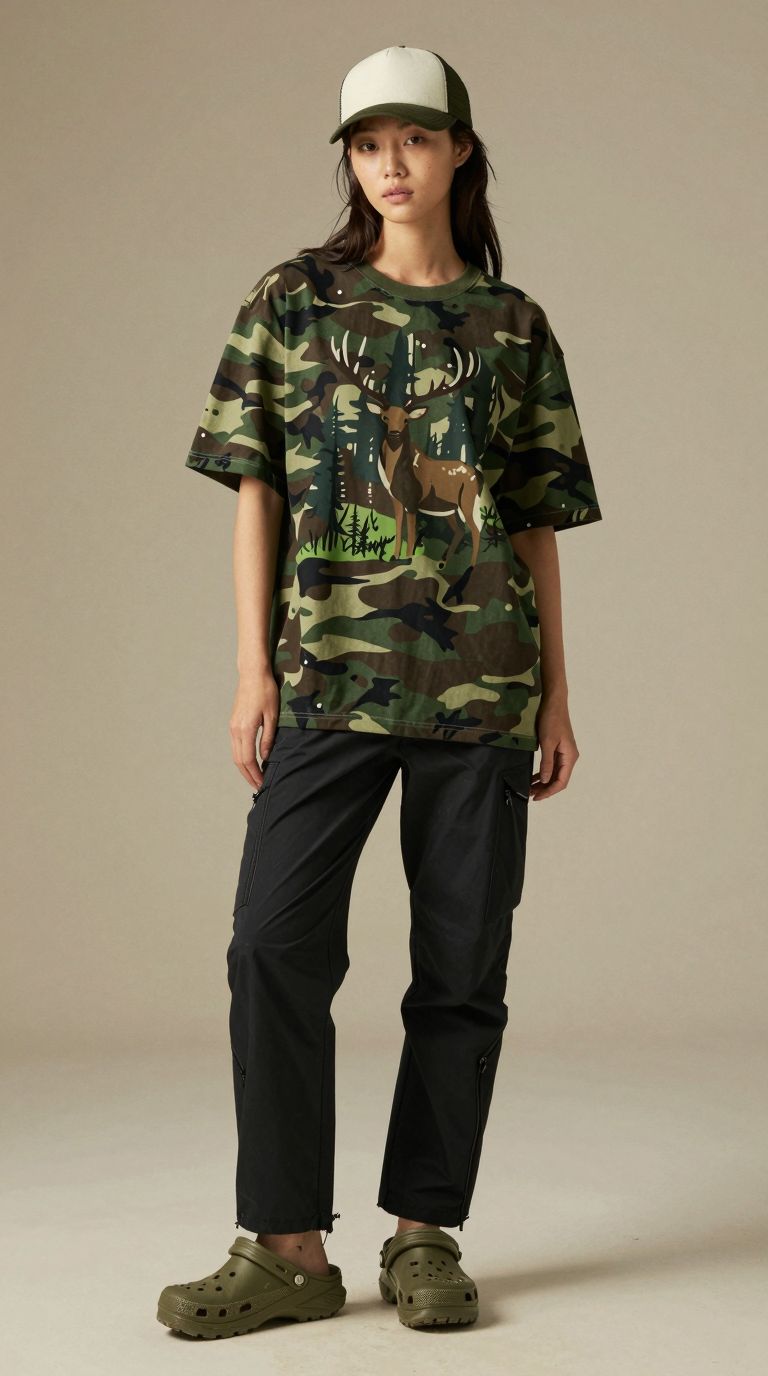
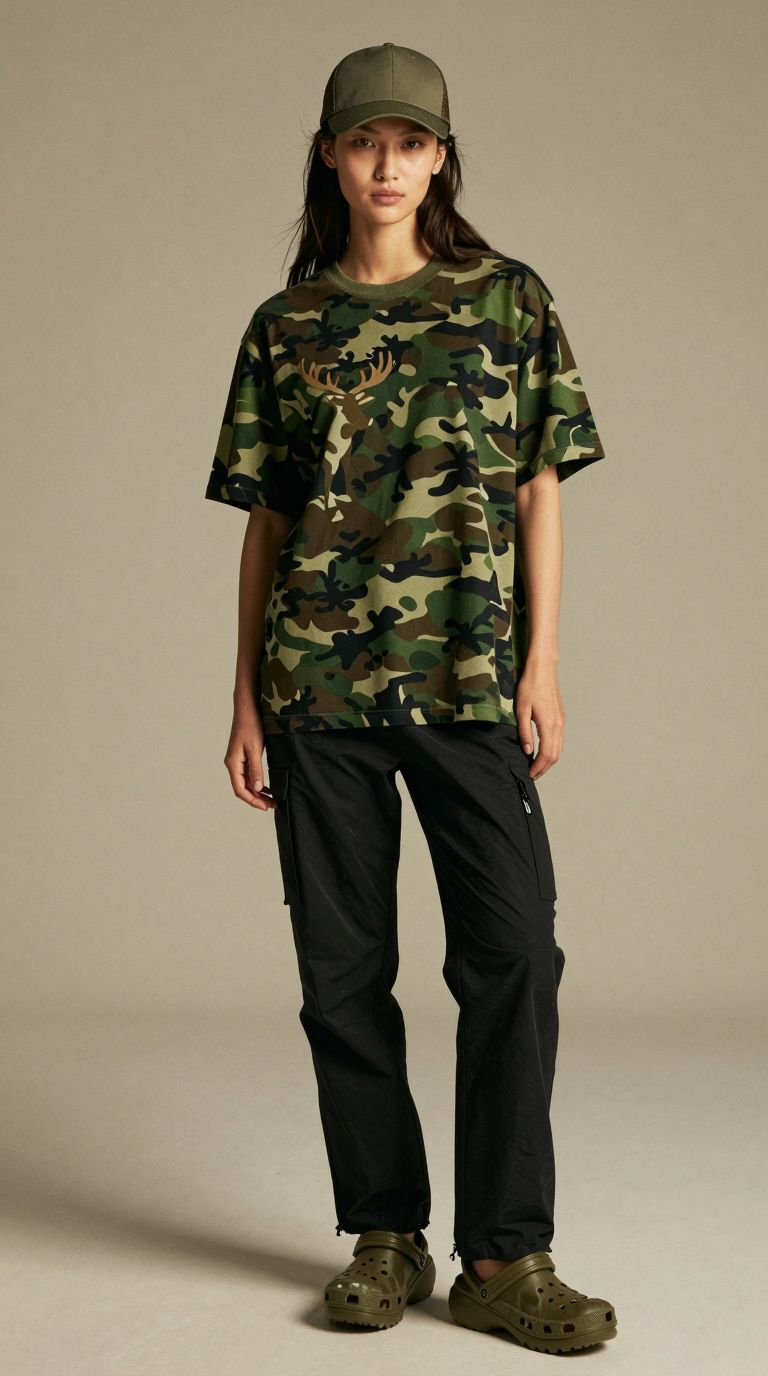
The full set in the order it was generated. Click any image to open it full size, then use the arrows to browse.










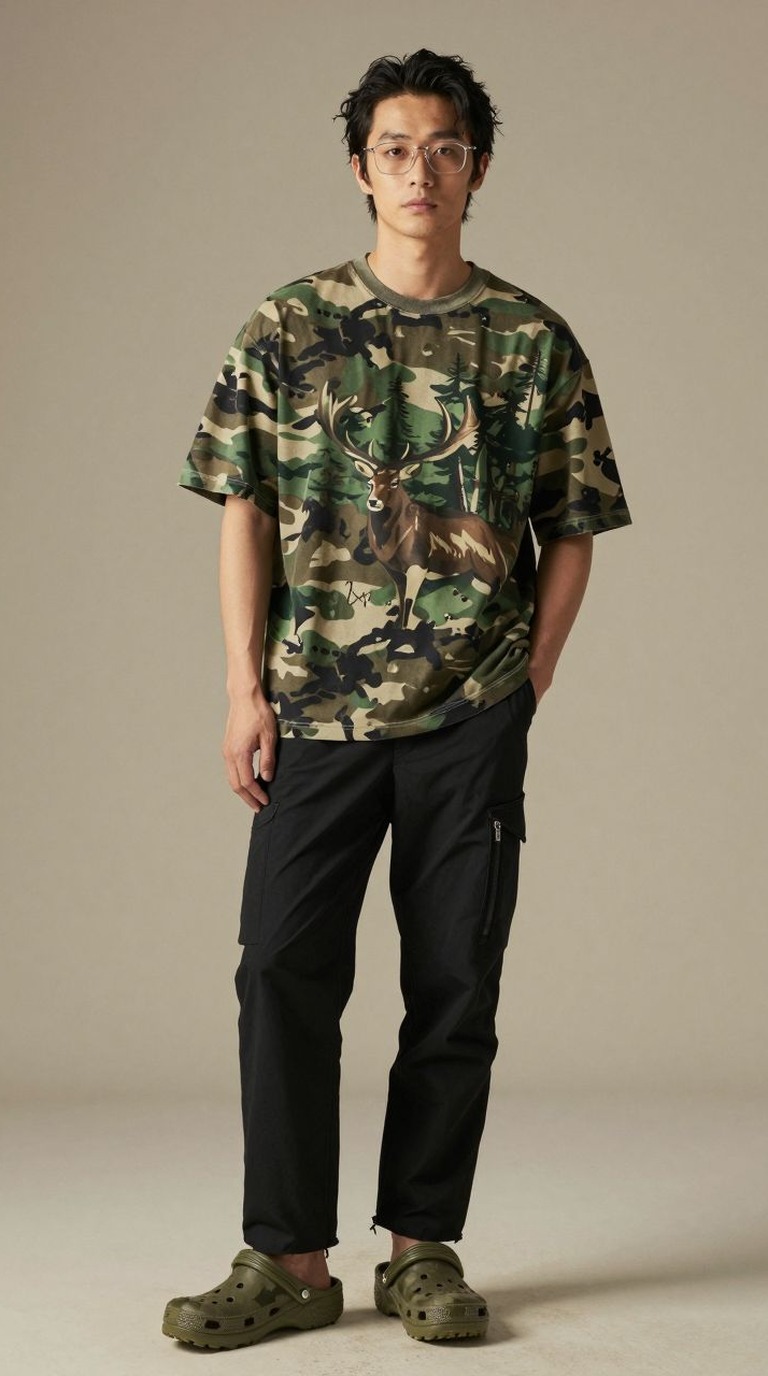

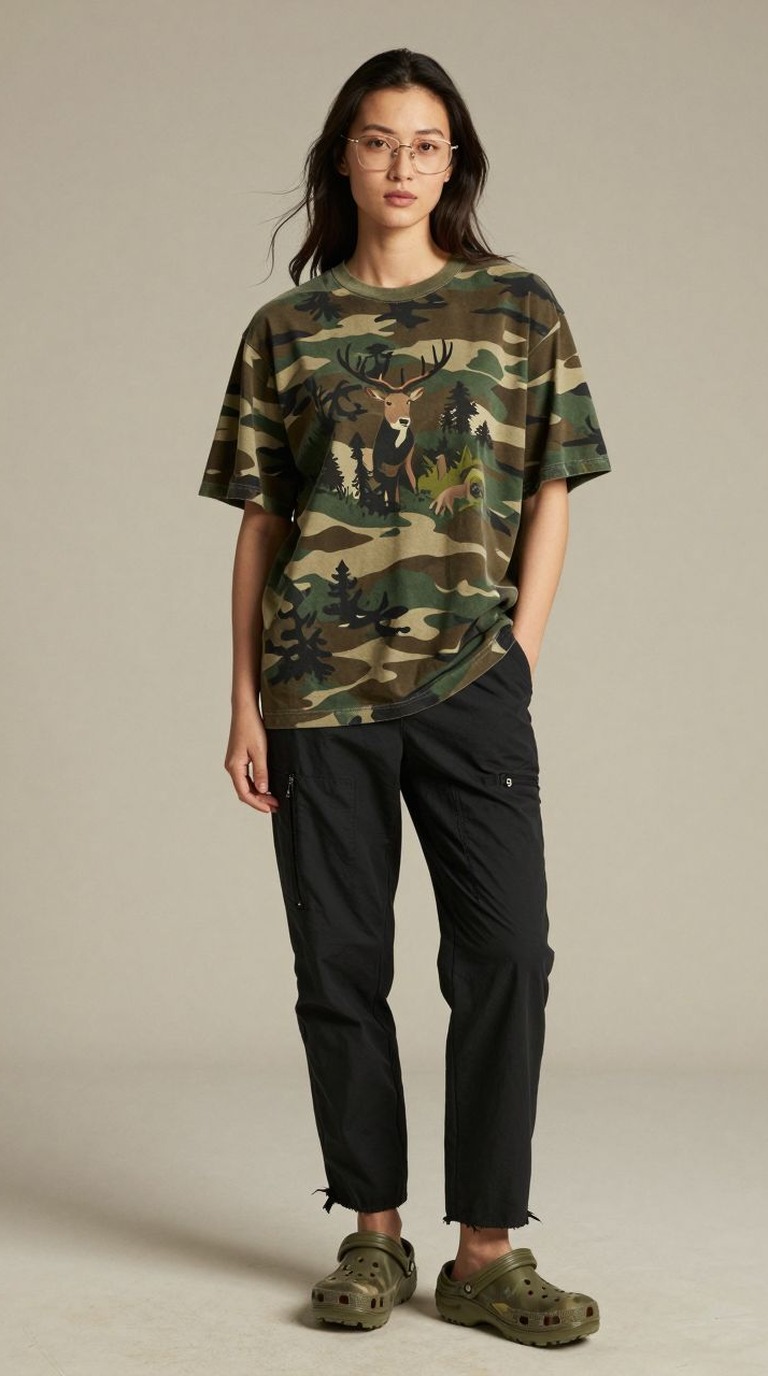
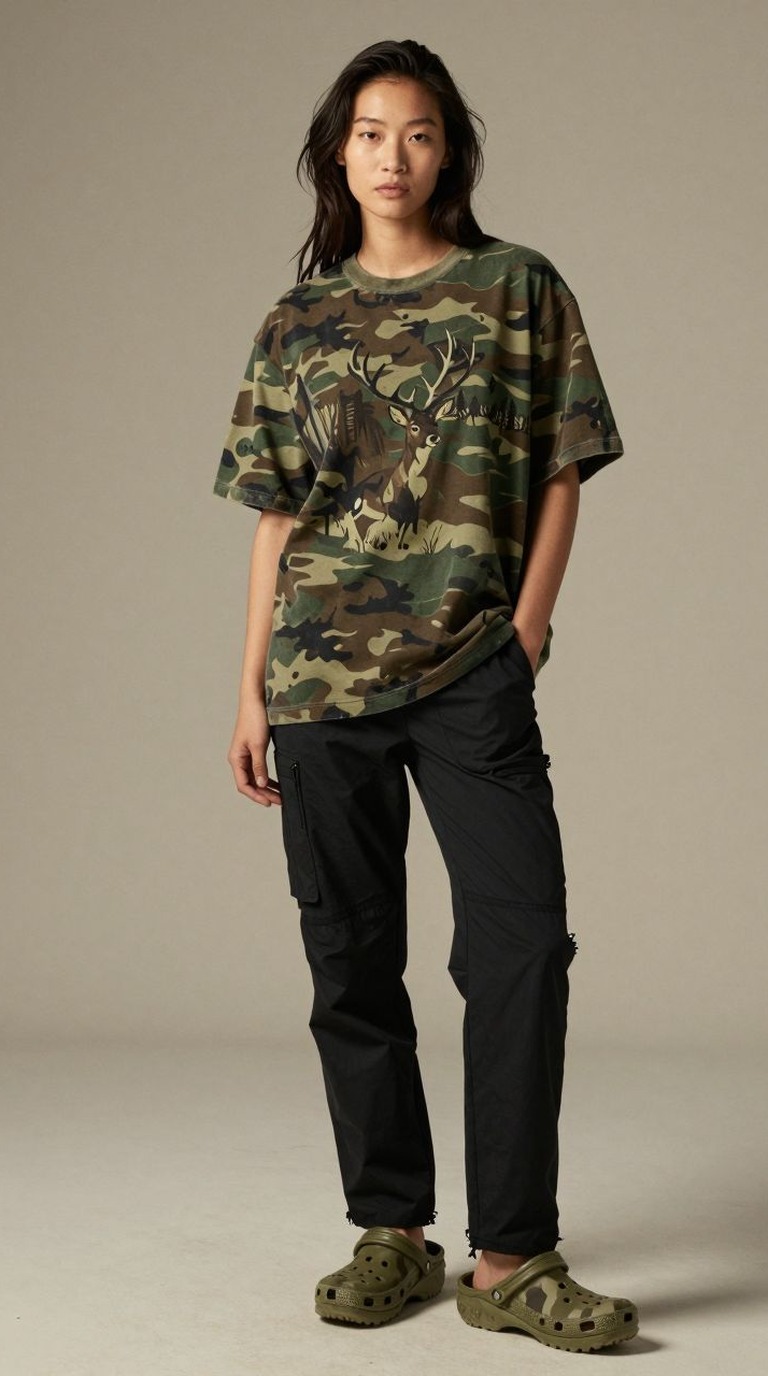
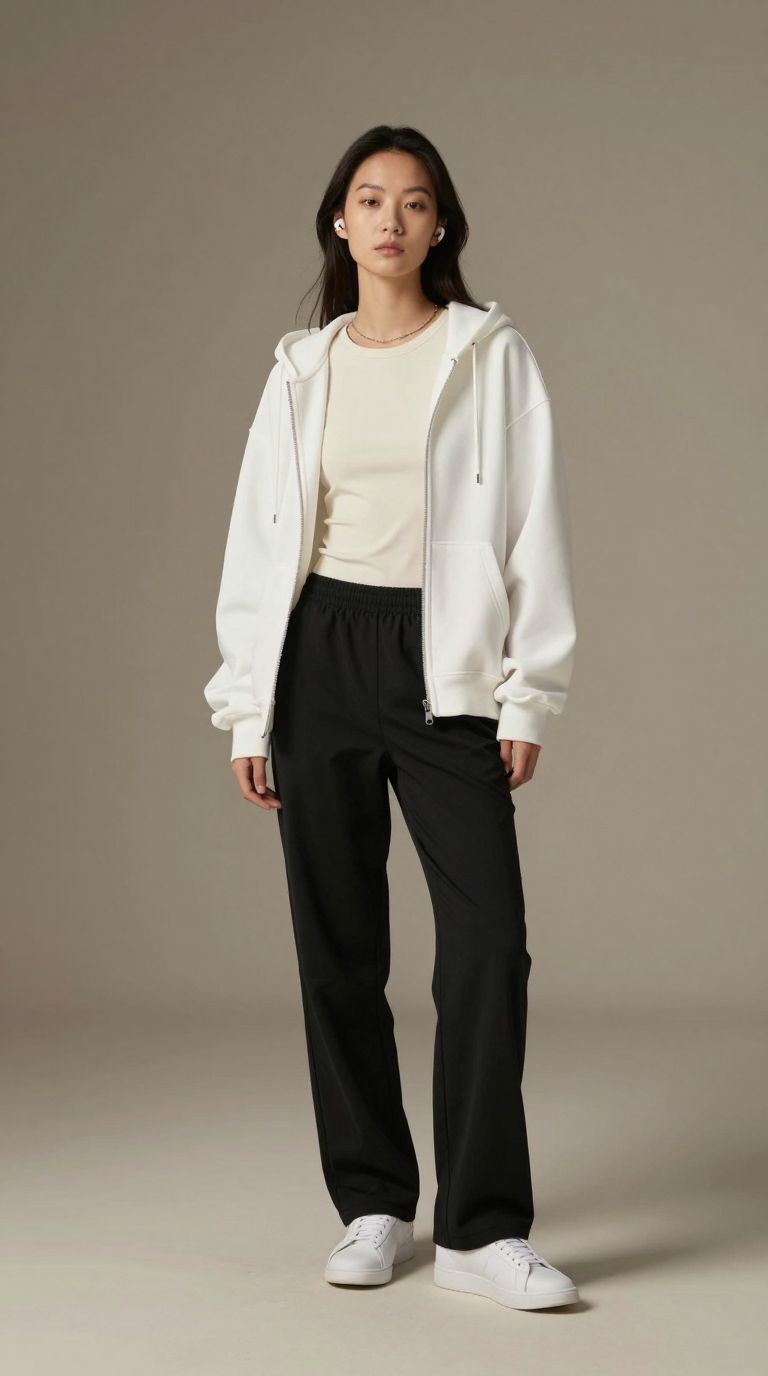
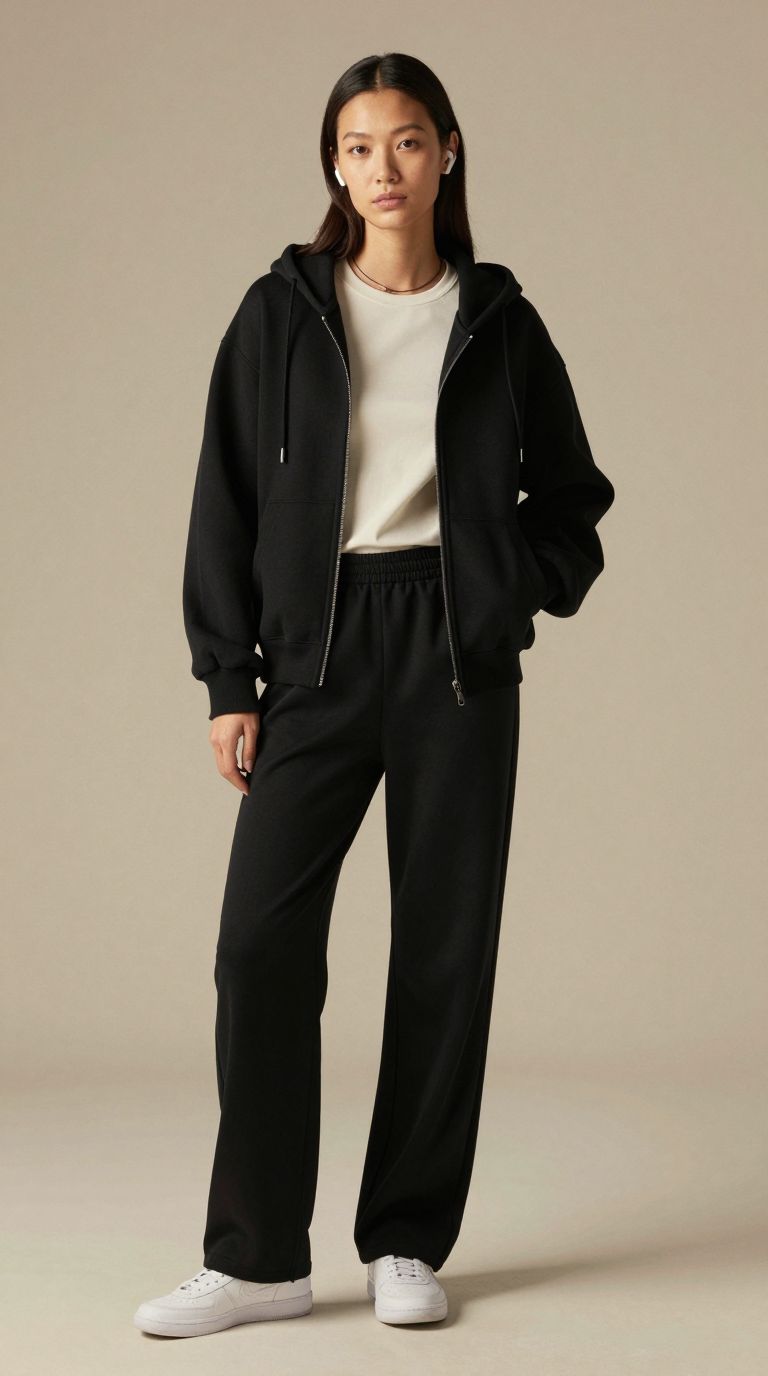
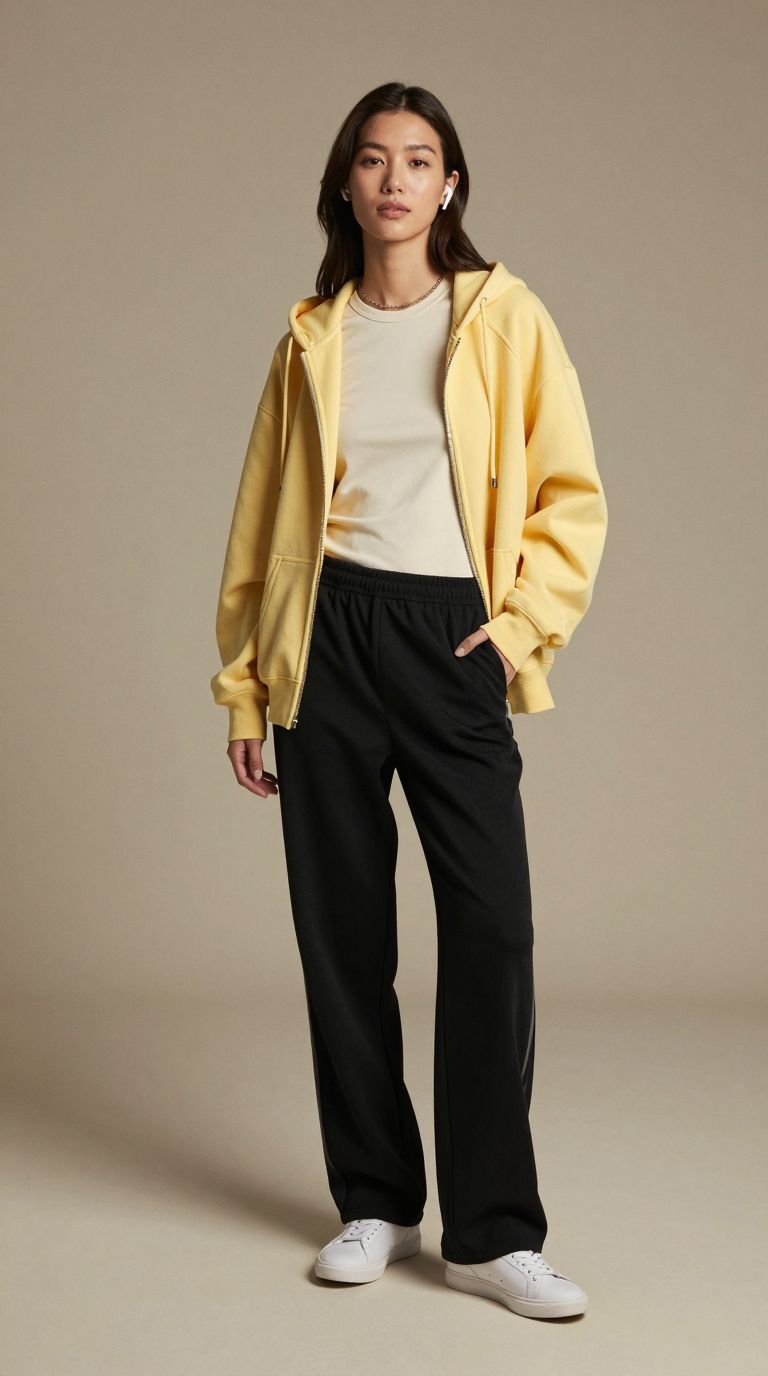
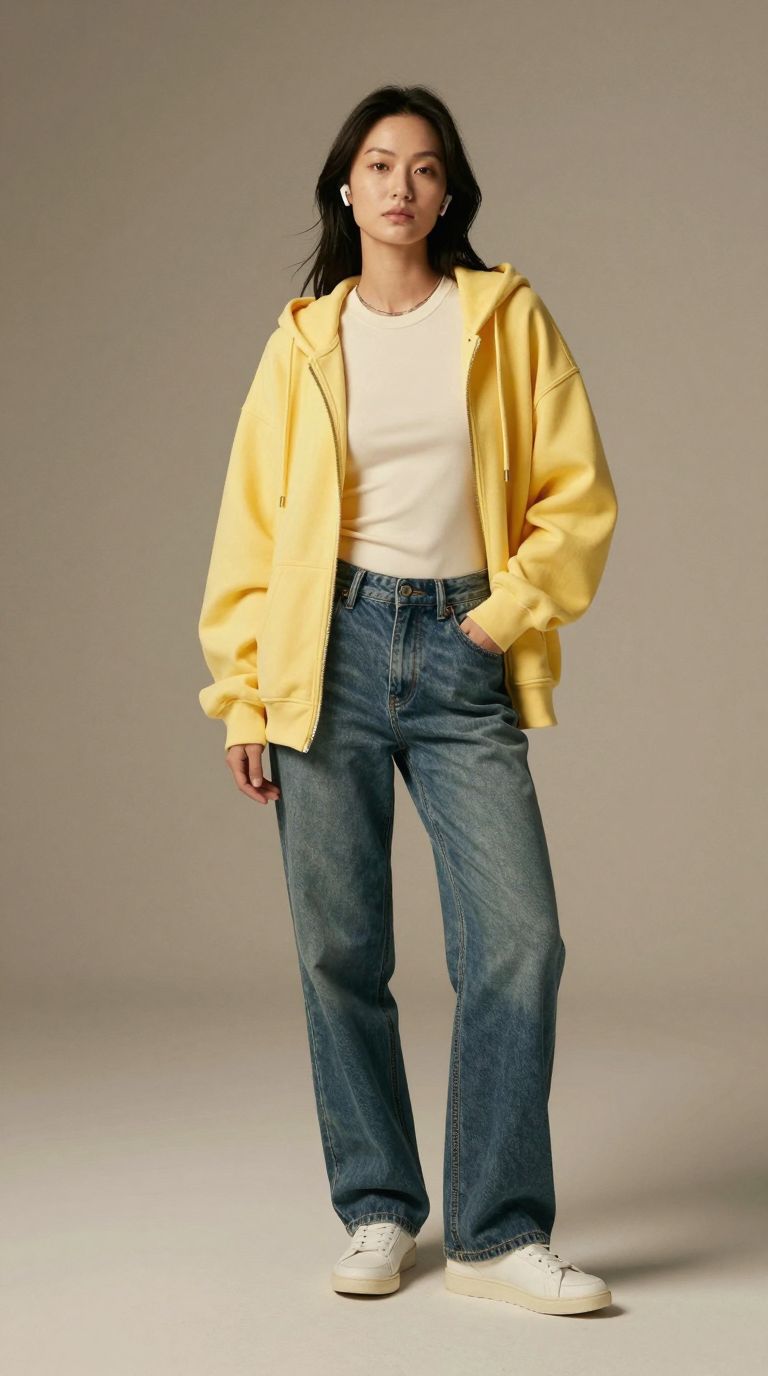
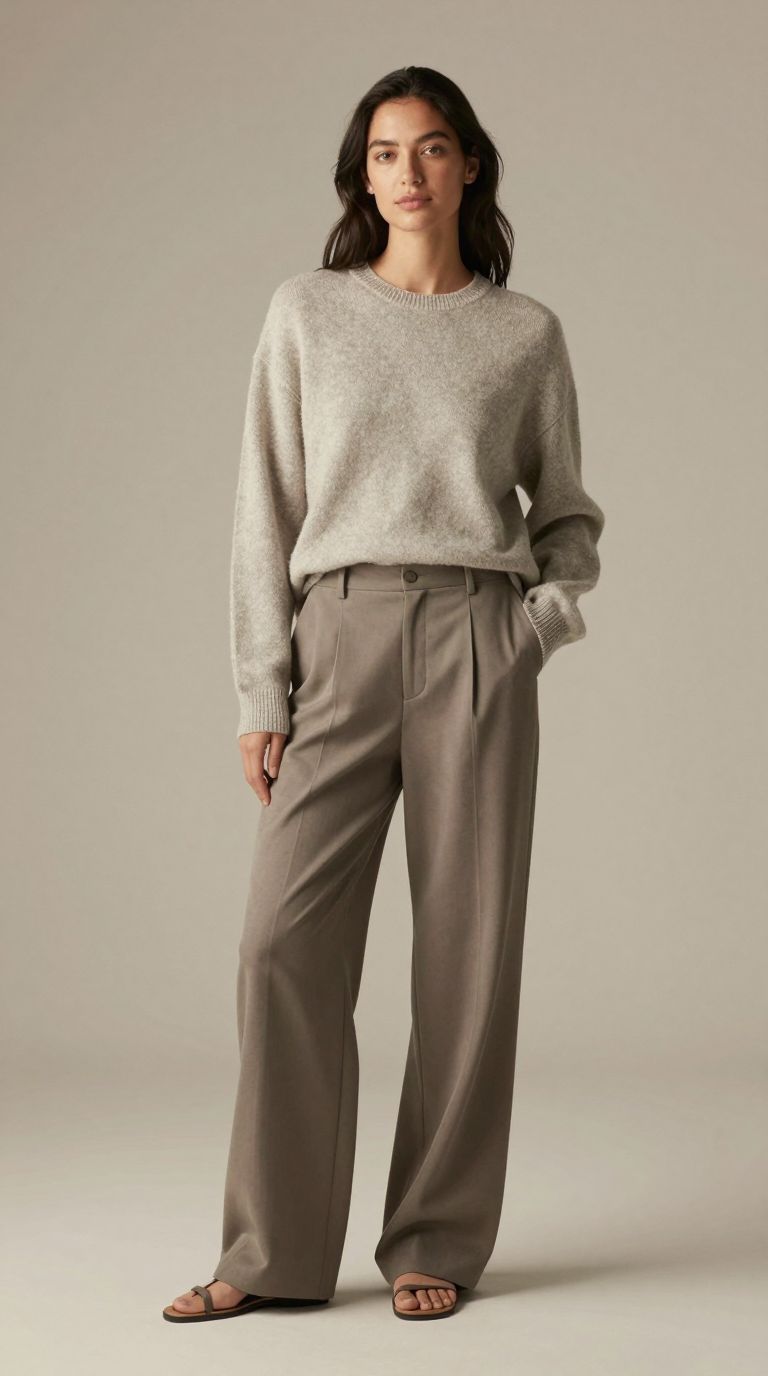



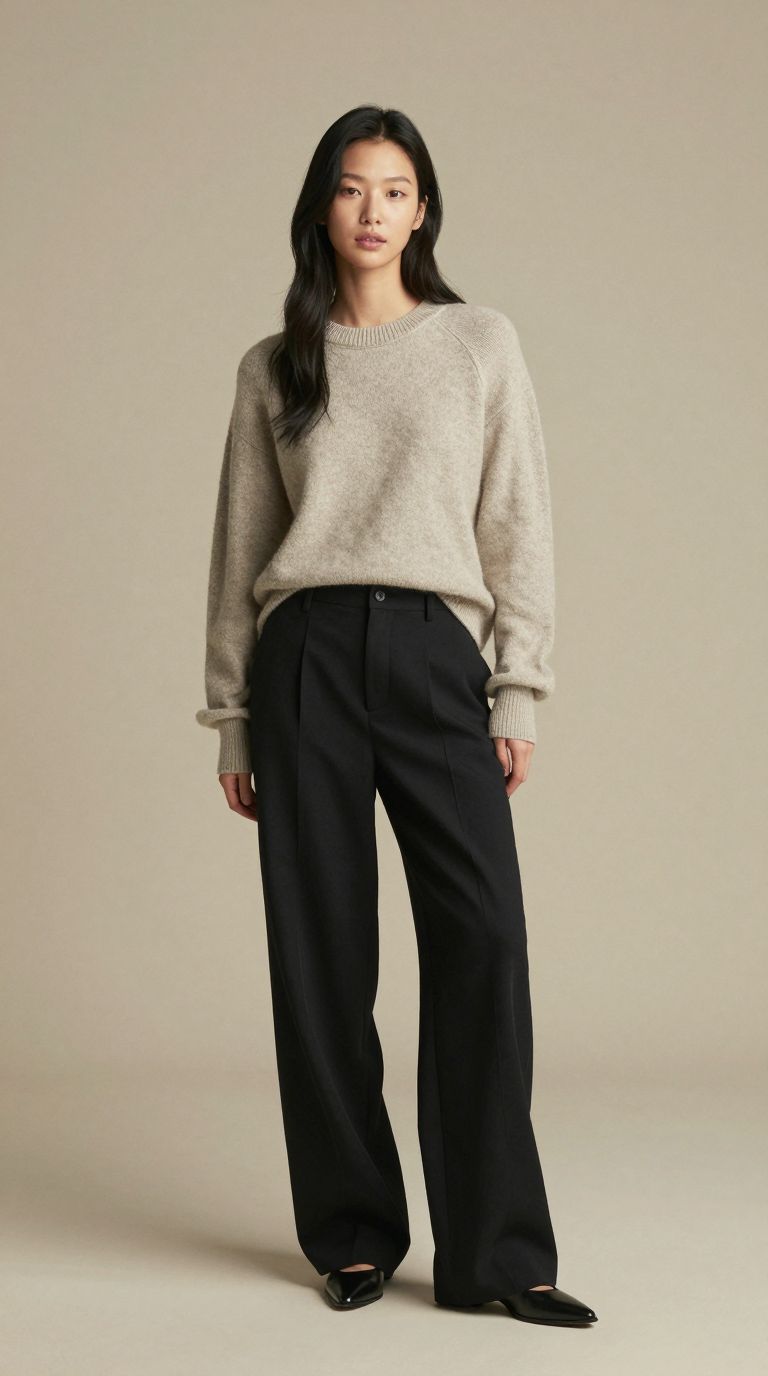
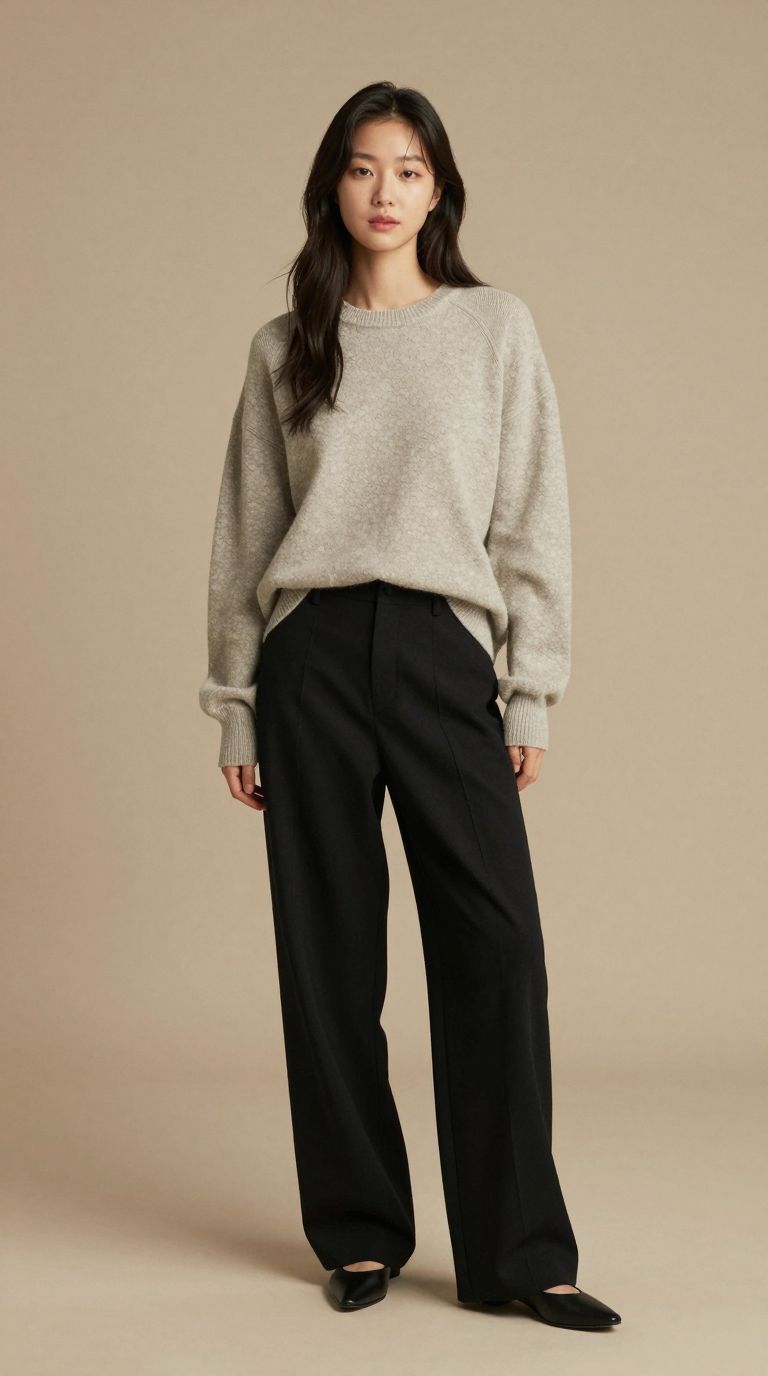
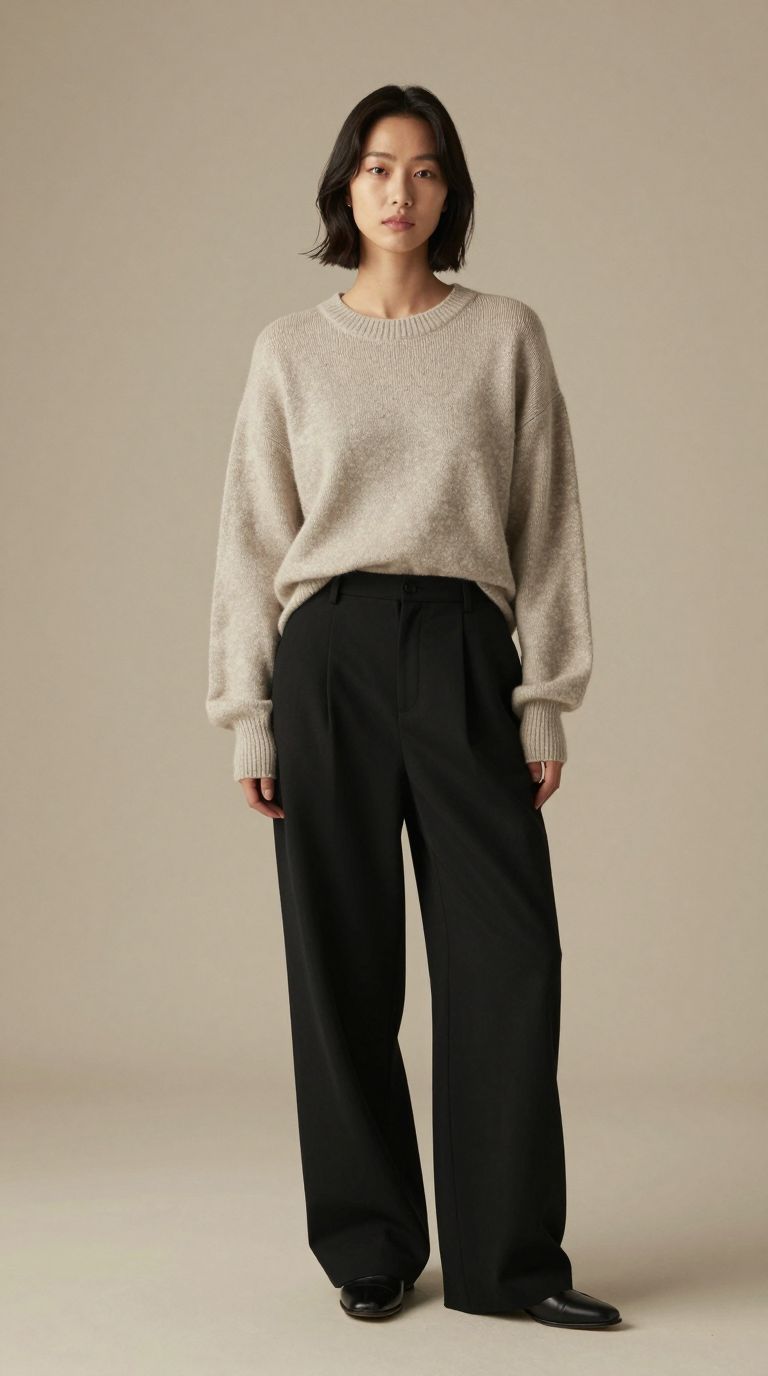
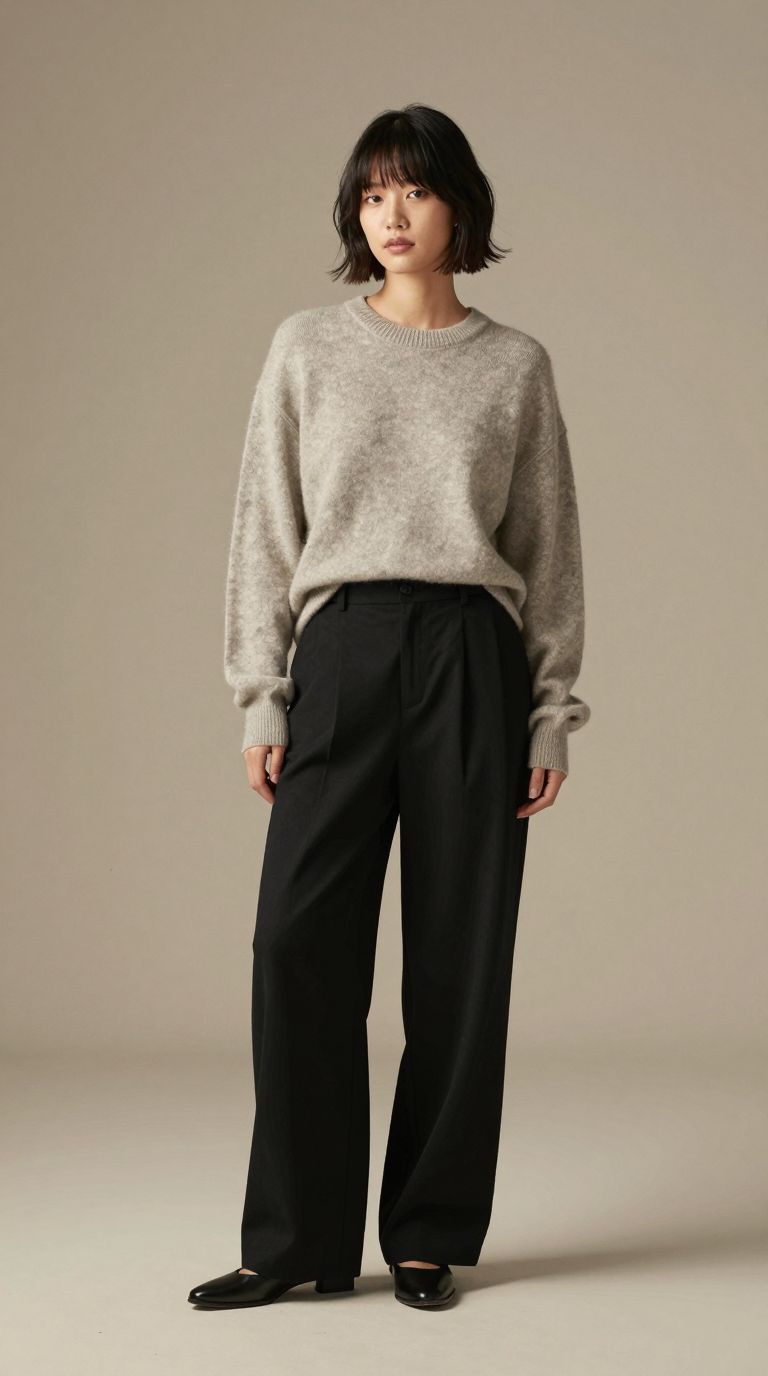
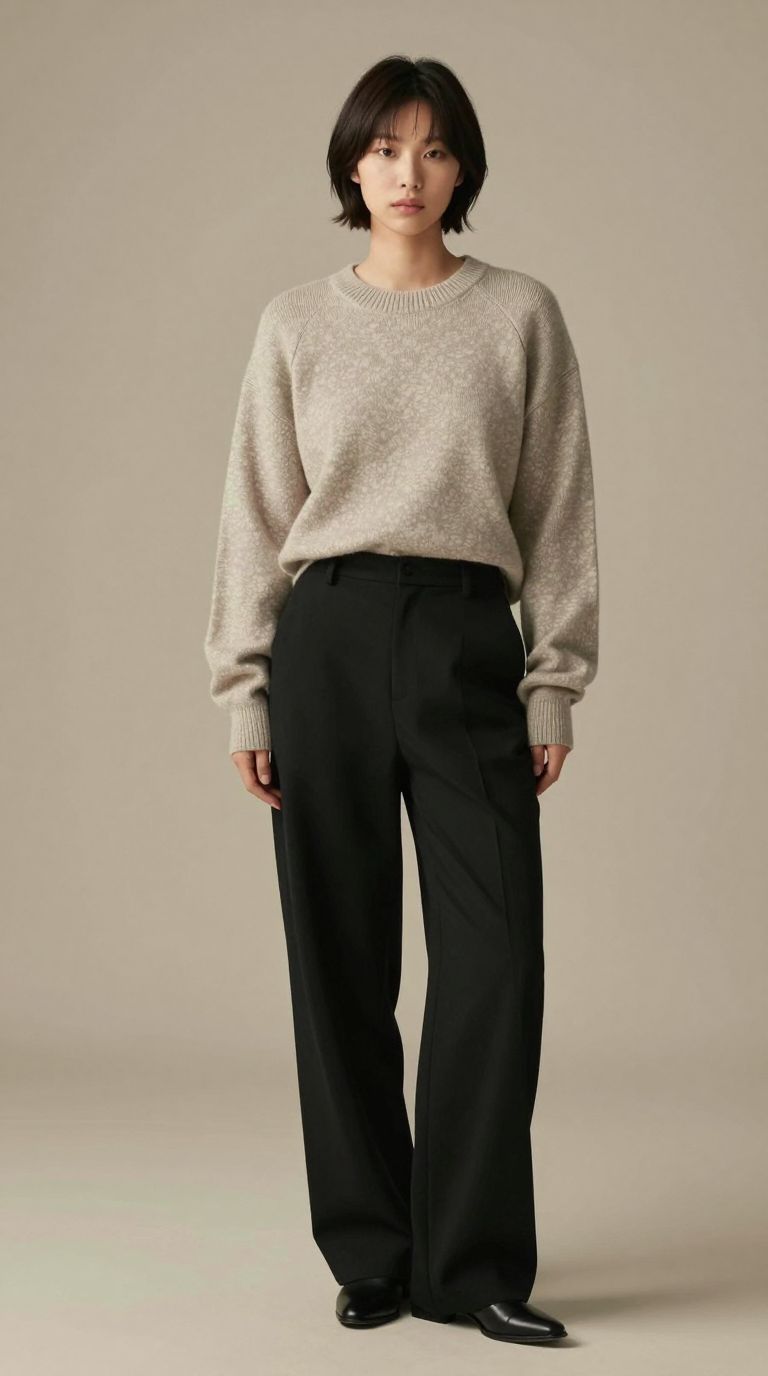
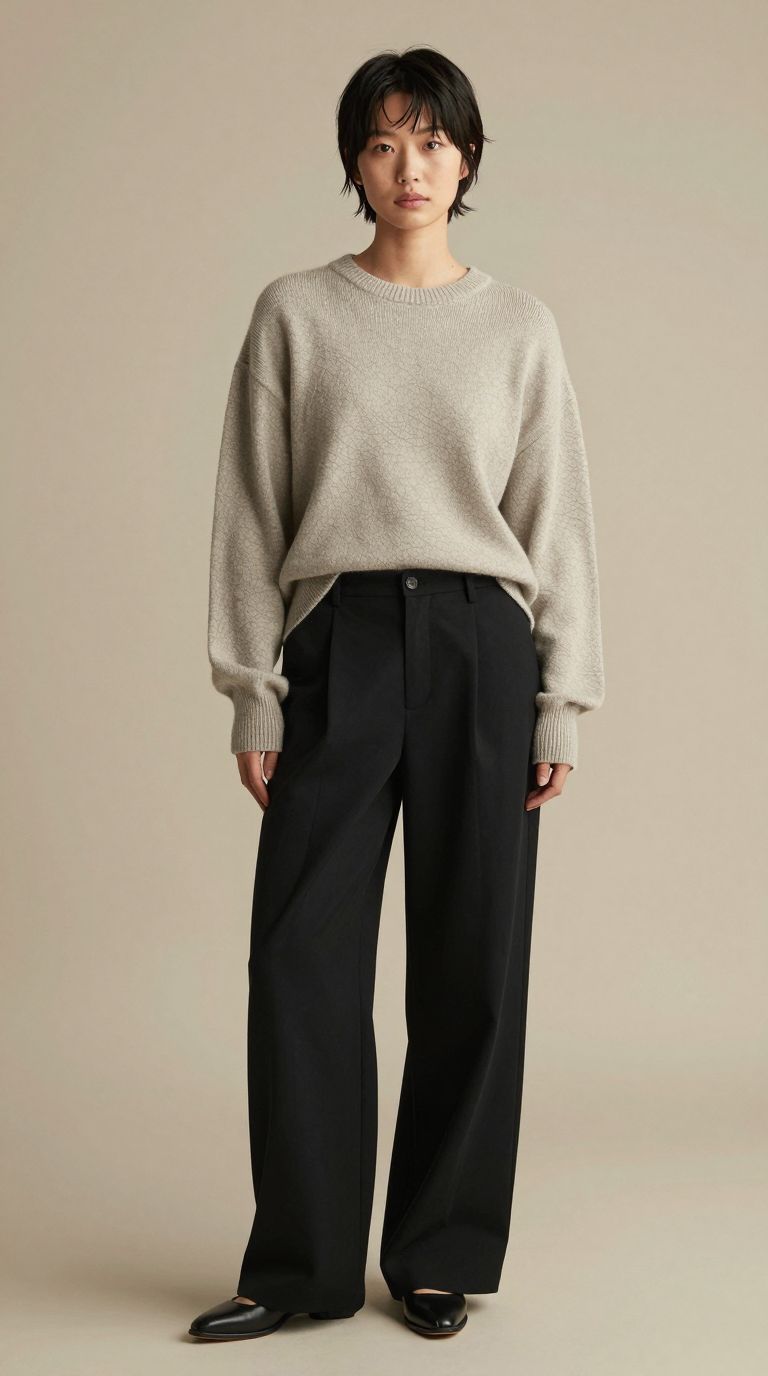
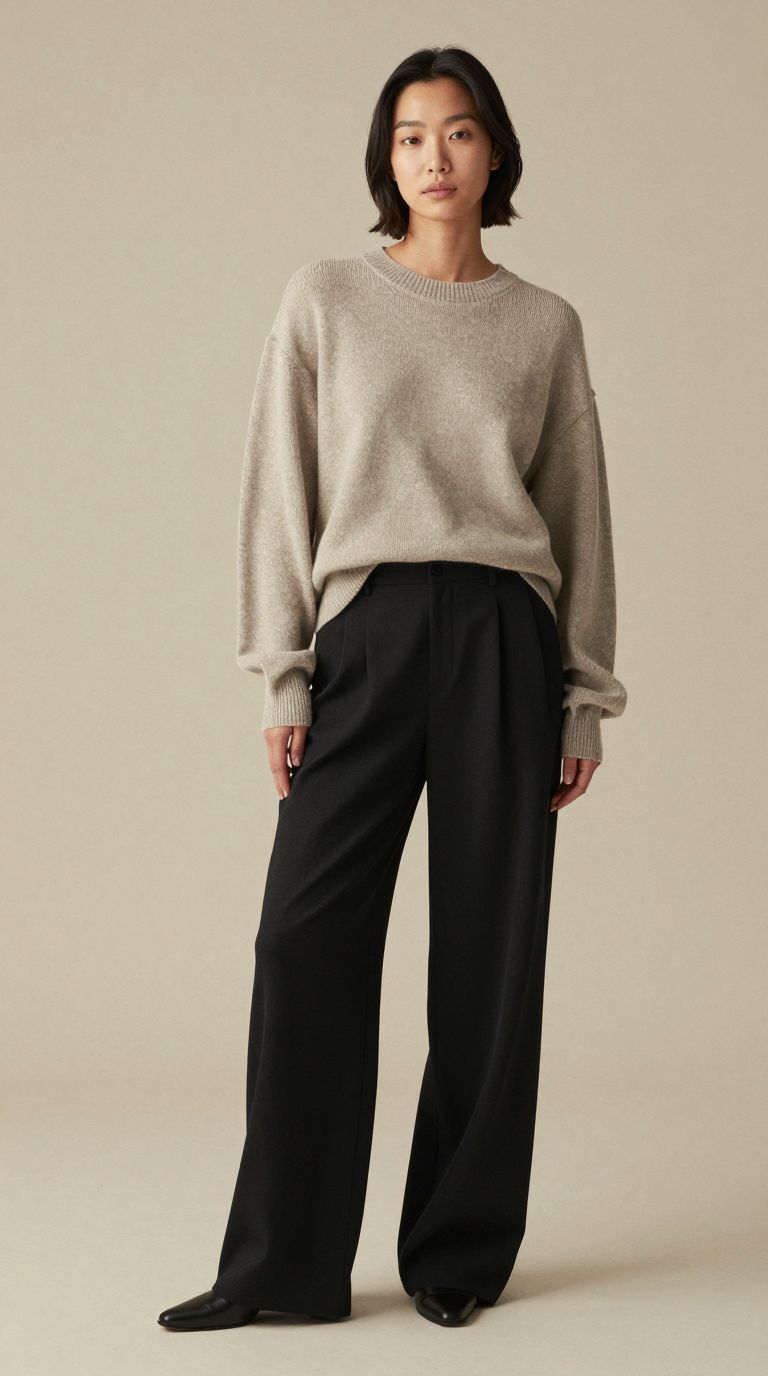


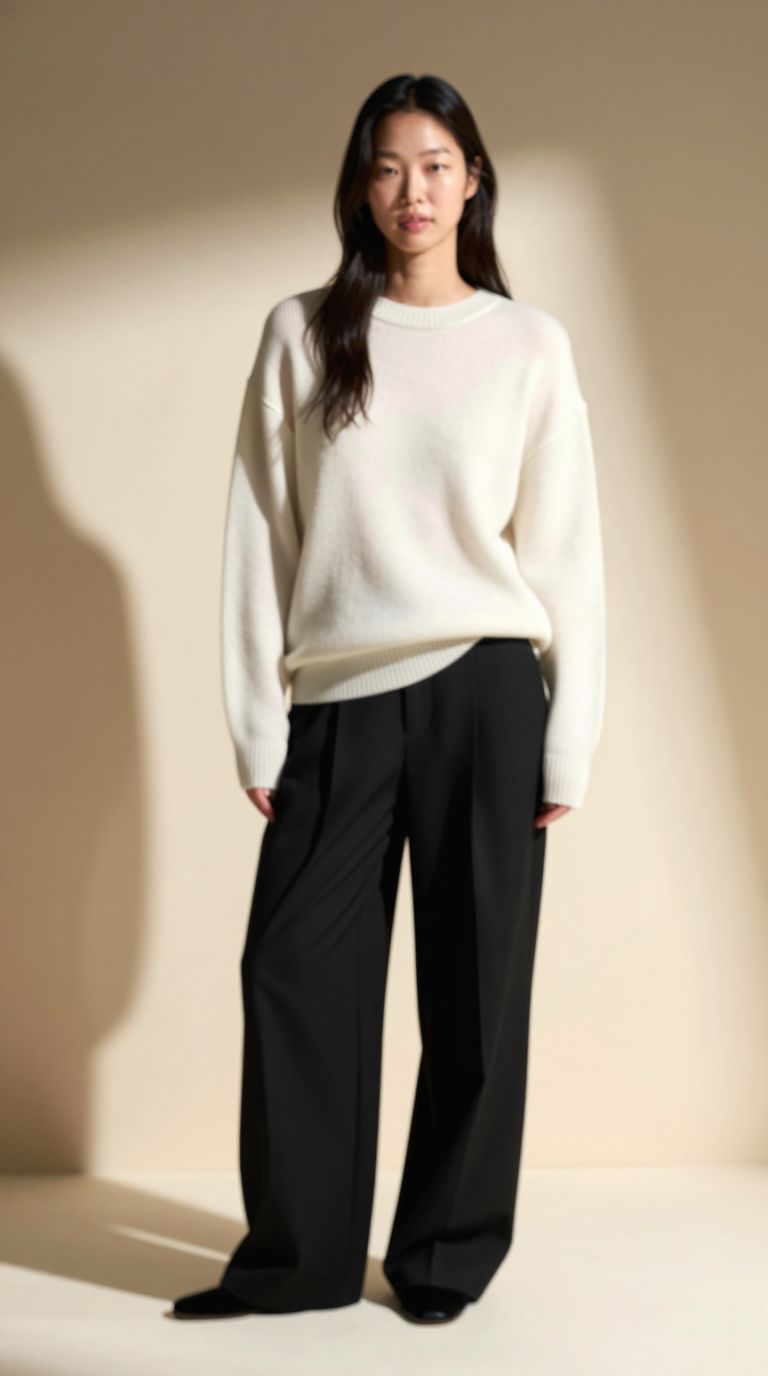

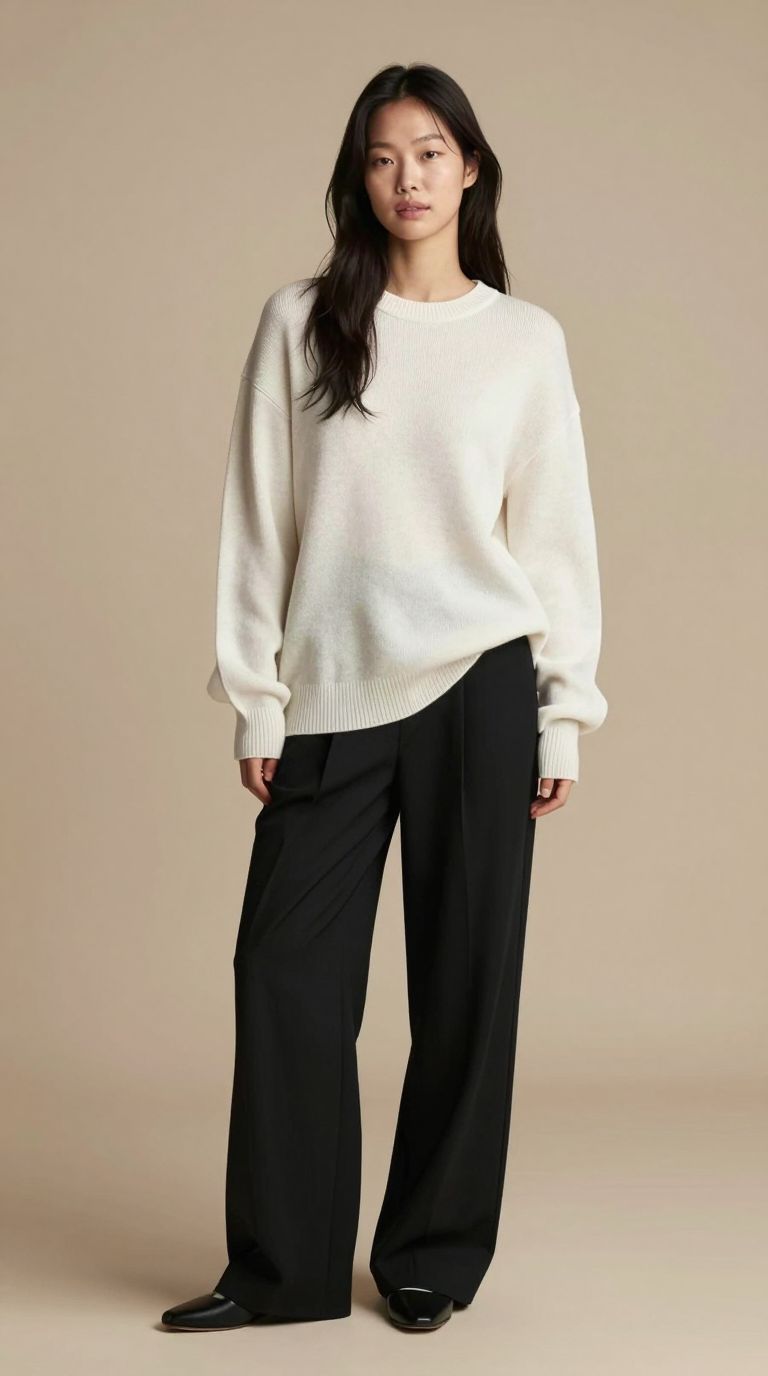
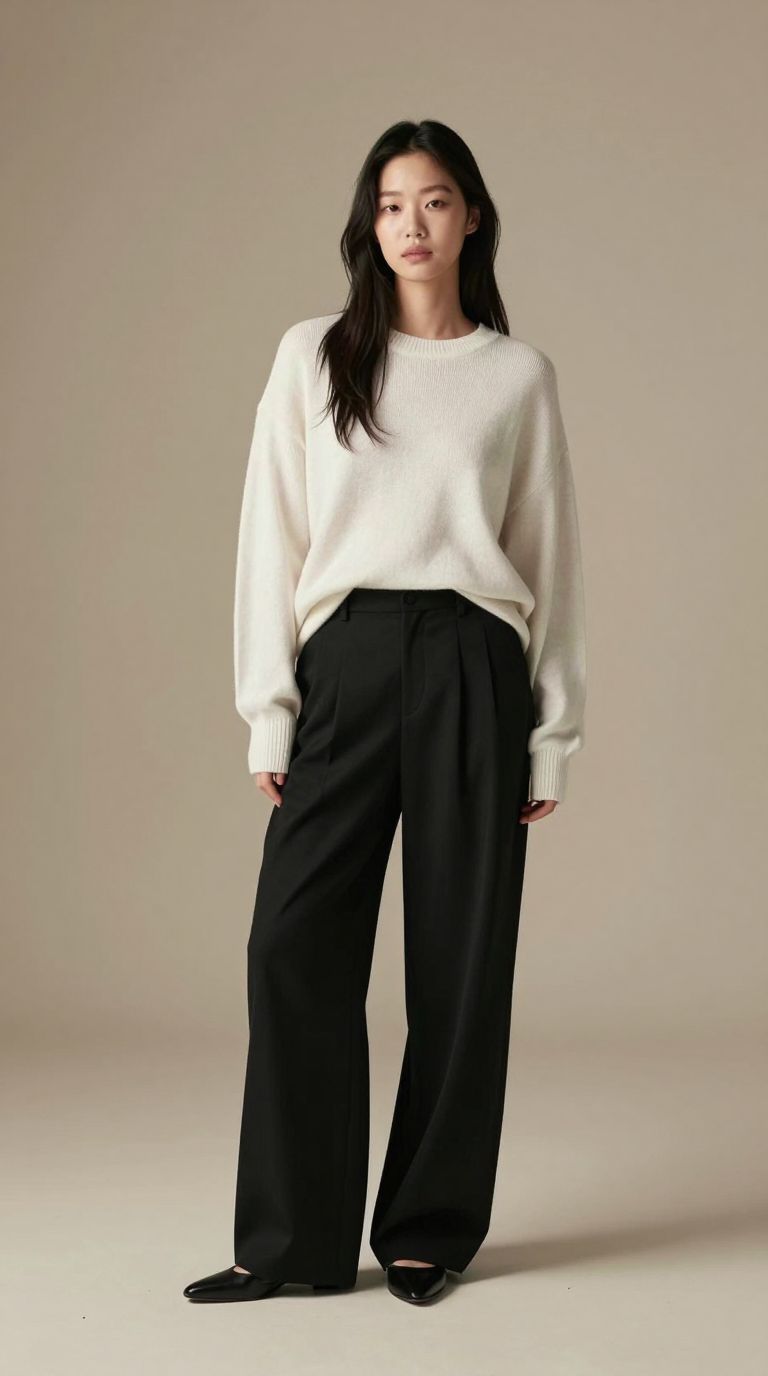
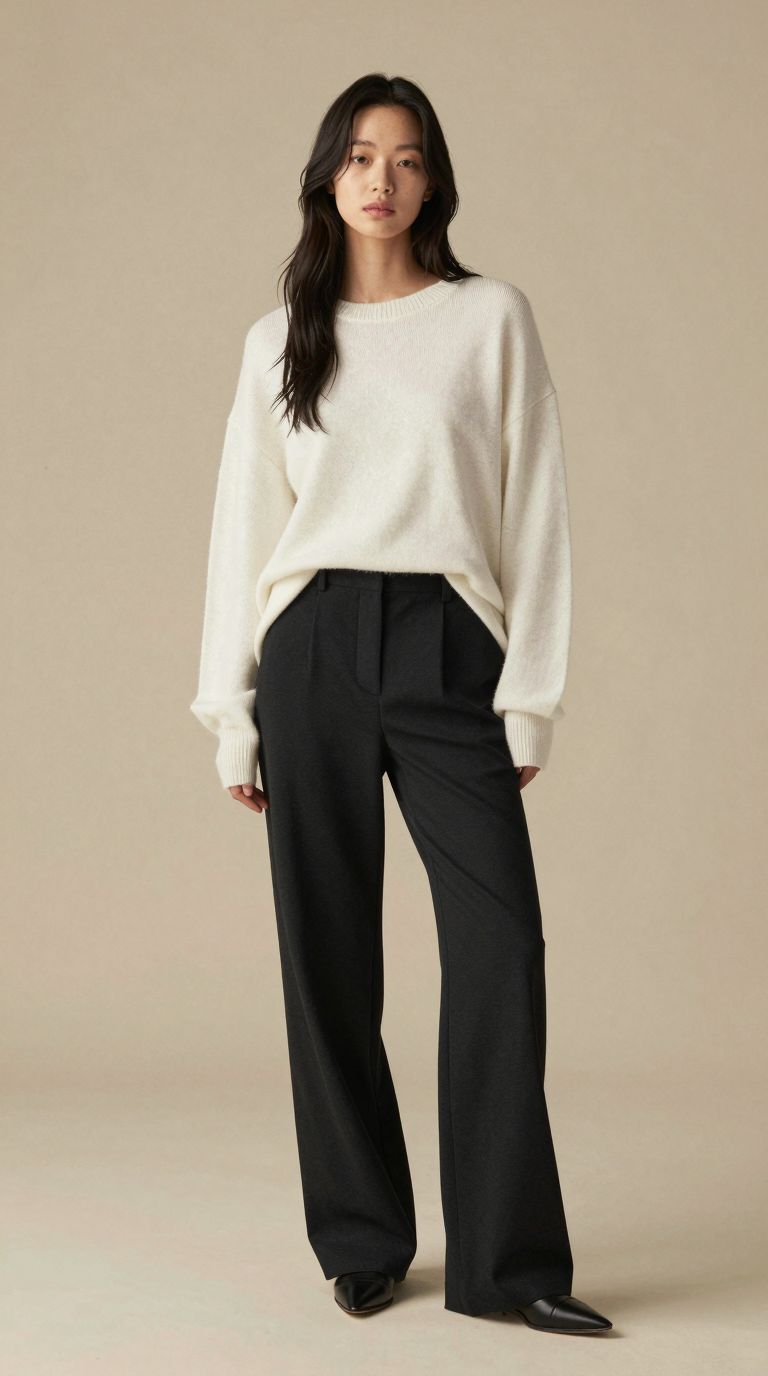
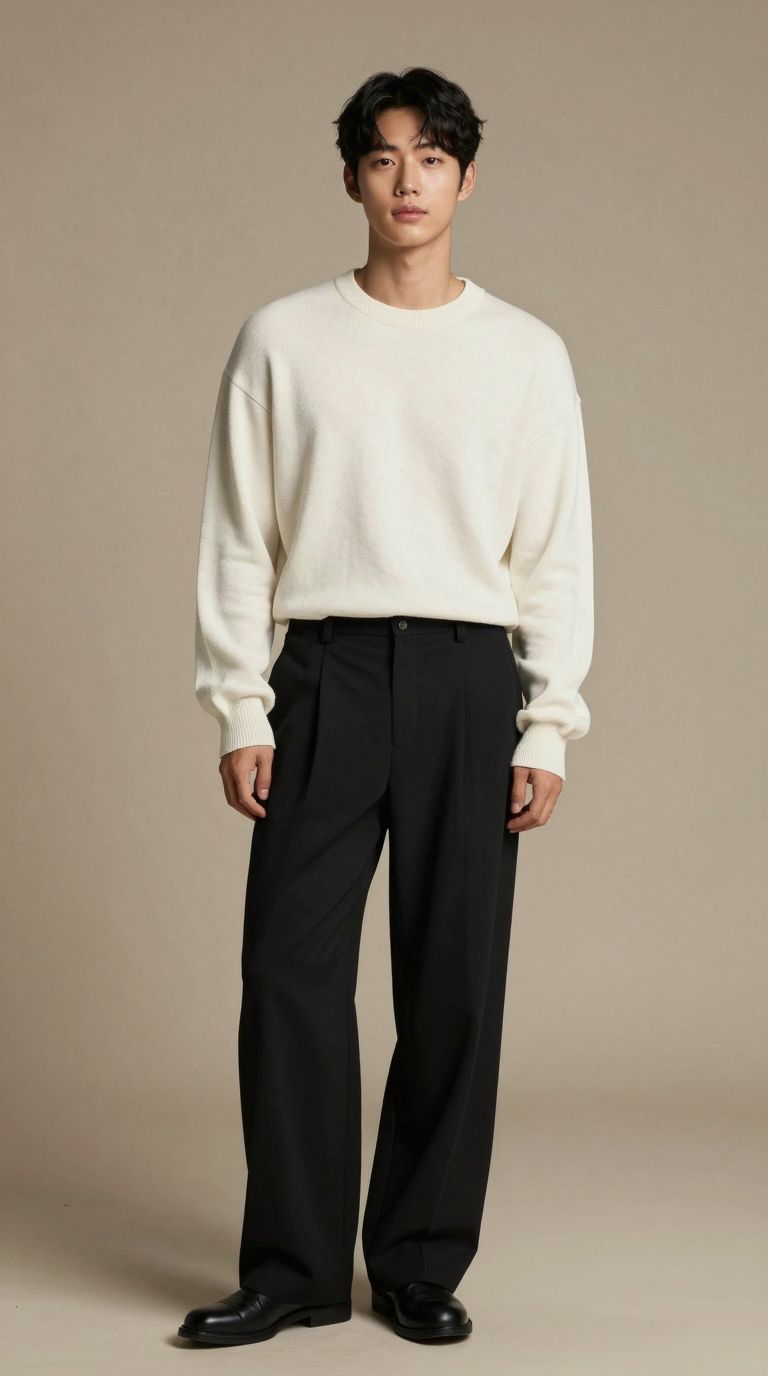
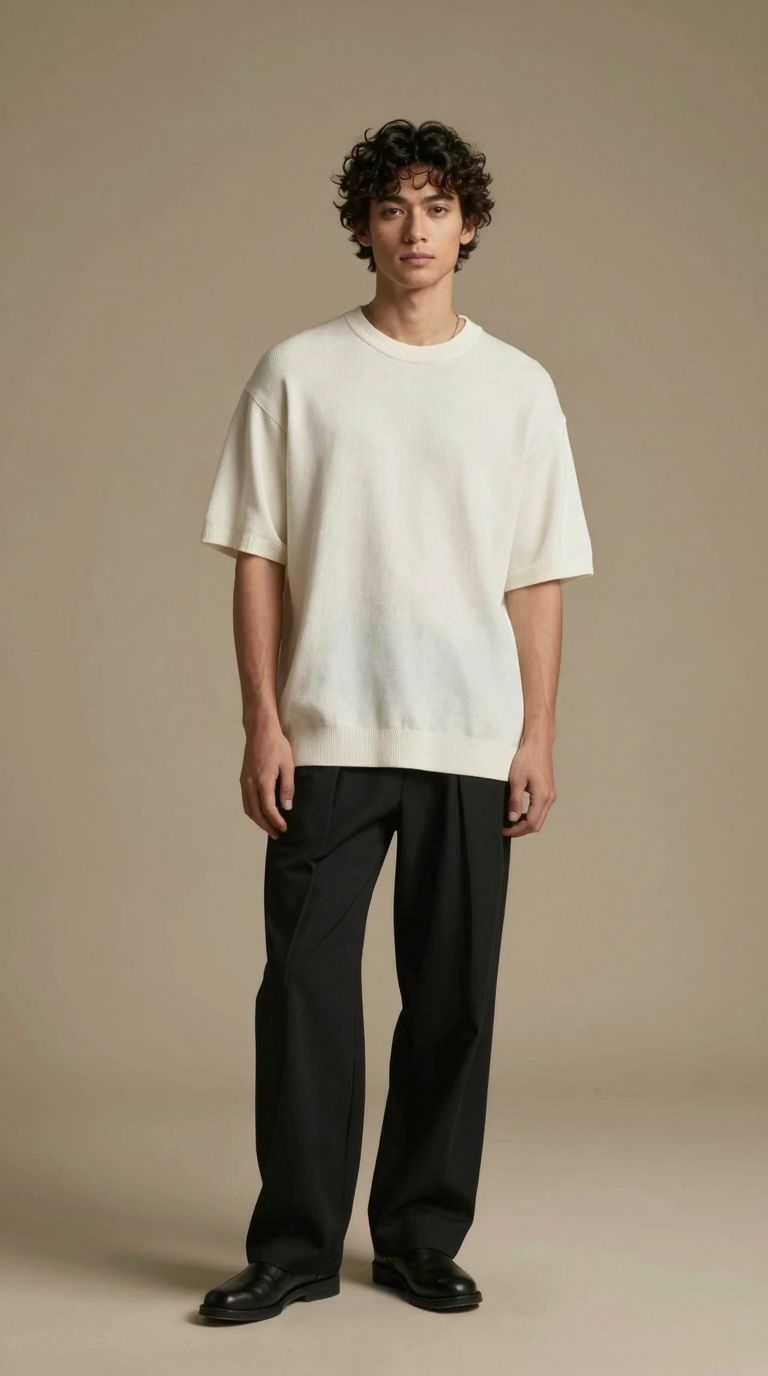

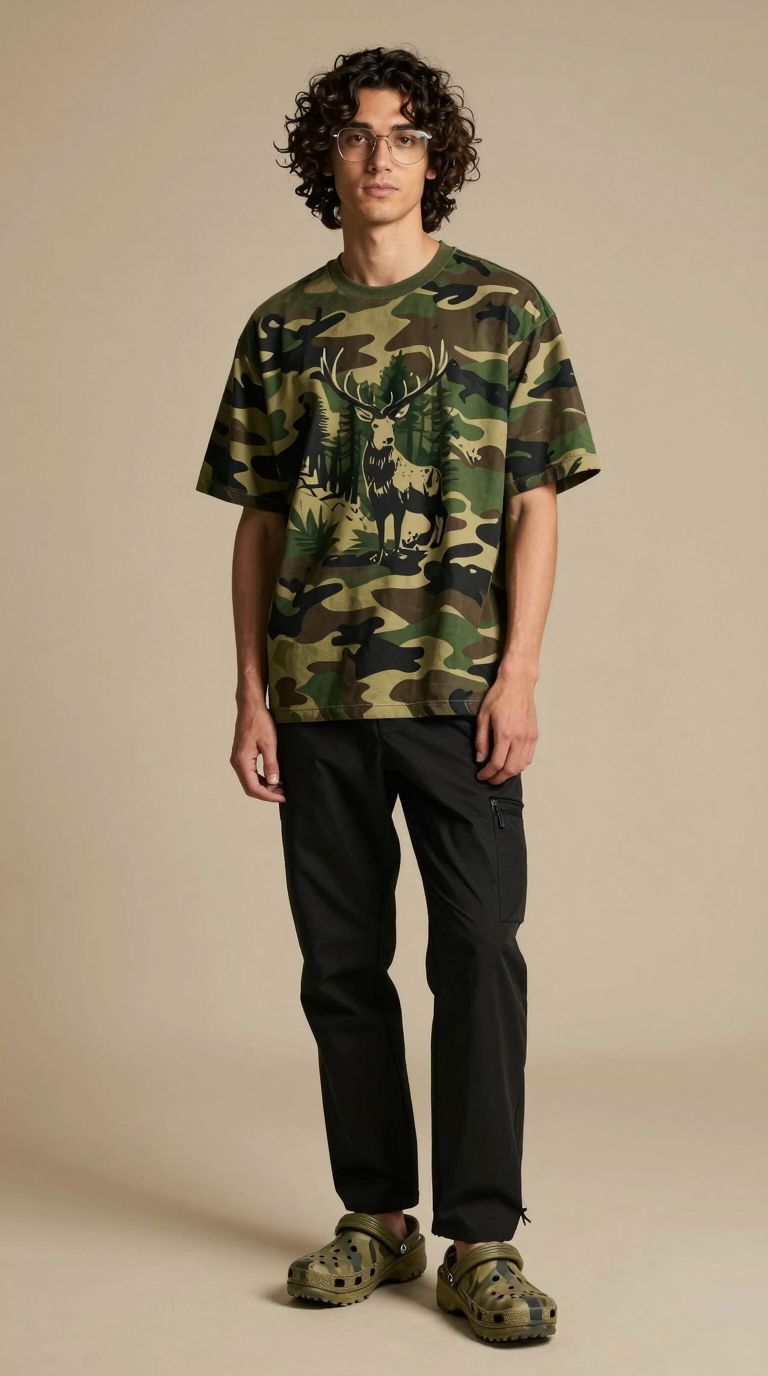

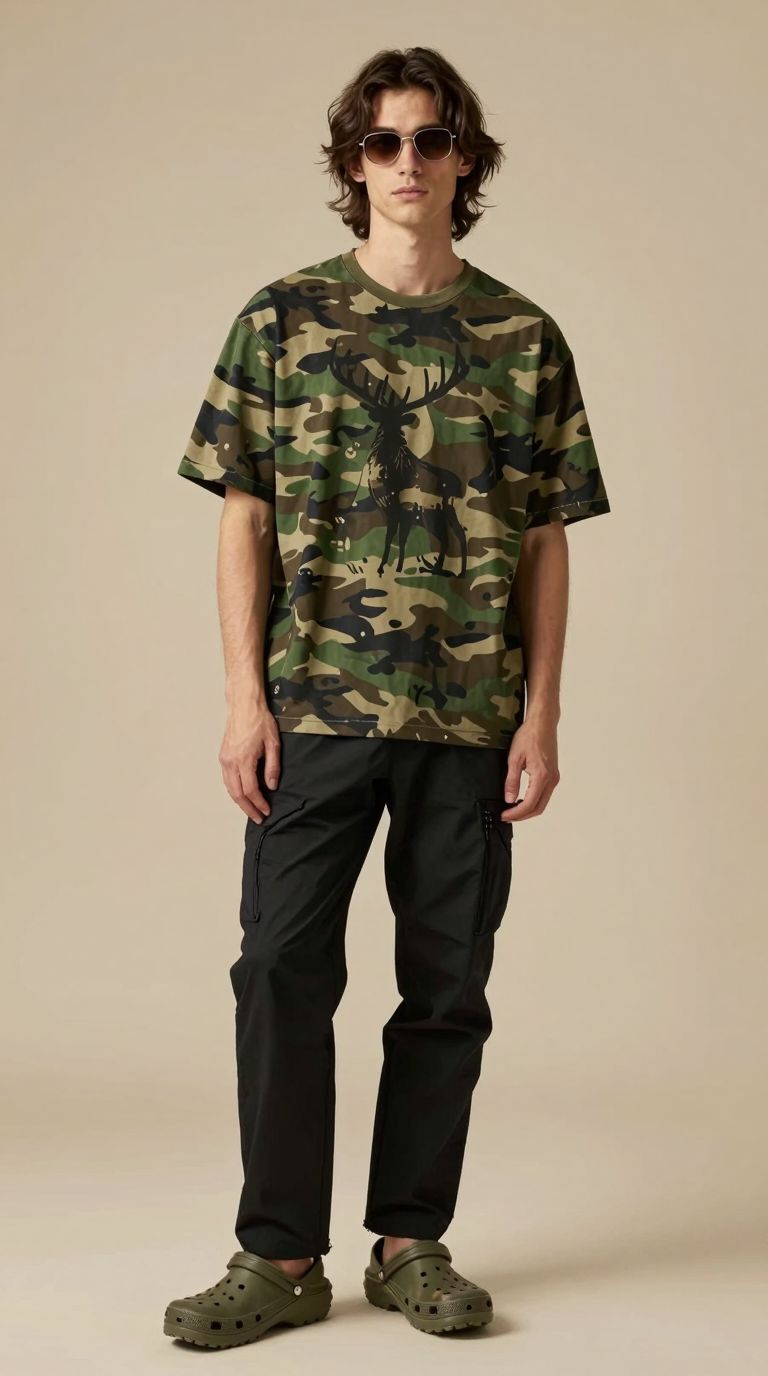
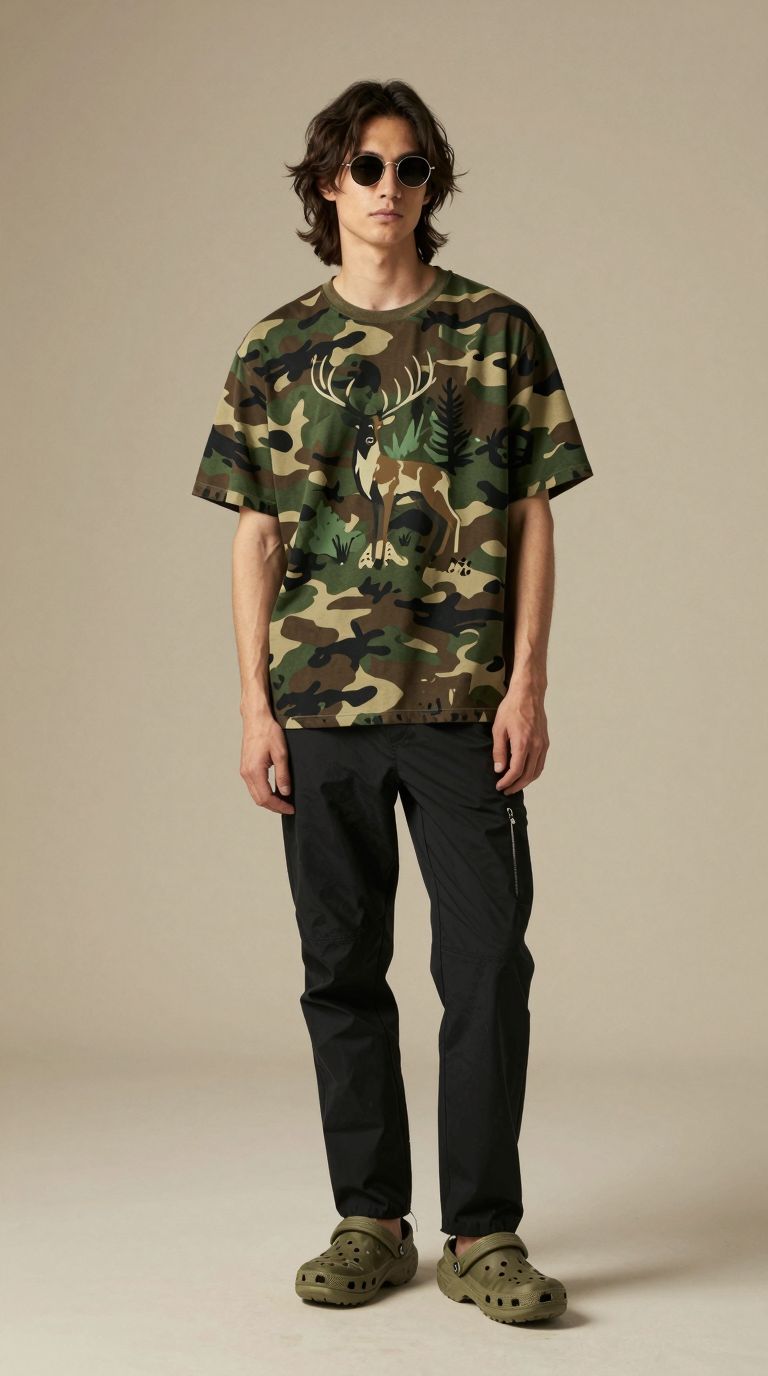






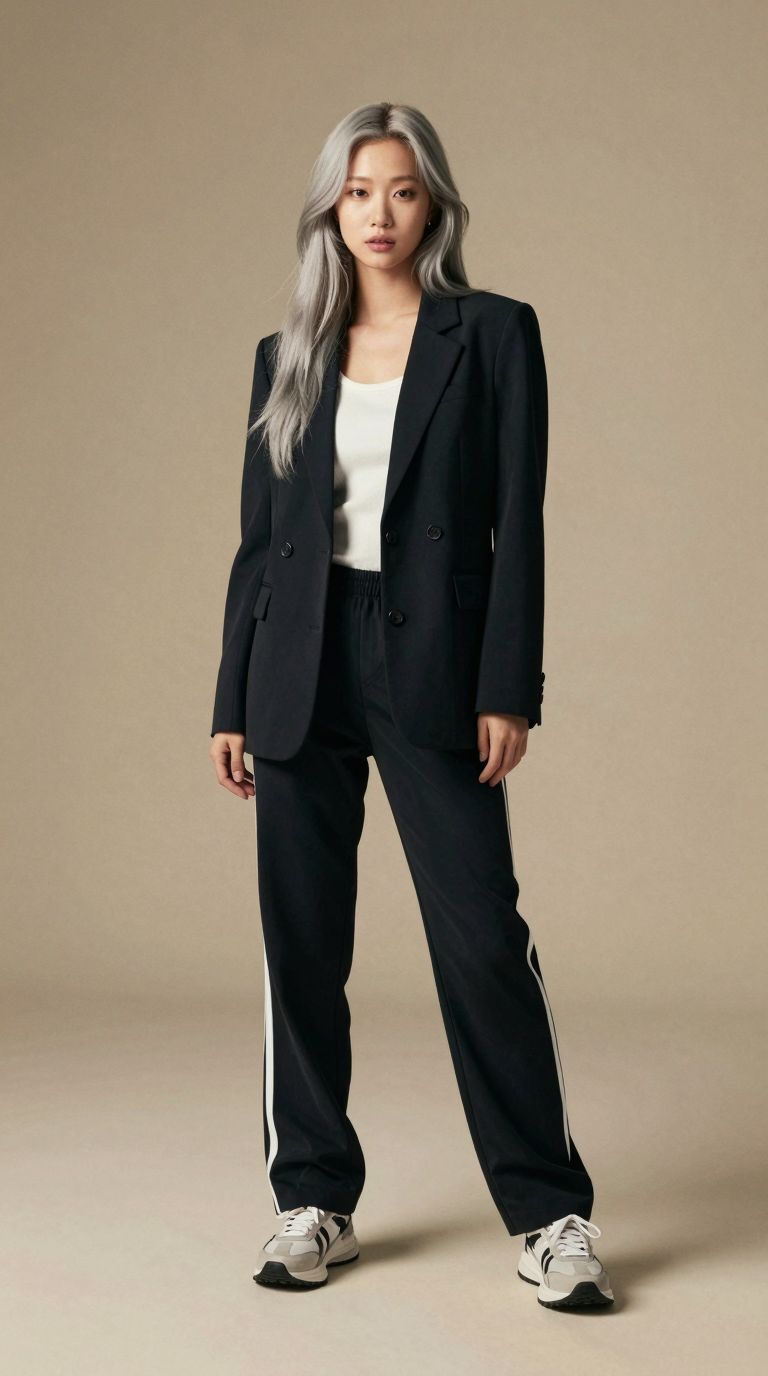
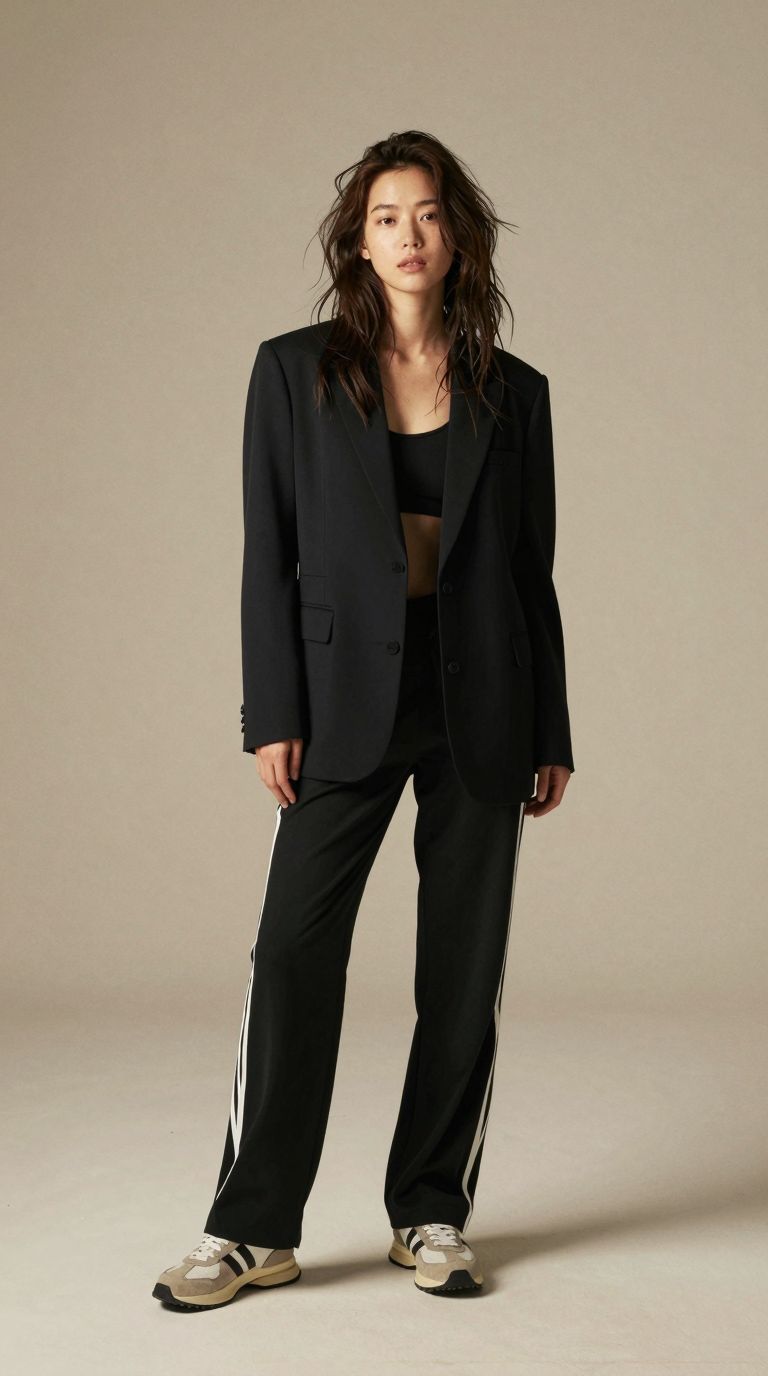
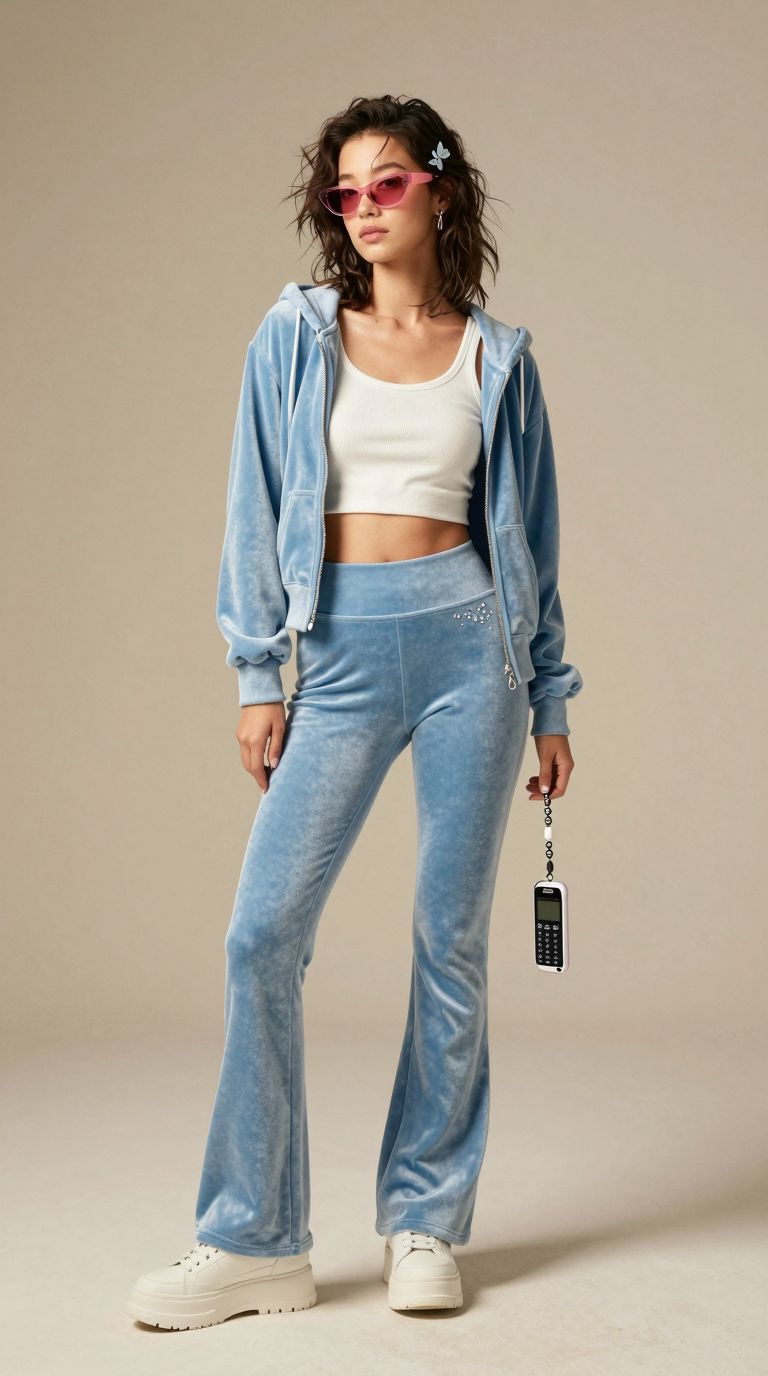
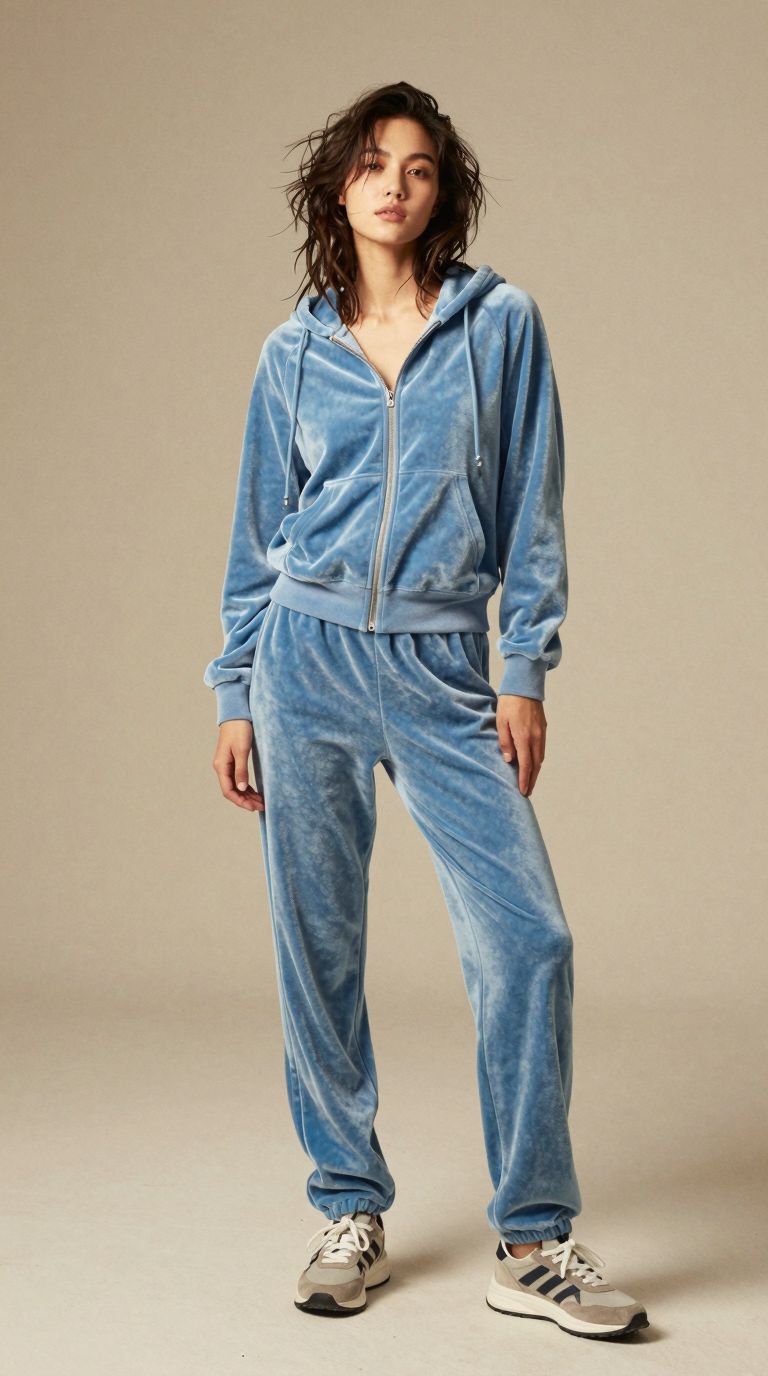
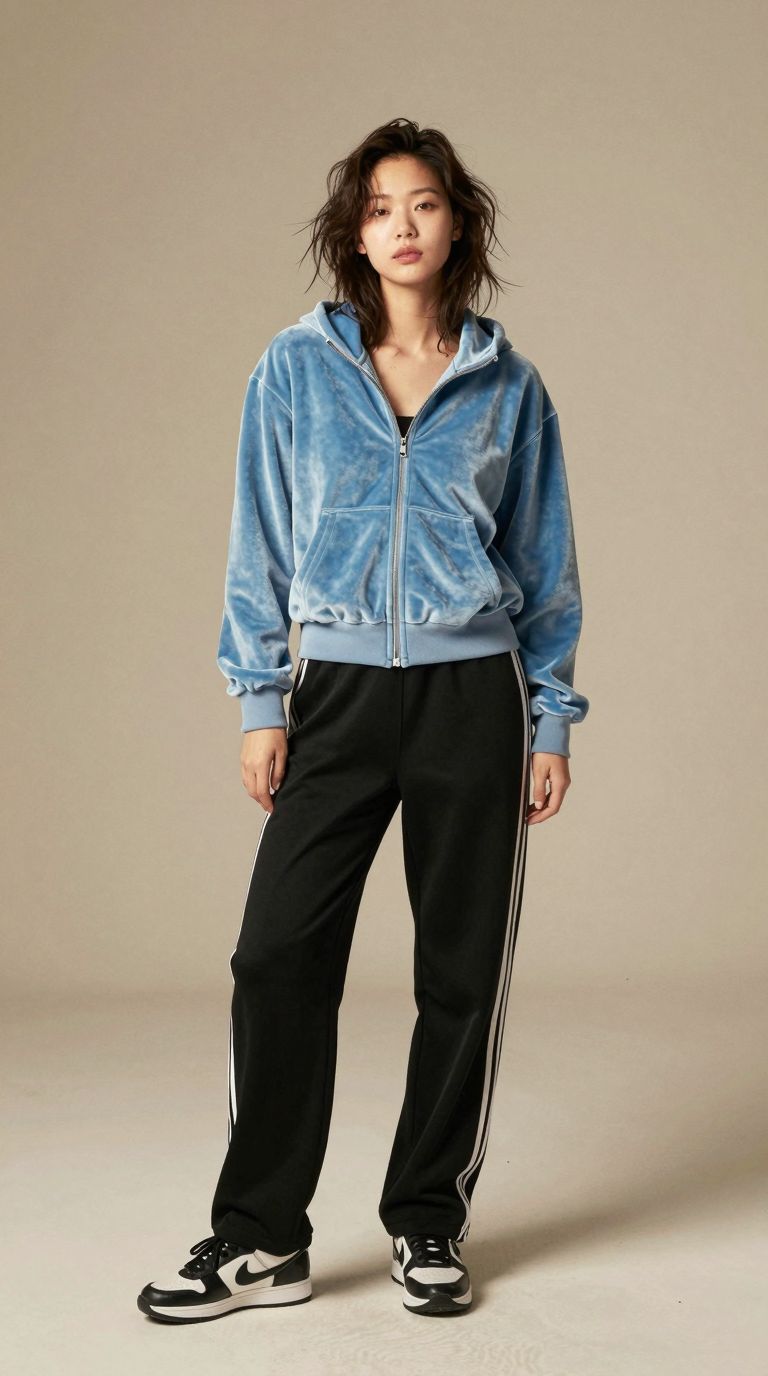
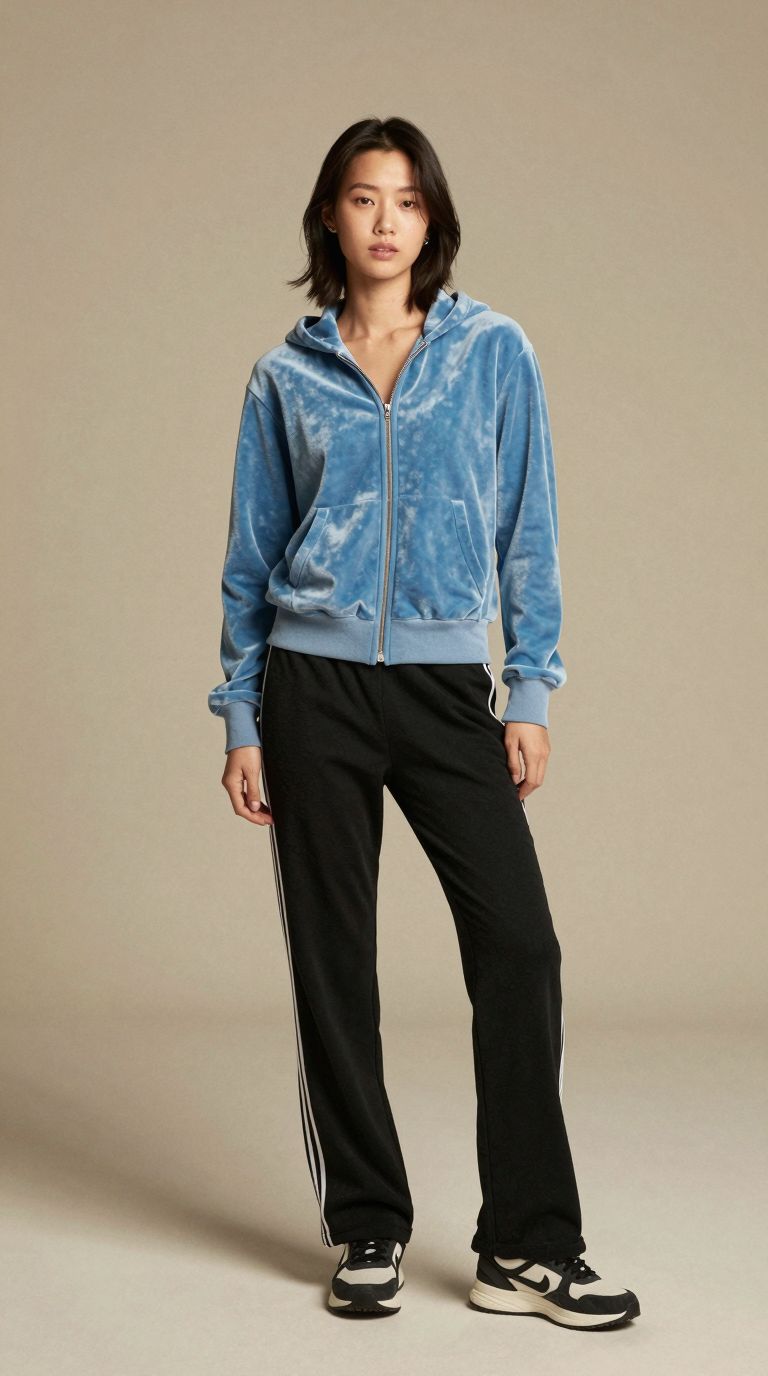
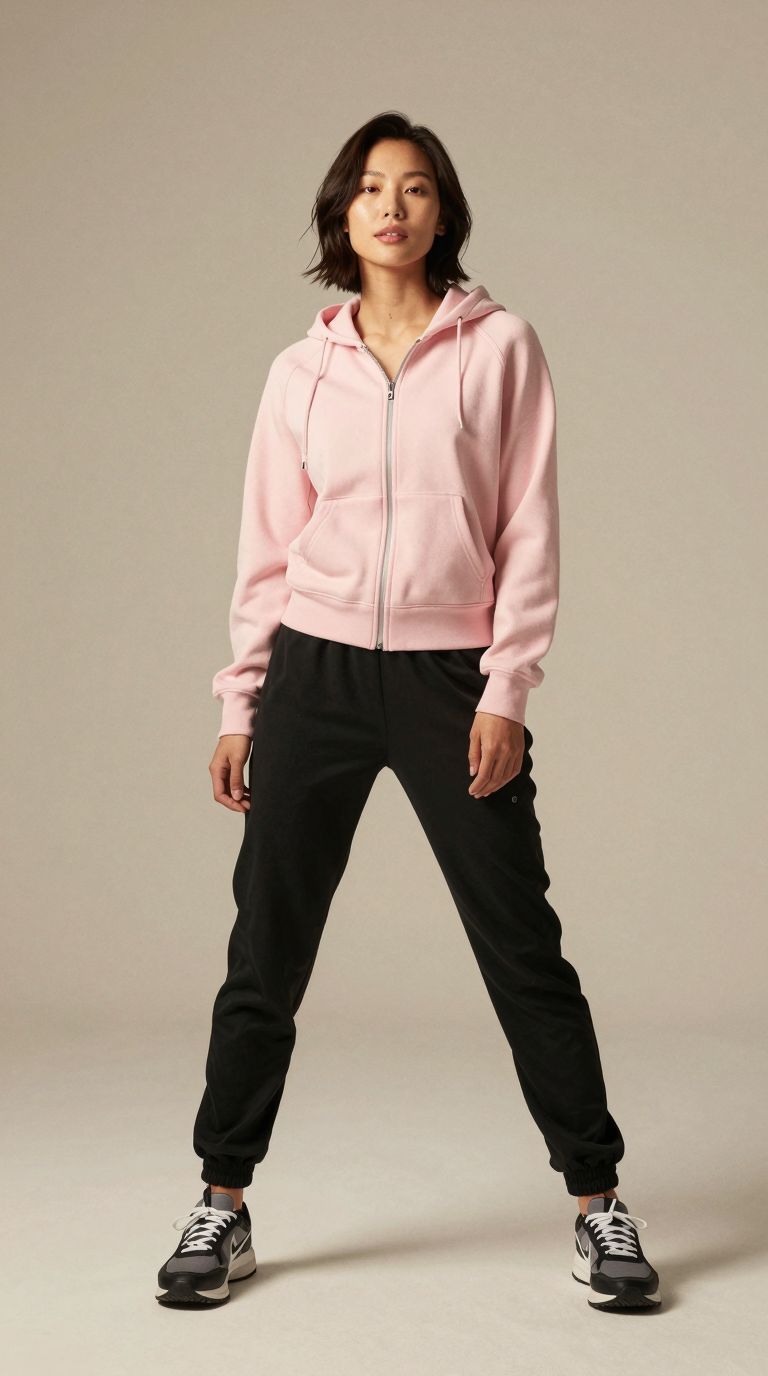
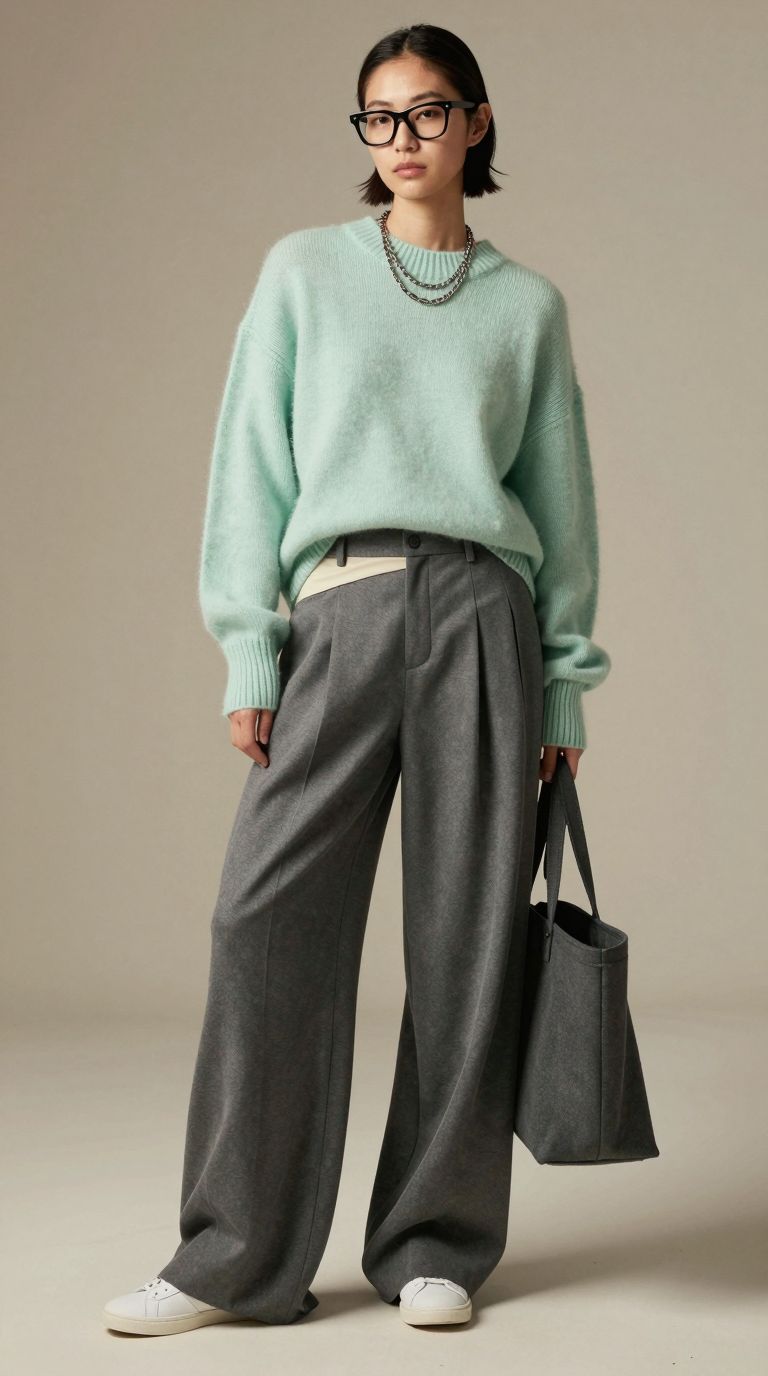
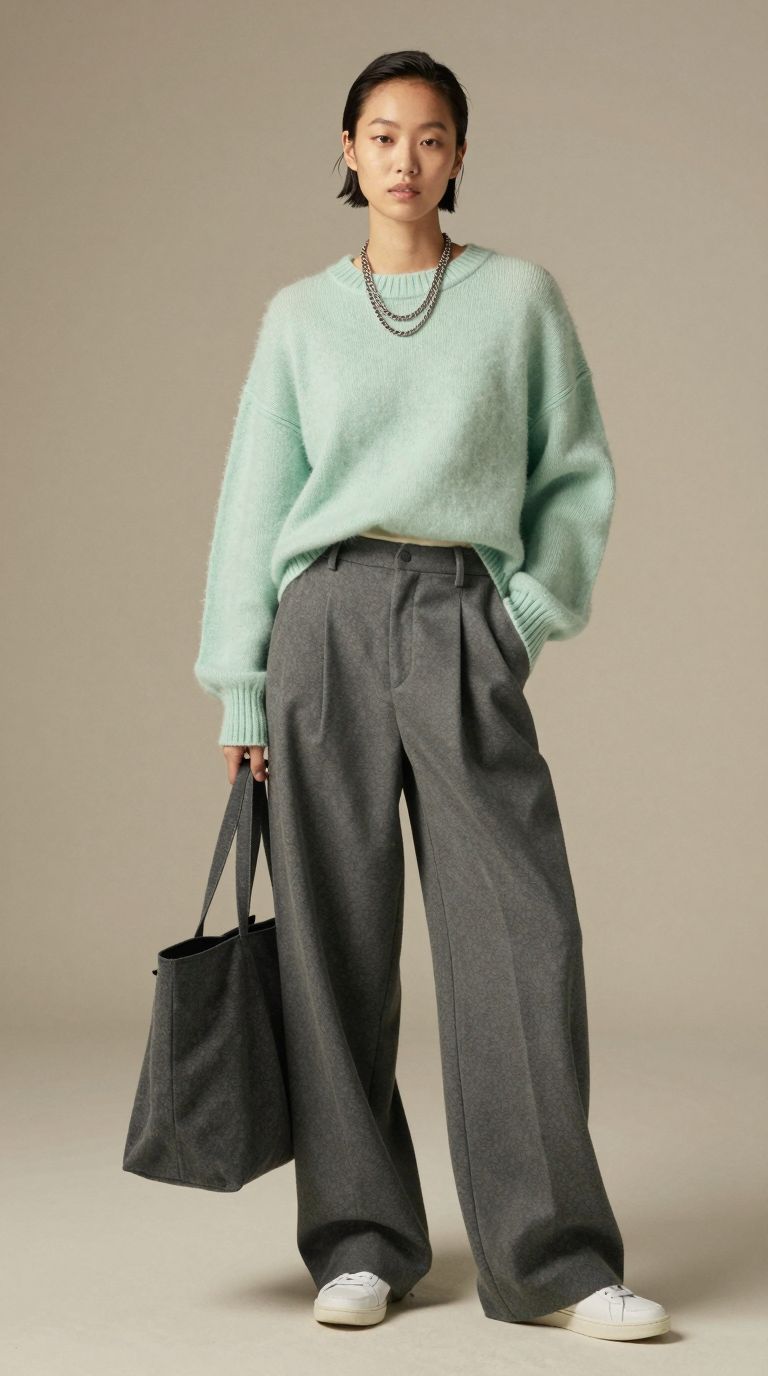
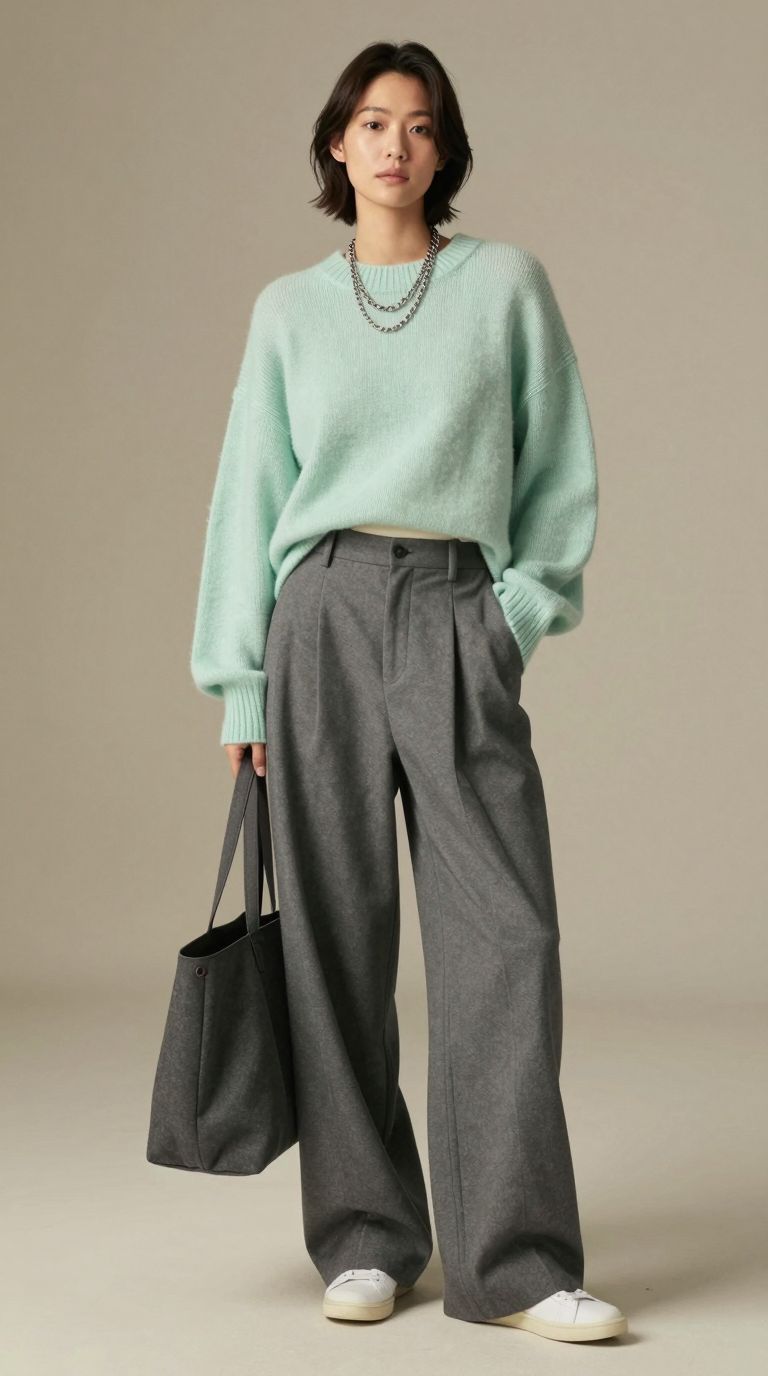
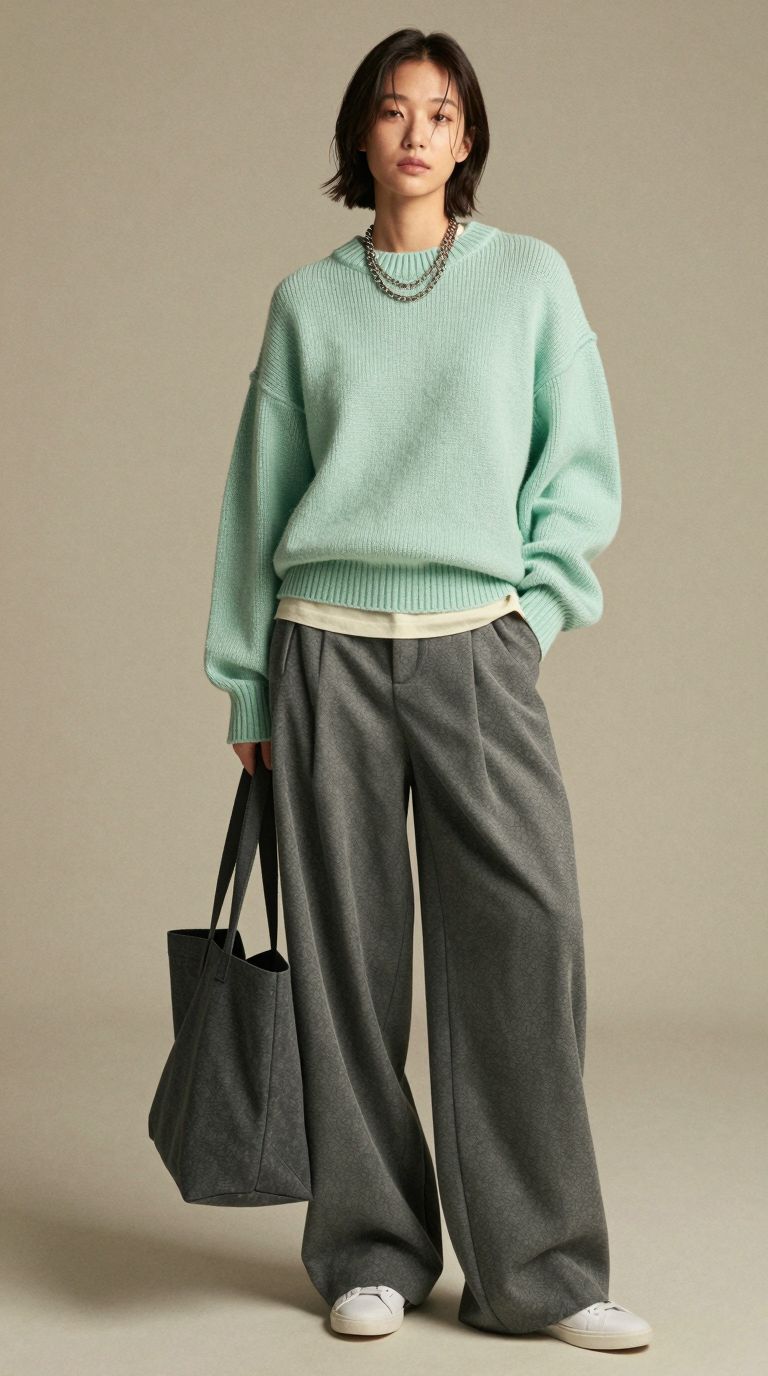
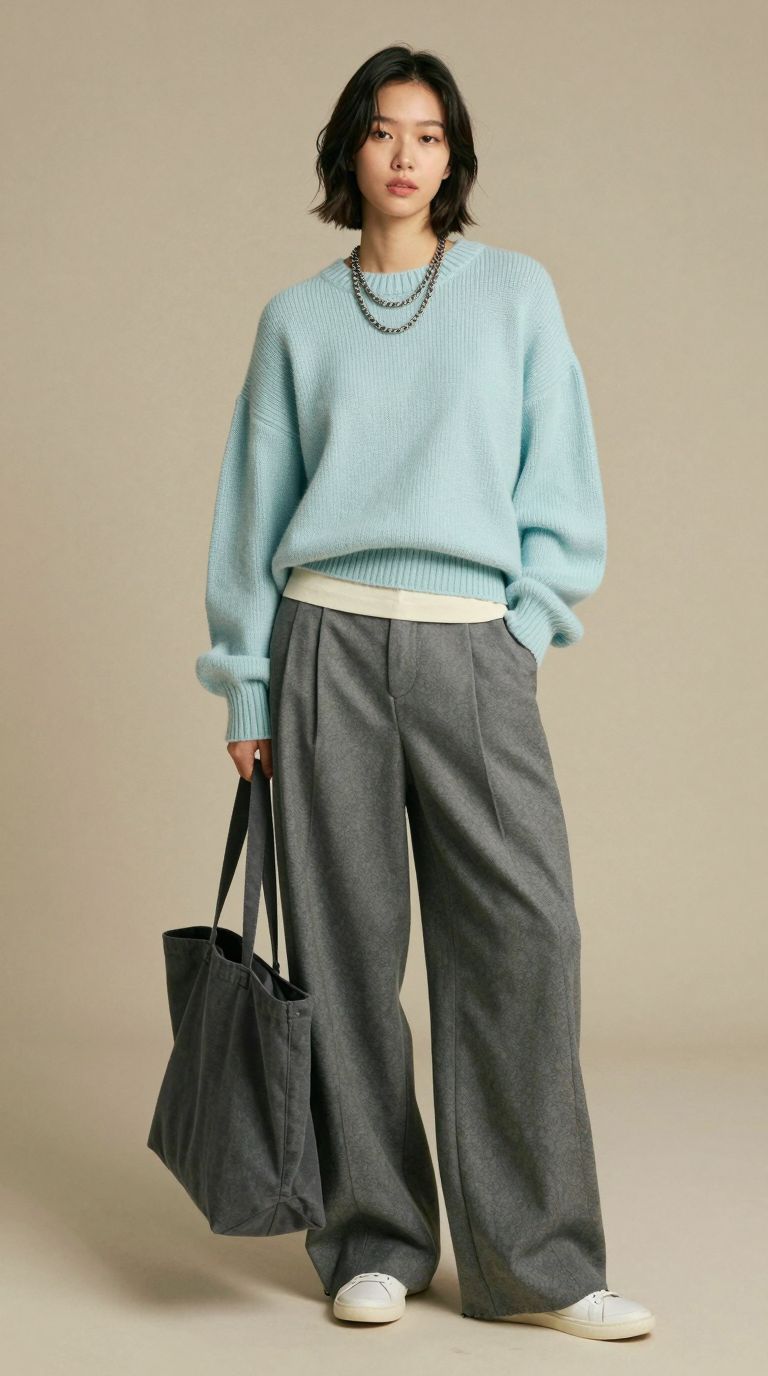
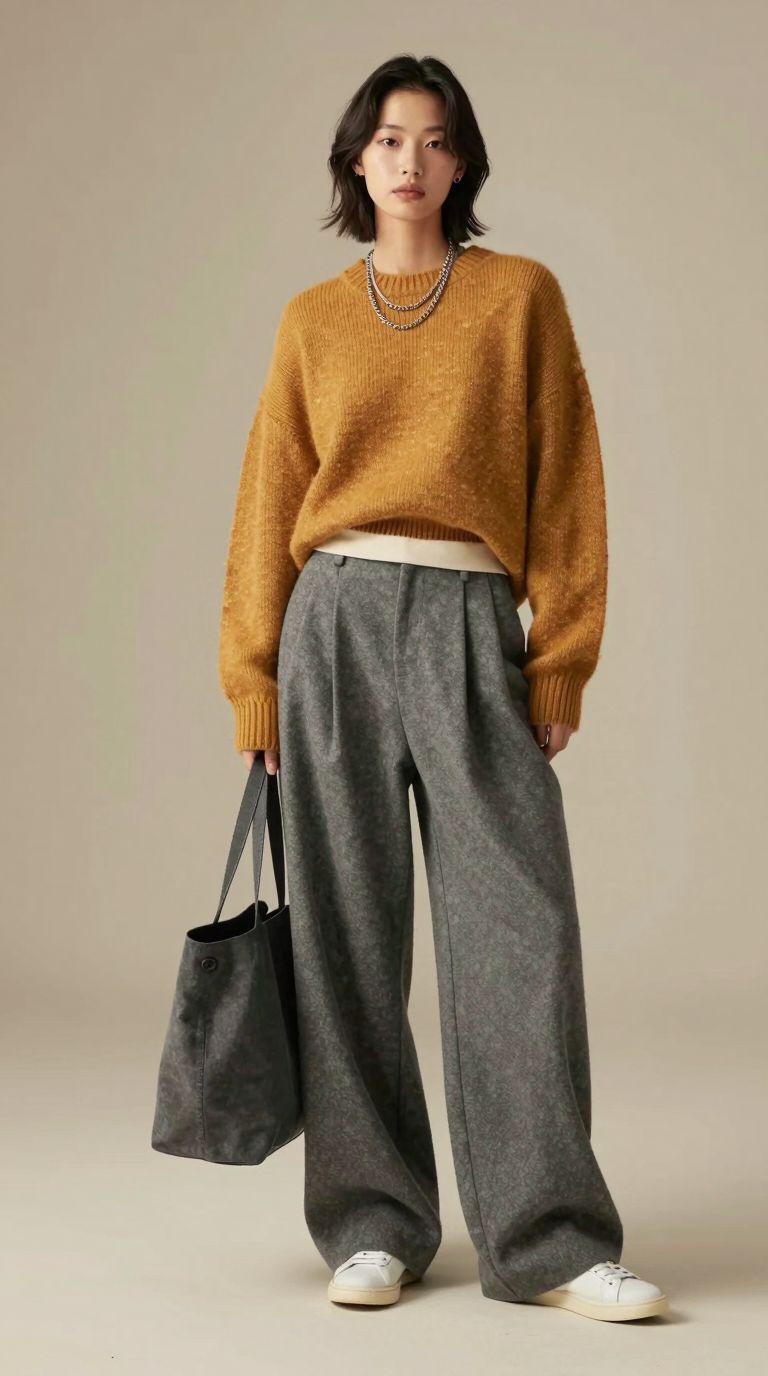
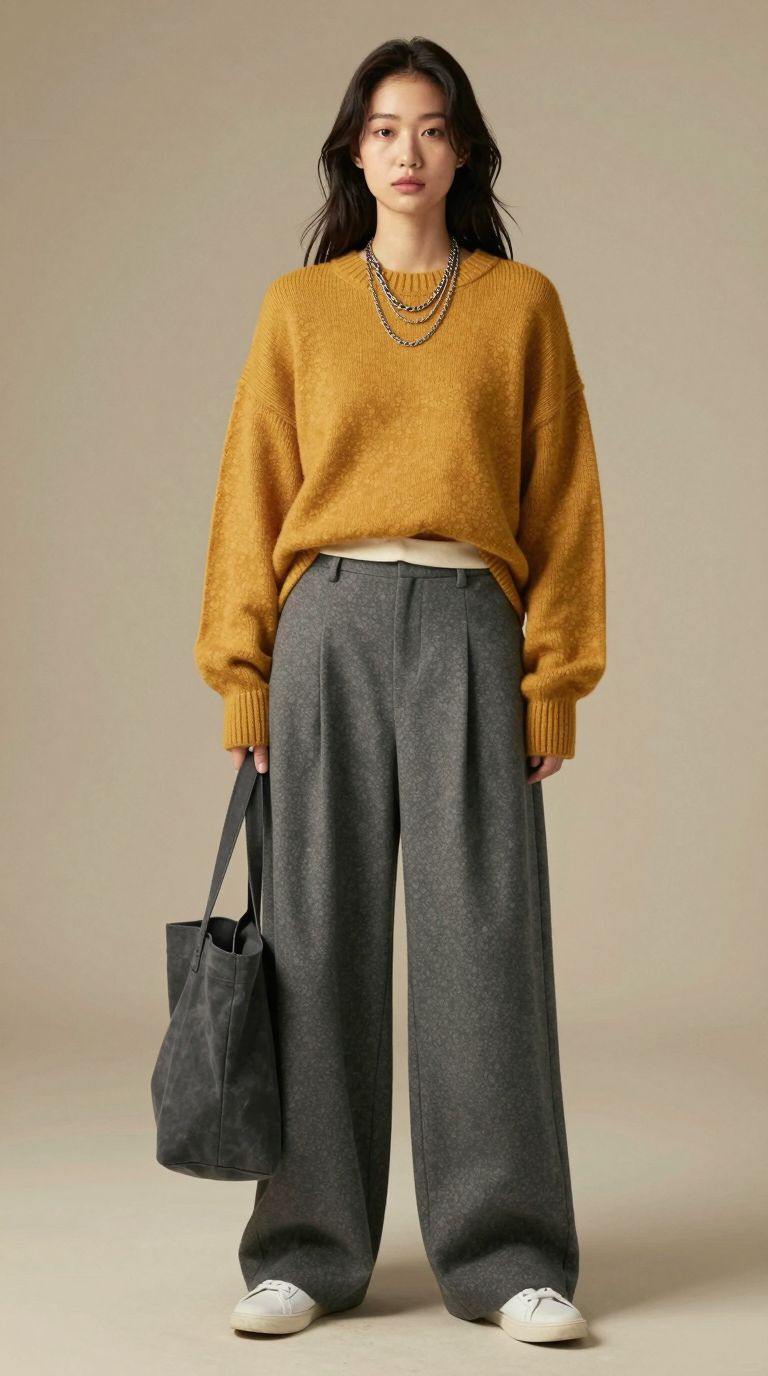
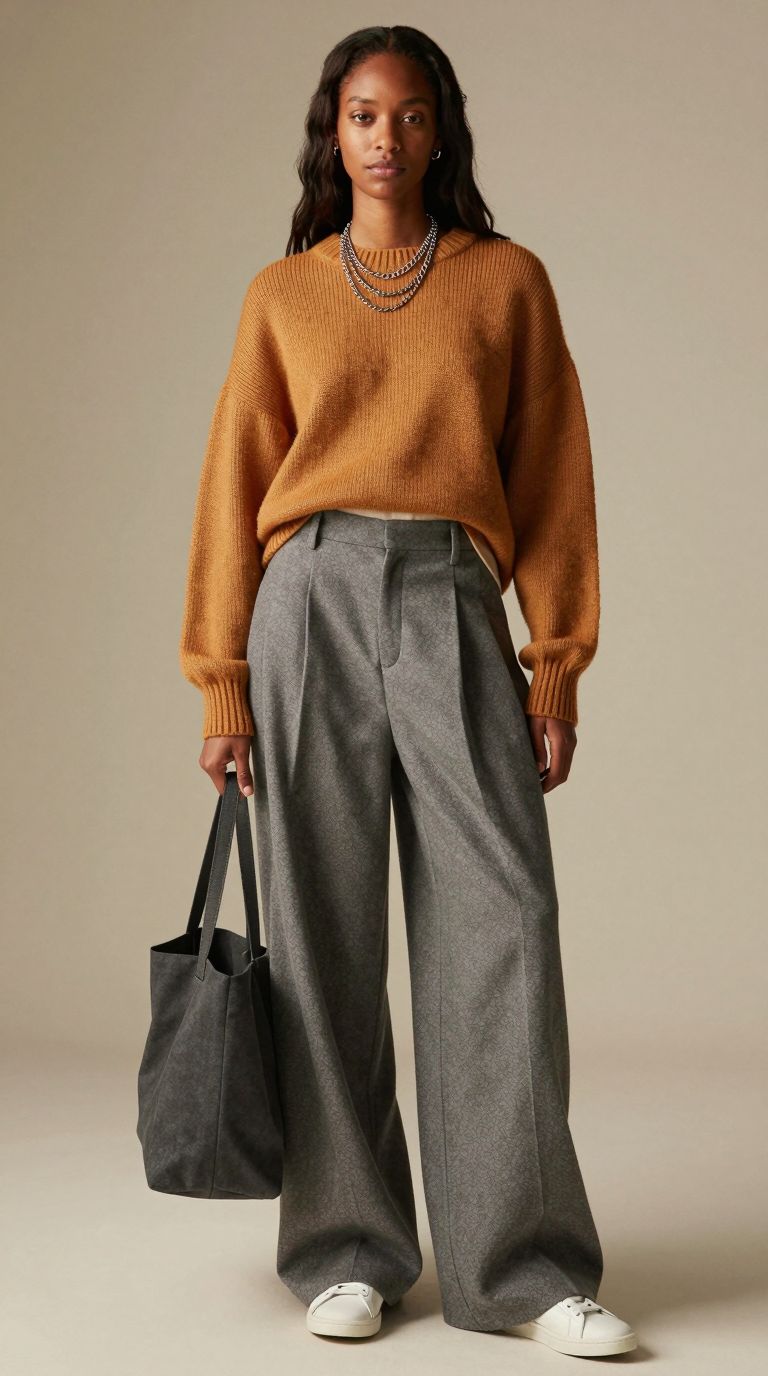
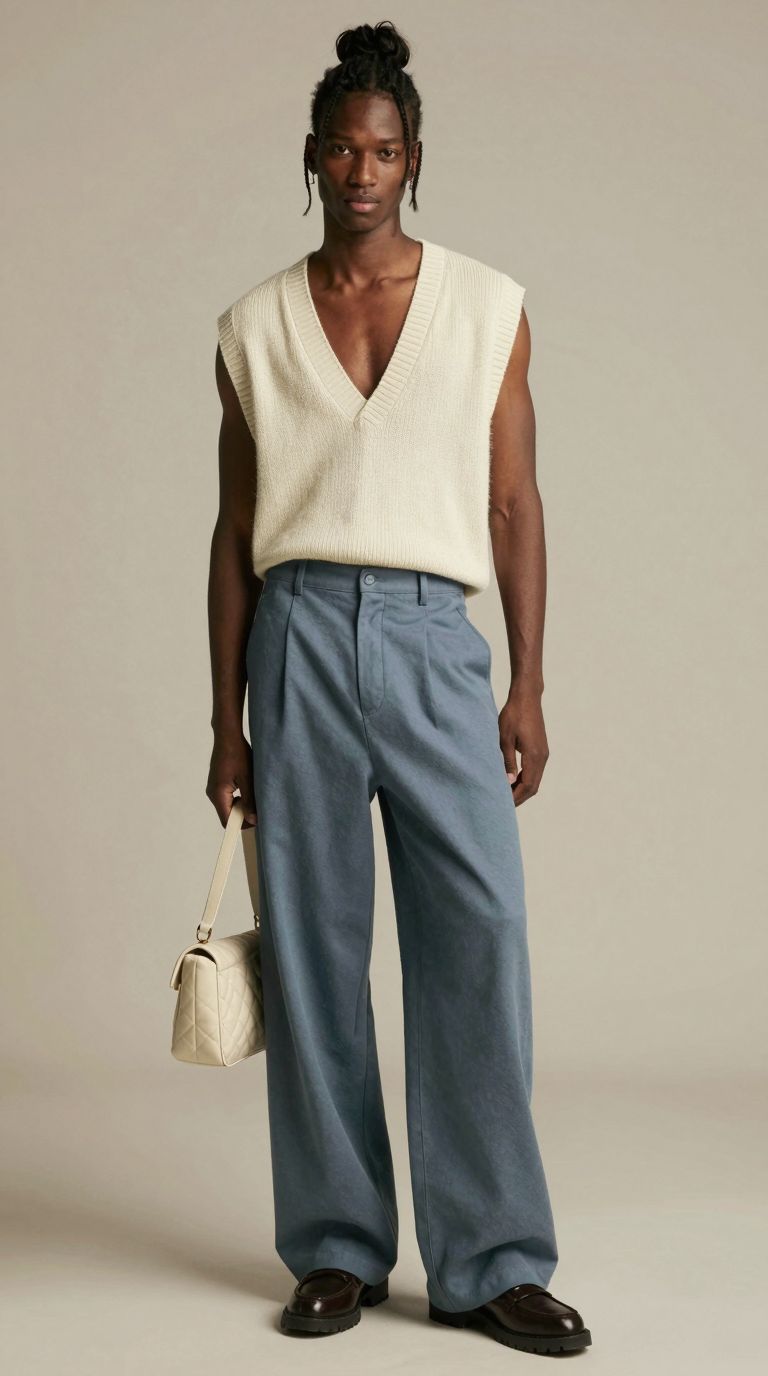
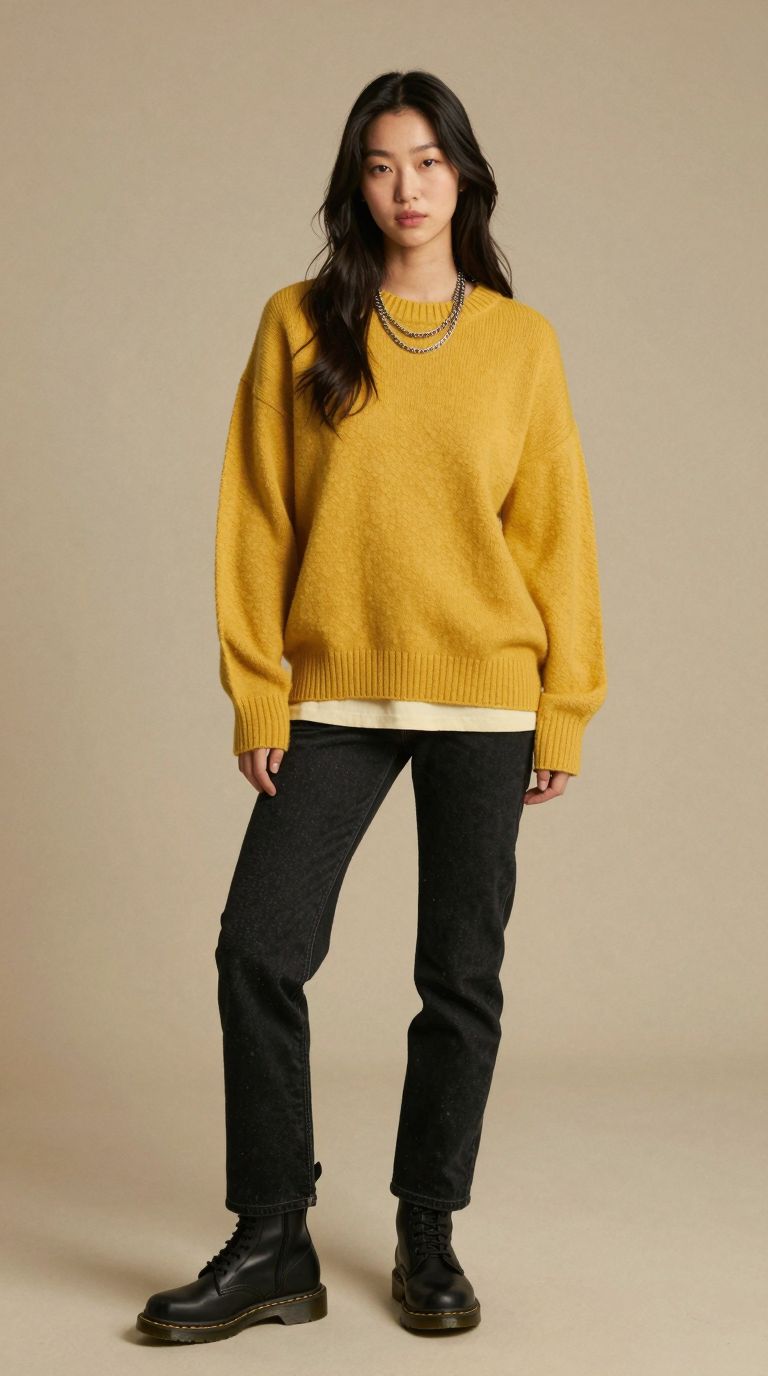
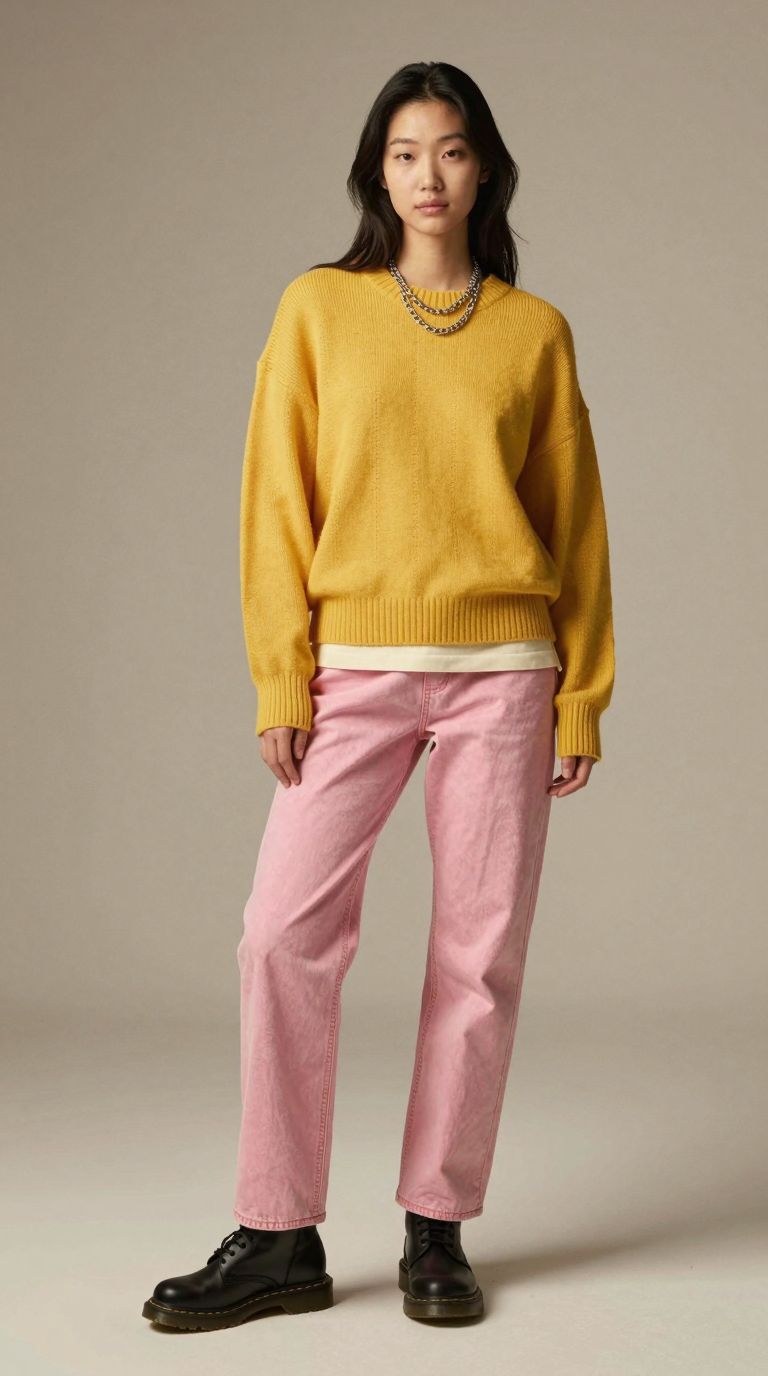
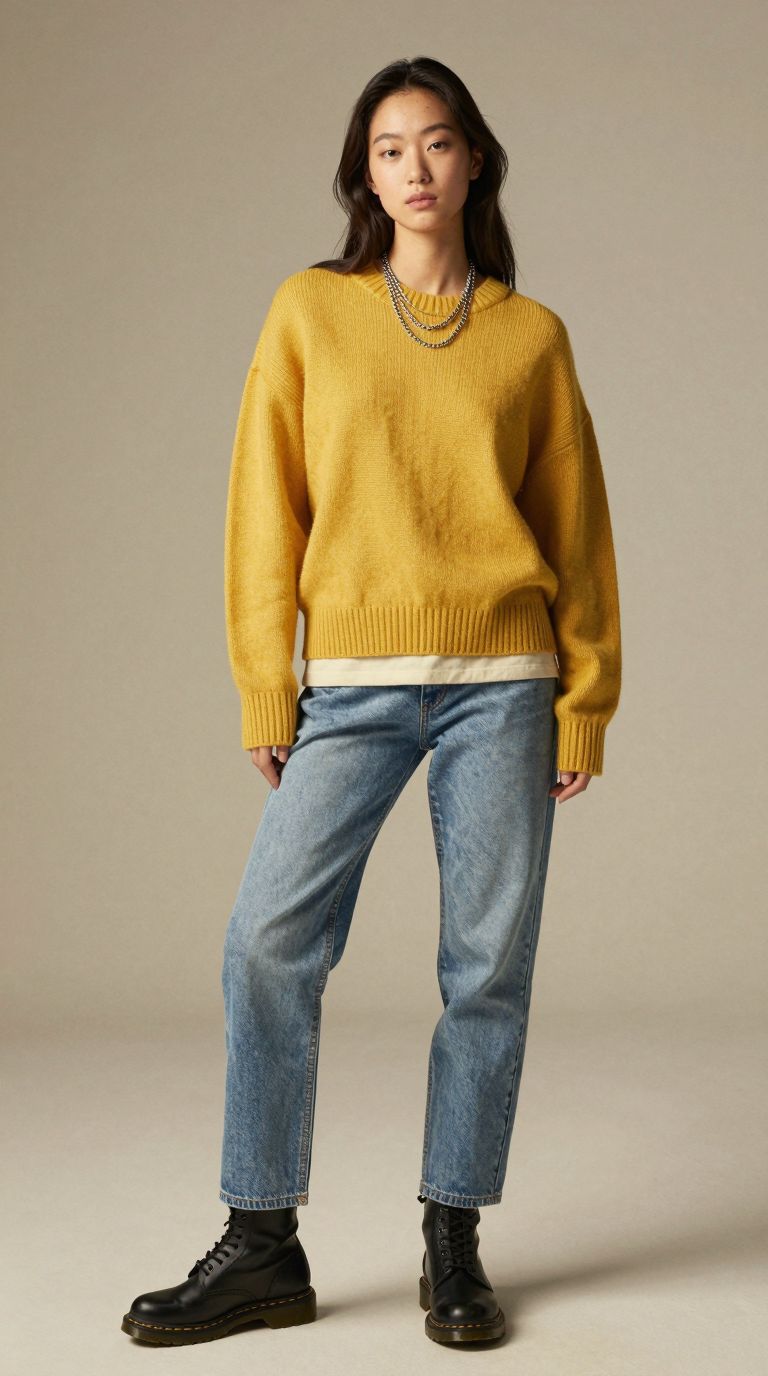
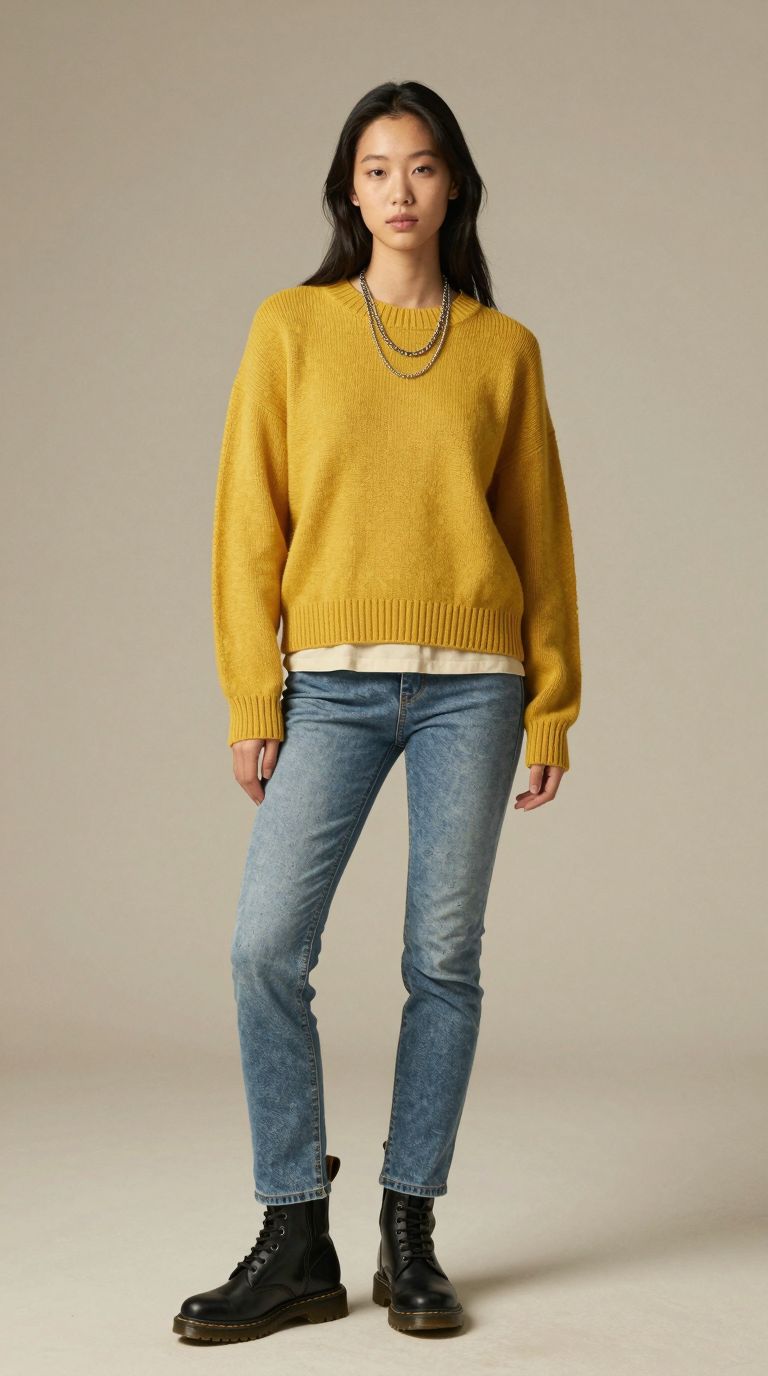
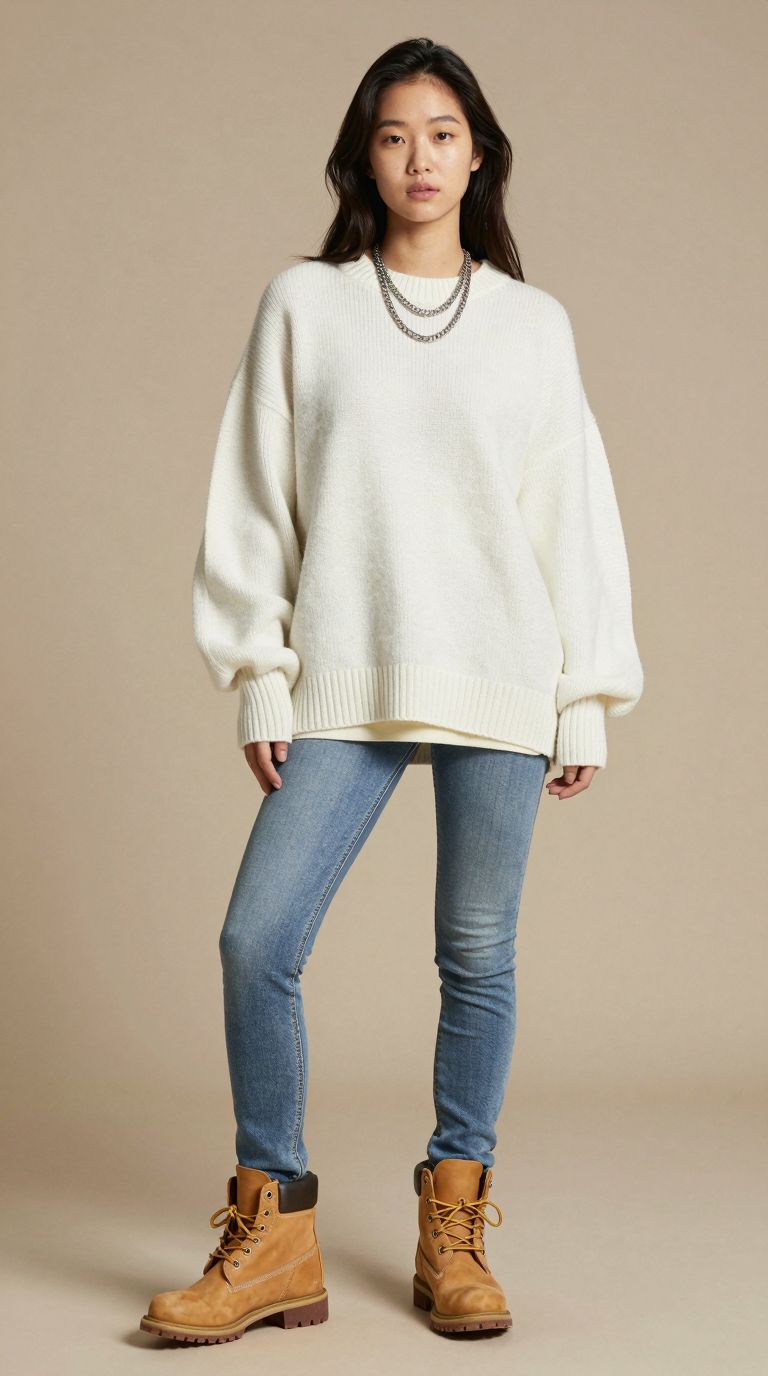
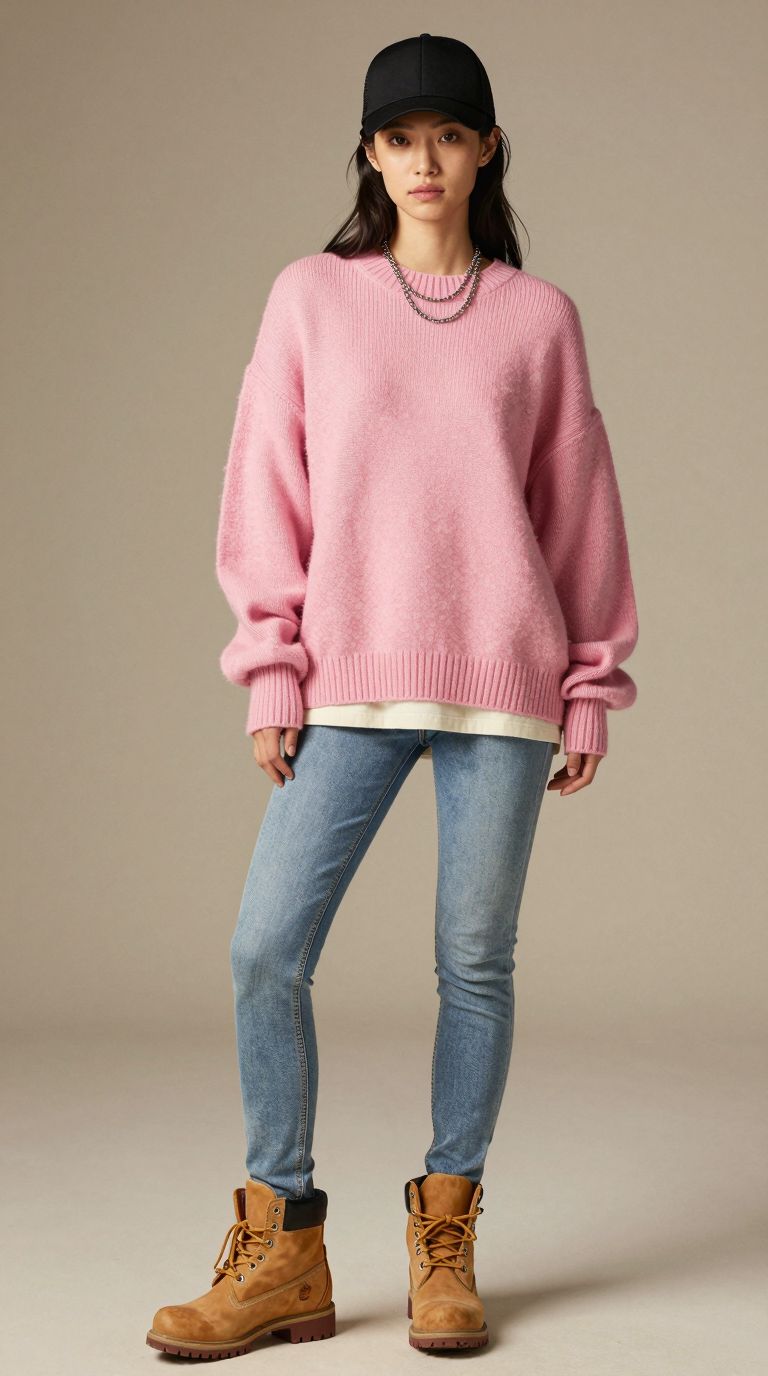
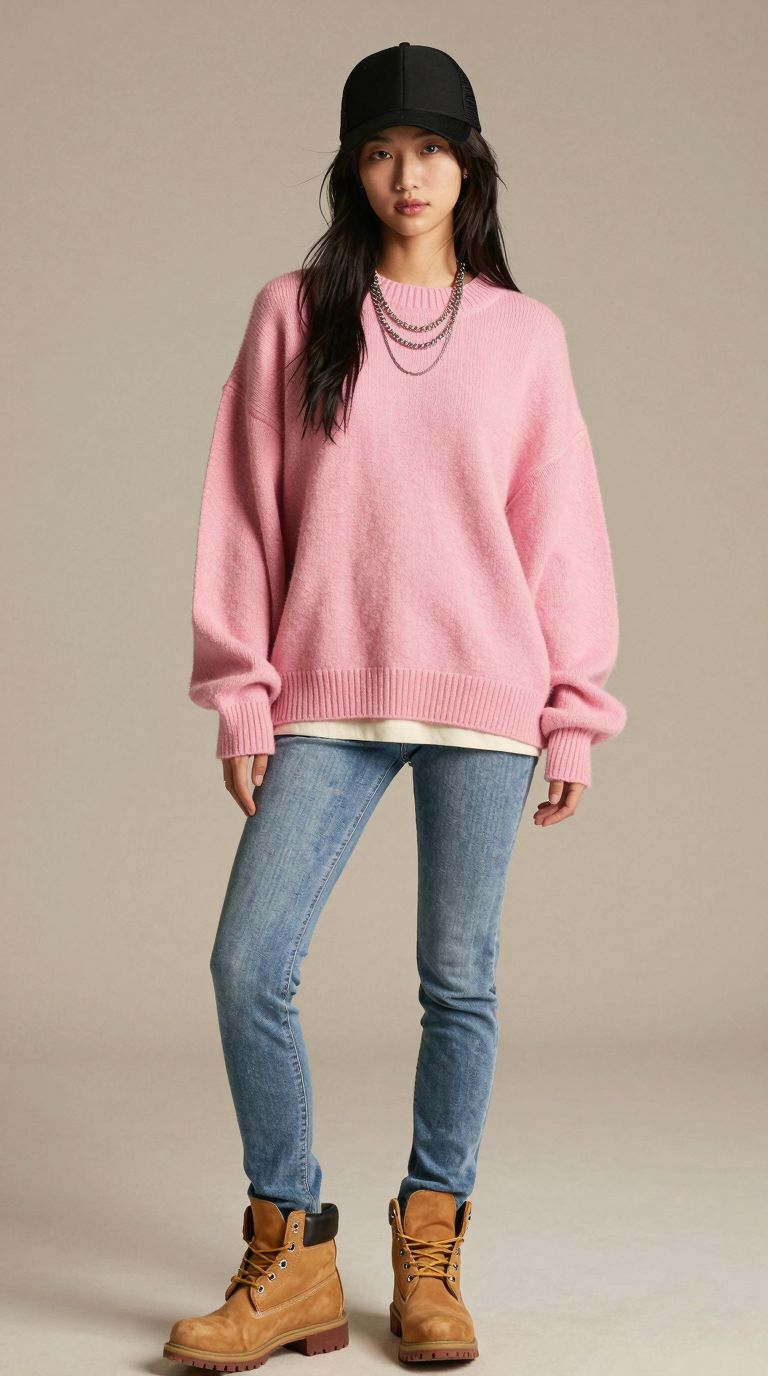
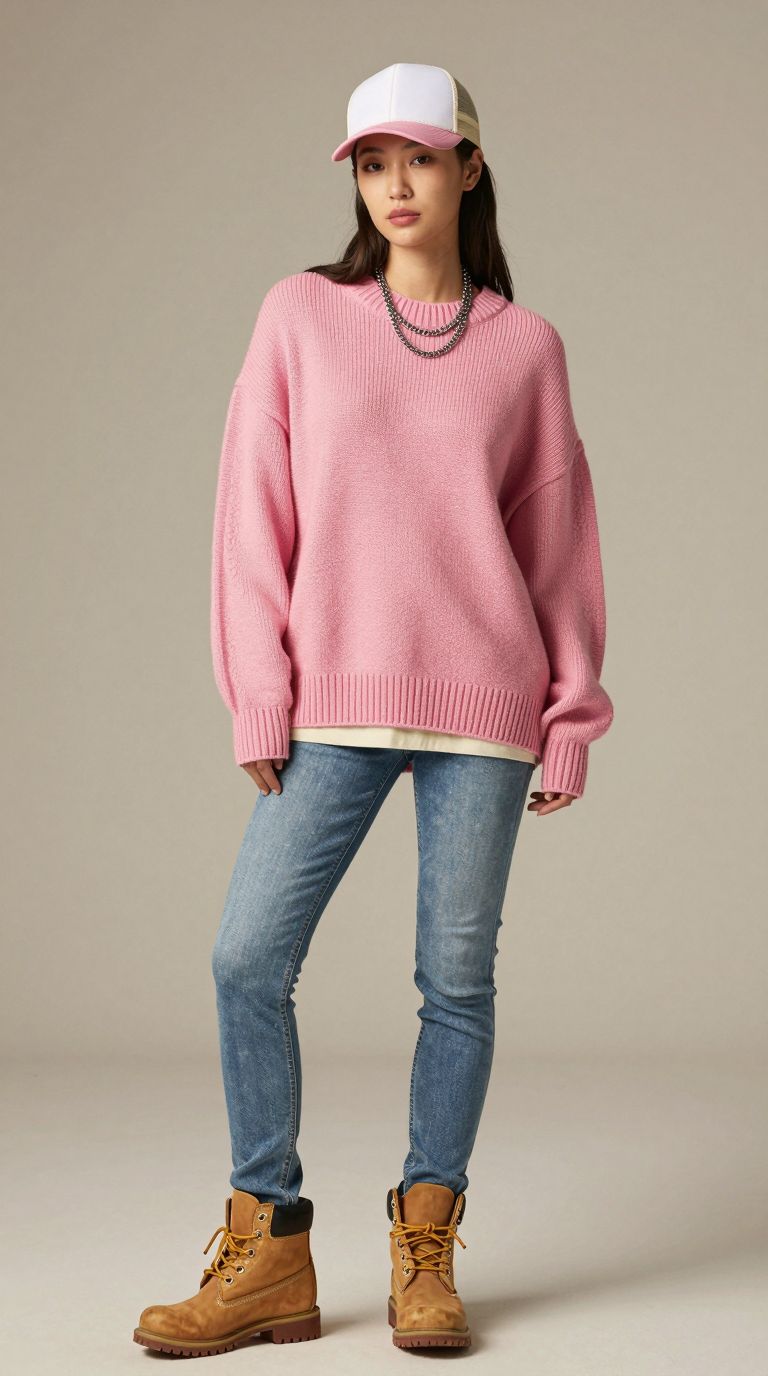

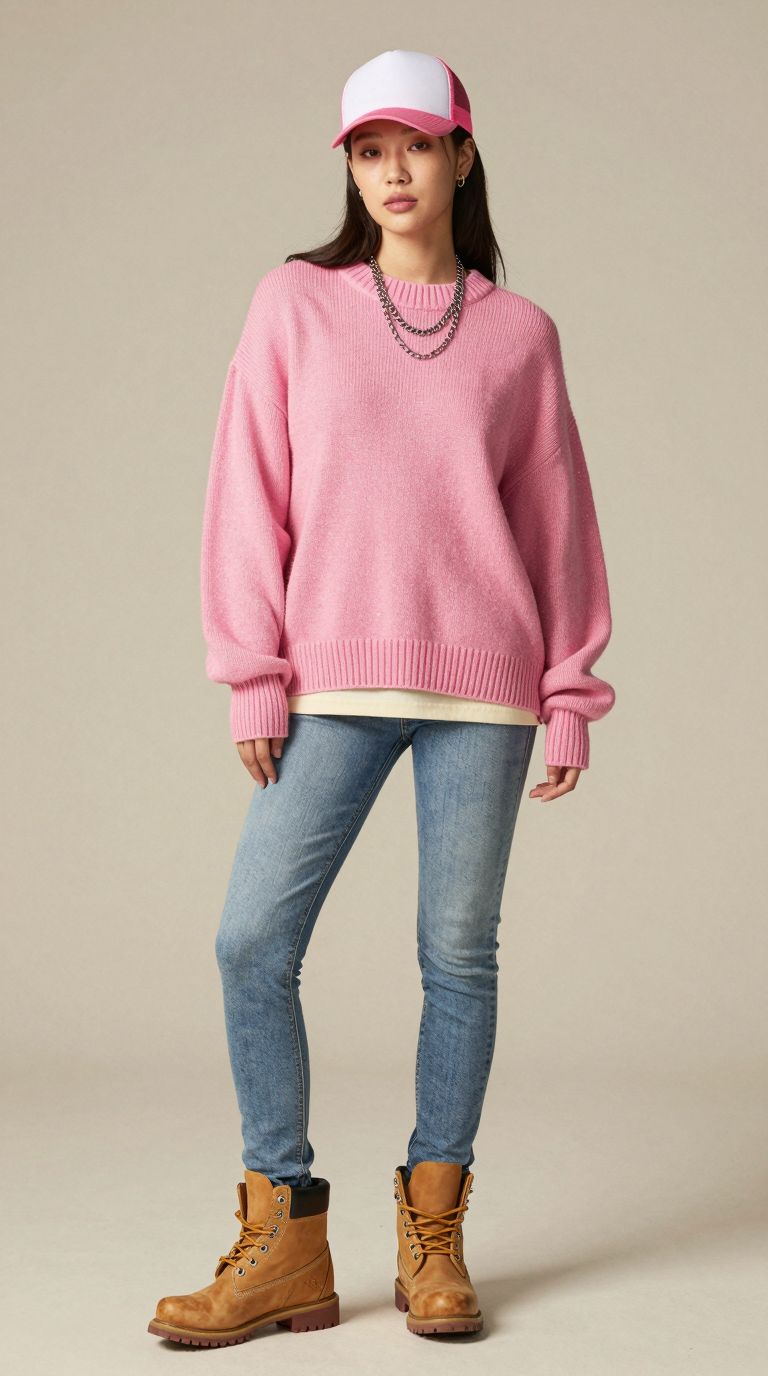


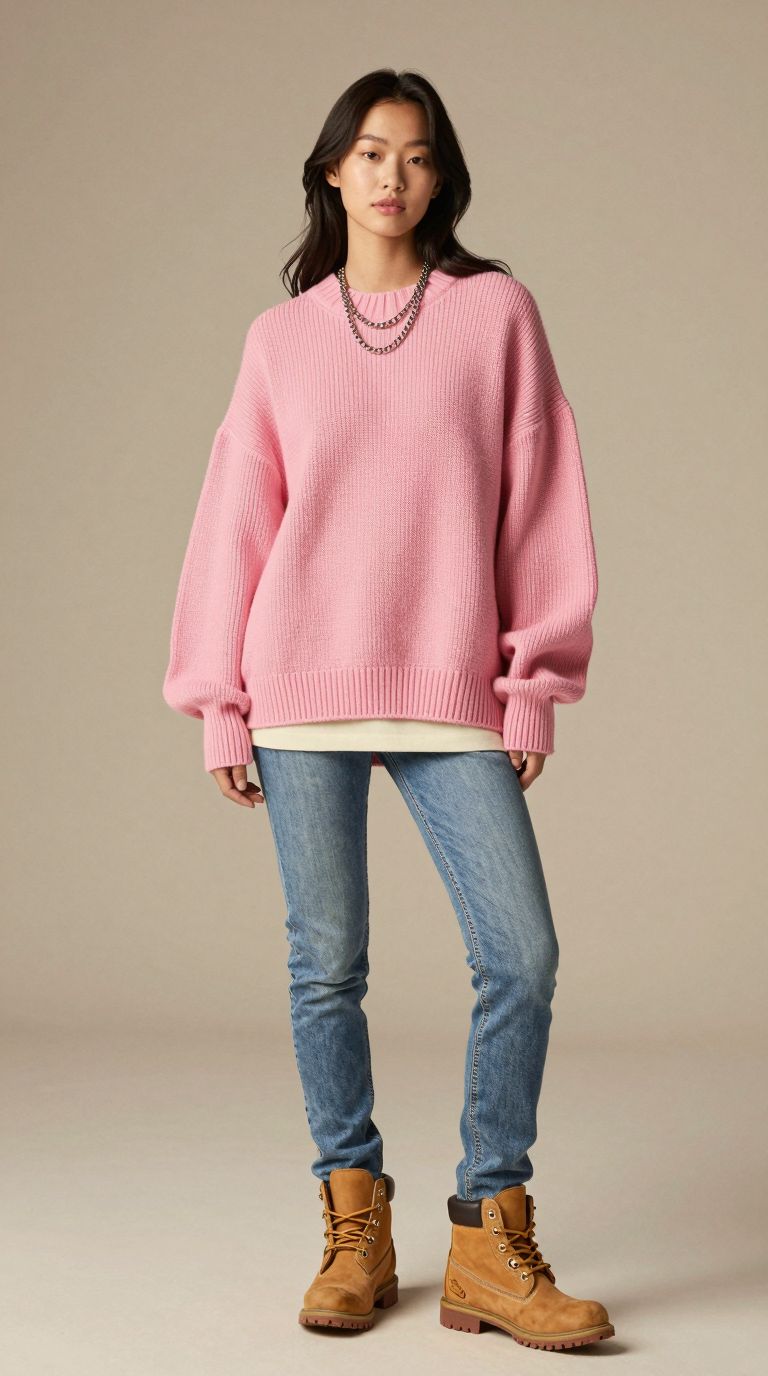


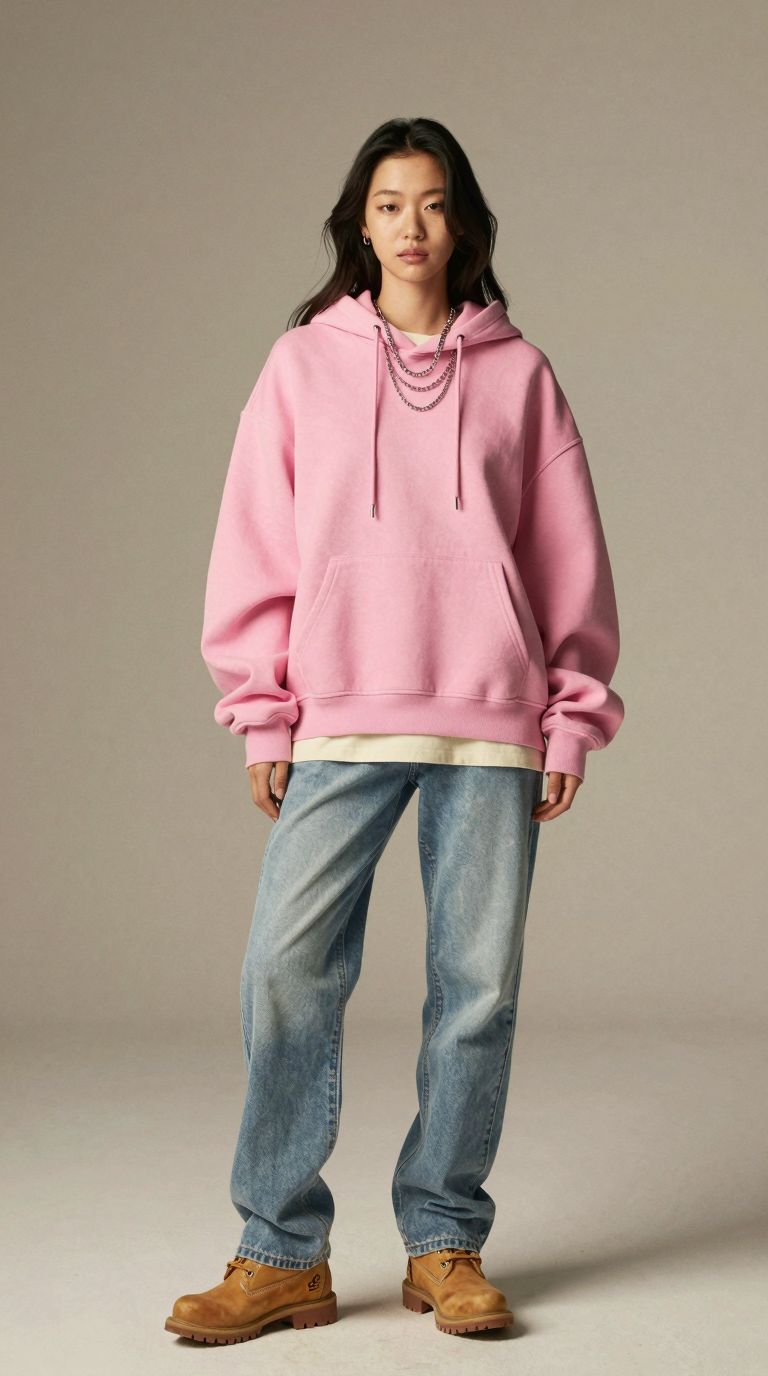
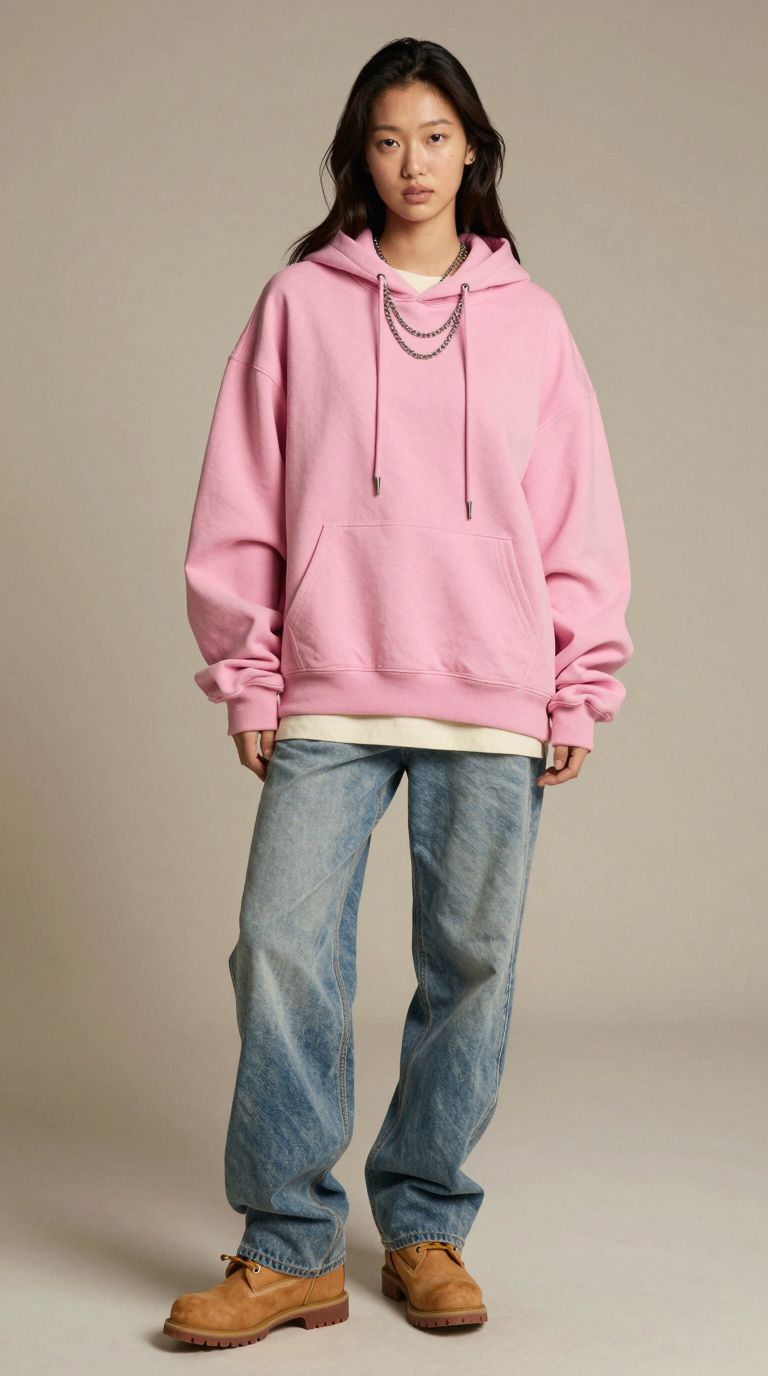



Learn to Do This on Your Own Laptop
Our training covers the full process behind this page: installing ComfyUI and Z-Image on your own PC or laptop, writing briefs that hold a look steady, keeping a character consistent across a set, and choosing a model with the right licence for client work. Taught by a creative director with over 20 years of advertising experience in motion and 3D, the classes are small and hands-on.
See the full lesson plan on our ComfyUI course page, or ask about ComfyUI corporate training for a fashion, e-commerce or marketing team.
More from this ComfyUI course series: turning images into video and AI image generation and image editing.
Established in March 2023, Mind Theory is Singapore’s pioneering AI education provider, offering Gen AI courses and corporate training for adults, working professionals and marketers.
Attendees build web apps through vibe coding and create production-ready AI visuals using prompt frameworks and AI-powered tools. To find out more, visit our Courses page.
Contact us to book a class by email or Whatsapp..

FAQ
Can ComfyUI create AI fashion models?
Yes. With an image model such as Z-Image, ComfyUI can generate full-length fashion models in a consistent studio look, with different people, outfits and colourways, on your own computer.
Can I use Z-Image images commercially?
Z-Image Turbo is released under Apache 2.0, which allows commercial use. Some other open models are non-commercial unless licensed, so always check each model's current terms.
Can AI models replace a real fashion photoshoot?
Not fully. AI models suit mood boards, colourway previews, pitch decks and early listings. The clothes are invented by the model, so your actual product, fit and sizing still need real photography or careful image editing with a product reference.
Who is the ComfyUI course for?
Adults and working professionals, company teams and enterprise creative departments, including designers and marketers. No coding is needed, and complete beginners are welcome.
What do I need to bring?
Your own PC or laptop with an Nvidia RTX 4070 or above, or an AMD Radeon RX 9060 or RX 7900 XT and above. ComfyUI and its models are installed on your machine during class, so everything is ready to use at home afterwards.
How big are the classes?
Classes are small, at around 5 to 7 students, so every attendee gets hands-on help with their own setup and images.
Do you run ComfyUI training for companies?
Yes. We run corporate group bookings and in-house training for creative teams. Please reach out via email or WhatsApp for a proposal.
How much does the ComfyUI course cost?
Pricing depends on the format and group size. Please reach out via email or WhatsApp for details.
Recent Articles
-
 Vibe Coding: The Enrichment Skill every School needs in 2026.
-
 The AI Literacy skill Your Teen’s Future Depends On – AI Coding
-
 Mind Theory launches MTCode IDE for Teen Vibe Coders
-
 Mind Theory launches MTCode CLI, a Terminal for Agentic Coding
-
 Best Holiday Camps in Singapore 2026: The Complete Parent’s Guide
-
 AI Sprint Holiday Camp Singapore | June 2026 (Ages 9-16)
-
 Discover Your Child’s Hidden Talents During School Breaks: A Practical Guide for Singapore Parents
-
 How to Use the School Break to Discover Your Strengths: A Guide for Curious Learners
-
 Coding, Editing or Design: Productive Holiday Skills to Learn
-
 5-Day AI Storytelling Camp
-
 CapCut Workshop for Singapore Schools | Secondary School Programme
-
 Generative AI Summer Holiday Camps
-
 September Holiday Camps – AI Art
-
 Roblox Coding Camp Singapore | 5-Day Holiday Camp for Kids
-
 AI Prompt Engineering Workshop for Singapore Schools | Mind Theory
-
 Z-Image in ComfyUI: 150 AI Fashion Models, One Studio Look
-
 MT SandBox: A Sandbox Game Mind Theorians Build Together
-
 ComfyUI Image Generation Training: Z Image, Flux, Qwen and Krea
-
 ComfyUI Image Editing Training: Relighting, Posing and LoRA Styles
-
 ComfyUI Video Training: LTX 2.5 and MiniMax H3
-
 Retro PC: Windows 95 in Your Browser