
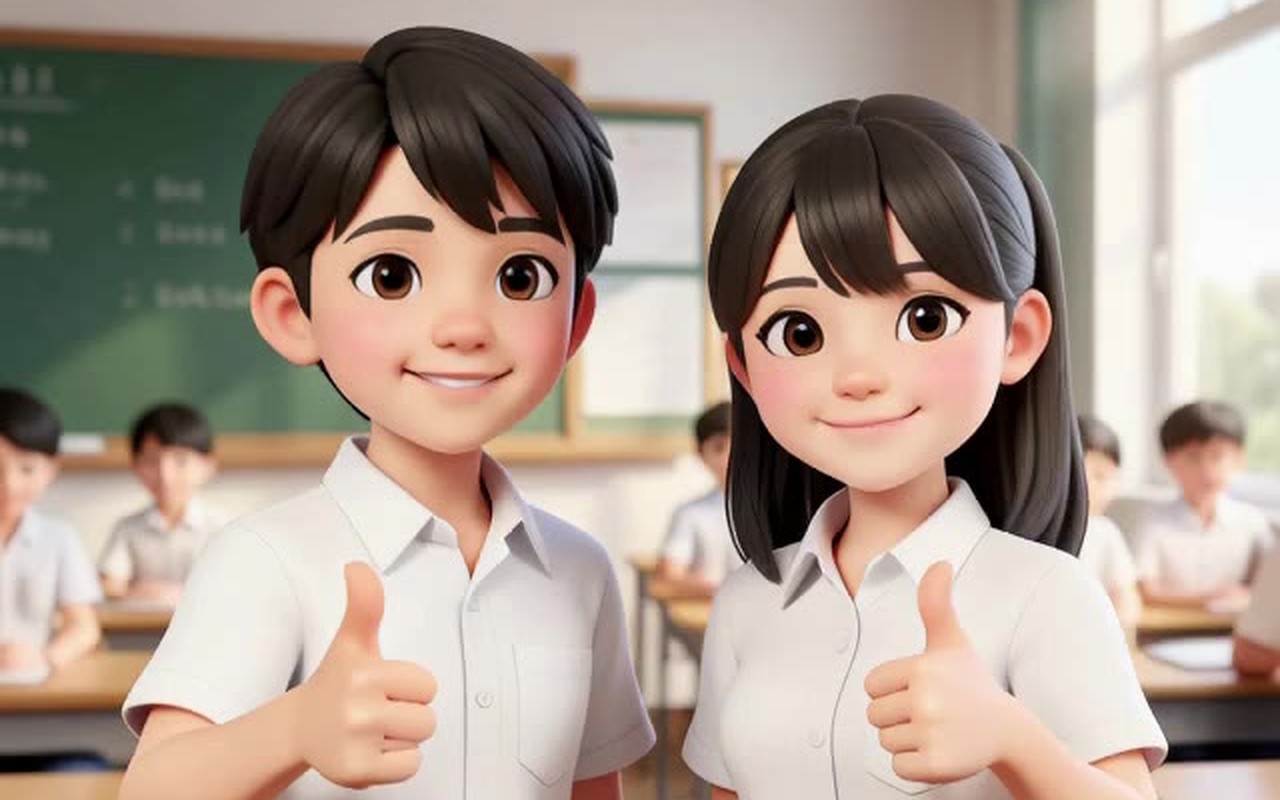
A short clip plays on the screen. A boy sits at his laptop, looking frustrated. Then his eyes widen, he breaks into a huge smile, throws both fists in the air and shouts “Yes! I did it!” The clip ends. Underneath it, one instruction: Watch the video. Type the prompt that made it.
That is how our students learn to write AI video prompts. Instead of starting with a blank box and hoping, they work backwards. They watch a real AI video, then put into words what the camera did, what the character did, and what was said. Once they can describe a shot, they can ask an AI for one.
This post walks through the quiz we built for that, with real questions and the videos the AI made from each prompt. It is part of what we teach in our AI Storytelling camp for kids and young teens, our AI Image workshop for adults, and our ComfyUI training.
Why We Start With the Video, Not the Prompt
Most people’s first AI video prompt looks something like a cool video of a boy coding. The AI makes something, but the camera wanders, the boy does whatever the model guesses, and the result feels random. The person tries again with more adjectives, an epic cinematic amazing video, and it rarely gets better.
The missing piece is usually vocabulary. A film director would say “slow dolly-in” or “orbit to the right” or “static camera”, and the AI understands those words well, because they are the words used to describe millions of real shots. Beginners do not know them yet, so they cannot ask for them.
Watching first fixes that. When a student sees the camera move around a boy and the window behind him slide past, and then learns that this is called an orbit, the word sticks. By the end of the quiz, they have a small set of camera words and a simple order to put a prompt in.
Mind Theory is Singapore’s pioneering AI and creative-tech education provider, established March 2023, with hundreds of students across primary, secondary, and adult programmes. Read about Us.
The 3 Parts of a Good AI Video Prompt
Every video in the quiz starts from a single still picture, so the look of the scene is already set. The prompt only has to describe what moves and what changes. We teach it in three parts, always in this order:
- Camera. The shot and one clear move: dolly-in, orbit, pull back, pan, tilt, handheld or static.
- Acting. Who does what, in order. Use “then” to chain the moves, and include a facial expression.
- Dialogue. The exact words in quotes, who says them, and how (grumpy, cheerful, excited).
Students learn to put the camera first. An AI video model reads the whole prompt, but when the camera move comes first, it is the first thing the student decides, and it is much less likely to be forgotten.
Real Questions From the Quiz
Here are some of the questions our students answer, with the video and the prompt that made it. The quiz has 11 questions in all. They start with simple acting, move on to camera moves, and finish with two characters talking.
Warm-up: Two Actions, One Character
The woman types on her laptop, then smiles and does a fist pump.
The camera does not move here, so students can focus on the acting. The word that matters is “then”. Without it, the AI may make her do both at once, or skip the first action. Students usually get the fist pump right away, and miss the typing that comes before it.
The Orbit
The camera orbits to the right around the boy while he types on the laptop.
The boy barely moves, so the first answers are often the boy is typing. The hint asks students to watch the window behind him. Once they see the background slide past, they realise the camera is the one moving, and that it is going around him. That small moment of noticing is the whole skill.
The Dolly-In
Slow dolly-in on the boy. He stops typing and leans closer to the laptop screen.
The camera glides slowly towards him, which pulls the viewer into the moment. Students often spot the movement but call it “the camera goes forward”. Learning the word “dolly-in” (or “zoom in”) gives them a short phrase the AI recognises straight away, and leaves room in the prompt for the acting.
Handheld Camera With a Line of Dialogue
Handheld camera. The boy looks up at the camera and says in a grumpy voice: “Why won’t this code work?” then looks back at the screen.
A slight shake makes a clip feel like someone is filming it on a phone. Students learn that “handheld” gives them that feel, and that “in a grumpy voice” changes how the line is spoken. Leave the voice out, and the AI chooses one for you.
Want to learn how to direct AI video yourself, or for your child or your team? Email us or WhatsApp us.
Two Characters: Say Who Is Who
Slow dolly-in. The boy on the left turns to the girl on the right. They laugh and give each other a high five, then both wave at the camera.
With two people in the picture, “he” and “she” are not always enough, and the AI can mix them up. Students learn to name each character by position, “the boy on the left” and “the girl on the right”, so every action lands on the right person.
Two Characters Talking
Static camera. The girl on the right turns to the boy and says: “We passed the exam!” The boy on the left says: “I told you we could do it!” They both cheer.
This is the hardest question in the quiz. Students have to say who speaks first, give each character one short line, and keep the camera still so the conversation is easy to follow. When it works, the AI gives them a tiny scene with two actors, from a single picture and three sentences.
Rules of Thumb Students Take Away
By the end, students have a short list of rules that work with most AI video tools, whether that is Kling, Seedance by ByteDance, Veo or MiniMax:
- One camera move per shot. Two at most, if they flow (pan, then tilt).
- Use “static camera” when the acting or the talking matters most.
- 2 to 3 actions fit in a 5 second clip.
- Keep dialogue short: one line per character, under about 8 words.
- Two characters? Name them by position, like “the boy on the left”.
- Describe what changes, not what is already in the picture. The picture already sets the look.
The last rule surprises adults the most. Many write long descriptions of the room, the lighting and the clothes, all of which the starting image already shows. Those words add nothing, and the actual instruction gets buried.
Where You Can Learn This at Mind Theory
We teach AI video prompting in three programmes, each pitched for a different group.
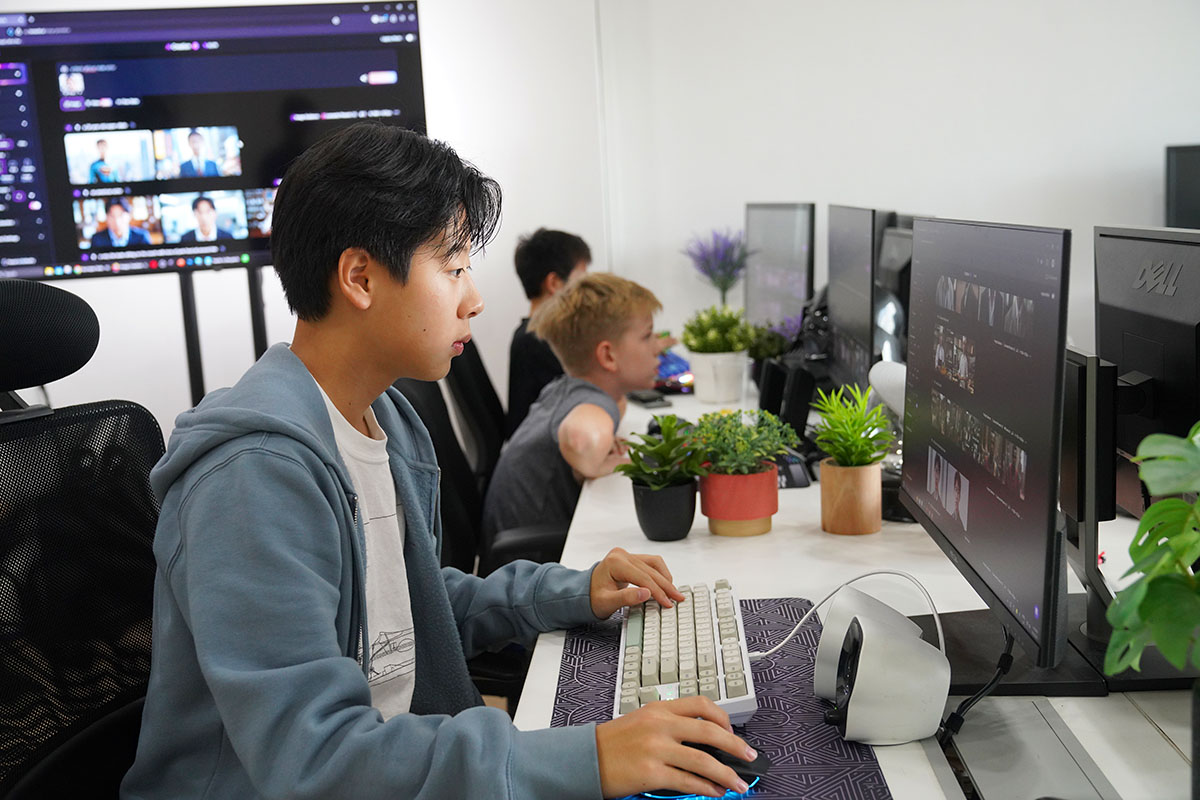
AI Storytelling Camp for Kids and Teens
In our 5-day AI Storytelling camp for ages 8 to 14, students write a story with ChatGPT or MTChat, create the art for it with MTBrain, and edit it all into a video with CapCut or Chop, with AI voiceovers. Learning to describe a camera move and a character’s action is what turns their story pictures into scenes that move. The same habit of looking closely and describing exactly helps with their writing too.
GenAI Image Workshop for Adults and Teams
Our 1-day GenAI Image Workshop is for adults, marketers and company teams with little or no experience with AI images. It is taught by an advertising and branding creative director with over 20 years of experience on major brands. Learners pick from tools such as MTBrain, Google AI Studio, Magnific, Leonardo or Midjourney, learn the prompting workflow and how to keep the same character across scenes, and then take a still image into motion with the camera, acting and dialogue approach above. We run it at our office or on-site at your premises.

ComfyUI Training
For creatives who want full control, our ComfyUI training covers image and video generation with current models such as Flux, Qwen Image, LTX and Z Image. The prompting is the same, but students also learn to build the workflow around it. Video needs a desktop PC with a strong Nvidia graphics card, such as an RTX 5090 with 32GB of video memory. See our ComfyUI video training post for examples, or our ComfyUI training for companies.
If you are new to prompting in general, our post on the COSTAR framework covers how students write a clear first prompt for text and code.
The part we enjoy most is watching the moment it clicks. A student who started with a cool video of a boy ends the quiz typing Slow dolly-in. He stops typing and leans closer to the screen. They are no longer hoping the AI guesses right. They are directing it.
To book a camp, a workshop for your team, or ComfyUI training, reach out via email or WhatsApp.

FAQ
What makes a good AI video prompt?
A good AI video prompt describes three things in order: the camera move, what each character does, and any dialogue in quotes. It describes what changes, not what the starting picture already shows.
How long should an AI video prompt be?
Usually 1 to 3 short sentences. A 5 second clip fits 2 to 3 actions, one camera move, and one short line of dialogue per character.
Which camera moves should beginners learn first?
Start with static camera, dolly-in, pull back, orbit, tilt and handheld. These six cover most short clips, and AI video tools understand all of them.
Can kids learn AI video prompting?
Yes. Students aged 8 to 14 learn it in our AI Storytelling camp, using the same watch-then-describe approach in this post.
Do I need a powerful computer to make AI videos?
Not for cloud tools, which run in a web browser. For ComfyUI, video needs a desktop PC with a strong Nvidia graphics card, such as an RTX 5090 with 32GB of video memory.
How much do the workshops cost?
Fees depend on the programme and group size. Reach out via email or WhatsApp and we will reply shortly.
Recent Articles
-
 Teaching COSTAR: GovTech’s Prompt Framework for Secondary School Students
-
 Jurong Secondary School Vibe Coding Competition: 250 Students, 8 Classes, 2 Days
-
 Vibe Coding: The Enrichment Skill every School needs in 2026.
-
 The AI Literacy skill Your Teen’s Future Depends On – AI Coding
-
 Best Holiday Camps in Singapore 2026: The Complete Parent’s Guide
-
 AI Sprint Holiday Camp Singapore | June 2026 (Ages 9-16)
-
 Discover Your Child’s Hidden Talents During School Breaks: A Practical Guide for Singapore Parents
-
 How to Use the School Break to Discover Your Strengths: A Guide for Curious Learners
-
 Coding, Editing or Design: Productive Holiday Skills to Learn
-
 5-Day AI Storytelling Camp
-
 CapCut Workshop for Singapore Schools | Secondary School Programme
-
 Generative AI Summer Holiday Camps
-
 September Holiday Camps – AI Art
-
 Roblox Coding Camp Singapore | 5-Day Holiday Camp for Kids
-
 AI Prompt Engineering Workshop for Singapore Schools | Mind Theory
-
 ComfyUI Multi Angle Character Sheet: Qwen 2.1 vs Flux 3 Tested
-
 AI Video Prompts: How We Teach Students to Direct an AI Camera
-
 AI Prompting Practice: How Students Learn to Write Effective Prompts
-
 MTCoder: An AI Coding Tool Built for School Coding CCAs