
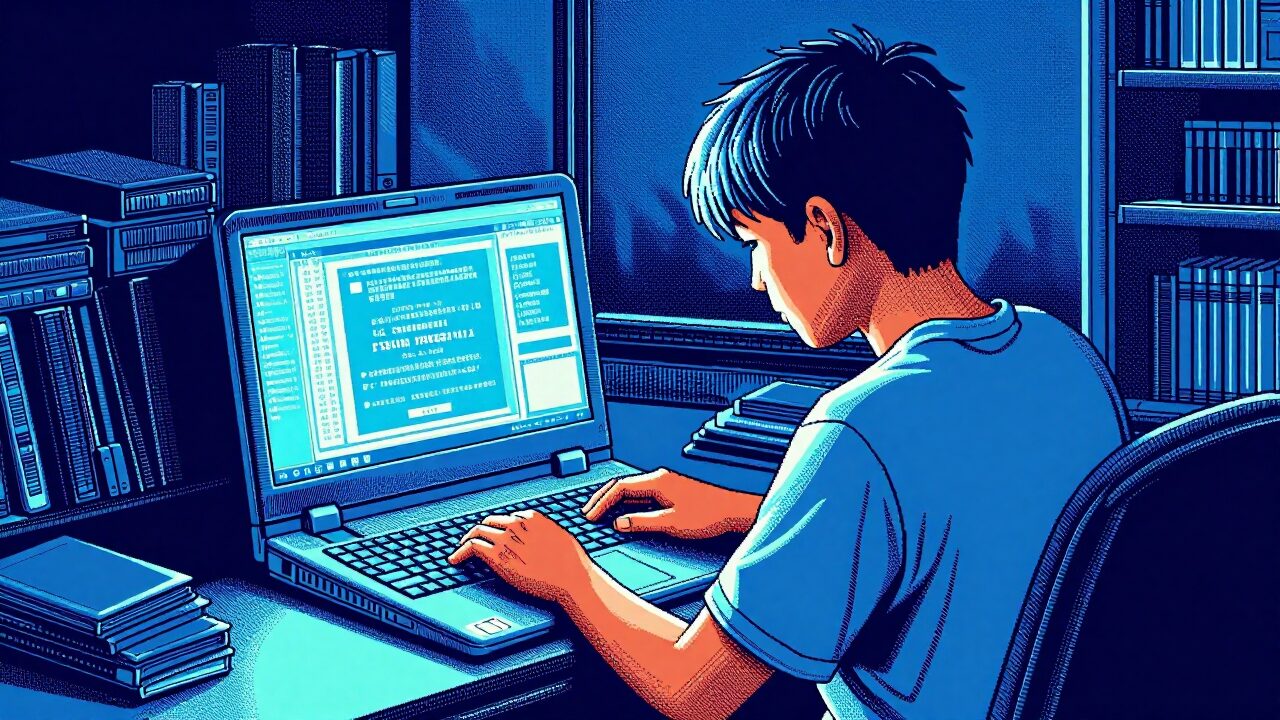
MOE chose wrongly making the Personal Learning Device a tablet or Chromebook. Here is the case for a laptop from the start.

When I was a kid, I took my toys apart. I wanted to see how they worked, so I unscrewed them, looked at the mechanisms, and put them back together. Sometimes I got a step wrong and the toy never worked again. That was fine. I learned from the mistake, and the next time I was more careful, holding each step in my head so I could work it backwards. This was before phone cameras and video cameras. There was no recording to play back, no way to backtrack. You either remembered, or you figured it out again from scratch. Looking back, that was the first thing that ever taught me anything: Experimenting, figuring out sequences, learning from mistakes.
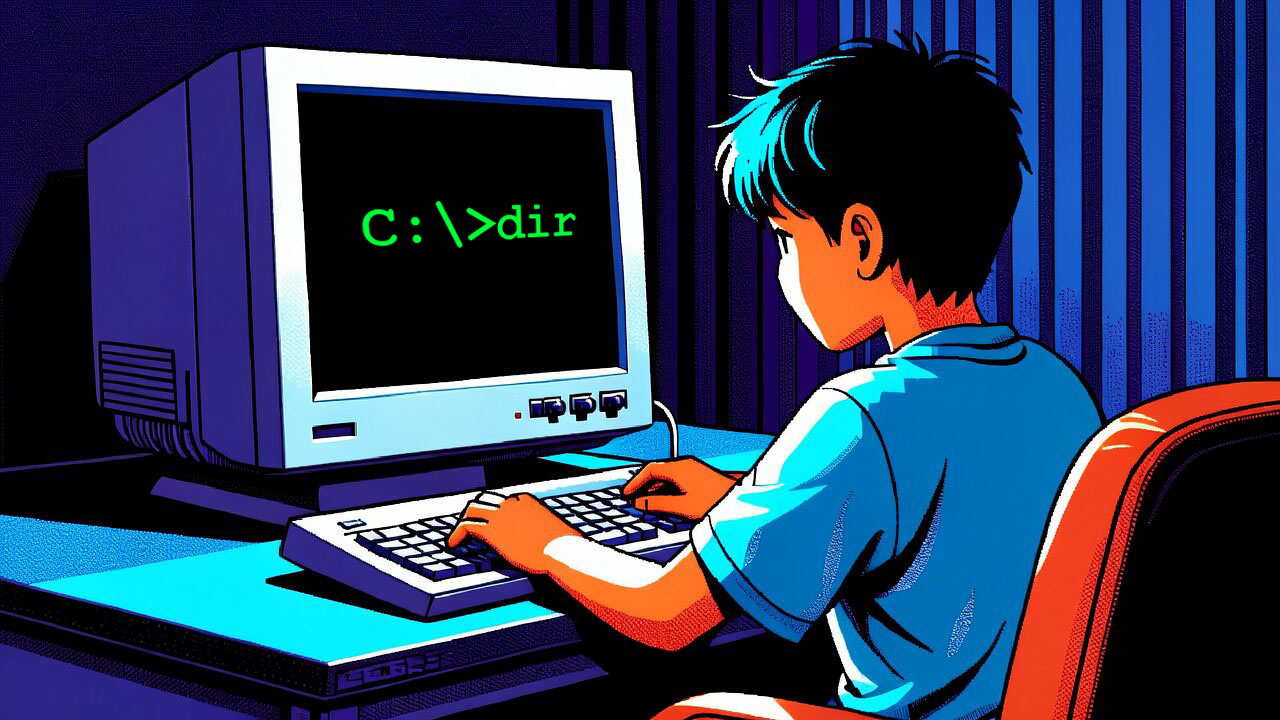

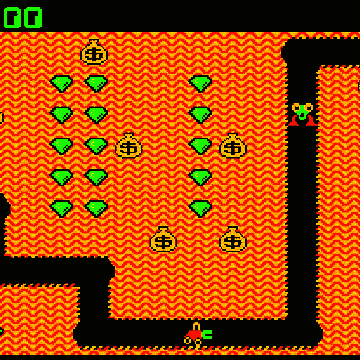
I was in Primary 1 when I first encountered a PC. It sat in my grandmother’s house, a mysterious machine that booted into MS-DOS and a blinking cursor. My uncle taught me a few DOS commands, dir to see what was on a disk and the command to launch a program. Everything else I worked out myself: which way the 5.25 inch floppy disk went in, how to close the drive latch, how to find the game files and get them running. Digger. Donkey Kong, Lode Runner, Bard’s Tale. Whole Saturday afternoons spent experimenting, on my own. Learning how to type, firstly with two fingers, eventually with ten.
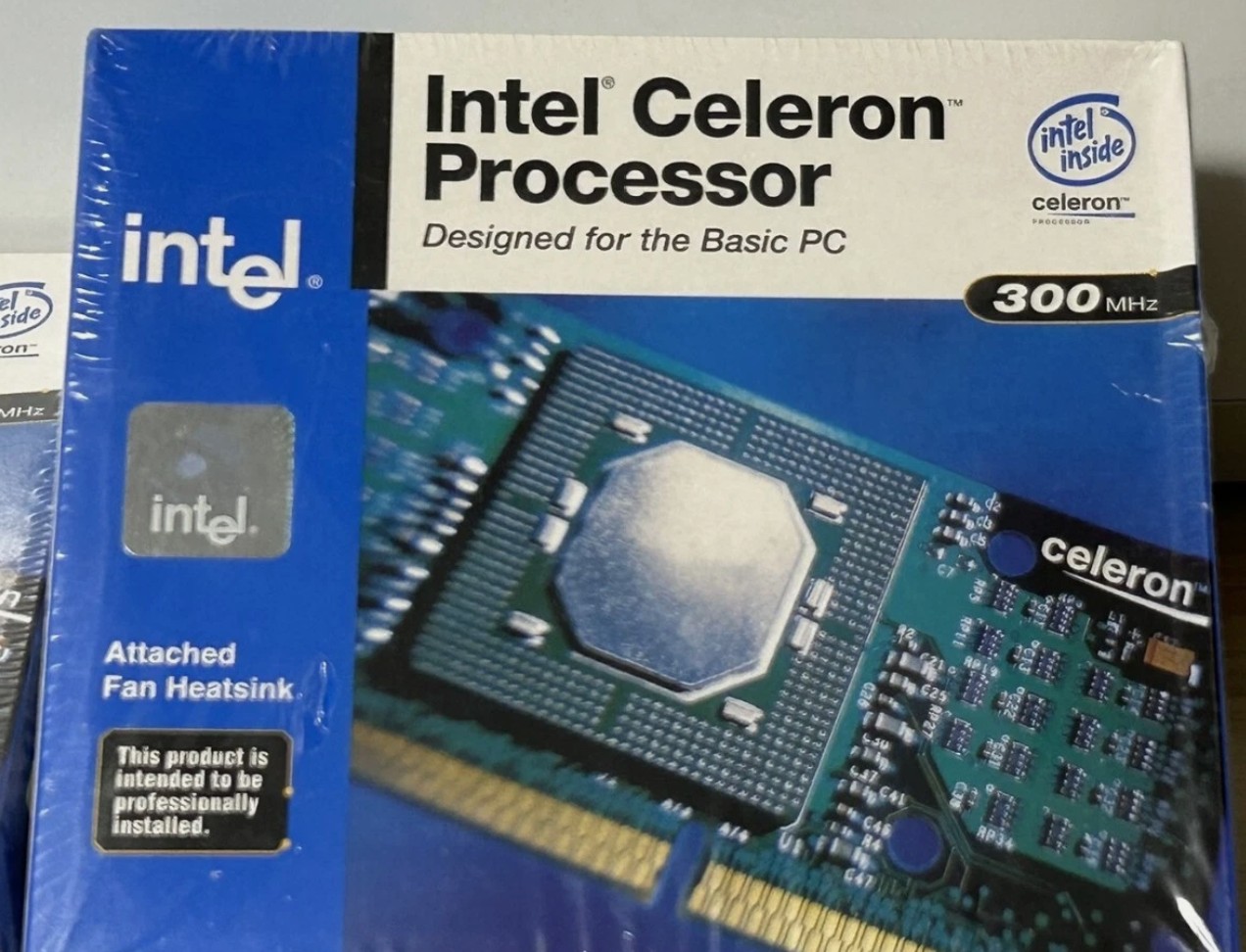
By Secondary 2, I learned to seat a CPU, push in the RAM, screw the motherboard down, and plug in the power cables from the PSU. This was the era of the Celeron 300A, a 300MHz chip that a whole community had worked out could be pushed to 450MHz if you gave it a bigger heatsink and raised the bus speed in the BIOS. So that is what I did. I bought the cheaper chip and ran it faster than the one that cost twice as much. I did not learn that in a classroom. I learned it on mIRC channels and forum boards, the pre social media internet, where knowledge was not served to you in a feed. That taught me a second thing, you had to go dig for information, to discover, to reverse-engineer – you can optimise what you have for less money if you are willing to research it yourself.
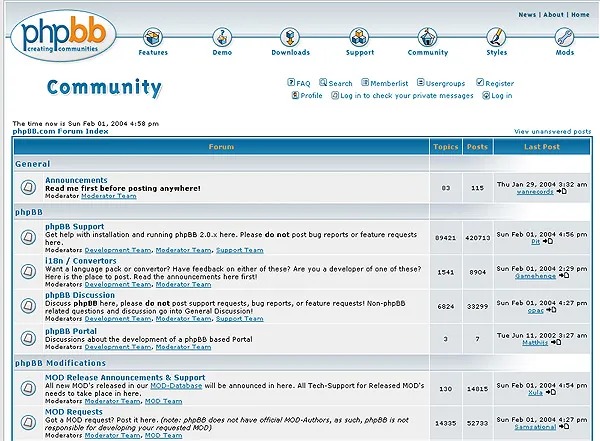
Building a PC came with challenges. More than once I finished an assembly, hit the power button, and got nothing. A black screen, some beeps. So I would take a taxi, lug the heavy tower across town to Sim Lim Square, carry it up to the Fuwell counter, and ask the uncles what I had done wrong. Then I paid them to fix it and also tell me the reason. That is not a convenient way to learn. It is a taxi fare, a heavy machine, and time wasted. But friction is exactly the point. I broke it, I carried it, I paid, and I learned. That is a problem solving mentality, and it is built the hard way or not at all.

What those years actually taught me
What I was really learning, underneath Quake, Dune II, Warcraft, Starcraft, Civilisation games and the overclocking and the trips to Sim Lim, was a way of approaching the world. Take a thing apart to understand it. Command it, do not just consume it. When it breaks, reason your way back. When you do not know something, go and find it. First principles, hands on, self directed.
I have come to think of thinking as a muscle. It grows under load and it wastes without it. Every one of those childhood frustrations, the toy that would not reassemble, the disk that would not read, the PC that would not boot, was load on that muscle. It was resistance training for the brain. None of it was comfortable, and that is why it worked.
Then I became a parent, and looked at the school device
Every secondary school student in Singapore now owns a Personal Learning Device. It is part of MOE’s National Digital Literacy Programme, it runs alongside the Student Learning Space, and it is funded in part by Edusave. The idea is sound. Every child gets a device, and the playing field is level.
The problem is the device. Most schools have prescribed either an iPad or a Chromebook, a tablet or a browser in a box. Only a minority have gone with a proper laptop. I understand why. When you are provisioning a device for hundreds of thousands of students, cost matters, security matters, and a locked down machine you can manage centrally is far easier than a real computer. That is a rational short term decision. It is also, I think, the wrong long term one, and I want to explain why.
What a sealed device cannot teach
A tablet and a locked Chromebook are excellent at one thing: consuming. They are made for reading, watching, tapping through an exercise, and answering a quiz. That is not nothing. But there is a whole layer of skill underneath that these devices structurally cannot teach a child, because they never require it.
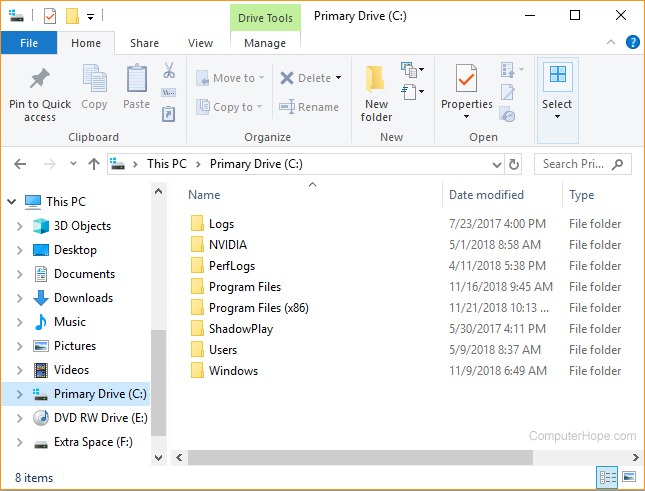
The first is operating a real computer. A file explorer. Unzipping a ZIP file. Installing a program. Understanding where a file lives and how to move it. The plumbing of a machine, the stuff every knowledge worker touches every day.
The second is the physical fluency of a keyboard and a mouse. In my camps I watch students try to edit CapCut with their fingers, tapping and dragging on glass, and I want to stop and ask, how can you possibly do this properly. You can’t. Real editing needs a keyboard for shortcuts, a mouse, and the scroll wheel to move and zoom along the timeline, and that scroll wheel is not a small thing, it is half of how you work. The same fluency runs under everything else. Copy and paste with Ctrl C, Ctrl V. The muscle memory of the keys. I meet bright children who have never met the Delete key, the Escape key, or PageDown, because they have only ever touched a screen. The literacy was never built, because nothing ever asked for it.
The third is File Management, knowing where things are, keeping things organised and tidy, and the fourth is the one closest to my heart. Installing programs, freeware, or a coding editor. Opening a terminal. Running the tools that actual builders use. A locked school device will not let a child near any of it.
Can a Chromebook run VS Code or a terminal?
Parents ask me this, so let me answer it directly. A Chromebook is not technically incapable of running developer tools. There is a Linux layer that can, in theory, run an editor and a terminal. But the Chromebooks issued to students are locked down by school policy, and that developer layer is switched off by the people who manage the fleet. So in practice, no. Your child cannot open a terminal using cmd, install a coding tool or Photoshop, or run a real IDE editor on the school device. An iPad cannot either. Apple offers a walled version of coding for children, and it has its place, but it is a sandbox, not the real machine with real files and a real command line.
I will say the honest thing about tablets. In my opinion they are wonderful for games and for watching movies, and not much use for producing anything serious. They lack real, fluid multitasking, the everyday act of having several windows open and dragging things freely between them, which is how creative and technical work actually gets done. A tablet is a lovely window onto other people’s work. It is a poor workshop for your own.
If you are buying a laptop for your child
If any of this lands, the practical question is what to get. You do not need to overspend. They may slam the lid and break it anyway. Look for a decently-priced laptop with a real keyboard, trackpad, and buy a simple mouse with a scroll wheel to go with it. Enough memory to keep several windows open at once. A normal operating system such as Windows or macOS. Storage you can actually manage files on. The point is that the machine is open, customisable, and yours to ticker with settings and build. That is the whole difference.

Everything comes back to the terminal
Here is where my story and my argument meet. That blinking DOS cursor I met in Primary 1, the one where I typed dir to see what was on a disk, never actually went away. The command line is the backbone of the computer. It is the layer where the machine is most fully itself, and for years most people were told they would never need it.
Then AI arrived, and the command line turned out to be the most powerful place to stand in the whole building. The dir I typed as a 7 year old is, in essence, exactly what an AI agent does now. It reads the machine, then it acts on it. Give an AI access to the terminal and it can roam the entire computer and do almost anything: read and write files, install what it needs, run programs, chain a hundred steps together while you watch. This is why the most capable way to work today is through terminal based coding tools like Claude Code CLI. The command line did not die. Its the home ground for the LLM. It became the single most valuable door on a modern computer.
And it is the exact door a sealed school device bolts shut. Of all the things to keep a child away from, we have chosen to keep them away from the one surface where the future is being built.
The iPhone cannot invent the PC
Step back far enough and it comes down to a simple idea. There are tools you create with, and there are devices you consume on, and they are not interchangeable. A creation tool can build a consumption device. A consumption device can never build a creation tool. Nobody designs a chip, writes an operating system, or compiles an app on an iPad. The iPhone itself was built on computers. The iPhone cannot invent the PC, but the PC can invent the iPhone. The PC is the grandfather, the OG (original), the thing everything else descends from. If we care about our children building the future, we should put them near the source, not the endpoint.
How to think, not what to think
On the About page of Mind Theory I keep a line from Margaret Mead: “Children must be taught how to think, not what to think.” Teaching a child what to think is handing them facts and rules to memorise and repeat, and it produces someone who waits to be told the answer. Teaching a child how to think is handing them curiosity, and the habit of questioning, and the confidence to reach their own conclusions. A sealed device, all taps and quizzes and a feed that decides what appears next, is very good at the first and almost useless at the second.
So here is the question I keep coming back to. Do we want to keep raising a generation of “Yes Men” that is focused on maintaining the status quo, fluent at consuming and helpless at creating, capable of following instructions but not of writing their own? Or do we want to give Singapore a real shot at producing its own builders, our own Steve Jobs, Jeff Bezos, or Elon Musk who talks about first principles for a reason? Those people were not made by devices that did the thinking for them. They were made by solving problems with their hands when they were young.
A suggestion to MOE
I know that change at a national level is slow. There are budgets, suppliers, security requirements, and many silos to move through, and none of it turns on a single article. I hold no illusions there.
But I will say it plainly, because I believe it. MOE, take a step. Change the Personal Learning Device to a laptop from the start. A minority of schools have already chosen laptops over tablets. Make that the default across the board. Give every child a real machine with a keyboard, a mouse, a file system, and a terminal they can grow into. A tablet will teach them what to think. A laptop will teach them how.
Established in March 2023, Mind Theory is Singapore’s pioneering AI education provider, offering Gen AI holiday camps for children, teens, and secondary school programs. To find out more, visit our Courses page.
Students build web apps through vibe coding. design animations and Roblox games using AI-powered tools. These aren’t just projects. they are a practice in creative problem-solving, technical fluency, and experimentation.
Contact us to book a class by email or Whatsapp..

FAQ
What is the Personal Learning Device (PLD) in Singapore schools?
The PLD is a school-prescribed device every secondary student owns under MOE's National Digital Literacy Programme. It is used with the Student Learning Space (SLS) and part-funded by Edusave. Most schools prescribe an iPad or a Chromebook, and a minority use a Windows laptop.
Can a school Chromebook or iPad run VS Code or a terminal?
In practice, no. School devices are locked down by policy, and the developer layer on a Chromebook is switched off by whoever manages the fleet. An iPad offers only a walled sandbox for coding. A child cannot open a real terminal or install real coding tools on the school device.
Is a tablet or a laptop better for a secondary school student?
For consuming lessons, either works. For building real skills, operating a computer, touch typing, file management, coding, video editing, a laptop with a keyboard and mouse is far better. A tablet cannot teach the physical fluency a real machine requires.
What laptop should I buy my child for secondary school?
You do not need to overspend. Look for a real keyboard and trackpad, a mouse with a scroll wheel, enough memory for several open windows, a normal operating system (Windows or macOS, not a locked one), and manageable storage. The point is an open machine your child can use and learn on freely.
Why do a keyboard and mouse matter for learning?
They build fluency a touchscreen never asks for: keyboard shortcuts, copy and paste, the scroll wheel for editing, and the everyday muscle memory of operating a computer. These are the skills real study and real work are built on.
Recent Articles
-
 Vibe Coding: The Enrichment Skill every School needs in 2026.
-
 The AI Literacy skill Your Teen’s Future Depends On – AI Coding
-
 Mind Theory launches MTCode IDE for Teen Vibe Coders
-
 Mind Theory launches MTCode CLI, a Terminal for Agentic Coding
-
 Best Holiday Camps in Singapore 2026: The Complete Parent’s Guide
-
 AI Sprint Holiday Camp Singapore | June 2026 (Ages 9-16)
-
 Discover Your Child’s Hidden Talents During School Breaks: A Practical Guide for Singapore Parents
-
 How to Use the School Break to Discover Your Strengths: A Guide for Curious Learners
-
 Coding, Editing or Design: Productive Holiday Skills to Learn
-
 5-Day AI Storytelling Camp
-
 CapCut Workshop for Singapore Schools | Secondary School Programme
-
 Generative AI Summer Holiday Camps
-
 September Holiday Camps – AI Art
-
 Roblox Coding Camp Singapore | 5-Day Holiday Camp for Kids
-
 AI Prompt Engineering Workshop for Singapore Schools | Mind Theory
-
 Z-Image in ComfyUI: 150 AI Fashion Models, One Studio Look
-
 MT SandBox: A Sandbox Game Mind Theorians Build Together
-
 ComfyUI Image Generation Training: Z Image, Flux, Qwen and Krea
-
 ComfyUI Image Editing Training: Relighting, Posing and LoRA Styles
-
 ComfyUI Video Training: LTX 2.5 and MiniMax H3
-
 Retro PC: Windows 95 in Your Browser